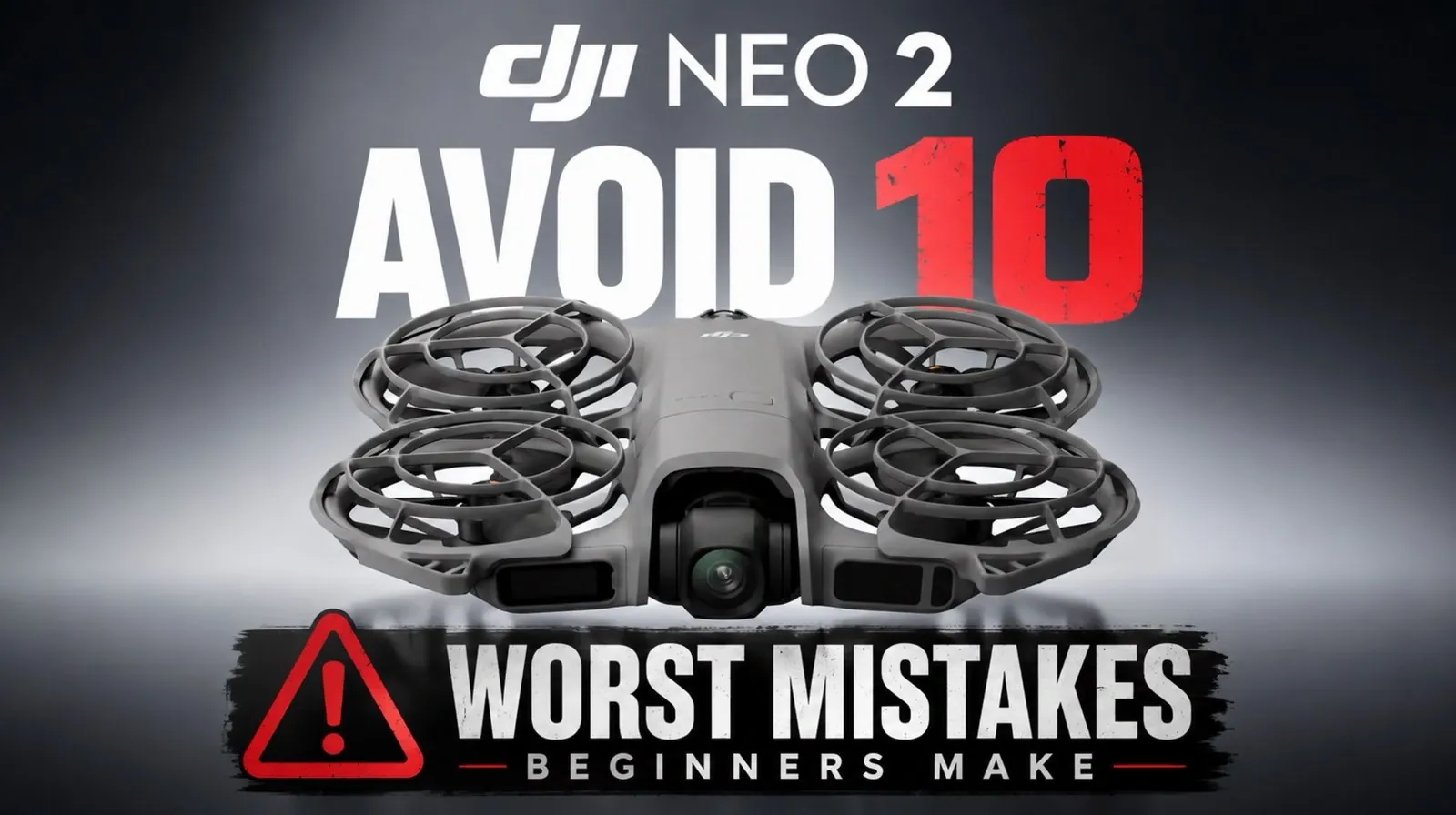
The DJI Neo 2 offers an impressive array of features, including 4K video recording, AI tracking and advanced obstacle avoidance, making it an appealing choice for beginners. However, as Tech Court highlights, even the most user-friendly drones come with challenges that can catch new pilots off guard. For instance, flying over water can confuse the Neo 2’s downward sensors, leading to unexpected descents that put your drone at risk. Understanding such specific limitations is essential to ensure safe and successful flights.
This guide will help you navigate key aspects of operating the DJI Neo 2 effectively. You’ll gain insight into why activating DJI Care Refresh promptly is crucial, how to avoid overreliance on the obstacle avoidance system and the importance of monitoring battery life in real-world conditions. By addressing these and other common missteps, you can protect your investment and make the most of your drone’s capabilities.
Top DJI Neo 2 Mistakes
TL;DR Key Takeaways :
- Exercise caution when flying over water, as the Neo 2’s sensors may misinterpret reflective surfaces, increasing the risk of accidents.
- Activate the DJI Care Refresh protection plan promptly to safeguard against accidental damage and avoid costly repairs.
- Do not over-rely on obstacle avoidance systems, as they may fail to detect thin or fast-moving objects; maintain manual oversight.
- Use the RCN3 controller for long-range flights to ensure stronger signal stability and precise control, reducing the risk of signal loss.
- Plan flights carefully in windy conditions, as strong winds can strain the drone’s performance, drain the battery and compromise stability.
1. Flying Over Water Without Understanding Sensor Limitations
Flying over water presents unique challenges due to the Neo 2’s downward sensors, which can misinterpret reflective surfaces like water. This misjudgment may cause the drone to descend unexpectedly, increasing the risk of accidents. If you’re planning low-altitude flights above water, exercise caution and familiarize yourself with how the drone reacts in such conditions. Avoid flying too close to the surface until you are confident in your ability to manage the drone’s behavior.
2. Skipping DJI Care Refresh Activation
One of the most overlooked steps by new users is activating the DJI Care Refresh protection plan. This plan provides coverage for accidental damage, including crashes, but must be activated within a specific timeframe after purchase. Without this protection, repair or replacement costs can be substantial. Make activating DJI Care Refresh a priority to safeguard your drone and avoid unexpected expenses.
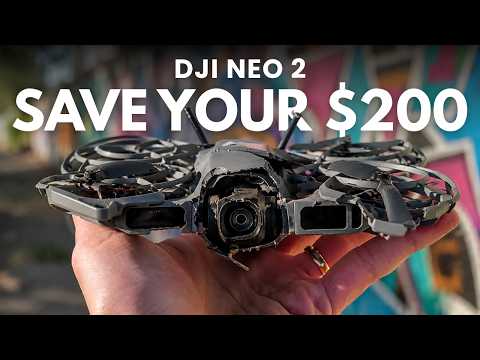
Take a look at other insightful guides from our broad collection that might capture your interest in camera drones.
- DJI Neo 2 vs Avata 2, the Honest Test That Flips Our Best Drone Pick Today
- DJI Neo 2 Tested : the Small Drone That Outperforms Rivals in 4K and Speed
- DJI Neo auto-follow drone for effortless content creation $199
- Why the DJI Osmo Pocket 4P is Launching Under a Completely Different Name in the U.S.
- How the Half-Priced DJI Lito X1 Drone Outperforms the Mini 5 Pro
- Why the DJI Pocket 4 Pro’s 1-Inch Sensor is a Fantastic option for Creators
- DJI Osmo Pocket 4 vs Insta 360 Luna Ultra : Everything You Need to Know
- Why DJI Just Called Out the Insta360 Luna Ultra’s Biggest Flaw
- DJI Avata 360 Camera Drone Hands-On Review : Specs, Battery Life & Video Quality
3. Overrelying on Obstacle Avoidance
The Neo 2’s obstacle avoidance system is a valuable feature, but it is not foolproof. Thin objects such as wires or tree branches, as well as fast-moving obstacles, can evade detection. Relying solely on this system can lead to collisions. Always maintain manual oversight and be prepared to take control of the drone when necessary, especially in complex environments.
4. Using Phone Control for Long-Range Flights
Controlling the Neo 2 with your smartphone is convenient for short-range flights, but it has limitations in terms of range and signal stability. For longer flights or areas with potential signal interference, it is recommended to use the RCN3 controller. The controller provides a stronger connection and more precise control, reducing the risk of signal loss and making sure a smoother flight experience.
5. Flying in Windy Conditions
Windy weather can significantly impact the Neo 2’s performance. Strong winds place additional strain on the motors, drain the battery more quickly and compromise flight stability. To minimize risks, fly at lower altitudes in moderate winds or avoid flying altogether in severe weather conditions. Always check the weather forecast before planning your flight.
6. Overconfidence in Tracking Modes
The Neo 2’s AI tracking modes are advanced but not infallible. Factors such as high speeds, complex environments, or sudden subject movements can cause the drone to lose track of its target. Be prepared to switch to manual control in dynamic or unpredictable scenarios to prevent accidents or missed footage.
7. Misjudging Battery Life
The advertised flight times for the Neo 2 are based on ideal conditions, which rarely align with real-world scenarios. Factors like wind resistance, aggressive flying, or additional accessories can significantly reduce battery life. Plan for shorter flights and monitor battery levels closely to avoid mid-air emergencies and ensure a safe return to the takeoff point.
8. Ignoring Internal Storage Limits
The Neo 2 relies on internal storage for recording, which can quickly fill up when capturing high-resolution 4K footage. Unlike some drones, it does not support microSD cards, making it essential to regularly check and clear storage before each flight. Running out of storage mid-flight can result in lost footage, so include this step in your pre-flight routine.
9. Misusing Gesture Control
Gesture control is a convenient feature of the Neo 2, but it is not always reliable. Factors such as bright lighting, busy backgrounds, or crowded environments can interfere with the system’s ability to recognize commands. For optimal performance, use gesture control in controlled settings where the drone can easily interpret your movements.
10. Treating the Drone Like a Toy
The Neo 2’s beginner-friendly design can sometimes lead users to underestimate its complexity. However, it is a sophisticated piece of technology that requires proper care and attention. Always perform pre-flight checks, maintain situational awareness and treat the drone as an aircraft rather than a toy. This approach will help you avoid accidents and extend the lifespan of your drone.
Maximizing Your DJI Neo 2 Experience
By avoiding these ten common mistakes, you can unlock the full potential of your DJI Neo 2 while minimizing risks. Whether you’re flying over reflective water surfaces, navigating challenging weather conditions, or experimenting with advanced features like AI tracking, a cautious and informed approach will lead to safer and more rewarding flights. Take the time to understand your drone’s capabilities and limitations, and you’ll enjoy smoother operations, better footage and a more satisfying overall experience.
Media Credit: Tech Court
Disclosure: Some of our articles include affiliate links. If you buy something through one of these links, Geeky Gadgets may earn an affiliate commission. Learn about our Disclosure Policy.
