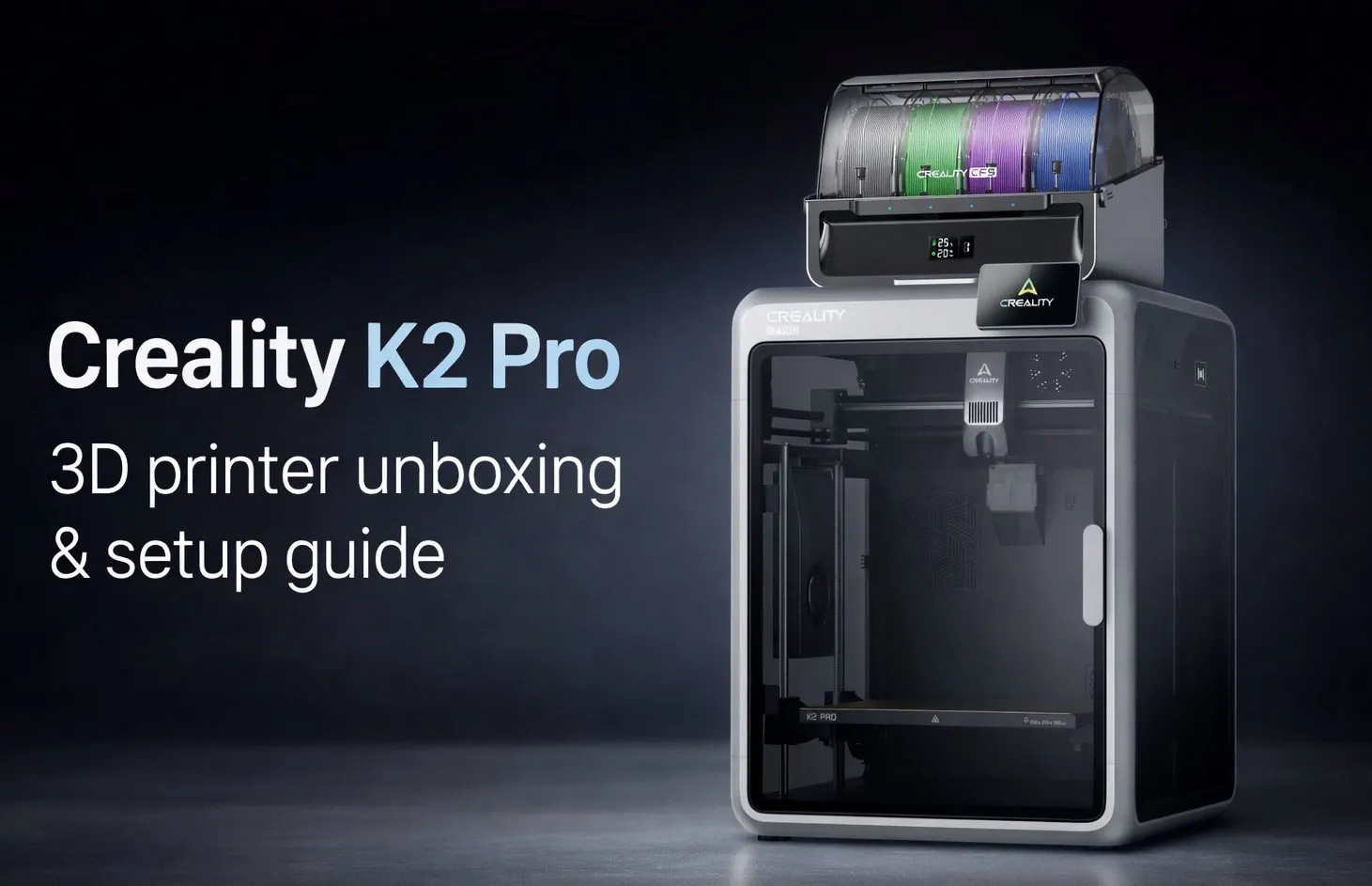
What if setting up your next 3D printer felt less like a chore and more like unwrapping potential? The Creality K2 Pro promises just that, a compact yet feature-packed machine designed to deliver precision and versatility right out of the box. In this overview, 123-3D explores how the unboxing and setup process of the K2 Pro is not only straightforward but also thoughtfully engineered to get you printing quickly and confidently. From its secure packaging to its intuitive assembly, this walkthrough highlights why the K2 Pro is more than just another printer, it’s a gateway to professional-grade results, whether you’re a curious beginner or a seasoned maker.
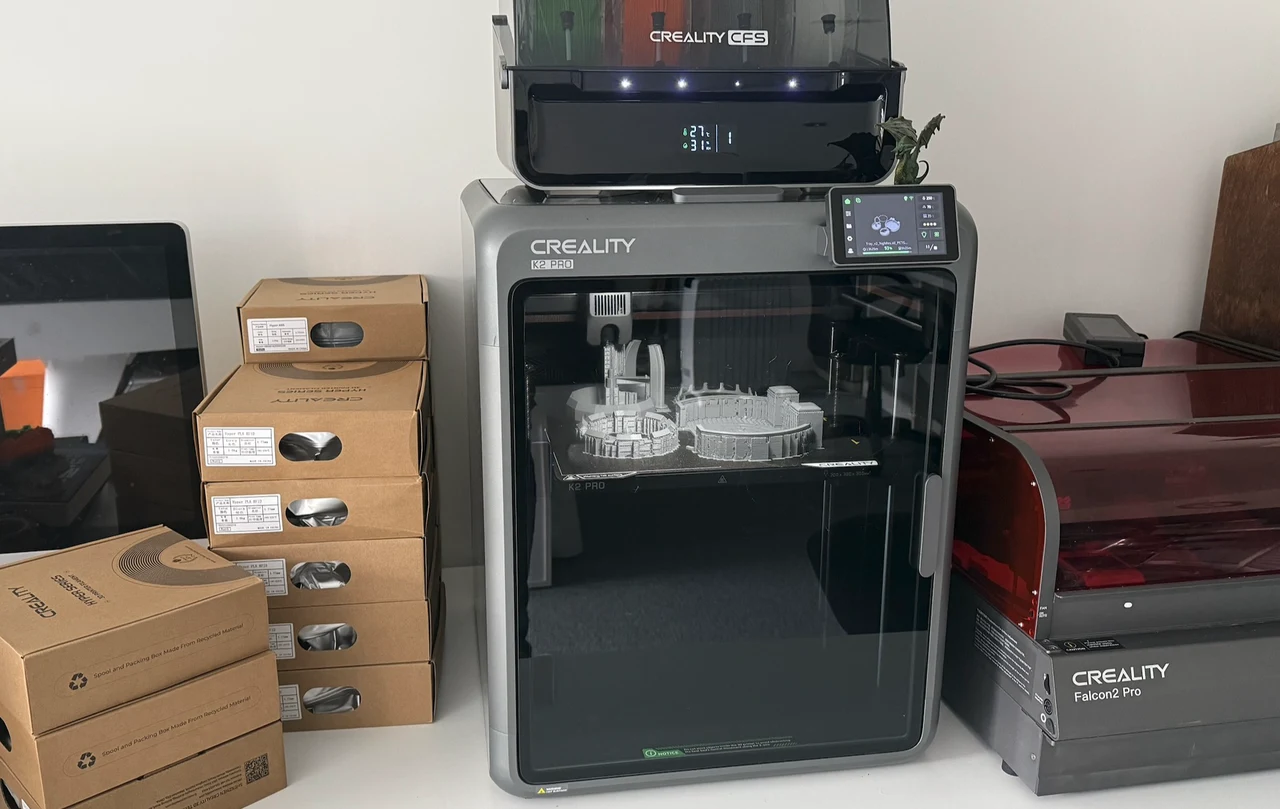
This hands-on walkthrough will guide you through everything from unpacking the K2 Pro’s carefully organized components to its first power-up, giving you a clear sense of what to expect at every step. Along the way, you’ll discover standout features like the Color Filament System (CFS), which allows seamless multi-color printing, and the CoreXY system, designed for unparalleled precision. But there’s more to this printer than meets the eye, small but impactful details, like integrated humidity control and a magnetic build plate, add to its appeal. By the end, you’ll not only understand how to set up the K2 Pro but also why it’s a fantastic option for creative and functional projects alike.
Creality K2 Pro Overview
TL;DR Key Takeaways :
- The Creality K2 Pro is a compact 3D printer featuring a 300mm³ build volume, CoreXY system for precise movement, and a Color Filament System (CFS) supporting up to 16 colors for seamless multi-color printing.
- Unboxing includes essential tools, a filament spool holder, a touchscreen interface, and secure packaging to ensure safe delivery and easy setup.
- Key features include humidity control for filament preservation, a magnetic build plate for easy print removal, and integrated temperature control for consistent print quality.
- Performance highlights include high-quality prints with minimal stringing, smooth color transitions, and advanced features like an RFID chip reader and built-in camera for remote monitoring.
- Designed for user convenience, the K2 Pro offers an intuitive touchscreen interface, durable build quality, and thoughtful features, making it suitable for both beginners and professionals.
Unboxing: What’s Inside the Box?
The Creality K2 Pro arrives in secure, well-organized packaging designed to protect its components during transit. Every detail of the packaging reflects a focus on making sure the printer reaches you in pristine condition. Upon opening the box, you will find:
- A detailed quick start guide for easy reference during setup.
- Essential tools, including Allen keys, grease, and a glue stick, to assist with assembly and maintenance.
- A filament spool holder, a touchscreen interface, and the Color Filament System (CFS) unit.
The printer itself is safeguarded with foam inserts and transport screws, making sure stability and protection. This thoughtful packaging design minimizes the risk of damage, allowing you to start with confidence.
Assembly and Initial Setup
Setting up the Creality K2 Pro is a straightforward process, even for those new to 3D printing. The assembly begins with removing the transport screws and attaching key components, such as the filament buffer, tubes, and spool holder. The included touchscreen interface simplifies the process by providing step-by-step instructions, guiding you through essential setup tasks such as:
- Language selection and Wi-Fi configuration for remote monitoring and control.
- Self-check calibration to ensure the printer is properly aligned and ready for operation.
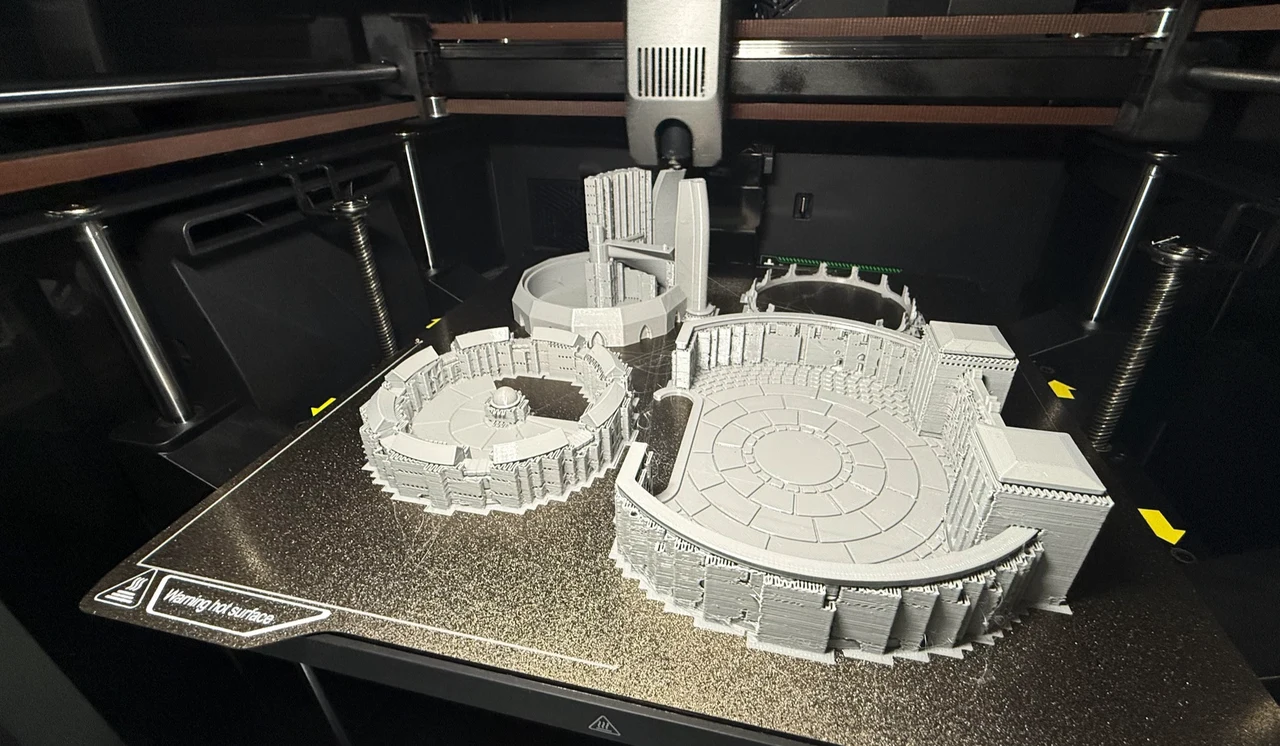
While the assembly process is intuitive, the printer’s weight may require two people to lift and position it safely. Once assembled, the K2 Pro is ready to deliver its first high-quality print. The Creality K2 Pro is equipped with advanced features that enhance its precision, versatility, and overall usability. These features make it a standout choice for a wide range of 3D printing applications. Key highlights include:
- CoreXY System: This advanced mechanism ensures precise and smooth movement by allowing the extruder to operate along the X and Y axes while the Z-axis lowers the print bed. This design results in highly accurate and detailed prints, even for complex models.
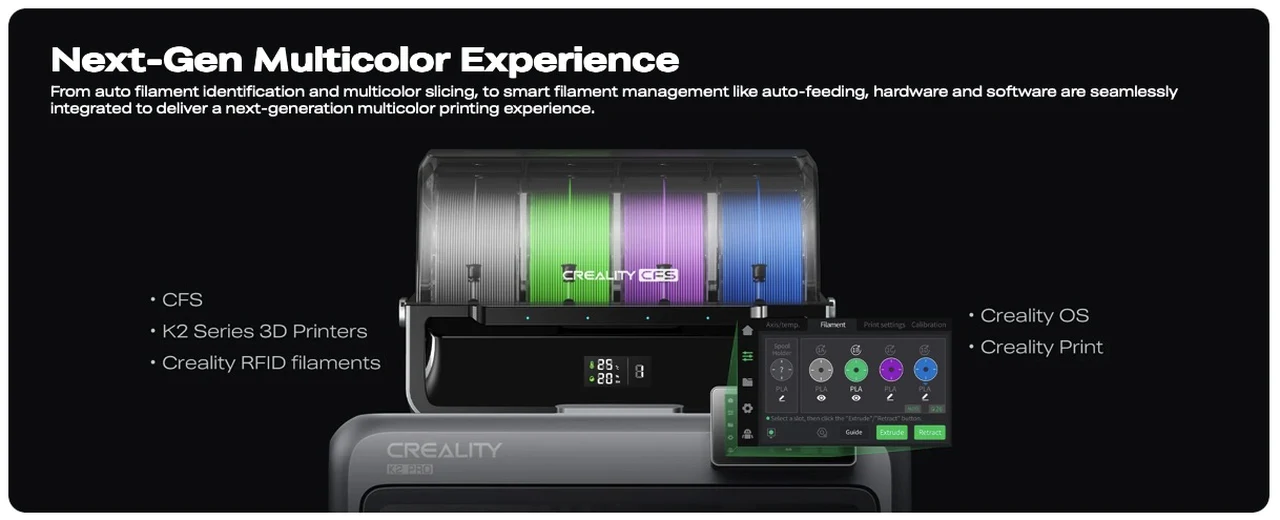
- Color Filament System (CFS): Supporting up to four colors (expandable to 16 with additional units), the CFS enables seamless multi-color printing. This feature is ideal for creating vibrant, intricate designs with clean transitions between colors.
- Humidity Control: Integrated silica bead bags within the CFS unit maintain low humidity levels, preserving filament quality and preventing issues such as clogs or brittleness.
These features collectively make the K2 Pro a versatile and reliable tool for both creative and functional projects.
Performance and Printing Quality
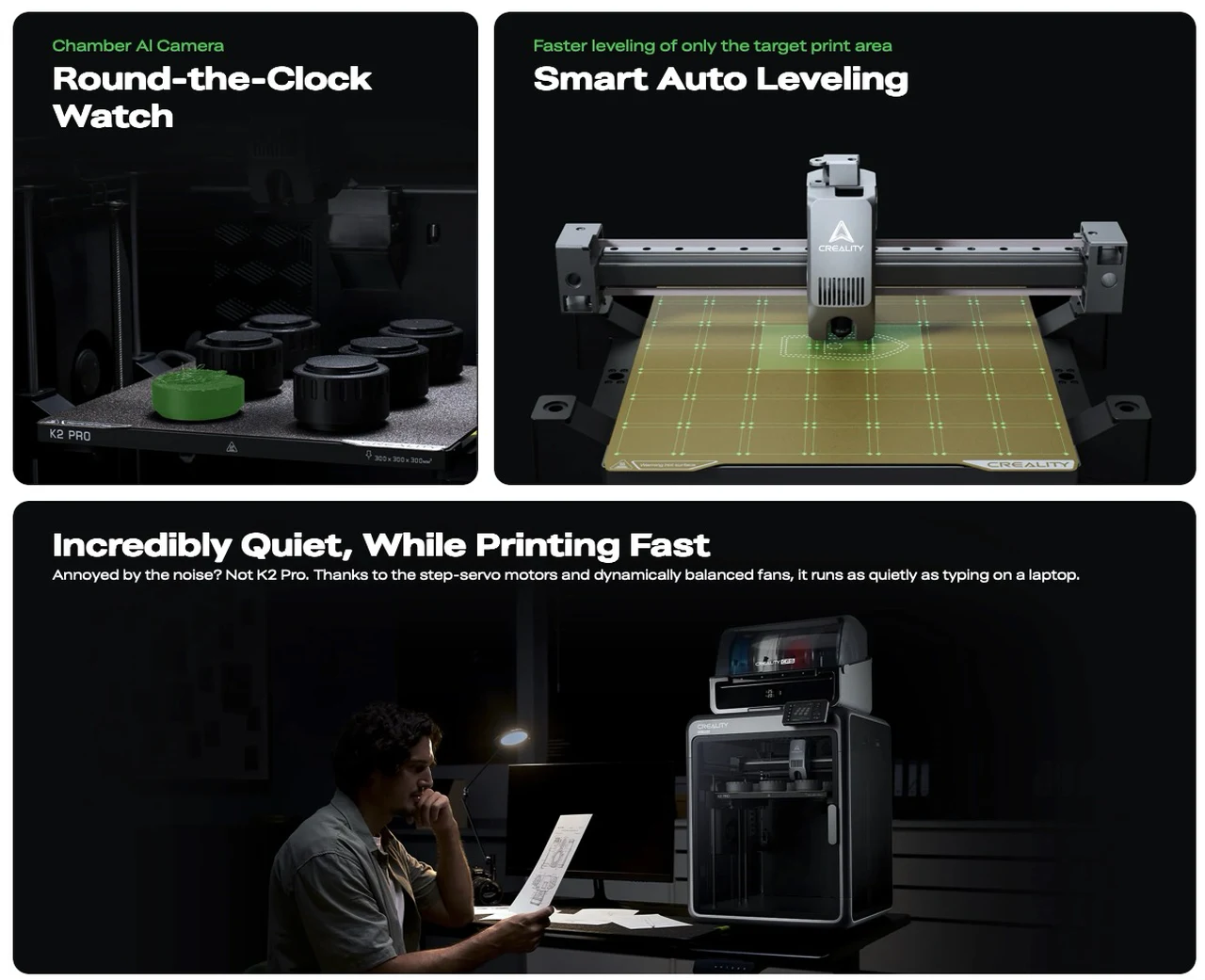
The Creality K2 Pro delivers exceptional performance, producing high-quality prints with minimal stringing and smooth color transitions. Its built-in camera allows you to monitor your prints remotely, providing peace of mind and convenience. Additionally, the RFID chip reader automatically detects filament types, streamlining the printing process and reducing the likelihood of errors. The efficient purge system further enhances print quality by minimizing waste and making sure clean color changes during multi-color printing.
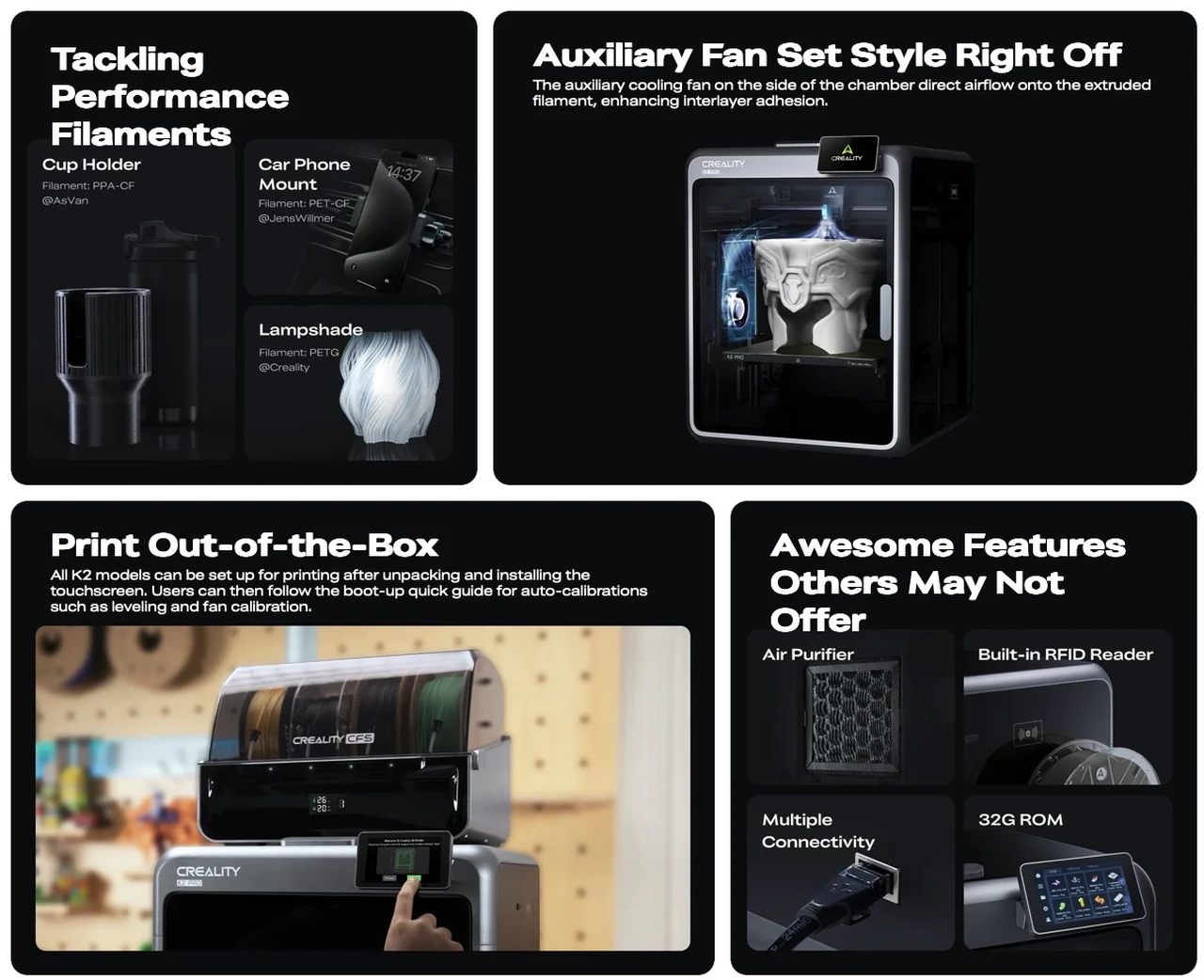
Additional Features for Enhanced Usability
Beyond its core functionality, the Creality K2 Pro includes several thoughtful features designed to improve the overall user experience. These additions make the printer practical, efficient, and adaptable to a variety of needs:
- 300mm³ Build Volume: This medium-sized build area strikes a balance between flexibility and space efficiency, making it suitable for a wide range of projects, from small prototypes to larger models.
- Magnetic Build Plate: The removable magnetic plate simplifies the process of detaching finished prints, reducing the risk of damage to your models and saving time during post-processing.
- Integrated Fan and Heater: These components maintain consistent temperature control, making sure optimal print quality even during extended printing sessions.
These features enhance the printer’s usability, making it a reliable choice for both beginners and experienced users.
User Experience: Designed for Convenience
The Creality K2 Pro is designed with user convenience in mind, offering an intuitive setup process and a range of features that simplify operation. The touchscreen interface provides clear, step-by-step instructions, reducing guesswork and making sure a smooth start. The printer’s durable build quality and thoughtful design contribute to its long-term reliability, making it a worthwhile investment for any 3D printing enthusiast. However, due to its weight and size, careful handling is recommended during assembly and placement.
A Reliable and Versatile 3D Printer
The Creality K2 Pro combines advanced technology, reliable performance, and user-friendly design in a compact and efficient package. With features like multi-color printing, precise movement, and filament preservation, it is well-suited for a variety of applications, from intricate models to functional prototypes. Whether you are a hobbyist exploring creative possibilities or a professional seeking dependable results, the K2 Pro offers a seamless and rewarding 3D printing experience.
Learn more about Creality products by reading our previous articles, guides and features :
- Creality Black Friday 3D Printer Deals 2025 : K2, K1 Max, Ender-3 V3
- Creality Black Friday 2025 Deals : Big Savings on K2 Series 3D
- Creality Print 6 3D Print Slicing Software Beginners Guide
- The Ultimate Speed Upgrade: Why the Creality K2 3D-Printer
- Creality K2 Plus – 3D Printer Review
- Creality Falcon2 Pro desktop laser engraver and cutter review
- Creality CR-6 SE 3D Printer Kit hits Kickstarter from $265
- Creality 3DPrintMill desktop conveyor 3D printer
- Creality K2 Plus 3D Printer Review : Multicolor Printing Made Easy
- CREAL Light Field Display AR Smart Glasses
Media Credit: Creality
Disclosure: Some of our articles include affiliate links. If you buy something through one of these links, Geeky Gadgets may earn an affiliate commission. Learn about our Disclosure Policy.
