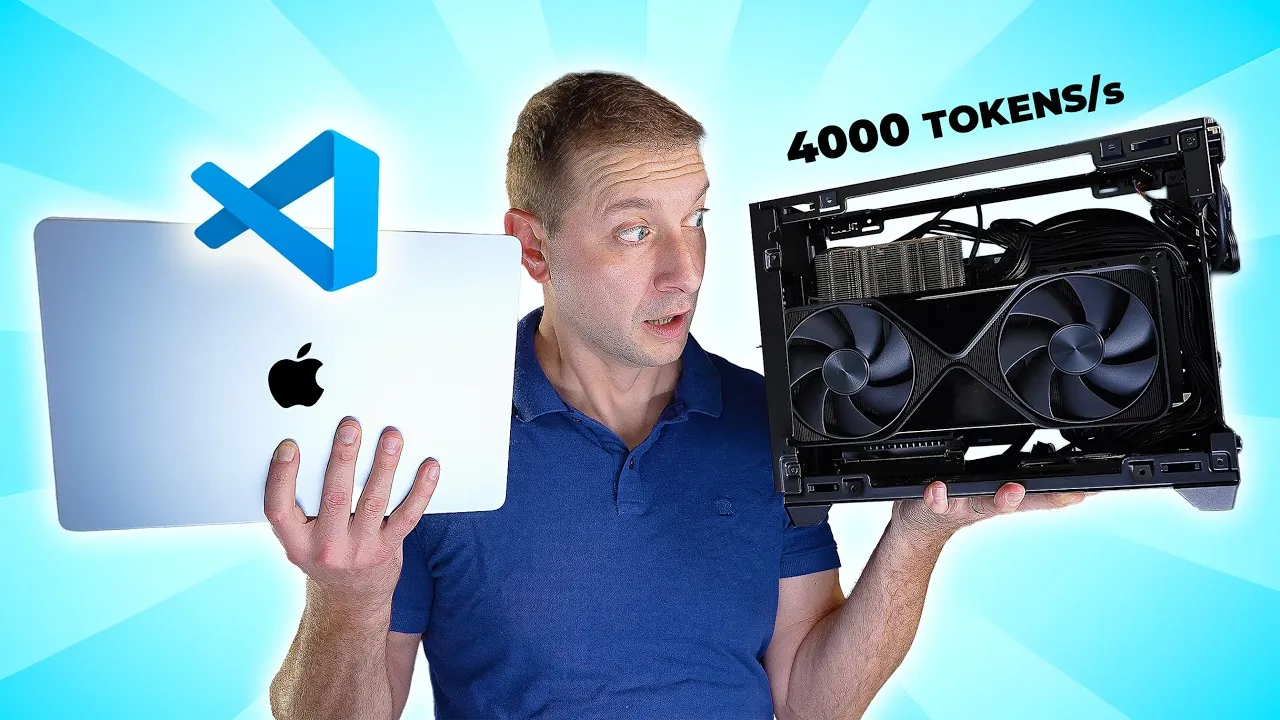
What if you could harness the power of innovative artificial intelligence without relying on the cloud? Imagine running a large language model (LLM) locally on your own hardware, delivering lightning-fast responses, unparalleled privacy, and complete control over your workflows. It’s no longer a far-off dream but a rapidly growing reality for developers and organizations alike. With advancements in hardware, tools like Docker, and techniques such as quantization, local LLMs are transforming how we approach AI-driven tasks like coding assistance, real-time chatbots, and more. The shift to local setups isn’t just about independence from cloud providers, it’s about unlocking efficiency and scalability that rival or even surpass traditional cloud-based solutions.
Alex Ziskind explores the strategies and technologies that make running LLMs locally both practical and powerful. From choosing the right model for your needs to optimizing token generation speeds and using tools like Llama CPP for parallelism, you’ll discover how to design a setup that balances performance and resource efficiency. Whether you’re a developer seeking to enhance productivity or an organization aiming to scale AI applications, the insights here will guide you toward building a robust local LLM system. As the landscape of AI evolves, so too does the potential for local deployments to redefine what’s possible, are you ready to rethink the limits of your AI capabilities?
Optimizing Local LLM Setups
TL;DR Key Takeaways :
- Local LLMs can be optimized for coding tasks by selecting models like Quen 3 Coder 30B and using quantization techniques (e.g., FP8) for faster processing and efficiency.
- Token generation speeds can reach up to 5,800 tokens per second using tools like LM Studio and Llama CPP, making sure smooth performance for real-time applications.
- Parallelism and scalability are enhanced through technologies like Docker and VLM, allowing local LLM setups to support up to 256 concurrent users efficiently.
- Quantization techniques, such as FP8 and emerging FP4, improve performance by reducing computational demands while maintaining accuracy, making LLMs more accessible for diverse hardware setups.
- High-performance GPUs (e.g., Nvidia RTX Pro 6000) and optimized configurations for Apple silicon devices are critical for achieving peak efficiency in local LLM deployments.
Choosing the Right Model
Selecting the most suitable model is the foundation of an effective local LLM setup. Models like the Quen 3 Coder 30B are specifically designed for coding and autocomplete tasks, excelling at generating accurate code suggestions and solving complex programming challenges. This makes them an invaluable resource for software developers aiming to enhance productivity.
To optimize performance, you can choose between unquantized (BF16) and quantized (FP8) versions of the model. Quantization reduces the precision of numerical computations, allowing faster processing while maintaining acceptable accuracy. FP8 quantization, in particular, is highly compatible with Nvidia GPUs, offering substantial performance improvements. By carefully selecting and configuring the model, you can balance speed, accuracy, and resource efficiency.
Maximizing Token Generation Speeds
Token generation speed is a critical metric for local LLM performance, especially in real-time applications like coding assistants or chatbots. Optimized setups can achieve remarkable speeds, such as generating up to 5,800 tokens per second. Attaining such performance requires a combination of advanced hardware and software optimizations.
Key tools to enhance token generation speeds include:
- LM Studio: A user-friendly interface for interacting with LLMs, ideal for single concurrent requests.
- Llama CPP: A backend library designed for parallelism and scalability, capable of handling multiple concurrent requests efficiently.
By integrating these tools into your setup, you can significantly improve response times and ensure smooth operation even under demanding conditions.
Local LLMs vs Cloud AI : The Battle for Speed, Privacy, and Control

Here are additional guides from our expansive article library that you may find useful on running Large Language Models (LLMs) locally.
- How to Set Up a Local AI Assistant Using Cursor AI
- How to build a high-performance AI server locally
- Apple M3 Ultra vs NVIDIA RTX GPUs : Local AI Performance
- How to Set Up a Local AI System Offline Using n8n
- Why Local AI Processing is the Future of Robotics
- How to Set Up a Free Local AI RAG System with Supabase & n8n
- How to Build a Local AI Voice Assistant with a Raspberry Pi
- OpenAI’s GPT-OSS : Semi Open Source Models for Local AI
- How SmolLM3 Delivers Local AI Power in a Small Package
- RTX 5060 Ti vs RX 960 XT : Best GPU for Local AI Workflows 2025
Enhancing Parallelism and Scalability
Parallelism is essential for maximizing the efficiency of local LLMs, particularly when supporting multiple users or handling high workloads. By distributing tasks across multiple GPU cores, you can reduce latency and increase the number of concurrent users your system can support. With the right configuration, local LLM setups can handle up to 256 concurrent users, making them suitable for enterprise-level applications.
To achieve scalability, consider using the following technologies:
- Docker: Enables efficient GPU utilization and simplifies parallel processing.
- VLM: Offers advanced configuration options for optimizing performance and scalability.
These tools provide a robust framework for deploying and managing local LLMs, making sure they can scale to meet the needs of diverse applications.
Using Quantization for Performance Gains
Quantization is a powerful technique for improving the performance of local LLMs. By reducing the precision of numerical computations, quantization decreases computational requirements while maintaining model accuracy. FP8 quantization, supported by Nvidia GPUs like the RTX Pro 6000, is a proven method for achieving faster token generation and reduced memory usage. Emerging techniques like FP4 quantization promise even greater efficiency, though they are still under development.
Quantization offers two primary benefits:
- Faster Token Generation: Accelerates processing speeds, allowing real-time applications to function seamlessly.
- Reduced Memory Footprint: Makes models more accessible for hardware with limited resources, broadening their usability.
Incorporating quantization into your setup is a key step toward optimizing performance and making sure your system can handle demanding tasks effectively.
Hardware Considerations
The choice of hardware plays a pivotal role in the performance of local LLMs. High-performance GPUs, such as the Nvidia RTX Pro 6000, are well-suited for managing the computational demands of large models. These GPUs offer the processing power and memory bandwidth necessary for achieving high token generation speeds and supporting multiple concurrent requests.
For users with Apple silicon devices, optimizations for GGUF models can help mitigate hardware limitations. While Apple silicon may not match the raw performance of Nvidia GPUs, careful configuration can still yield satisfactory results for smaller-scale deployments. By selecting the right hardware and optimizing its use, you can ensure your local LLM setup operates at peak efficiency.
Practical Applications
Local LLMs offer a range of practical applications, particularly for software developers. Key benefits include:
- Enhanced Coding Assistance: Automate repetitive tasks, generate boilerplate code, and streamline development workflows.
- Real-Time Suggestions: Provide intelligent code completion, debugging tips, and context-aware recommendations.
Additionally, tools like Docker Compose simplify the integration of LLMs with other applications, allowing seamless deployment and scaling. Whether you’re building a coding assistant, a customer support chatbot, or other AI-driven solutions, local LLMs provide the flexibility and control needed to tailor systems to specific requirements.
Looking Ahead: Future Directions
The future of local LLM optimization is poised for significant advancements, driven by innovations in hardware and software. Key areas of development include:
- Improved Quantization Techniques: FP4 quantization and similar methods promise even greater speed and efficiency.
- Expanded GPU Compatibility: Broader support for diverse hardware platforms will make LLMs accessible to a wider range of users.
- Enhanced Parallelism: Innovations in task distribution and resource management will further reduce latency and improve scalability.
As these technologies evolve, they will unlock new possibilities for deploying and managing local LLMs. By staying informed and adopting best practices, you can ensure your setup remains at the forefront of performance and scalability, ready to meet the challenges of tomorrow’s applications.
Media Credit: Alex Ziskind
Disclosure: Some of our articles include affiliate links. If you buy something through one of these links, Geeky Gadgets may earn an affiliate commission. Learn about our Disclosure Policy.
