What if building innovative AI didn’t require a sprawling server farm or a hefty cloud subscription? Imagine running advanced language models right on your personal computer—whether you’re a Mac enthusiast or a Windows power user. With the rise of high-performance hardware like the Apple M3 Ultra Mac Studio and Nvidia RTX GPUs, the dream of local AI development is becoming a reality. But which setup truly delivers the best balance of power, efficiency, and cost? The answer isn’t as straightforward as you might think. The choice of hardware can either supercharge your workflow or leave you grappling with frustrating bottlenecks, making it essential to understand the nuances of these platforms.
In this video overview, Alex Ziskind demonstrates how these two hardware titans stack up for local AI tasks like prompt processing, token generation, and running large language models (LLMs). From the compact, energy-efficient design of the Mac Studio to the raw computational power of Nvidia GPUs, each offers unique advantages—and trade-offs. Whether you’re a developer prioritizing portability or someone tackling complex, large-scale AI models, this comparison will help you uncover which system aligns best with your needs. By the end, you’ll have a clearer picture of how to tailor your hardware to your AI ambitions, unlocking new possibilities for local development.
Apple M3 Ultra vs NVIDIA RTX
TL;DR Key Takeaways :
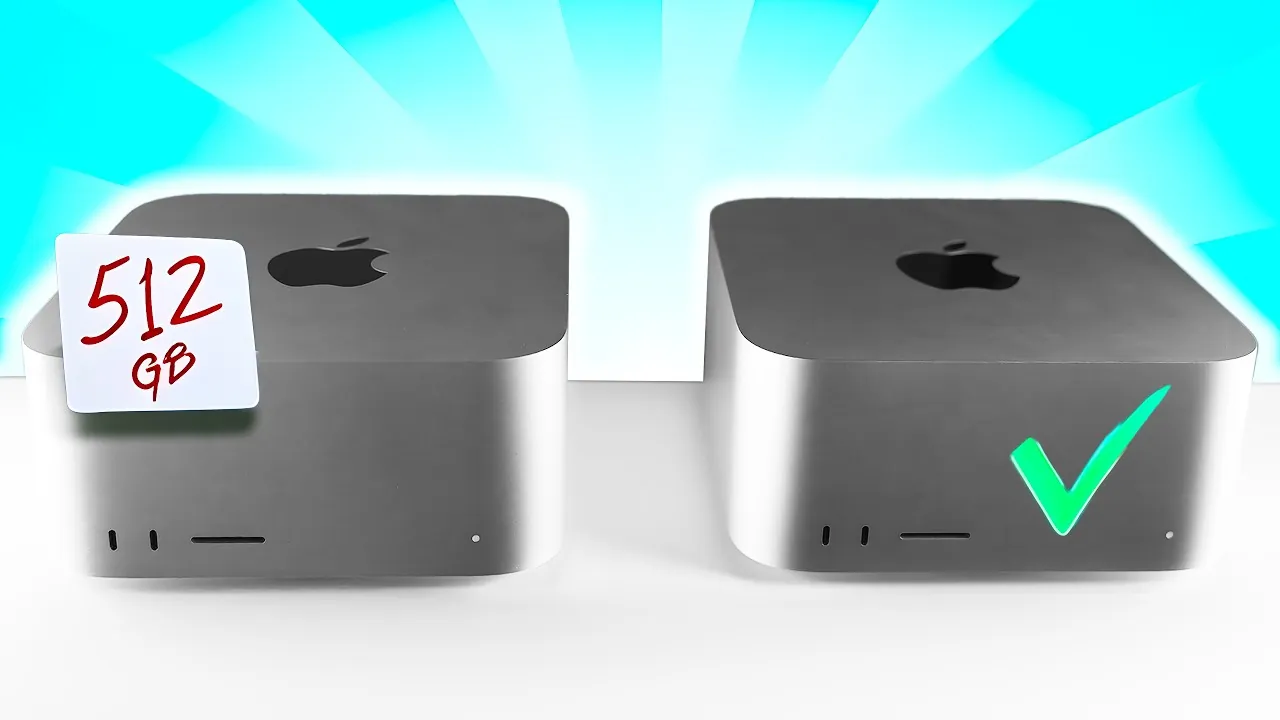
- The Apple M3 Ultra Mac Studio is available in 96 GB and 512 GB configurations, with the 96 GB model being ideal for smaller models (up to 14 billion parameters) and the 512 GB model catering to larger models but at a higher cost.
- Nvidia RTX GPUs, such as the RTX 5080 and Pro 6000, excel in handling large-scale models (exceeding 32 billion parameters) and complex tasks due to their high memory bandwidth and parallel processing capabilities.
- The Apple M3 Ultra Mac Studio offers advantages in portability, energy efficiency, and cost-effectiveness, making it a practical choice for developers focused on local AI workflows and smaller models.
- Nvidia RTX GPUs are better suited for advanced AI development requiring significant computational power, but they are less portable, consume more energy, and are more expensive compared to Apple Silicon.
- Choosing between Apple M3 Ultra and Nvidia RTX GPUs depends on specific use cases, with Apple excelling in speed and efficiency for smaller models and Nvidia being optimal for large-scale, complex AI tasks.
Apple M3 Ultra Mac Studio: Compact, Efficient & Developer-Friendly
The Apple M3 Ultra Mac Studio is available in two configurations—96 GB and 512 GB—each designed to cater to different developer needs. Both models emphasize energy efficiency and portability, making them appealing for developers working in diverse environments.
- 96 GB Model: This configuration is ideal for most local AI development tasks, including chat-based interactions, code completions, and running smaller models. With a memory bandwidth of 819 GB/s, it efficiently handles models with up to 14 billion parameters, offering a cost-effective solution for everyday applications.
- 512 GB Model: Designed for developers working with larger models, this version provides significantly more memory capacity. However, its higher price point may not be justified for typical use cases, as smaller, optimized models often deliver comparable results without requiring such extensive resources.
The Mac Studio’s compact design and lower power consumption further enhance its appeal. Developers who prioritize portability and energy efficiency will find this hardware particularly advantageous, especially when compared to larger, more power-intensive setups.
NVIDIA RTX GPUs: High Performance and Scalable
Nvidia RTX GPUs, including models like the RTX 5080 and Pro 6000, are renowned for their exceptional parallel processing capabilities and ability to handle large-scale AI tasks. These GPUs are particularly well-suited for developers working with complex models that demand significant computational power.
- High Memory Bandwidth: With speeds reaching up to 1.8 TB/s, Nvidia GPUs excel in tasks requiring simultaneous processing of multiple requests, making them ideal for large-scale workloads.
- Optimized for Larger Models: These GPUs perform exceptionally well with models exceeding 32 billion parameters, offering robust support for complex tasks such as advanced natural language processing and large-scale data analysis.
Despite their strengths, Nvidia GPUs face certain limitations. They consume significantly more power and require larger physical setups, which can reduce portability. Additionally, they may encounter memory constraints when running extremely large models. For smaller models, Apple Silicon often outperforms Nvidia GPUs in tasks like prompt processing and token generation, highlighting the importance of aligning hardware selection with specific use cases.
Local AI Development: The Hardware Battle You Need to See

Gain further expertise in running AI locally on your own hardware by checking out these recommendations.
- How to build a high-performance AI server locally
- How to Set Up a Free Local AI RAG System with Supabase & n8n
- How to Build a Local AI Voice Assistant with a Raspberry Pi
- Why Local AI Processing is the Future of Robotics
- How to Set Up a Local AI System Offline Using n8n
- How SmolLM3 Delivers Local AI Power in a Small Package
- Using SDXL Turbo for fast local AI art and image generation
- How to Build a Local AI Web Search Assistant with Ollama
- How to Build Your Own Local o1 AI Reasoning Model
- Unlock Zero-Cost Local AI Automation with n8n, Docker and mCP
Performance Metrics: Matching Hardware to Development Needs
Performance testing reveals distinct advantages and limitations for both Apple M3 Ultra Mac Studio and Nvidia RTX GPUs, depending on the nature of the tasks being performed.
- Apple M3 Ultra: The 96 GB model is particularly effective for running smaller models, such as those with 14 billion parameters. It delivers faster prompt processing and token generation, making it an excellent choice for developers who prioritize speed and responsiveness. Additionally, its ability to run multiple small models simultaneously enhances its versatility for local AI development.
- Nvidia RTX GPUs: These GPUs excel in handling larger models, using their parallel processing capabilities to manage complex tasks efficiently. However, performance can vary based on the libraries used. For example, Apple Silicon demonstrates inconsistencies when using certain libraries like MLX compared to GGUF, which can impact overall results.
Understanding these performance metrics allows developers to tailor their hardware choices to their specific needs, making sure optimal results for their projects.
Cost, Portability, and Developer Tools
The differences between Apple M3 Ultra Mac Studio and Nvidia RTX GPUs become even more apparent when considering cost, portability, and the availability of developer tools.
- Apple M3 Ultra Mac Studio: The 96 GB model strikes a balance between performance and affordability, particularly when purchased refurbished. Its compact design and reduced power consumption make it a practical choice for developers who prioritize portability and energy efficiency. Tools like LM Studio and Llama CPP further enhance its usability, allowing developers to fine-tune parallelism and memory allocation for optimized performance.
- Nvidia RTX GPUs: While offering unparalleled power for large-scale tasks, high-end Nvidia GPU setups are significantly more expensive and less portable. They require substantial power and space, which may not suit all development environments. However, Nvidia GPUs benefit from a well-established ecosystem of AI development tools, simplifying optimization and integration into existing workflows.
By weighing these factors, developers can make informed decisions about which hardware best aligns with their priorities, whether they value cost-effectiveness, portability, or the ability to handle large-scale models.
Making the Right Choice for Local AI Development
Selecting the right hardware for local AI development requires careful consideration of your specific use cases and priorities. Both the Apple M3 Ultra Mac Studio and Nvidia RTX GPUs offer distinct advantages, making them suitable for different types of projects.
- Apple M3 Ultra Mac Studio: The 96 GB model is a cost-effective and portable solution for running smaller, efficient models. It excels in tasks like chat-based interactions and code completions, delivering faster and more consistent results for developers focused on local AI workflows.
- Nvidia RTX GPUs: These GPUs are better suited for developers working on large-scale, complex tasks. Their ability to handle larger models and perform parallel processing efficiently makes them a strong choice for advanced AI development, despite their higher costs and power requirements.
By understanding the trade-offs between these two platforms, you can choose the hardware that best supports your development goals. Whether you prioritize portability, cost, or the ability to handle large models, selecting the right hardware is essential for optimizing your local AI development workflow.
Media Credit: Alex Ziskind
Disclosure: Some of our articles include affiliate links. If you buy something through one of these links, Geeky Gadgets may earn an affiliate commission. Learn about our Disclosure Policy.
