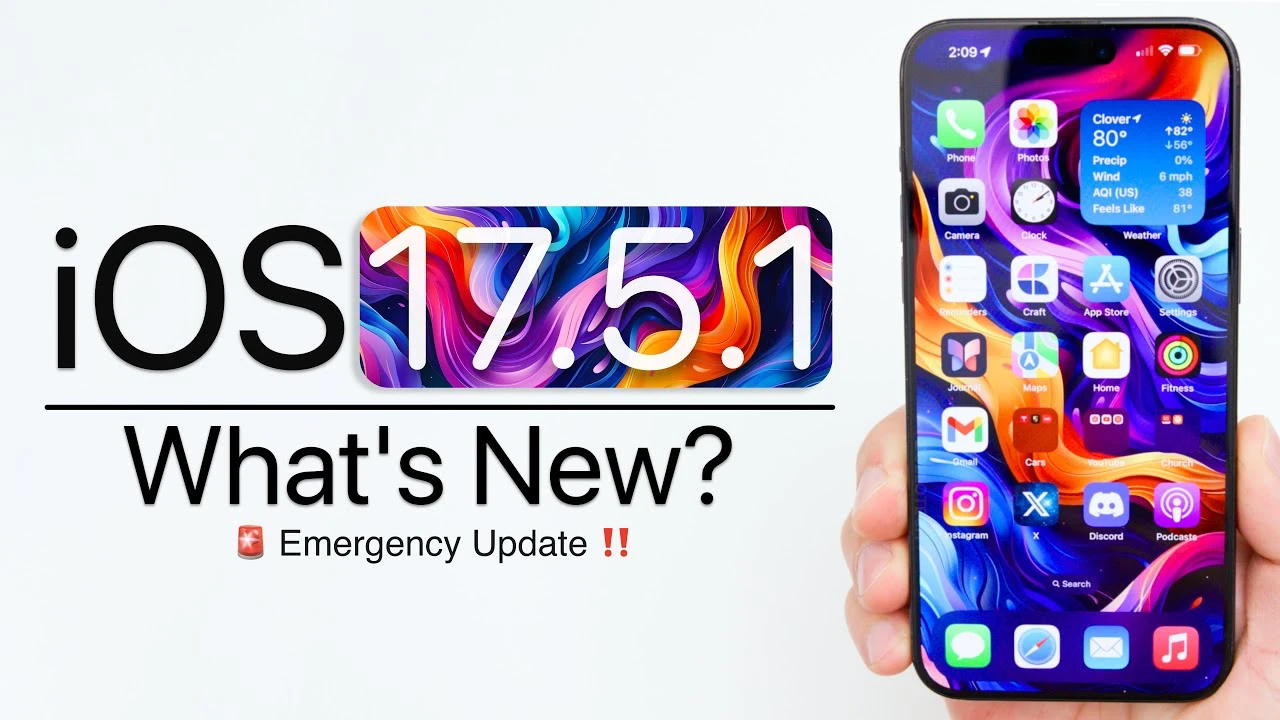
Apple has officially released iOS 17.5.1, a crucial update aimed at resolving a significant issue where deleted photos would unexpectedly reappear in users’ photo libraries. This update is now available for all users worldwide, including those participating in the developer and public beta testing programs. The primary focus of this release is on bug fixes, with no new features or modem updates included. The video below from Zollotech walks us through all if the changes in the iOS 17.5.1 software update.

Global Rollout and Update Size
The iOS 17.5.1 update is currently being deployed to users across the globe. The exact size of the update may vary slightly depending on the specific device model. For example:
- iPhone 15 Pro Max: Approximately 316 MB
- iPhone 11: Around 300 MB
The build number associated with this release is 21F90.
Resolving the Deleted Photos Bug
The most notable aspect of iOS 17.5.1 is its targeted fix for a persistent bug that caused deleted photos to reappear in users’ photo libraries. After thorough investigation, Apple determined that this issue stemmed from database corruption. By addressing this underlying problem, the update ensures that deleted photos will no longer unexpectedly resurface.
However, it is important to note that this update does not tackle other known issues reported by users, such as:
- Connectivity problems
- GPS inaccuracies
- Safari freezing
- Phone call drops
- Alarm bugs
- Apple Watch connectivity issues
- Standby mode inconsistencies
- Squared notifications
- Wallpaper fading
Security Updates and Additional Features
iOS 17.5.1 does not include any new security patches, as evidenced by the absence of published Common Vulnerabilities and Exposures (CVE) entries. This suggests that the update primarily focuses on the photo library bug fix rather than addressing newly discovered security vulnerabilities.
In addition to the bug fix, iOS 17.5.1 introduces a notable enhancement for users in Japan. The update enables the Apple Pay’s Tap to Pay feature in the country, expanding the convenience of contactless payments. Furthermore, Apple Music receives an update with the introduction of the “100 Best Albums” feature, curating a collection of highly acclaimed albums for users to explore and enjoy.
Performance and Battery Life Consistency
Users upgrading to iOS 17.5.1 should not anticipate any significant changes in device performance. The update maintains consistent performance levels compared to previous versions. Similarly, battery life remains stable, with no noticeable improvements or degradations. Additionally, device heat levels have been reported to be consistent, ensuring a comfortable user experience.
Looking Ahead: Upcoming Updates
As Apple continues to refine and enhance the iOS platform, users can look forward to upcoming updates. The release of iOS 17.6 beta 1 is expected in the near future, likely bringing a range of new features, improvements, and bug fixes. Moreover, the highly anticipated iOS 18 beta 1 is set to be unveiled at the Worldwide Developers Conference (WWDC) on June 10th. This major update is expected to introduce significant enhancements and innovations to the iOS ecosystem.
Benchmark Performance
Recent benchmark tests have revealed improved performance scores for devices running iOS 17.5.1. Single-core scores have reached an impressive 2,925, while multi-core scores have soared to 7,252. These results demonstrate Apple’s ongoing commitment to optimizing the performance of its mobile operating system.
In conclusion, iOS 17.5.1 serves as a vital update for iPhone users, primarily addressing the critical issue of deleted photos reappearing in the photo library. While it may not introduce new features or address all known bugs, this update is essential for maintaining the stability and reliability of the iOS platform. Users are encouraged to install the update promptly to benefit from the bug fix and ensure a seamless photo management experience.
Source & Image Credit: Zollotech
Disclosure: Some of our articles include affiliate links. If you buy something through one of these links, Geeky Gadgets may earn an affiliate commission. Learn about our Disclosure Policy.
