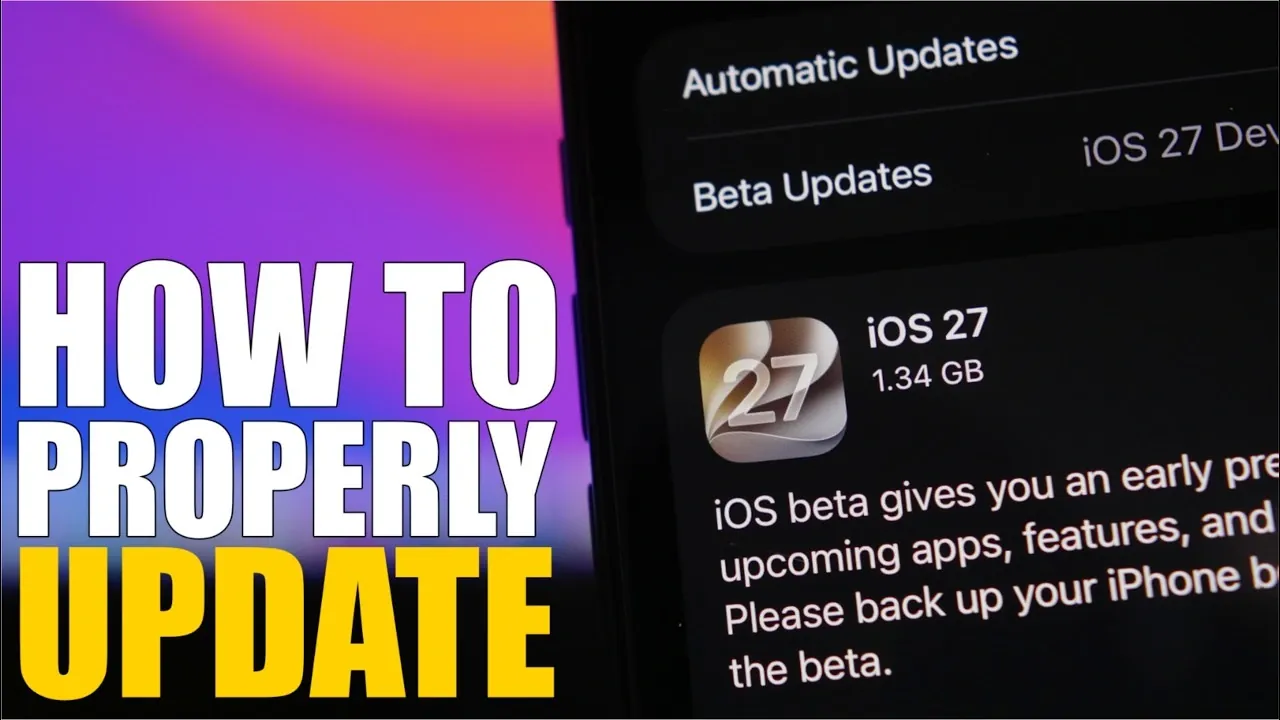
Updating to iOS 27 offers an excellent opportunity to enhance your device’s functionality, improve performance, and access innovative features. However, making sure a seamless transition requires careful preparation. The video below from iReviews provides a detailed, step-by-step approach to help you navigate the update process effectively. From creating backups to verifying app compatibility, these steps will help you avoid common challenges and make the most of iOS 27, whether you’re upgrading from a beta version or waiting for the public release.

Essential Preparations for iOS 27
Before initiating the update, it is crucial to prepare your device to ensure a smooth installation process. Follow these key steps:
- Update to the latest iOS 26 version: Ensure your device is running the most recent version of iOS 26, such as iOS 26.6. This step is essential as it enables pre-indexing for Siri and search, which can significantly reduce setup time after the update.
- Back up your data: Safeguard your files, photos, and settings by creating a backup. Use iCloud for a wireless backup or connect your device to a computer for a more comprehensive backup option. This precaution protects your data in case of unexpected issues during the update process.
Taking these preparatory steps minimizes the risk of data loss and ensures your device is ready for the update.
Managing Storage Space for iOS 27
The iOS 27 update requires a significant amount of free storage, approximately 22 to 25 GB. Insufficient storage can interrupt the installation process, so it is essential to manage your device’s space effectively:
- Check your available storage by navigating to the settings menu on your device.
- Free up space by deleting unused apps, large files, or media-heavy applications. Apps like games or video editing tools often consume substantial storage.
- After the update, you can reinstall these apps and restore their data if necessary.
By making sure you have adequate storage, you can avoid delays or errors during the installation and enjoy a hassle-free update experience.
Making sure App Compatibility
App compatibility is a critical factor to consider before updating to iOS 27. Some apps, particularly essential ones like banking tools or productivity software, may require updates to function correctly with the new operating system. To avoid disruptions:
- Check the App Store for updates or compatibility notes from app developers.
- If you are using beta software, test your apps on the beta version of iOS 27 to confirm they work as expected.
- If you encounter compatibility issues, consider postponing the update until your key apps are fully supported.
This step ensures that your daily workflow remains uninterrupted and that you can continue using your favorite apps without issues.
Choosing Between Beta and Public Release
If you are part of Apple’s beta program, you have two options when updating to iOS 27:
- Stick with the beta program: Continue receiving beta updates, including the Release Candidate (RC) version, which is typically identical to the public release. This option is ideal for users who enjoy early access to new features and are comfortable with potential minor bugs.
- Switch to the public release: Disable beta updates in your settings to transition to the official public version. This option is better suited for users who prioritize stability and reliability over early access.
Your choice depends on your preferences and whether you value early access or a more stable experience.
Device Compatibility and Feature Expectations
iOS 27 is compatible with all devices that support iOS 26, including popular models like the iPhone 11 series and iPhone SE 2. However, it is important to note:
- Older devices may not support all the new features introduced in iOS 27.
- While some functionality may be limited, overall performance improvements, such as better battery life and smoother animations, are still noticeable.
If you are using an older device, you can still benefit from the update, but it is essential to manage your expectations regarding feature availability.
Performance Enhancements in iOS 27
One of the most notable aspects of iOS 27 is its focus on performance optimization. Users have reported several key improvements, including:
- Enhanced battery life: Devices running iOS 27 can last longer between charges, making it easier to stay connected throughout the day.
- Smoother animations: The overall user experience is more fluid, with faster transitions and improved responsiveness.
- Improved speed: Even older devices benefit from faster performance, making sure a more seamless experience.
These enhancements make the update a worthwhile investment, especially for users looking to extend the lifespan of their devices.
Maximizing Your iOS 27 Experience
Updating to iOS 27 is an excellent way to unlock new features and improve your device’s performance. By taking the time to prepare, backing up your data, managing storage and verifying app compatibility, you can ensure a smooth and trouble-free transition. Whether you are using the latest iPhone model or an older device, these steps will help you make the most of iOS 27 while minimizing potential challenges.
Here are additional guides from our expansive article library that you may find useful on iOS 27.
- Apple Delaying iOS 27 Beta 5? Here’s When to Expect the Next Update
- New iOS 27 Beta 5 Release Arrives with a Big Shift Coming
- iOS 27 Beta 5 Is Late: What’s Holding Up Apple’s Next Release?
- The iOS 27 Beta 5 Release Imminent with More New Features
- Apple’s iOS 27 Beta 3 Is Just Days Away: Here’s When It Drops
- Apple iOS 27 Beta 5 Preview: a Look at the Next Release
Source & Image Credit: iReviews
Disclosure: Some of our articles include affiliate links. If you buy something through one of these links, Geeky Gadgets may earn an affiliate commission. Learn about our Disclosure Policy.
