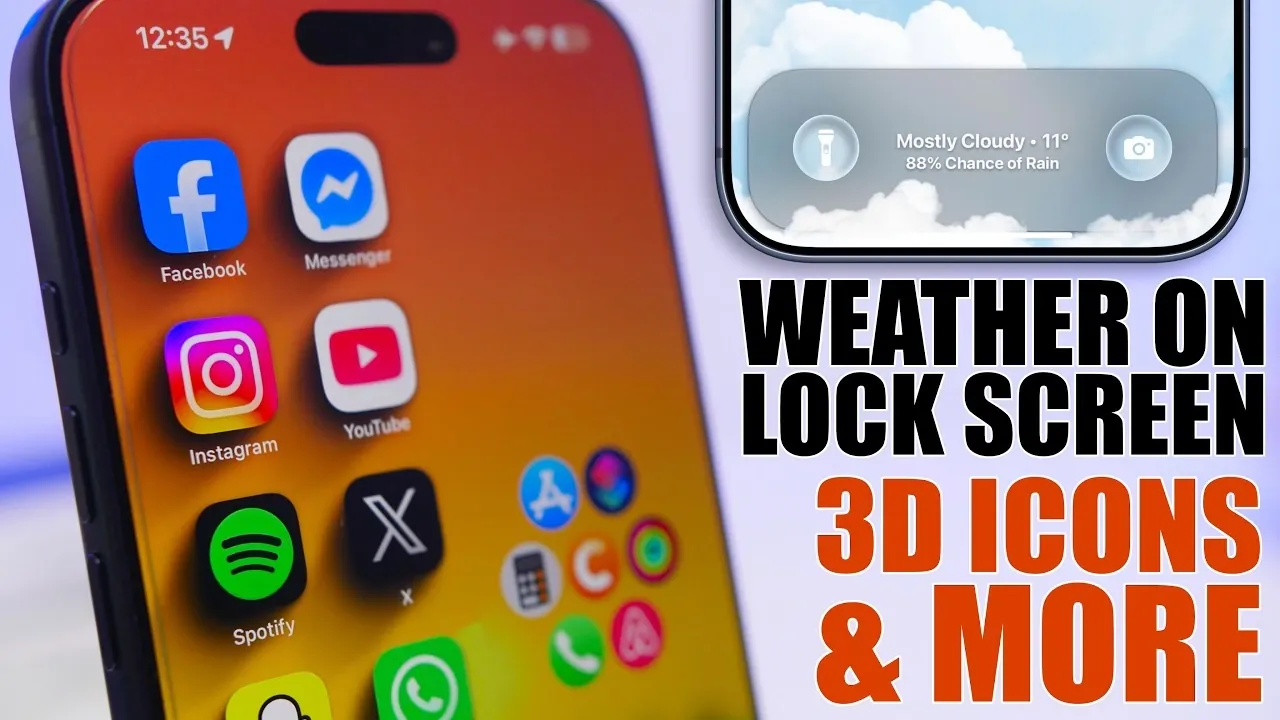
Your iPhone is more than just a smartphone; it’s a powerful tool packed with features that can simplify your daily life. However, many of its capabilities often go unnoticed. By exploring these five practical hacks, you can unlock hidden features, streamline tasks, and customize your device to better suit your preferences. Whether you’re aiming to save time, improve usability, or add a personal touch, these tips will help you make the most of your iPhone.

1. Display Weather Updates on Your Lock Screen
Checking the weather has never been easier. With a simple iOS automation, you can display real-time weather updates directly on your lock screen, eliminating the need to open an app. This feature is not only convenient but also highly customizable. Here’s how it can benefit you:
- Set your preferred location to receive accurate weather updates tailored to your area.
- Schedule updates to refresh at specific times, such as every morning or before heading out for work.
- Quickly plan your day at a glance without unlocking your phone.
By allowing this feature, you’ll stay informed about the weather conditions with minimal effort, making sure you’re always prepared for the day ahead.
2. Create a Cleaner Look with Blurred Wallpapers
A cluttered home screen can be distracting, but you can achieve a sleek and organized appearance by using the “VertiBlur” shortcut. This tool allows you to blur one side of your wallpaper, creating a subtle gradient effect that enhances both aesthetics and functionality. Here’s why this hack is worth trying:
- Improves the visibility of widgets and app icons by reducing background distractions.
- Gives your home screen a polished and professional look.
- Lets you experiment with different levels of blur to match your personal style.
This simple customization not only makes your phone visually appealing but also improves usability by making important elements stand out.
3. Add Depth with 3D Icon Shadows
Transform your home screen into a visually dynamic space by adding 3D shadows to your app icons. Using the “Home Screen Creator” shortcut, you can create a layout that feels both modern and unique. Here’s what you can achieve with this feature:
- Apply shadow overlays to give your app icons a sense of depth and dimension.
- Customize the placement of icons to design a layout that reflects your personality.
- Save your favorite designs for quick access and future use.
This hack is ideal for users who enjoy personalizing their devices and want their home screen to stand out with a sophisticated touch.
4. Share Photos Faster in iMessage
Streamline your messaging experience by learning how to share photos more efficiently in iMessage. Instead of navigating through menus, you can directly access your photo library by tapping and holding the photo button. This simple trick offers several advantages:
- Quickly locate and send images without unnecessary steps.
- Save time when sharing memories, important documents, or screenshots.
- Enhance your messaging experience by reducing delays.
Whether you’re sharing casual snapshots with friends or sending work-related files, this shortcut ensures a faster and more seamless process.
5. Customize the Action Button for Quick Access
The action button on your iPhone is a versatile tool that can be customized to suit your needs. By assigning it to open any app or perform specific tasks via a shortcut, you can access your favorite features with a single press. Here’s how this customization can improve your experience:
- Launch frequently used apps, such as the camera or a productivity tool, instantly.
- Add dynamic animations for a smooth and engaging interaction.
- Save time by reducing the need to navigate through multiple menus.
This feature is particularly useful for users who value efficiency and want to make their iPhone more intuitive to use.
Unlock Your iPhone’s Full Potential
By incorporating these five hacks into your routine, you can enhance both the functionality and aesthetics of your iPhone. From displaying real-time weather updates on your lock screen to creating a visually appealing home screen with blurred wallpapers and 3D icon shadows, these tips allow you to personalize your device in meaningful ways. Additionally, faster photo sharing in iMessage and action button customization streamline your daily tasks, saving you time and effort. Explore these features today and discover how they can make your iPhone work smarter and more efficiently for you.
Unlock more potential in iPhone Hacks by reading previous articles we have written.
- 10 Practical iPhone Automations to Simplify Your Life
- 10 Best New iPhone Tricks and Hidden Features in iOS 26
- 10 iPhone Tips to Boost Productivity and Simplify Your Life
- iPhone HACKS: 10+ Hidden Features in iOS 18 – 18.2!
- 5 iOS 26.3 Hacks to Personalize and Optimize Your iPhone
Source & Image Credit: iReviews
Disclosure: Some of our articles include affiliate links. If you buy something through one of these links, Geeky Gadgets may earn an affiliate commission. Learn about our Disclosure Policy.
