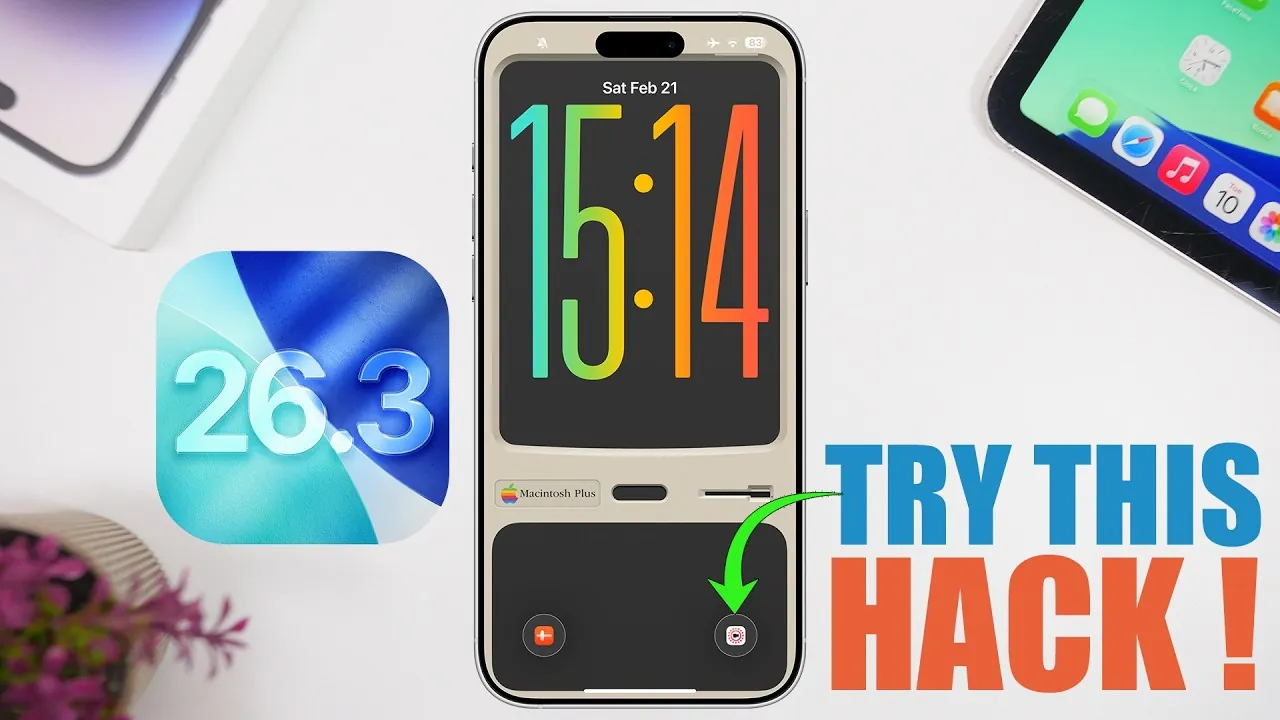
iOS 26.3 introduces a range of features aimed at enhancing your iPhone’s functionality, usability, and personalization. Whether you’re looking to streamline daily tasks, improve productivity, or customize your device to better suit your preferences, these five hacks will help you unlock the full potential of your iPhone. From managing notifications to optimizing app access, these practical tips are designed to make your iPhone experience more efficient and enjoyable. The video below from iReviews gives us more details.
1. Personalize Notifications with Custom Ringtones and Vibrations
Customizing your notifications can significantly improve how you manage calls and messages. With iOS 26.3, you can assign unique ringtones to specific contacts, allowing you to recognize important callers without even glancing at your screen. This feature is particularly useful for prioritizing calls from family, friends, or work contacts.
Additionally, iOS 26.3 lets you create custom vibration patterns for individual contacts. This ensures you can distinguish notifications even when your phone is on silent, making it easier to stay connected without being disruptive. Both options are easily accessible through the Contacts app, giving you full control over how your iPhone communicates with you. By personalizing your notifications, you can stay organized and responsive in any situation.
2. Add Hyperlinks in Notes for Better Organization
The Notes app has become a powerful tool for organization, and iOS 26.3 takes it a step further by allowing you to embed hyperlinks directly into your notes. This feature is ideal for creating interconnected documents, referencing external resources, or linking to websites, making your notes more interactive and functional.
For example, you can hyperlink a word or phrase to a webpage, allowing quick access to additional information without leaving the app. Editing or removing these links is straightforward, making sure your notes remain flexible and easy to manage. Whether you’re a student compiling research, a professional organizing projects, or a casual user jotting down ideas, this feature can help you streamline your workflow and keep your information well-organized.
3. Use Shortcuts for Quick App Access
The Shortcuts app is a versatile tool for automating tasks and saving time, and iOS 26.3 enhances its capabilities. You can now create custom shortcuts to access frequently used apps or perform specific actions with a single tap, simplifying your daily routines.
For instance, you can replace default lock screen buttons like the camera or flashlight with shortcuts that open your favorite apps directly. Additionally, you can integrate these shortcuts into AssistiveTouch, allowing quick access to multiple apps or functions from a single menu. This level of customization allows you to tailor your iPhone to fit your unique needs, whether you’re managing work tasks, staying on top of personal schedules, or simply looking for faster ways to navigate your device.
4. Customize Dynamic Island for a Unique Look
Dynamic Island, available on newer iPhone models, becomes even more versatile with iOS 26.3. Third-party apps like Ice Screen now allow you to personalize this feature with emojis, animations, or other visual elements, giving your device a unique and dynamic appearance.
This customization not only adds a personal touch to your iPhone but also enhances its functionality. For example, you can use animations to highlight notifications or display playful visuals that reflect your personality. Whether you prefer a professional design or a more creative aesthetic, Dynamic Island can be adapted to suit your style. By customizing this feature, you can make your iPhone feel more like an extension of yourself while enjoying its practical benefits.
5. Expand App Access with AssistiveTouch
AssistiveTouch, found in the Accessibility settings, is a hidden gem for improving navigation and app access. By allowing this feature, you can create a custom menu that includes shortcuts to up to eight apps, making it easier to switch between frequently used tools.
This feature is particularly useful for users who rely on multiple apps throughout the day or need quick access to tools that aren’t readily available on the home screen. AssistiveTouch not only enhances usability but also makes your iPhone more accessible, catering to a wide range of user needs. Whether you’re multitasking, managing accessibility requirements, or simply looking for a more efficient way to navigate your device, AssistiveTouch offers a practical solution.
Maximize Your iPhone’s Potential
iOS 26.3 introduces a variety of features designed to enhance both functionality and user experience. By personalizing notifications with custom ringtones and vibrations, embedding hyperlinks in Notes, and using the Shortcuts app for quick access, you can streamline your daily tasks and improve productivity. Additionally, customizing Dynamic Island and using AssistiveTouch provides opportunities for creativity and accessibility, allowing you to tailor your iPhone to better suit your lifestyle.
These hacks are not only easy to implement but also offer tangible benefits for users seeking to get more out of their devices. By exploring these features, you can transform your iPhone into a more powerful, personalized, and efficient tool that adapts to your unique needs.
Unlock more potential in iOS 26.3 Features by reading the previous articles we have written.
- iOS 26.3 Update: Performance, Battery, and Key Features
- iOS 26.3 Update: Everything You Need to Know
- Apple iOS 26.3 Beta: Key Highlights, Features, and Release
- iOS 26.3 Beta 2 Features, Fixes, and Known Issues
- iOS 26.3 – 5 Ways It Will CHANGE Your iPhone
Source & Image Credit: iReviews
Disclosure: Some of our articles include affiliate links. If you buy something through one of these links, Geeky Gadgets may earn an affiliate commission. Learn about our Disclosure Policy.
