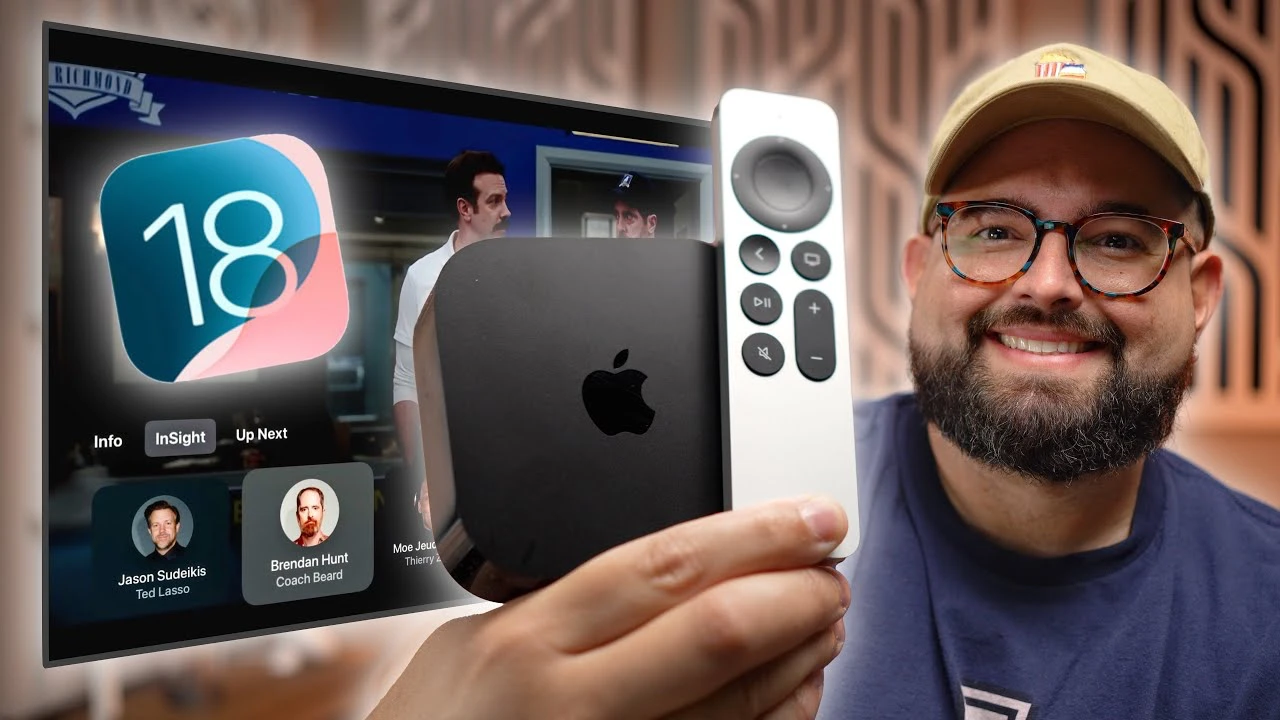
tvOS 18 introduces a range of exciting features designed to elevate your Apple TV experience to new heights. From interactive actor information and dynamic subtitles to improved audio settings and personalized screensavers, these enhancements aim to make your viewing experience more engaging, user-friendly, and tailored to your preferences. The video below from Stephen Robles gives us more details on these new features in the latest beta of tvOS 18.

Insight Feature: Discover More About Your Favorite Content
The Insight feature in tvOS 18 takes your viewing experience to the next level by providing in-depth information about the actors and music featured in your favorite Apple TV Plus content. Powered by advanced machine learning algorithms, this feature identifies faces and audio, allowing you to access detailed actor profiles and add songs directly to your Apple Music library. The best part? You can access the Insight feature seamlessly through the Apple TV Remote app on your iPhone, ensuring that you never miss a beat while exploring the world of your favorite shows and movies.
Dynamic Subtitles: Never Miss a Word
tvOS 18 introduces a innovative feature for subtitle enthusiasts: dynamic subtitles. These subtitles appear temporarily when you mute or rewind content, ensuring that you never miss a single word of dialogue, even if you need to briefly silence the audio. Enabling dynamic subtitles is a breeze through the Apple TV Remote app, providing a seamless way to manage your subtitle preferences without navigating through multiple menus.
Enhanced Dialogue Audio Settings: Crystal-Clear Conversations
With tvOS 18, you can take your listening experience to new heights with enhanced dialogue audio settings. These settings allow you to boost the clarity and volume of dialogue, ensuring that conversations remain crystal-clear throughout your viewing experience. Whether you’re using AirPods or a soundbar, these settings provide the flexibility to optimize your audio to your liking, making sure you never miss a crucial line of dialogue.
Updated Screensavers: Personalize Your Apple TV
tvOS 18 brings a fresh take on screensavers, offering an array of new aerial options and the ability to set up your own photos, slideshows, and portraits as screensavers. By syncing with your iCloud photo library, these personalized screensavers allow you to infuse your Apple TV with your favorite images, creating a truly unique and intimate viewing experience.
Apple TV Remote App Integration: Control at Your Fingertips
The Apple TV Remote app integration in tvOS 18 puts the power of your viewing experience right in your hands. With the app, you can:
- Control the Insight feature
- Manage your Up Next queue
- Access subtitles
- Navigate content quickly and easily
This seamless integration ensures that you have full control over your Apple TV experience from the convenience of your iPhone, making it easier than ever to find and enjoy your favorite shows and movies. tvOS 18’s impressive array of new features, including the Insight feature, dynamic subtitles, enhanced audio settings, updated screensavers, and Apple TV Remote app integration, come together to create a truly immersive and personalized Apple TV experience. These enhancements not only make your viewing more interactive and user-friendly but also ensure that you can enjoy your favorite content in the way that suits you best. Get ready to explore the exciting world of tvOS 18 and discover a whole new level of entertainment on your Apple TV.
Source & Image Credit: Stephen Robles
Disclosure: Some of our articles include affiliate links. If you buy something through one of these links, Geeky Gadgets may earn an affiliate commission. Learn about our Disclosure Policy.
