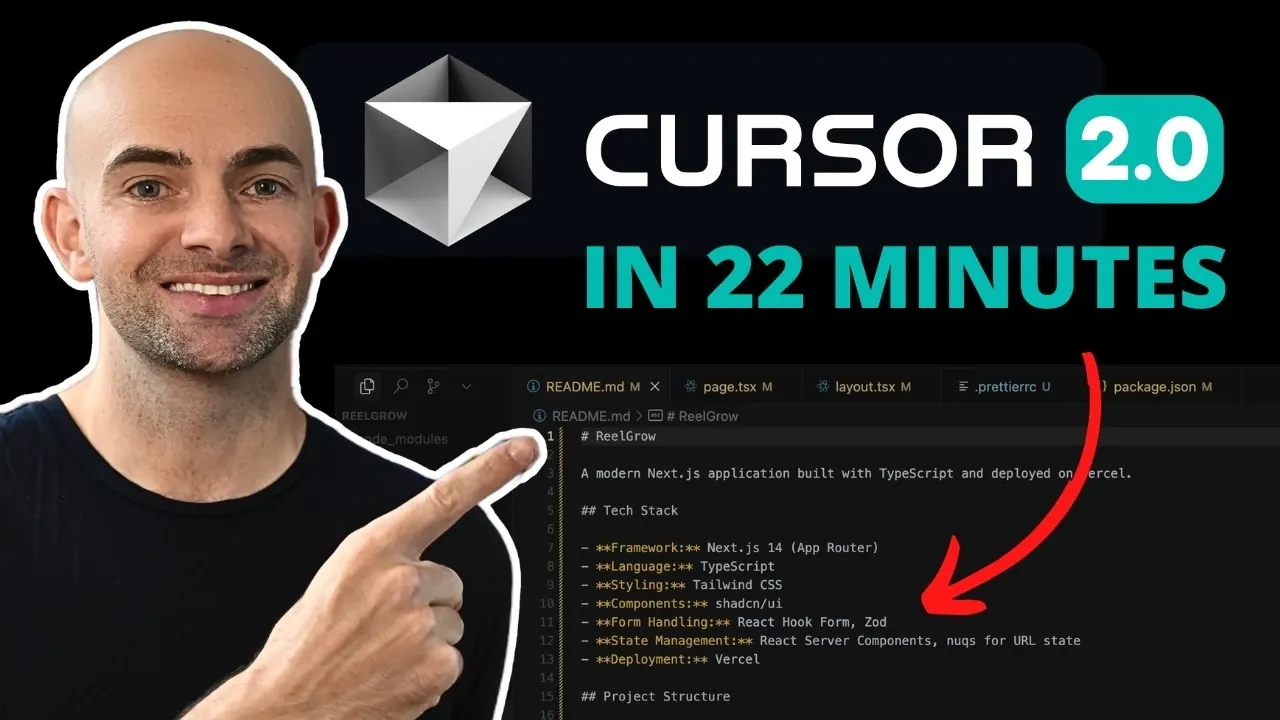
Imagine this: you’ve got a new app idea, but the thought of coding, debugging, and managing backend systems feels overwhelming. What if there was a tool that could simplify the entire process, turning complex development tasks into intuitive, guided steps? Enter Cursor AI 2.0, a innovative platform designed to empower both beginners and seasoned developers. With its AI-driven coding models, real-time debugging, and seamless project planning tools, Cursor AI 2.0 doesn’t just streamline app development, it transforms it into a creative and efficient experience. Whether you’re building your first app or refining your workflow, this how-to will show you how to unlock its full potential.
In this guide, Dr Alex Young walks you through the essentials of Cursor AI 2.0, from planning an app’s structure to integrating advanced features like real-time debugging and AI-powered personalization. You’ll discover how tools like the Composer AI Coding Model and multi-agent support can save you hours of work while enhancing your app’s quality. Along the way, we’ll use the example of “Finish My,” a creativity-driven iOS game, to illustrate how Cursor AI 2.0 simplifies every step of development. Ready to explore how this platform can transform the way you build apps? Let’s dive into the possibilities together.
Key Features of Cursor AI 2.0 AI Coding Assistant
TL;DR Key Takeaways :
- Cursor AI 2.0 simplifies app development with advanced features like the Composer AI Coding Model, real-time debugging, and multi-agent support, enhancing efficiency and accessibility for developers of all skill levels.
- The platform offers robust planning tools to define app structures, collaborate with AI models like GPT-4.5 and Codex, and streamline backend integrations for seamless project execution.
- Cursor AI 2.0 integrates with external tools such as Stripe, Apify, and Heroku, allowing developers to expand app capabilities and manage workflows efficiently within the platform.
- Real-time debugging and UI/UX refinement tools ensure high-quality app performance, while AI-driven content creation supports marketing efforts like generating promotional materials and social media content.
- Developers can adopt an iterative approach by launching a Minimum Viable Product (MVP), gathering user feedback, and introducing advanced features like multiplayer modes, AI personalization, and gamification to enhance user engagement over time.
Cursor AI 2.0 stands out by offering a suite of tools that enhance efficiency and accessibility in app development. Its standout features include:
- Composer AI Coding Model: Delivers precise, context-aware coding suggestions to accelerate development.
- Multi-Agent Support: Enables seamless switching between editor and AI agent modes for a more dynamic workflow.
- Real-Time Debugging: Identifies and resolves coding errors as they occur, reducing downtime.
- Project Planning Tools: Simplifies the process of outlining app structures, workflows, and backend integrations.
These features allow developers to focus on creativity and functionality, minimizing time spent on repetitive or technical tasks.
Planning Your iOS App with Cursor AI 2.0
Effective planning is the foundation of any successful app. Cursor AI 2.0’s planning tools are designed to help you establish a clear roadmap for your project. To start, set up your iOS project in Xcode, Apple’s development environment. With Cursor AI 2.0, you can:
- Define the app’s structure: Map out user flows, navigation paths, and core functionalities.
- Collaborate with AI models: Use tools like GPT-4.5, Claude, and Codex to brainstorm features and refine game mechanics.
- Plan backend integrations: Ensure seamless data management and secure user authentication.
For “Finish My,” this planning phase ensures a solid foundation, allowing smoother development and fewer revisions later in the process.
How to Code Apps With Cursor AI 2.0 in 2026
Advance your skills in Cursor AI coding assistant by reading more of our detailed content.
- How to Set Up a Local AI Assistant Using Cursor AI (No Code
- Cursor AI Coding Ultra Plan Review: Is It Worth $200 a Month
- Taskmaster AI Simplifies Complex Cursor AI Projects
- Why Developers Are Choosing PearAI Over Cursor AI
- Claude Code vs Cursor: Which AI Coding Assistant is Right for You
- How to make Cursor AI understand folder structure
- Cursor AI Code Editor 0.43 Update: Features and Benefits
- Beginner’s Guide to Using Cursor AI Agents for Developers
- How to Integrate Cursor AI with Zapier for Web Development
- AI Powered App Prototyping: Master the Cursor and Replit Combo
Building a Robust Backend with Superbase
A reliable backend is essential for any app, and Cursor AI 2.0 integrates seamlessly with Superbase to provide a lightweight yet powerful solution. Superbase offers:
- Real-Time Functions: Enable dynamic interactions within your app.
- User Authentication: Ensure secure access for users with minimal setup.
- Data Storage: Manage app content efficiently with scalable storage options.
Additionally, Cursor AI 2.0 simplifies the management of API keys and environment variables, making sure your backend remains secure and functional. For “Finish My,” you can deploy edge functions to handle tasks like scoring, updating game content, or managing user data.
Using Multiple AI Models for Development
One of the most powerful aspects of Cursor AI 2.0 is its ability to run multiple AI models simultaneously, offering unparalleled flexibility and precision. Developers can:
- Generate code snippets: Use GPT-4.5 to create efficient and optimized code.
- Refine workflows: Use Claude to improve logic and streamline processes.
- Debug effectively: Rely on Codex for identifying and resolving issues in your code.
By comparing outputs from these models side-by-side, you can select the best solution for your project without overwriting existing work. This approach enhances productivity and ensures high-quality results.
Enhancing UI/UX and Debugging in Real Time
User interface (UI) and user experience (UX) play a critical role in an app’s success. Cursor AI 2.0 provides tools to refine these elements while addressing technical issues through real-time debugging. These tools allow you to:
- Identify and resolve errors: Debugging tools highlight issues as they arise, saving time and effort.
- Test functionality: Use Xcode’s canvas mode or physical devices to evaluate your app’s performance and usability.
For “Finish My,” iterative improvements to the UI/UX based on user feedback can significantly enhance the game’s appeal and functionality, making sure a polished final product.
Integrating External Tools for Added Value
Cursor AI 2.0 supports seamless integration with external platforms, allowing you to expand your app’s capabilities. Key integrations include:
- Stripe: Simplify in-app payment processing for a smooth user experience.
- Apify: Automate data scraping tasks to enhance app functionality.
- Heroku: Deploy scalable applications with minimal effort.
These integrations can be managed directly within Cursor AI 2.0, making sure a streamlined workflow that eliminates the need for additional tools or platforms.
AI-Driven Content Creation for Marketing
Beyond development, Cursor AI 2.0 offers tools to support your app’s marketing efforts. These features allow you to:
- Create promotional materials: Generate user guides, tutorials, and other resources to engage your audience.
- Develop social media content: Tailor posts for platforms like TikTok, Instagram, and LinkedIn to maximize visibility.
By using these tools, you can effectively promote your app, attract users, and build a loyal community around your product.
Launching an MVP and Iterative Development
For first-time developers, starting with a Minimum Viable Product (MVP) is a practical approach. Cursor AI 2.0 provides tools to assist lightweight development and cost-effective planning. Once your MVP is live, you can:
- Gather user feedback: Identify areas for improvement based on real-world usage.
- Add features incrementally: Introduce new functionalities over time to keep your app fresh and engaging.
- Enhance performance: Optimize your app based on user needs and market trends.
This iterative approach ensures your app evolves to meet user expectations while remaining competitive in a dynamic market.
Exploring Future Enhancements
As your app gains traction, consider implementing advanced features to maintain user engagement and stay ahead of the competition. Potential enhancements include:
- Multiplayer Modes: Introduce interactive gameplay options to attract a broader audience.
- AI-Driven Personalization: Tailor user experiences based on individual preferences and behavior.
- Gamification Strategies: Incorporate rewards, challenges, and achievements to boost retention.
By staying informed about emerging technologies and trends, you can ensure your app remains relevant and appealing to users.
Cursor AI 2.0 is a powerful platform that enables developers to create innovative and functional apps with minimal effort. Its advanced features, ranging from AI-driven coding assistance to seamless backend integration, make it an invaluable tool for developers at all skill levels. Whether you’re building a creativity-based game like “Finish My” or exploring other app ideas, Cursor AI 2.0 provides the resources and flexibility needed to succeed in the competitive app development landscape.
Media Credit: Dr Alex Young
Disclosure: Some of our articles include affiliate links. If you buy something through one of these links, Geeky Gadgets may earn an affiliate commission. Learn about our Disclosure Policy.
