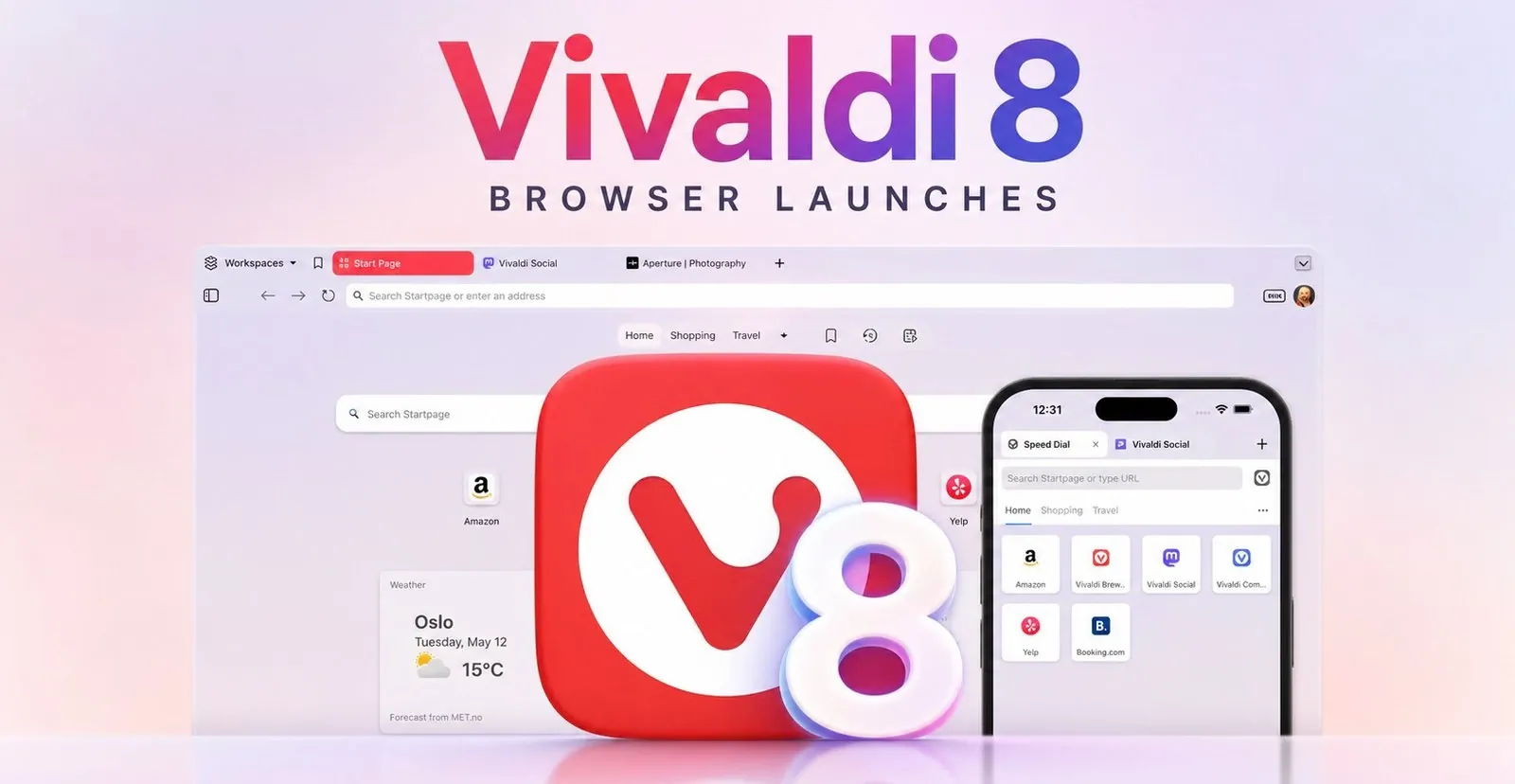
Vivaldi 8.0 has launched, introducing a Unified interface that combines tabs, panels, toolbars and content into a single, cohesive system. This update offers six preset layouts, catering to different browsing styles, from minimal setups for focused tasks to more detailed configurations for advanced users. For those who prefer consistency, the classic interface remains an option, making sure adaptability to individual preferences.
Explore how Vivaldi 8.0 supports advanced tab management and customization through features like mouse gestures, keyboard shortcuts and command-line controls. Learn about its cross-platform compatibility and the extensive library of over 7,000 community-created themes. This preview also examines how these features can be tailored to suit both personal and professional browsing requirements.
Vivaldi 8.0 Overview
TL;DR Key Takeaways :
- Vivaldi 8.0 introduces a Unified design that integrates tabs, toolbars, panels and content into a cohesive system, enhancing usability and personalization.
- Six preset layouts cater to diverse user needs, from minimalistic setups to advanced configurations, all customizable for maximum flexibility.
- Advanced customization features include tab management, integrated productivity tools (mail client, calendar, feed reader, notes), and flexible navigation options.
- Over 7,000 community-created themes and new default themes allow users to personalize the browser’s appearance, with an option to retain the classic interface.
- Vivaldi 8.0 is available for free on Windows, macOS and Linux, offering a consistent cross-platform experience with a focus on user empowerment and adaptability.
Vivaldi 8.0 has officially launched, introducing a fantastic Unified design that redefines how users interact with their browser. This latest version seamlessly integrates tabs, toolbars, panels and content into a cohesive system, enhancing both usability and personalization. Available for free on Windows, macOS and Linux starting May 21, 2026, Vivaldi 8.0 emphasizes user control over automation, offering a browser that adapts to your preferences rather than imposing predefined workflows.
What is the Unified Design?
The Unified design in Vivaldi 8.0 delivers a visually harmonious browsing experience by blending all interface elements into a single, cohesive system. This approach ensures that themes and design elements flow consistently across tabs, toolbars and panels, creating a polished and immersive interface.
Key features of the Unified design include:
- A variety of new default themes catering to diverse tastes, from sleek and minimalistic to bold and vibrant.
- Access to a vast library of over 7,000 community-created themes for unparalleled personalization.
- An option to retain the classic interface for users who prefer the previous design.
Whether you prefer a professional, understated look or a colorful, dynamic aesthetic, the Unified design provides the tools to make your browser uniquely yours. By focusing on visual consistency and adaptability, Vivaldi 8.0 ensures a browsing experience that feels both modern and intuitive.

Learn more about browsers by reading our previous articles, guides and features :
- Browser Gaming Is Heading Toward $3 Billion. Here Is Why It Is Being Taken Seriously
- The Hidden Google AI Tools You Probably Aren’t Using Yet
- qutebrowser : The Ultimate Keyboard-Driven Minimalist Browser
- 3 Perplexity Comet AI Browser Workflows for Smarter Browsing
- Claude Code Now Steers the Web with Agent Browser : Vercel Headless CLI Helps Fix Issues
- Comet Autonomous AI Browser Review : The Truth About Perplexity’s Bold Claims
- OpenAI Just Gave ChatGPT Codex the Ability to Control Your Computer
- How to Use OpenAI’s New Atlas AI Browser : Say Goodbye to Traditional Browsing
- 3 Perplexity Comet AI Browser Workflows for Smarter Browsing
- Perplexity Comet AI Browser : Summarizes, Organizes and Works for You
Six Preset Layouts: Tailored for Every User
To accommodate a wide range of browsing styles, Vivaldi 8.0 introduces six preset layouts designed to suit different user needs. These layouts range from minimal configurations that display only essential elements to fully hidden interfaces for distraction-free browsing.
Here’s what these layouts offer:
- Minimal setups for users who prioritize simplicity and a clean interface.
- Advanced layouts tailored for power users who require quick access to multiple tools and features.
- Customizable starting points that can be further refined to match your specific workflow.
These presets are designed with flexibility in mind, making sure that whether you’re a casual browser or a multitasking professional, you can find a layout that enhances your productivity and comfort. The ability to adapt these layouts further underscores Vivaldi’s commitment to user empowerment.
Advanced Customization and Productivity Tools
Customization has always been a cornerstone of Vivaldi’s philosophy and version 8.0 takes this to new heights. The browser offers a suite of powerful tools to help you tailor your experience and boost productivity.
Key customization and productivity features include:
- Advanced tab management options, such as grouping, stacking and organizing tabs for seamless multitasking.
- Integrated productivity tools, including a built-in mail client, calendar, feed reader and notes, reducing reliance on external software.
- Flexible navigation methods, such as mouse gestures, keyboard shortcuts and command-line controls, allowing you to interact with the browser in ways that feel natural and efficient.
These features are designed to streamline your workflow, making Vivaldi 8.0 a powerful tool for both personal and professional use. By combining customization with practical functionality, the browser ensures that you can work smarter and more efficiently.
Cross-Platform Availability
Vivaldi 8.0 is available for free download on Windows, macOS and Linux, making sure compatibility across all major operating systems. This cross-platform support allows you to enjoy a consistent and seamless browsing experience, regardless of the device you use. Whether you’re working on a desktop at the office or a laptop at home, Vivaldi 8.0 ensures that your preferences and settings are always within reach.
Why Vivaldi 8.0 Stands Out
In a competitive browser market, Vivaldi 8.0 distinguishes itself by prioritizing flexibility, functionality and user empowerment. This update is more than just a visual refresh; it represents a redefinition of what a modern browser can offer.
Here’s why Vivaldi 8.0 stands out:
- The Unified design enhances visual coherence and usability, creating a seamless browsing experience.
- Extensive customization options allow users to tailor the browser to their unique preferences and workflows.
- Integrated productivity tools simplify daily tasks, eliminating the need for multiple external applications.
By focusing on adaptability and user-centric design, Vivaldi 8.0 offers a browsing experience that goes beyond the one-size-fits-all approach of many competitors. It enables users to take control of their online experience, making it a standout choice for those who value personalization and efficiency.
Explore the possibilities of Vivaldi 8.0 today and discover a browser that truly works for you.
Source: Vivaldi
Disclosure: Some of our articles include affiliate links. If you buy something through one of these links, Geeky Gadgets may earn an affiliate commission. Learn about our Disclosure Policy.
