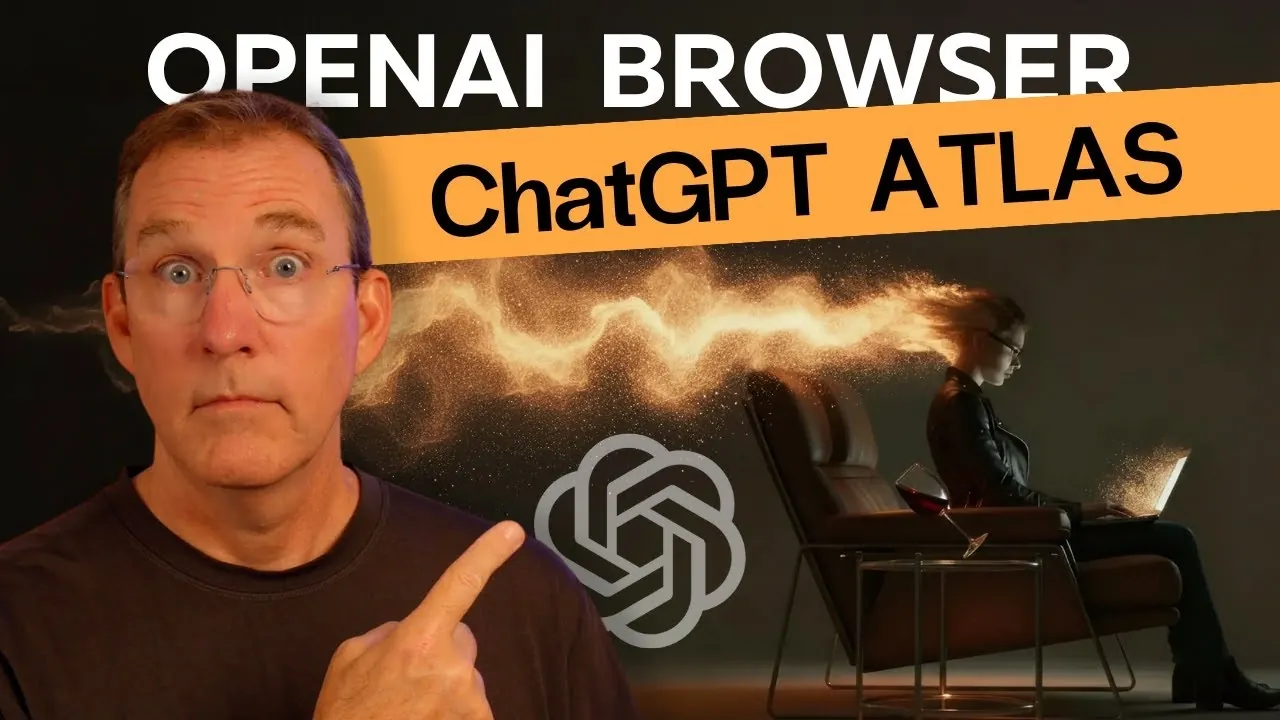
What if your browser didn’t just help you navigate the web but actively collaborated with you? Imagine a tool that not only finds information but also summarizes it, answers your questions, and even automates your tasks, all in real time. Enter ChatGPT Atlas, OpenAI’s new AI-powered browser that’s turning this vision into reality. Built on the trusted Chromium framework, Atlas combines the familiar functionality of traditional browsers with innovative artificial intelligence, offering a browsing experience that feels less like using a tool and more like working with a digital partner. Whether you’re a multitasking professional or a curious explorer, Atlas promises to redefine how you interact with the internet.
In the overview below, Matt Maher explores how Atlas merges AI-driven search, dual-panel browsing, and real-time ChatGPT assistance to create a smarter, more efficient way to navigate the web. You’ll discover how features like Cursor Chat and task automation can streamline your workflow, why its privacy-focused design sets it apart, and what limitations still remain. But is this the future of browsing or just a glimpse of what’s to come? Let’s unpack the possibilities and challenges of this bold new step in AI-powered technology, leaving you to decide if Atlas is the browser you’ve been waiting for, or the one you didn’t know you needed.
Core Features of ChatGPT Atlas
TL;DR Key Takeaways :
- OpenAI’s “ChatGPT Atlas” is an AI-powered web browser built on the Chromium framework, combining traditional browsing with advanced AI features for enhanced productivity and usability.
- Key features include AI-powered search with contextualized results, dual-panel browsing for multitasking, ChatGPT integration for real-time assistance, and “Cursor Chat” for contextual AI responses.
- Atlas offers customizable search shortcuts, AI-enhanced navigation, and task automation, making it versatile for both personal and professional use.
- Privacy and security are prioritized with features like Incognito Mode, domain exclusions, and transparent data handling to ensure user trust and control.
- Currently available only for macOS, Atlas is in its early stages but promises continuous updates, expanded compatibility, and new features to redefine AI-driven browsing experiences.
Atlas distinguishes itself by merging AI capabilities with conventional browsing tools, offering a range of features designed to enhance productivity and usability. These include:
- AI-Powered Search: Atlas provides contextualized search results that include concise summaries and source links, allowing faster and more accurate information retrieval.
- Dual-Panel Browsing: This feature allows you to view and interact with multiple pieces of content simultaneously, making multitasking more efficient and intuitive.
- ChatGPT Integration: The browser incorporates ChatGPT for real-time assistance, helping with tasks such as summarizing articles, generating ideas, or answering complex questions.
- Cursor Chat: By selecting text on web pages, emails, or documents, you can receive contextual AI responses tailored to your specific needs, streamlining your workflow.
These features are designed to make your browsing experience more interactive and efficient, whether you’re conducting research, managing tasks, or simply exploring the web.
Enhanced Search and Navigation
Atlas reimagines search and navigation by combining traditional methods with AI-enhanced tools. It supports popular search engines like Google while offering AI-driven results for a more dynamic and personalized experience. You can customize shortcuts for site-specific searches, allowing direct queries on platforms like Amazon, Netflix, or Wikipedia. This customization streamlines your browsing process, saving time and effort.
The browser also allows you to toggle between standard and AI-enhanced search modes, giving you control over how you access and interact with information. This flexibility ensures that Atlas adapts to your preferences, whether you prioritize speed, accuracy, or a balance of both.
ChatGPT is Now a Browser! Full Tour of OpenAI Atlas

Gain further expertise in AI browsers by checking out these recommendations.
- 5 AI Browser Features in Microsoft Edge’s New Copilot Mode
- 10 Perplexity Comet AI Browser Features to Boost Your Productivity
- ChatGPT Atlas AI Browser Launches : Web Browsing with AI Tools
- Perplexity AI Comet Browser Review: Features, Pros and Cons
- Perplexity Comet Browser: The AI Tool That Redefines Web
- How to Use OpenAI’s ChatGPT Atlas AI Browser For Surfing The
- Perplexity Comet AI Browser Review : Features, Pros and Cons
- New Chrome 2.0 Features : How Gemini AI Transforms Browsing
- Perplexity Comet AI Browser : The Future of Web Browsing?
- AI Browsing : What to Know About OpenAI’s New ChatGPT Atlas
AI Features Tailored for Versatility
The AI capabilities in Atlas are designed to cater to a wide range of tasks, from in-depth research to everyday activities. Key functionalities include:
- Instant and Auto AI Models: These models offer varying levels of processing power, making sure that the browser provides the right level of assistance for each task, whether simple or complex.
- Page-Specific AI Interactions: You can query or analyze content directly within the browser, eliminating the need for external tools and enhancing efficiency.
- Task Automation: Atlas can assist with managing emails, generating visual aids like diagrams, or even simplifying online shopping, helping you save time and effort.
These features are designed to adapt to your needs, making Atlas a versatile tool for both personal and professional use.
Privacy and Security at the Forefront
OpenAI has placed a strong emphasis on privacy and security in the development of Atlas, incorporating features to protect your data and ensure a safe browsing experience. These include:
- Incognito Mode: This mode disables AI functionalities and prevents data tracking, offering a private and secure browsing environment.
- Domain Exclusions: You can exclude specific sites or domains from AI interactions, maintaining control over where and how AI is applied.
- Transparency: Clear handling of browser history and AI engagement ensures that you remain informed about how your data is used, fostering trust in the platform.
These measures reflect OpenAI’s commitment to providing a secure and user-centric browsing experience, addressing concerns about data privacy and AI transparency.
Current Limitations and Future Prospects
While Atlas introduces a range of innovative features, it is not without its limitations. Currently, the browser lacks advanced functionalities such as grouped tabs and support for multiple user profiles, which are standard in many other browsers. Additionally, Atlas is currently available only for macOS users, though OpenAI has announced plans to expand compatibility to Windows and mobile platforms in the near future.
As an early-stage product, Atlas is expected to undergo continuous updates and improvements. These updates aim to address existing gaps, introduce new features, and refine the overall user experience, making sure that the browser evolves to meet the needs of its growing user base.
User Experience and Design
Atlas offers a familiar and user-friendly interface based on the Chromium framework, making sure compatibility with existing browser extensions. This design choice makes the transition to Atlas seamless for users of traditional browsers. The integration of AI features is intuitive, encouraging you to explore and use its capabilities to enhance productivity.
Whether you’re conducting research, managing tasks, or simply browsing the web, Atlas aims to provide a more intelligent and engaging experience. Its design prioritizes usability, making sure that AI tools are accessible and easy to incorporate into your daily activities.
The Future of AI-Driven Browsing
ChatGPT Atlas represents a significant advancement in the evolution of web browsers, blending traditional functionality with the fantastic potential of artificial intelligence. By integrating ChatGPT into the browsing process, Atlas redefines how you interact with the web, offering tools that enhance productivity, streamline tasks, and provide deeper insights.
Although still in development, Atlas holds the promise of a more intelligent and interactive online experience. As updates continue to refine its features and expand its capabilities, Atlas is poised to become a cornerstone of AI-driven browsing, paving the way for a future where technology and usability converge seamlessly.
Media Credit: Matt Maher
Disclosure: Some of our articles include affiliate links. If you buy something through one of these links, Geeky Gadgets may earn an affiliate commission. Learn about our Disclosure Policy.
