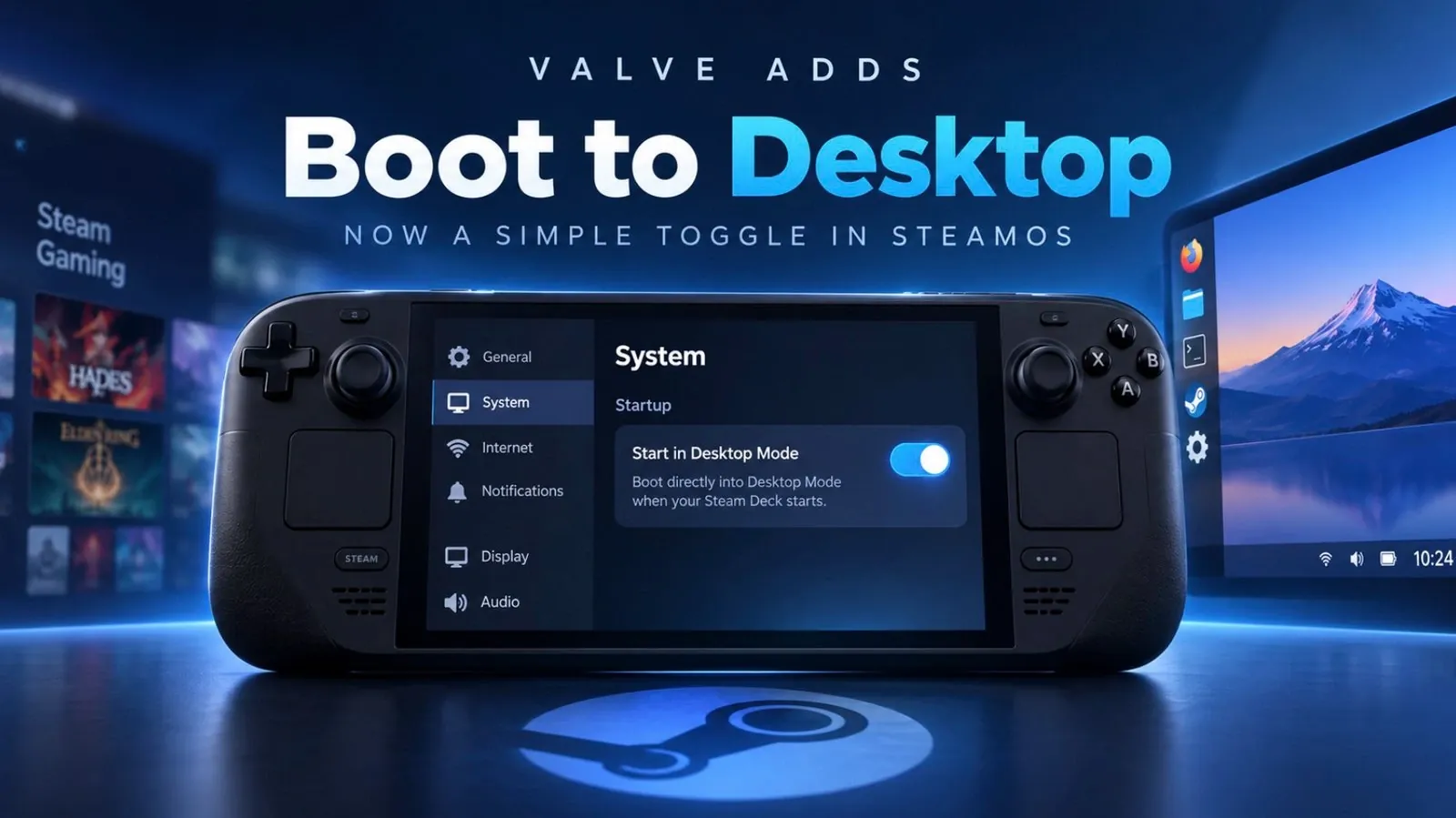
Valve has rolled out a significant update to SteamOS, enhancing the versatility of its gaming hardware by introducing features that bring it closer to functioning like a traditional PC. One key addition is the desktop mode toggle, which allows users to switch out of the gaming interface entirely. This enables activities like web browsing, file management, or even productivity tasks, as highlighted by NerdNest. These changes aim to provide users with more flexibility in how they use their devices.
Explore this explainer to learn about the redesigned “Big Picture Mode,” which emphasizes game visuals with a streamlined interface. Discover the expanded customization options, including personalized startup animations and screen savers and understand how the updated compatibility layers improve support for running non-native software. This breakdown offers a clear look at the practical implications of Valve’s latest updates.
Highlights of the Latest SteamOS Update
TL;DR Key Takeaways :
- SteamOS now features a redesigned user interface with “Big Art Mode,” offering a cleaner, more immersive gaming experience.
- Enhanced customization options include personalized screen savers, startup animations and improved navigation tools.
- A new desktop mode toggle allows users to seamlessly switch between gaming and productivity tasks, increasing device versatility.
- Improved game compatibility tools, including a streamlined Proton layer, ensure smoother gameplay for non-native titles.
- Multi-user notifications enhance convenience for shared devices, making account switching more intuitive for households.
Valve’s latest update emphasizes making SteamOS more intuitive, flexible and user-friendly. The standout features include:
- A redesigned user interface for a cleaner and more immersive experience.
- Expanded customization options, such as personalized screen savers and startup animations.
- Improved compatibility tools for seamless gameplay with non-native titles.
- A desktop mode toggle for non-gaming tasks and productivity.
- Multi-user notifications for shared devices, enhancing convenience for households.
These updates collectively aim to redefine the functionality of Steam hardware, making it a compelling alternative to traditional PCs.
Revamped User Interface
The update introduces a redesigned user interface, with the centerpiece being the new “Big Art Mode.” This feature emphasizes game visuals, creating a streamlined and immersive home screen that prioritizes your gaming library. By reducing unnecessary clutter and focusing on game-related elements, Valve ensures that your attention remains on what matters most: your games. Additionally, navigation has been simplified, allowing you to access key features quickly and without distractions. This redesign enhances usability while maintaining a visually appealing aesthetic.
Personalized Calendar Integration
A standout addition to the “Recommended” tab is the personalized calendar feature. This tool syncs with your gaming preferences and wishlist, keeping you informed about upcoming game releases and events. By integrating this functionality, SteamOS ensures you stay up-to-date with launch dates for the titles you’re most excited about. This feature not only enhances convenience but also adds a layer of personalization to your gaming experience, making it easier to plan your gaming schedule.

Check out more relevant guides from our extensive collection on SteamOS that you might find useful.
- SteamOS 3.8 Changes the Game for Steam Deck, Legion Go and Xbox Ally X Users
- Its Time to Ditch Windows for Valve’s Lightweight SteamOS Gaming Platform
- Valve Brings Official SteamOS Support to NVIDIA Desktop GPUs
- SteamOS 3.8 Adds Ray Tracing and Improved 4K Display Support
- SteamOS Beta Update Fixes CPU Degradation and Wi-Fi Bugs
- ONEXPLAYER X2 Mini Pro Runs SteamOS with Ryzen AI Max Plus 388
- How to Build a DIY Steam Machine Using Your Existing PC and SteamOS
- Why Valve’s Steam OS is Quietly Replacing Windows on Gaming PCs
- DIY Steam Machines : Valve Drops SteamOS 3.8 with Expanded AMD Hardware Support
- Valve’s Free SteamOS Runs Arch Linux for Daily Desktop Use
Enhanced Customization Options
Customization has been taken to a new level with this update. Users can now personalize their devices with features like custom screen savers and startup animations. Screen savers, for instance, can display a slideshow of game art or a retro-inspired bouncing logo. For those seeking a more personal touch, the option to upload custom screen savers allows you to showcase your unique style. These enhancements blend functionality with creativity, allowing you to tailor your Steam hardware to reflect your preferences. Combined with the improved navigation and compatibility tools, these updates contribute to a more polished and user-centric experience.
Desktop Mode for Versatility
Recognizing the growing trend of users treating Steam hardware as a desktop PC, Valve has introduced a desktop mode toggle. This feature allows you to boot directly into desktop mode, bypassing the gaming interface entirely. Whether you’re working, browsing the web, or multitasking, this addition makes your device more versatile. By catering to both gaming and productivity needs, Valve has expanded the functionality of Steam hardware, making it a practical choice for users who require a device that can seamlessly transition between entertainment and work.
Improved Game Compatibility Tools
Game compatibility remains a cornerstone of the SteamOS experience and this update further enhances it. The compatibility tool dropdown is now always visible, with the recommended option prominently displayed. This change simplifies the process of troubleshooting non-native games, making sure smoother gameplay. Additionally, the Proton compatibility layer has been streamlined, making it easier to run titles that aren’t natively supported. These improvements reinforce SteamOS’s reputation as a platform that prioritizes accessibility and performance, allowing users to enjoy a broader range of games with minimal hassle.
Multi-User Notifications for Shared Devices
For households or shared devices, Valve has introduced a multi-user notification system. When waking the device from sleep, users are greeted with an alert about the current profile, making account switching more intuitive and efficient. This feature is particularly beneficial for families or roommates, as it ensures that everyone can quickly access their own games and settings. By addressing the needs of shared device users, Valve has added a layer of convenience that enhances the overall user experience.
Broader Implications of the Update
This update represents a significant step forward in transforming Steam hardware into a more versatile and adaptable platform. By refining the user interface, introducing robust customization tools and enhancing compatibility features, Valve has created a system that caters to a wide range of users. Whether you’re a casual gamer, a dedicated enthusiast, or someone looking for a hybrid device that can handle both gaming and productivity, these updates ensure that your Steam hardware can meet your needs.
Valve’s commitment to innovation and user-centric design continues to blur the line between gaming consoles and traditional PCs. With these enhancements, SteamOS positions itself as a compelling alternative for those seeking a device that combines entertainment, creativity and functionality in one cohesive platform.
Media Credit: NerdNest
Disclosure: Some of our articles include affiliate links. If you buy something through one of these links, Geeky Gadgets may earn an affiliate commission. Learn about our Disclosure Policy.
