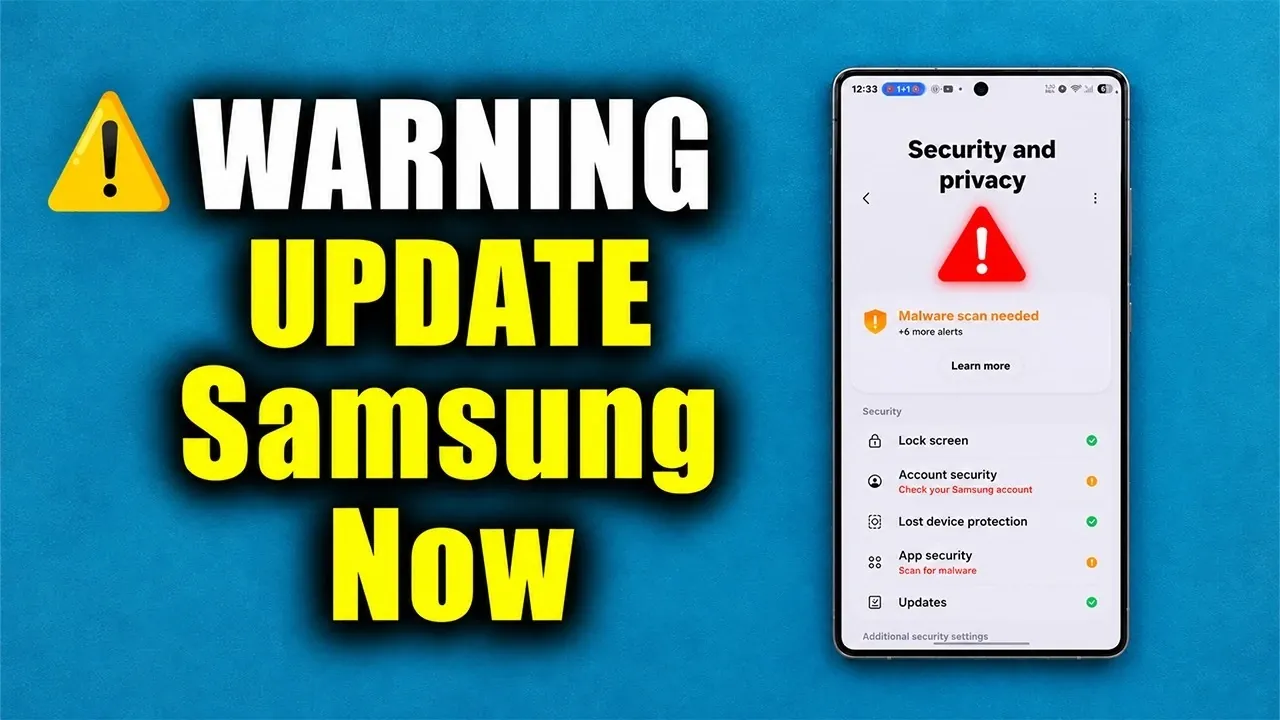
Samsung has released a critical security update for millions of Galaxy smartphones running One UI 9.0 and 8.5. This update addresses 62 security vulnerabilities, including nine critical flaws, to protect devices from potential threats such as remote code execution, privilege escalation, and denial-of-service attacks. If you own a Galaxy device, it is essential to act promptly to safeguard your phone and personal data. The video below from Sakitech gives us more details.

Who is Affected?
The update, identified by the code ending in DZJ1, is being rolled out in phases and applies to devices running One UI 9.0 and 8.5. Key models, such as the Galaxy S24 and Galaxy S26, are among those receiving this patch. The update package is approximately 500 MB in size, so ensure your device has sufficient storage and is connected to a reliable internet network before proceeding.
While the rollout is gradual, you can manually check for the update’s availability by navigating to your device’s settings. To do this, go to Settings > Software Update > Download and Install. Staying proactive in checking for updates ensures your device remains protected without unnecessary delays.
What Vulnerabilities Are Being Fixed?
This security patch addresses 62 known vulnerabilities, with nine classified as critical. These vulnerabilities pose significant risks to device security and functionality. Key issues resolved include:
- Remote Code Execution: This flaw allows attackers to execute malicious code on your device without your consent or knowledge, potentially compromising sensitive data.
- Privilege Escalation: Exploiting this vulnerability enables unauthorized users to gain elevated access to your system, bypassing security restrictions.
- Denial-of-Service Attacks: These attacks can disrupt your device’s normal operations, potentially rendering it unusable or unstable.
In addition to these general vulnerabilities, the update also addresses Samsung-specific security flaws unique to Galaxy devices. These fixes are designed to enhance the overall security of the One UI platform, reducing the risk of exploitation and making sure a safer user experience.
How to Secure Your Device
To fully protect your Galaxy smartphone, it is crucial to take the following steps:
- Install the latest security update: Navigate to Settings > Software Update > Download and Install to ensure your device is running the latest patch.
- Update the Google Play system: Go to Settings > Security > Google Play System Update to address vulnerabilities in Android’s core components.
- Update Samsung apps and system files: Open the Galaxy Store and check for updates to Samsung-specific applications and services.
- Update third-party apps: Use the Google Play Store to ensure all installed apps are running their latest versions, as outdated apps can introduce additional vulnerabilities.
By following these steps, you create a multi-layered security framework for your device, minimizing exposure to both known and emerging threats.
Why Security Updates Are Essential
Security updates are a cornerstone of protecting your device from evolving cyber threats. They address vulnerabilities that hackers could exploit to compromise your personal data, install malware, or disrupt your phone’s functionality. By keeping your device updated, you not only safeguard sensitive information but also ensure optimal performance and reliability.
Failing to install updates leaves your device exposed to risks such as:
- Data breaches: Hackers could gain unauthorized access to your personal information, including passwords, financial details and private communications.
- Unauthorized access: Exploited vulnerabilities may allow attackers to take control of your device or access restricted areas of your system.
- System instability: Outdated software can lead to performance issues, crashes, or even complete device failure.
Regularly updating your device ensures it remains secure, functional and capable of handling the latest apps and features.
Take Action Now
Samsung’s latest security update is a critical measure to protect millions of Galaxy devices from a wide range of cybersecurity threats. By addressing 62 vulnerabilities, including nine critical flaws, this patch significantly enhances the security of devices running One UI 9.0 and 8.5.
To maintain your device’s security and performance, it is vital to install the update immediately. Additionally, ensure all system components and apps are up to date by regularly checking for updates through the Galaxy Store and Google Play Store. Staying proactive with updates is not just a recommendation; it is an essential step in protecting your device, your data and your overall digital experience.
Uncover more insights about Samsung Galaxy in previous articles we have written.
- Why the Galaxy S27 Ultra Camera Upgrade Changes the Game
- Samsung’s TriFold 2 Fixes the Biggest Complaint About the First Gen
- Forget Foldables: Samsung’s Galaxy Z Roll Leaks Reveals the Future of Smartphones
- The Samsung Galaxy S27 Ultra Leak That Completely Changes What We Expected
- Galaxy Z TriFold 2: Samsung Just Mastered the Ultimate Foldable Design
- Samsung Galaxy S27 Ultra Details Leak Ahead of Early 2027 Launch
Source & Image Credit: sakitech
Disclosure: Some of our articles include affiliate links. If you buy something through one of these links, Geeky Gadgets may earn an affiliate commission. Learn about our Disclosure Policy.
