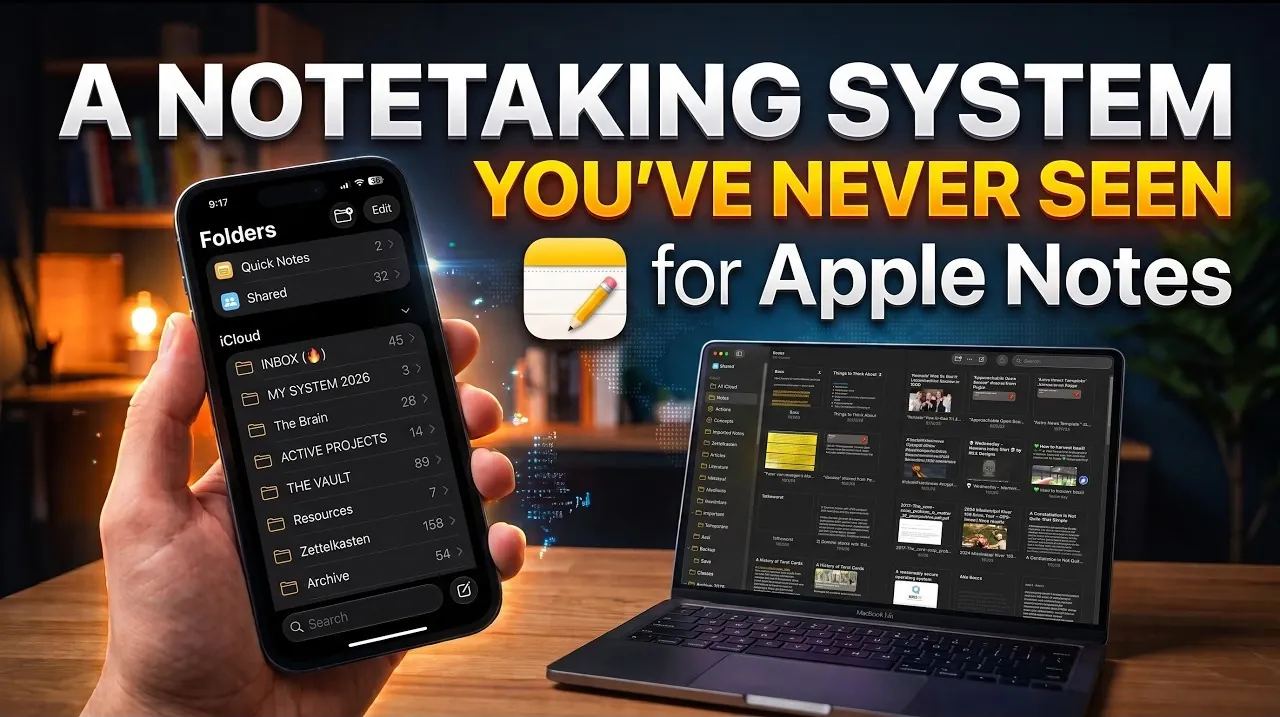
Apple Notes can be organized in ways that go beyond traditional folders and tags. Learning to Learn introduces systematic indexing, a method inspired by Julius Kaiser’s century-old approach, which focuses on organizing notes around concepts and processes rather than rigid hierarchies. For example, instead of sorting every note into predefined folders, you might create a concept note titled “Research Methods” and link related notes directly to it. This approach allows for a more adaptable system, particularly useful for managing diverse or unstructured information.
Explore how to implement systematic indexing in Apple Notes, including creating concept notes and using smart folders to streamline navigation. Learn how to connect notes to overarching ideas, making sure your system remains flexible as your projects evolve. Gain insight into how this method aligns with frameworks like PARA or Zettelkasten, offering practical strategies for organizing everything from creative projects to academic research.
Understanding Systematic Indexing
TL;DR Key Takeaways :
- Systematic indexing, developed by Julius Kaiser, organizes notes around high-level concepts and processes, offering a dynamic alternative to rigid folder or tag-based systems.
- Apple Notes can be customized for systematic indexing by creating concept notes, linking related notes, using smart folders and incorporating tags for enhanced organization and searchability.
- This method is particularly effective for managing unstructured or miscellaneous notes, providing contextual clarity and a streamlined, interconnected structure.
- Systematic indexing integrates seamlessly with other methodologies like Zettelkasten, PARA, or GTD, enhancing usability without disrupting existing workflows.
- Practical applications include creative projects, academic research and professional development, making it a versatile tool for organizing diverse types of information efficiently.
Systematic indexing, pioneered by Julius Kaiser in the late 19th and early 20th centuries, was initially designed for industrial librarians and later became a foundational method in information science. Unlike rigid hierarchical systems, this technique organizes information around two core elements: concepts and processes.
– Concepts represent broad categories or overarching ideas.
– Processes refer to actions, workflows, or methods associated with those concepts.
This approach is especially effective for managing unstructured or miscellaneous notes that don’t fit neatly into predefined categories. Instead of forcing notes into rigid folders or relying on an overwhelming number of tags, systematic indexing links notes to broader ideas and actions. This creates a dynamic, interconnected structure that evolves with your needs, making it easier to manage and retrieve information.
Implementing Systematic Indexing in Apple Notes
Apple Notes is a versatile tool that can be customized to support systematic indexing. By following these steps, you can create a robust system tailored to your workflow:
- Create Concept Notes: Start by identifying high-level concepts relevant to your work, studies, or personal interests. For example, a writer might create concept notes for “Character Development,” “Plot Structures,” or “Writing Techniques.” Each concept note serves as a hub for related ideas and information.
- Link Notes to Concepts: As you create new notes, link them to the appropriate concept notes. For instance, a note about a specific writing exercise could be linked to “Writing Techniques.” This ensures that all related information is interconnected and easy to locate.
- Use Smart Folders: Take advantage of Apple Notes’ smart folders to automatically group notes based on keywords, tags, or other criteria. This feature simplifies navigation by allowing you to access all notes related to a specific concept or process in one place.
- Incorporate Tags: Use tags to enhance cross-referencing and searchability. Tags like #Research, #Ideas, or #Tasks can help you quickly locate notes across different concepts, adding another layer of organization to your system.

Learn more about Apple Notes by reading our previous articles, guides and features :
- New Apple Notes Features in macOS 27, iOS27 and iPadOS Guide 2026
- Apple Notes Templates Are the Fastest Way to Organize Your Schedule
- Do You Still Need Notion? iOS 27 Gives Apple Notes a Huge Upgrade
- 6 Massive Upgrades Coming to Apple Notes in iOS 27
- How to Create Apple Notes Templates You Can Reuse to Save Hours
- Learn the Zettelkasten Notetaking Method with Apple Notes for Knowledge Mastery
- How to Supercharge Apple Notes : 3 Free Tools Every Mac User Needs
- Forever Notes Framework Review : A Smarter Way to Use Apple Notes
- Apple Notes in macOS 27 Replaces Standalone Apps with AI
- Build the Perfect Apple Notes Organization System by Combining Folders and Keyword Tags
Advantages of Systematic Indexing Over Traditional Methods
Systematic indexing offers several distinct benefits compared to conventional folder-based or tag-heavy systems:
- Streamlined Organization: By focusing on concepts and processes, this method eliminates the need for excessive folder nesting, keeping your notes accessible and easy to navigate.
- Contextual Clarity: Concept notes provide a clear framework, helping you understand how individual notes fit into the bigger picture. This makes it easier to connect ideas and identify patterns.
- Compatibility with Other Systems: Systematic indexing integrates seamlessly with methodologies like Zettelkasten, PARA, or GTD. It adds an additional layer of organization without disrupting the core principles of these systems.
For example, if you use the PARA method, systematic indexing can help you manage notes that don’t clearly belong to a specific project or area. Similarly, Zettelkasten users can group related ideas under concept notes without compromising the system’s flexibility, enhancing both usability and efficiency.
Practical Applications of Systematic Indexing
Systematic indexing is a versatile approach that can be applied across various fields and disciplines. Here are some real-world examples:
- Creative Projects: Filmmakers can create concept notes for “Cinematography,” “Editing Techniques,” and “Storyboarding.” Notes about specific camera angles or editing styles can be linked to these concepts, creating a cohesive knowledge base.
- Academic Research: Researchers studying literary themes might create concept notes for “Symbolism,” “Historical Context,” and “Character Archetypes.” Notes about specific books or theories can then be linked to these broader categories, making it easier to track and analyze information.
- Professional Development: Engineers can organize technical knowledge by creating concept notes like “Material Science,” “Design Principles,” or “Project Management.” Notes about specific tools, workflows, or case studies can be linked to these categories for quick reference.
Best Practices for Maintaining Your System
To ensure your systematic indexing system remains effective and efficient, consider these best practices:
- Start with Broad Concepts: Begin by creating a few high-level concept notes. As your system evolves, you can refine and expand it by adding sub-concepts or additional categories.
- Regularly Review and Update: Periodically revisit your notes to ensure they are linked to the appropriate concepts. This habit keeps your system organized and prevents it from becoming cluttered over time.
- Use Search and Tags: Use Apple Notes’ powerful search functionality and tagging system to quickly locate and cross-reference notes. This makes navigation seamless and ensures that no information gets lost.
Building a Flexible and Scalable Notetaking System
Systematic indexing provides a structured yet adaptable way to manage your notes, especially when dealing with unstructured or miscellaneous information. By focusing on high-level concepts and processes, this method promotes thoughtful organization while avoiding the clutter and rigidity of traditional folder or tag-based systems. Whether you’re a creative professional, a researcher, or someone looking to organize their personal thoughts, systematic indexing in Apple Notes can help you build a scalable, efficient notetaking system tailored to your unique needs.
Media Credit: LearningToLearn
Disclosure: Some of our articles include affiliate links. If you buy something through one of these links, Geeky Gadgets may earn an affiliate commission. Learn about our Disclosure Policy.
