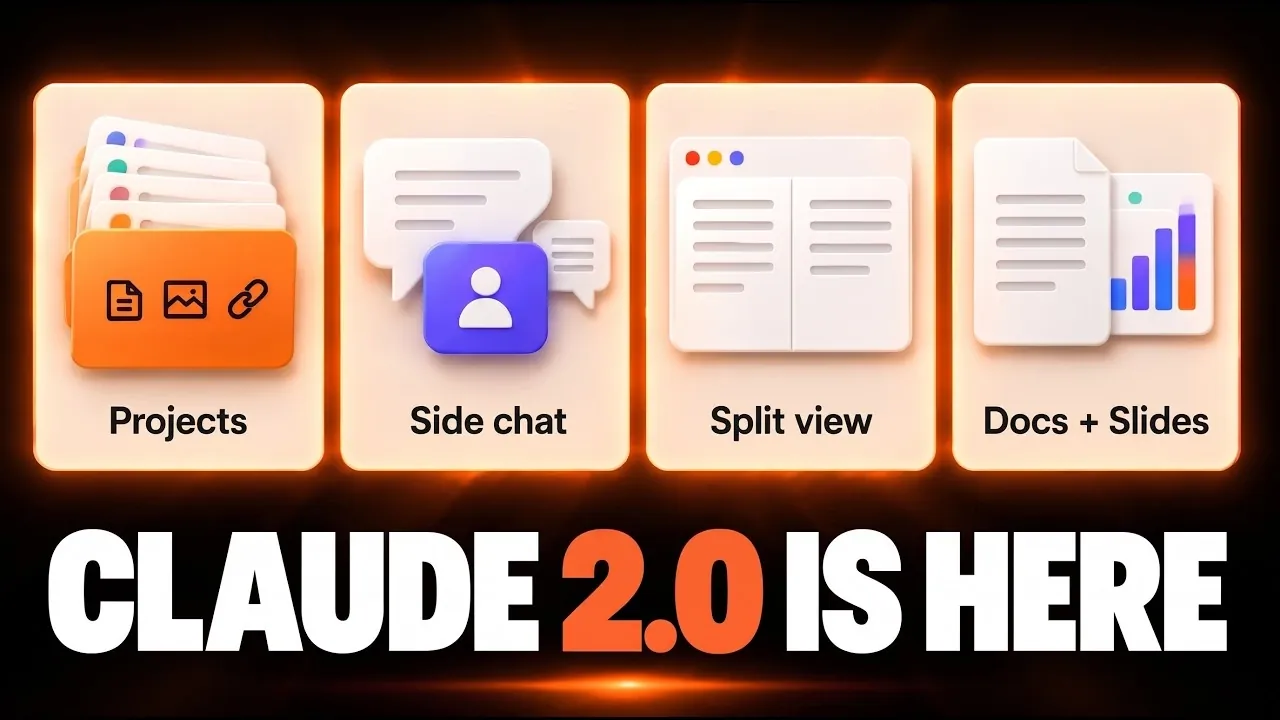
The redesigned Claude app introduces a range of updates aimed at addressing productivity challenges in a structured way. According to Simon Scrapes, one notable addition is the “Projects” feature, which acts as a centralized space for organizing tasks within a single conversation. This feature incorporates nested sessions and shared context, allowing users to break down complex workflows into smaller, more manageable steps. For example, team coordination becomes more streamlined by reducing miscommunication and keeping all relevant details in one place.
Explore this guide to understand how Claude’s updates can refine your workflow. Learn about the split view feature for multitasking, the role of side chats in managing multiple contexts and how integrated to-do lists and progress tracking can improve task management. These features are designed to support a variety of professional scenarios, offering practical solutions for both individual and collaborative work.
Claude 2.0 Features & Functional Enhancements
TL;DR Key Takeaways :
- The redesigned Claude app introduces a centralized “Projects” feature for streamlined task management, offering shared context, nested sessions and improved organization for complex workflows.
- New features like side chats and split view enhance multitasking by allowing context switching and parallel task management without disrupting primary workflows.
- Enhanced session tools, including to-do lists, progress tracking and contextual cards, improve workspace organization and navigation for managing intricate projects.
- A unified workspace supports creative and technical outputs, such as documents and designs, with features like version history, commenting and publishing for seamless collaboration.
- Comprehensive integration across devices and platforms ensures accessibility and smooth transitions between tasks, making the app versatile for diverse professional needs.
The redesigned Claude app introduces several standout features that address common productivity challenges while offering a cohesive and user-friendly experience. These include:
- A centralized hub for task management through the “Projects” feature, allowing better organization and clarity.
- Side chats for effortless context switching without disrupting ongoing workflows.
- Split view functionality for intuitive multitasking and parallel task management.
- Enhanced session tools, including to-do lists and progress tracking, for improved organization.
- A unified workspace for managing creative and technical outputs, such as documents and designs.
- Comprehensive integration across devices and platforms for seamless accessibility.
These updates are designed to meet the demands of modern workflows, making sure that users can manage tasks efficiently while maintaining focus and flexibility.
Projects: A Centralized Approach to Task Management
The “Projects” feature is a cornerstone of the redesigned app, offering a centralized hub for managing multiple tasks within a single conversation. Each task is organized into dedicated threads, allowing for shared context and memory across discussions. This structure minimizes redundancy, reduces miscommunication and enhances overall efficiency.
For teams, the addition of nested sessions introduces a hierarchical organization system, making it easier to break down complex projects into manageable components. Whether you’re working locally or in the cloud, the app adapts to your workflow, making sure that task consolidation remains seamless. This feature is particularly beneficial for professionals juggling intricate projects that require clarity and structure.
Side Chats: Maintaining Focus While Managing Secondary Tasks
Side chats are a practical addition that allows users to address unrelated questions or review work without interrupting their primary task. These independent conversations enable quick pivots and can send updates back to the main thread when necessary. By facilitating context switching without disrupting the flow of work, side chats help users maintain focus while efficiently managing secondary concerns. This feature is especially useful for professionals who frequently multitask or need to address ad-hoc queries during their workflow.
Split View: Enhancing Multitasking Efficiency
The split view functionality is designed to simplify multitasking by allowing users to manage two chats side by side. This feature is particularly valuable for comparing data, collaborating on multiple projects, or handling parallel tasks. By providing a clear and organized interface, split view ensures that users can balance various responsibilities without losing track of progress. It’s an intuitive solution for professionals who need to stay productive while managing diverse priorities.

Learn more about Claude AI by reading our previous articles, guides and features :
- Anthropic Adds Invisible Watermarks to Claude AI for EU AI Act
- Claude AI Now Embeds Invisible Watermarks Into Generated Text
- Anthropic Launches Claude Motion to Turn Reports Into Interactive Animations
- Claude AI Breaks Human Math Record for Riemann Bound After 650 Tries
- Which Claude 3 AI model is best? All three compared and tested
- Google Gemini 4 Argon Delayed as GPT-6.1 Ultrafast and Claude Motion Arrive
- Qwen 3.8 vs Claude Opus 5: Compared Building the Same Game Which is Best?
- 19 Old Claude Prompting Mistakes That Hurt Your AI Workflows
- New Claude Opus 5.5 Outperforms ChatGPT 6 Astra in Reasoning
- Anthropic Removes 80 Percent of Claude System Prompt Text for Improved Results
Enhanced Session Tools for Better Organization
The redesigned interface introduces a range of tools to improve session management, including to-do lists, progress tracking and contextual cards. These features provide greater control over your workspace, allowing you to organize tasks and monitor progress effectively. Additional tools, such as environment settings, memory compaction and file management, further enhance the app’s functionality.
With improved sorting options and clearly defined chat sections, navigation becomes more intuitive, even when managing complex projects. These enhancements ensure that users can maintain a structured and organized workflow, regardless of the project’s scale or complexity.
Unified Workspace for Creative and Technical Outputs
Claude now offers a unified workspace that supports the creation and editing of documents, slides and designs. This feature includes tools such as version history, commenting options and publishing capabilities, making collaboration and sharing more seamless. Available across all plans, including the free version, this workspace ensures that users can efficiently manage both creative and technical outputs.
By centralizing these capabilities, the app eliminates the need for multiple tools, providing a streamlined solution for professionals who require a versatile platform for their work.
Integration and Accessibility Across Devices
The app integrates chat, code and project management into a single platform, centralizing context, memory, files and connectors. This integration allows for smooth transitions between tasks and ensures that all necessary resources are readily accessible.
With compatibility across both mobile and desktop devices, Claude supports remote task management, allowing users to stay productive regardless of their location. This level of accessibility makes the app a powerful tool for professionals in both technical and non-technical fields, making sure that productivity is not hindered by device or platform limitations.
Limitations and Areas for Improvement
While the redesigned Claude app offers a robust set of features, certain aspects remain in beta, such as the “Projects” and “Dashboards” features, which are currently limited to specific plans. Additionally, cloud threads require extra setup to access local skills and settings, which may pose a challenge for some users.
These limitations highlight areas for future development but do not significantly detract from the app’s overall functionality. The ongoing refinement of these features suggests a commitment to continuous improvement, making sure that the app evolves to meet user needs over time.
A Comprehensive Productivity Solution
The redesigned Claude app delivers a cohesive and user-friendly experience, combining advanced features with intuitive design. From centralized task management and multitasking tools to seamless collaboration and integration, the app addresses a wide range of professional needs. While some features remain in beta, the updates position Claude as a comprehensive productivity solution capable of meeting the demands of modern workflows. By offering tools that enhance efficiency, organization and accessibility, the app enables users to achieve their goals with greater ease and effectiveness.
Media Credit: Simon Scrapes
Disclosure: Some of our articles include affiliate links. If you buy something through one of these links, Geeky Gadgets may earn an affiliate commission. Learn about our Disclosure Policy.
