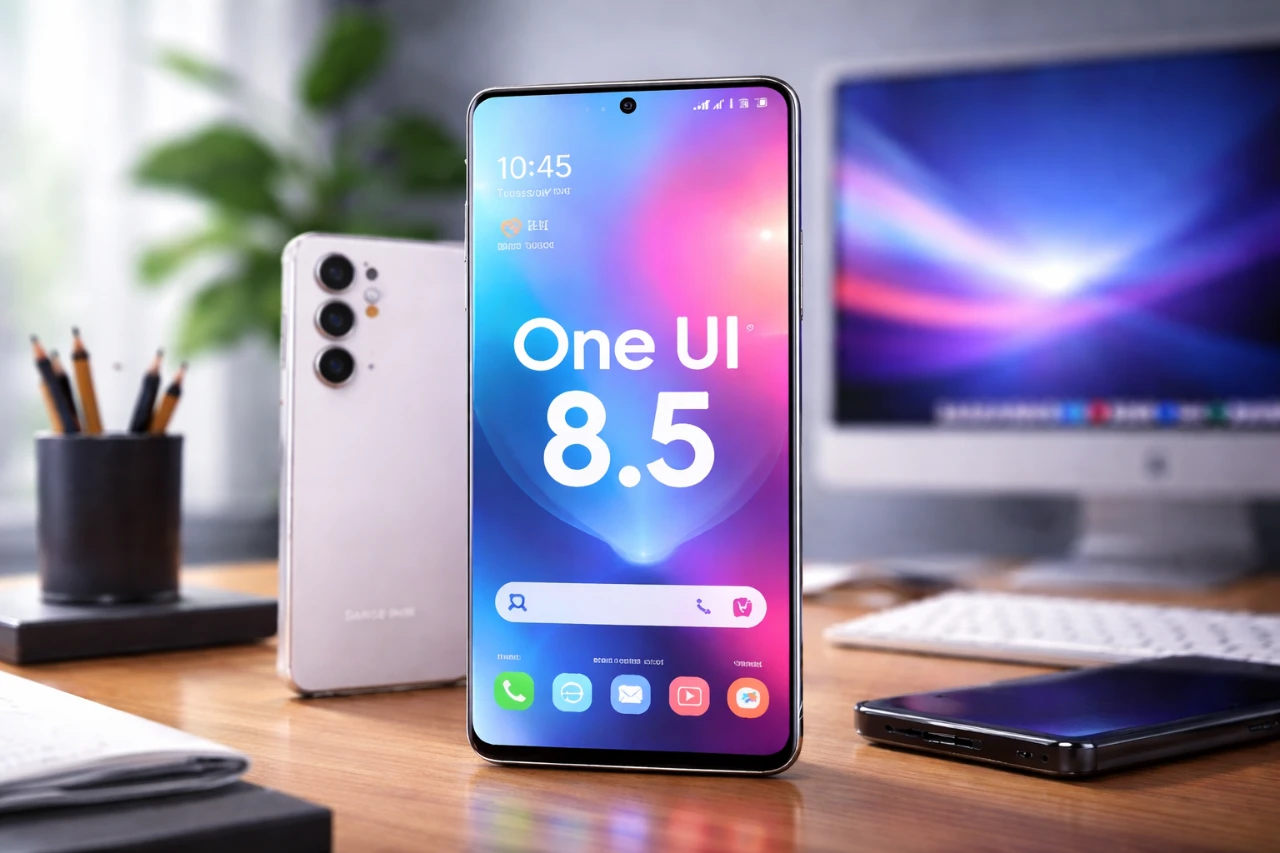
Samsung’s One UI 8.5 represents a significant evolution in Android interface design, focusing on usability, aesthetics, and functionality. This update prioritizes personalization, offering a suite of tools that allow you to adapt your device to your unique preferences. By blending intuitive design with advanced customization options, One UI 8.5 ensures a seamless and tailored user experience. Below, we explore the standout features that make this update a noteworthy enhancement for Samsung users. The video below from Mr Android FHD gives us more details on OneUI 8.5.

Enhanced Quick Settings Panel
The Quick Settings panel in One UI 8.5 has been redesigned to provide greater control and flexibility. This feature allows you to:
- Reorder and resize tiles, sliders, and media controls to suit your preferences.
- Adjust the orientation of elements, optimizing the layout for your workflow.
- Create a personalized arrangement that prioritizes frequently used tools for faster access.
These improvements go beyond the standard Android experience, offering a customizable and intuitive interface that adapts to your needs. Whether you’re managing notifications or accessing essential settings, the enhanced panel ensures efficiency and ease of use.
Upgraded Gallery App
The Gallery app in One UI 8.5 introduces powerful editing tools designed to simplify photo and video adjustments. Key enhancements include:
- An edit history feature that allows you to revisit and modify previous edits without starting from scratch.
- The ability to make continuous adjustments without needing to save after each change streamlines the editing process.
These updates make the Gallery app a versatile tool for creativity, allowing you to fine-tune your media with precision and ease. Whether you’re enhancing a photo or editing a video, the app’s intuitive design ensures a smooth and efficient workflow.
Dynamic Lock Screen Features
One UI 8.5 transforms the lock screen into a dynamic and interactive space, offering new features that enhance both functionality and aesthetics. These include:
- An adaptive clock design that seamlessly matches your wallpaper for a cohesive appearance.
- Weather-based effects that reflect real-time environmental conditions, adding a touch of realism to your lock screen.
- Customizable unlock animations, with options to modify styles and adjust animation speeds to suit your preferences.
These features ensure that your lock screen is not only practical but also a reflection of your personal style, blending visual appeal with everyday usability.
Home Screen Personalization
The home screen in One UI 8.5 offers extensive customization options, allowing you to design a layout that aligns with your preferences. Key features include:
- Resizable app folders with adjustable shapes, colors, and blur intensity for a polished look.
- Widgets with adjustable content sizes improve both aesthetics and functionality.
- Customizable app labels and icons through the Theme Park module, allowing you to create a cohesive and personalized design.
These options strike a balance between style and practicality, empowering you to create a home screen that is both visually appealing and highly functional.
GoodLock App Integration
For users seeking advanced customization, One UI 8.5 integrates seamlessly with Samsung’s GoodLock app, unlocking a range of additional options. With GoodLock, you can:
- Fine-tune animation styles and speeds to match your preferences.
- Make advanced layout adjustments for both your lock screen and home screen.
- Customize app icons and other interface elements for a truly unique experience.
GoodLock enhances the personalization capabilities of One UI 8.5, offering tools that cater to users who value control and creativity. This integration ensures that your device reflects your individuality, providing a tailored experience that goes beyond standard customization.
Why One UI 8.5 Stands Out
Samsung One UI 8.5 sets a new standard for Android interface customization. By combining an enhanced Quick Settings panel, an upgraded Gallery app, dynamic lock screen features, and extensive home screen personalization options, it delivers a user experience that is both intuitive and adaptable. The seamless integration with the GoodLock app further amplifies these capabilities, offering advanced tools for those who want to take customization to the next level. With One UI 8.5, Samsung continues to empower users, providing a platform that prioritizes creativity, functionality, and personalization.
Expand your understanding of Samsung One UI 8.5 with additional resources from our extensive library of articles.
- Samsung One UI 8.5 vs 8.0: Key Features and Updates
- Samsung One UI 8.5 Beta 1: Customization, Security, and More
- Samsung One UI 8.5: Best Features for Galaxy Users
- The Best Features of Samsung One UI 8.5 Beta 1 Revealed
- Samsung Drops One UI 8.5 Beta: Here’s What’s New
Source & Image Credit: Mr Android FHD
Disclosure: Some of our articles include affiliate links. If you buy something through one of these links, Geeky Gadgets may earn an affiliate commission. Learn about our Disclosure Policy.
