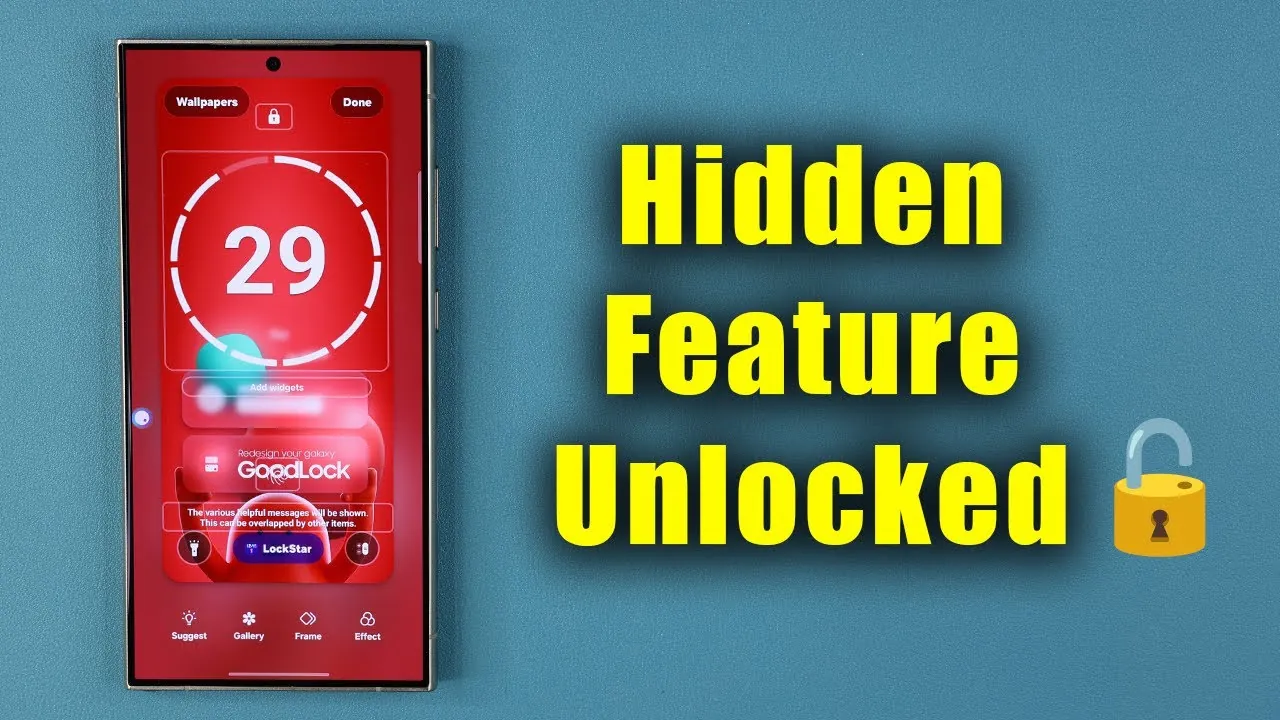
Samsung’s Good Lock application is a powerful tool designed to enhance the functionality and appearance of Galaxy smartphones. For users who find the default settings limiting, this app provides an extensive range of customization options that allow you to tailor your device to your personal preferences. From dynamic wallpapers to customizable widgets, Good Lock offers a seamless way to create a cohesive and unique interface. Whether you are a casual user seeking aesthetic improvements or a tech enthusiast exploring advanced features, this app caters to a wide spectrum of needs. The video below from Sakitech gives us more details.

Dynamic Zodiac Clock Faces and Live Wallpapers
One of the standout features of Good Lock is its Zodiac-themed clock faces, which can be paired with matching live wallpapers. This combination delivers a unified and polished aesthetic that extends to your Always-On Display, making sure your device maintains its visual appeal whether it is active or idle. The Zodiac clock faces are not just visually striking but also provide a creative way to personalize your phone’s appearance. For users who value individuality, this feature offers a simple yet effective method to align their device’s design with their unique style.
Custom Clock Faces for a Unified Look
Good Lock goes beyond offering pre-designed options by allowing you to customize clock faces to suit your chosen wallpaper. For example, you can pair retro digital clock faces with nostalgic wallpapers to achieve a modern yet vintage aesthetic. This level of integration ensures that every element of your device feels thoughtfully designed. By allowing you to harmonize your clock face with your wallpaper, Good Lock creates a visually cohesive interface that enhances the overall user experience.
Tailored Wallpapers for Individual Modules
Good Lock takes personalization to the next level by offering module-specific wallpapers. Each module, such as NotiStar for organizing notifications or Sound Assistant for managing audio settings, can feature wallpapers that align with its functionality. This attention to detail ensures that every module feels like an integral part of your device rather than a standalone feature. By providing tailored wallpapers, Good Lock enhances both the aesthetic and functional aspects of your smartphone, making it a more engaging and personalized tool.
Widgets: Functionality Meets Aesthetics
Widgets are another area where Good Lock excels. The app allows you to add customizable widgets to your home screen, such as mini widgets or cassette-style widgets, which provide quick access to your favorite apps or Good Lock modules. These widgets are highly adaptable—you can modify their size, color, and layout to match your preferences. This combination of practicality and visual appeal ensures that your interface is not only functional but also stylish. By blending usability with design, Good Lock makes it easy to create a home screen that is both efficient and visually pleasing.
User-Friendly Navigation and Accessibility
Despite its extensive range of features, Good Lock remains intuitive and easy to navigate. Its modules and tools are clearly organized, making it simple to locate and use the customization options you need. Additionally, many of its features, including wallpapers, clock faces, and widgets, are available for free, making sure that all Galaxy smartphone users can access its benefits. This balance of simplicity and capability makes Good Lock an ideal choice for users who want to personalize their devices without feeling overwhelmed by complexity.
A Comprehensive Toolkit for Personalization
Samsung’s Good Lock is not just a customization app—it is a comprehensive toolkit that enables you to create a personalized and cohesive smartphone experience. With features like Zodiac-themed clock faces, live wallpapers, customizable widgets, and module-specific designs, it offers a wide array of tools to transform your Galaxy device into a reflection of your style and preferences. Whether you prioritize aesthetic harmony or advanced functionality, Good Lock provides the flexibility and resources to make your smartphone uniquely yours.
Unlock more potential in Samsung Good Lock by reading previous articles we have written.
- Samsung Good Lock Widgets Update: What’s New
- Master Your Samsung Galaxy: The Ultimate Good Lock Guide
- Samsung Galaxy Update: New Features You Need to Know
- Samsung One UI 7.0 Edge Panel Update: Features Explained
- Samsung Galaxy Z Fold 7: Top Customization Features
Source & Image Credit: sakitech
Disclosure: Some of our articles include affiliate links. If you buy something through one of these links, Geeky Gadgets may earn an affiliate commission. Learn about our Disclosure Policy.
