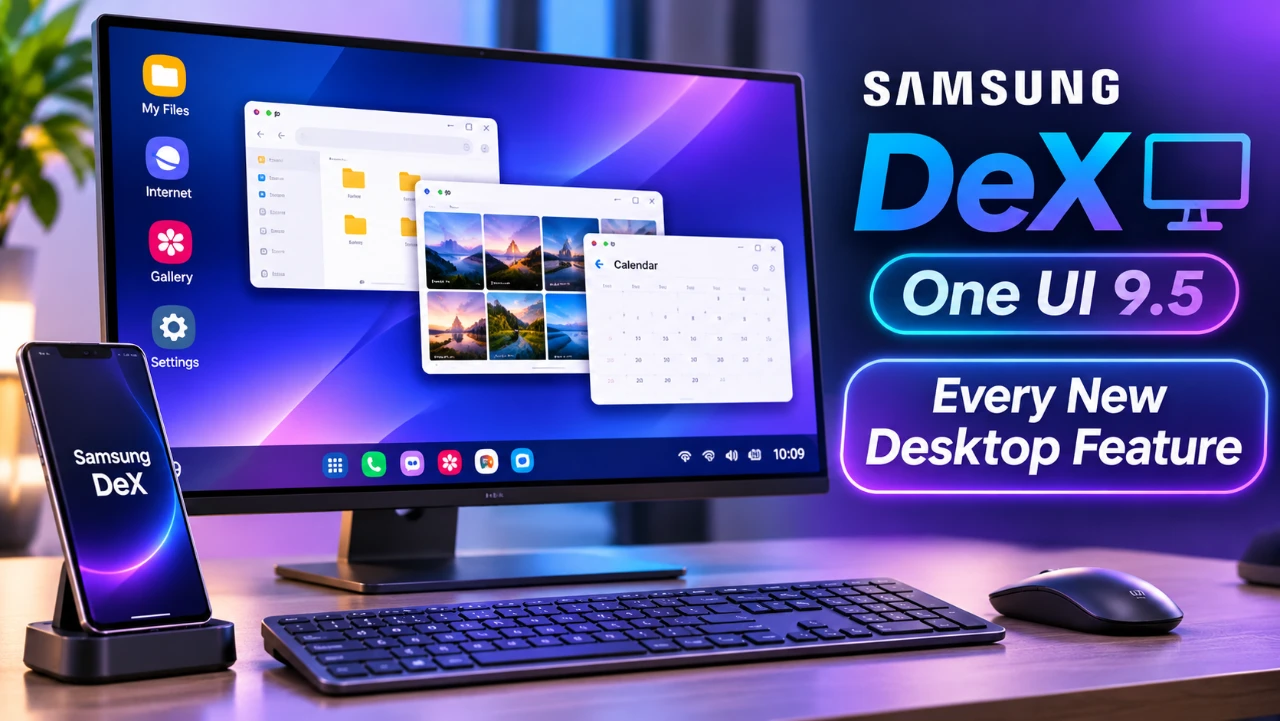
What changes does Samsung DeX get in the One UI 9.5 beta? According to a video walkthrough by AppX, Samsung’s desktop mode now lets users arrange four apps on screen at once by snapping windows into corners, lets maximized windows fill the entire display, and shifts notification and quick settings panels up to the top right. Because One UI 9.5 is currently in beta testing rather than a stable public release—and Samsung has not yet announced a final stable rollout date or complete device list—features, interface details, and availability remain subject to change.
TL;DR Key Takeaways :
- Status controls: Notifications and quick settings move to the top right, while tapping the top-left date and time opens the calendar.
- Finder bar: A new bottom taskbar search bar supports keyboard or phone text entry without a microphone button.
- Window size: Maximized windows now fill the full screen instead of leaving surrounding bars visible.
- Window snapping: Automatic split options add corner snapping so four apps can sit side by side simultaneously.
- Beta rollout: The One UI 9.5 beta is open to Galaxy S26 users in select markets via Samsung Members.
Samsung DeX turns a connected monitor into a desktop workspace complete with a taskbar and resizable app windows. Under One UI 9.0, users looked toward the bottom-right corner of the screen for the calendar, notification panel, and system status icons, making window and system navigation feel noticeably different from traditional desktop operating systems.
In the One UI 9.5 beta, Samsung rethinks how status indicators, search, and multi-window layouts share screen space. The result gives desktop users more room to keep reference notes, browsers, and productivity tools visible alongside active apps.
Status Controls Move to the Top
One UI 9.5 relocates the notification panel and quick panel to the top right of the DeX status bar. The quick panel displays core indicators such as battery level and network status; tapping it expands the controls, and tapping again collapses it back down.
In AppX’s walkthrough, the quick panel animation looks snappier than the notification panel’s transition, likely because the notification drawer carries more vertical content. Tapping the notification icon opens the notification list, while tapping the date and time at the top left opens the calendar. Users who install the QuickStar module can further tailor the quick panel, adding a layered background with depth and a subtle shadow along its right edge.
| Desktop Area | One UI 9.0 DeX | One UI 9.5 Beta DeX |
|---|---|---|
| Notifications & Quick Panel | Anchored near the bottom right | Moved to the top-right status bar |
| Calendar Access | Bottom-right system tray area | Top-left date and time readout |
| Window Snapping | Four edge positions (top, bottom, left, right) | Edge snapping plus four corners (up to four apps) |
| Maximized Windows | Surrounding bars remained around the window | Fills the full display area |

Finder Joins the Bottom Taskbar
Down on the bottom taskbar, One UI 9.5 adds a dedicated Finder bar styled with gradient text and a subtle depth effect. Clicking or tapping the bar brings up text input so you can search directly using either an external keyboard or your Galaxy phone—though there is no microphone button built into the bar itself.
Beside the new search bar, the app tray keeps a search button and pinned shortcuts for quick app launches. Over on the bottom-right side of the taskbar, desktop controls sit next to the familiar Recents, Home, and Back navigation buttons.
Windows Fill the Screen and Snap to Corners
Window behavior gets a practical upgrade in the One UI 9.5 beta. Previously in DeX, maximizing an app left bars around the frame, whereas maximized windows now expand to fill the entire screen, accompanied by a slightly refreshed window status bar.
Hovering over a window control reveals a menu of automatic split options. Alongside snapping windows to the top, bottom, left, or right edges, DeX now supports snapping into any of the four corners—enabling a four-app grid on screen at once.
Samsung opened the One UI 9.5 beta on November 18, 2026 for the Galaxy S26, Galaxy S26+, and Galaxy S26 Ultra in select markets—Germany, India, South Korea, Poland, the UK, and the US—via the Samsung Members app. Because this is pre-release beta software and Samsung has not yet announced a stable release date or full device rollout list, some refinements may still shift before public launch.
Moving notifications and quick settings to a top status bar is the most impactful change in this DeX update, bringing the desktop workflow closer to what people expect on a traditional computer. Having quick toggles and alerts at the top right and the calendar at the top left eliminates awkward glances toward the bottom corner when multitasking.
For anyone using a Galaxy phone at a desk to compare documents, monitor chats, or keep reference material beside an active workspace, four-way corner snapping and full-screen maximization make external displays far more capable. Keep in mind that One UI 9.5 is currently in beta testing, so final features, stability, and release timing remain subject to change.
Browse through more resources below from our in-depth content covering more areas on Samsung DeX and One UI 9.5.
- Why Samsung’s New One UI 9.5 Beta Is Packing Way More Than Expected
- How Samsung DeX Transforms the Galaxy Tab S12 Ultra Into the Ultimate Workstation
- Samsung DeX: How to Add Widgets & Transform Your Experience
- Turn a Broken Phone into a DeX-Powered 1440p Mini PC for Under $100
- Transform Your Galaxy S25 Ultra into a Desktop Powerhouse PC with DeX
Source: AppX
Disclosure: Some of our articles include affiliate links. If you buy something through one of these links, Geeky Gadgets may earn an affiliate commission. Learn about our Disclosure Policy.
