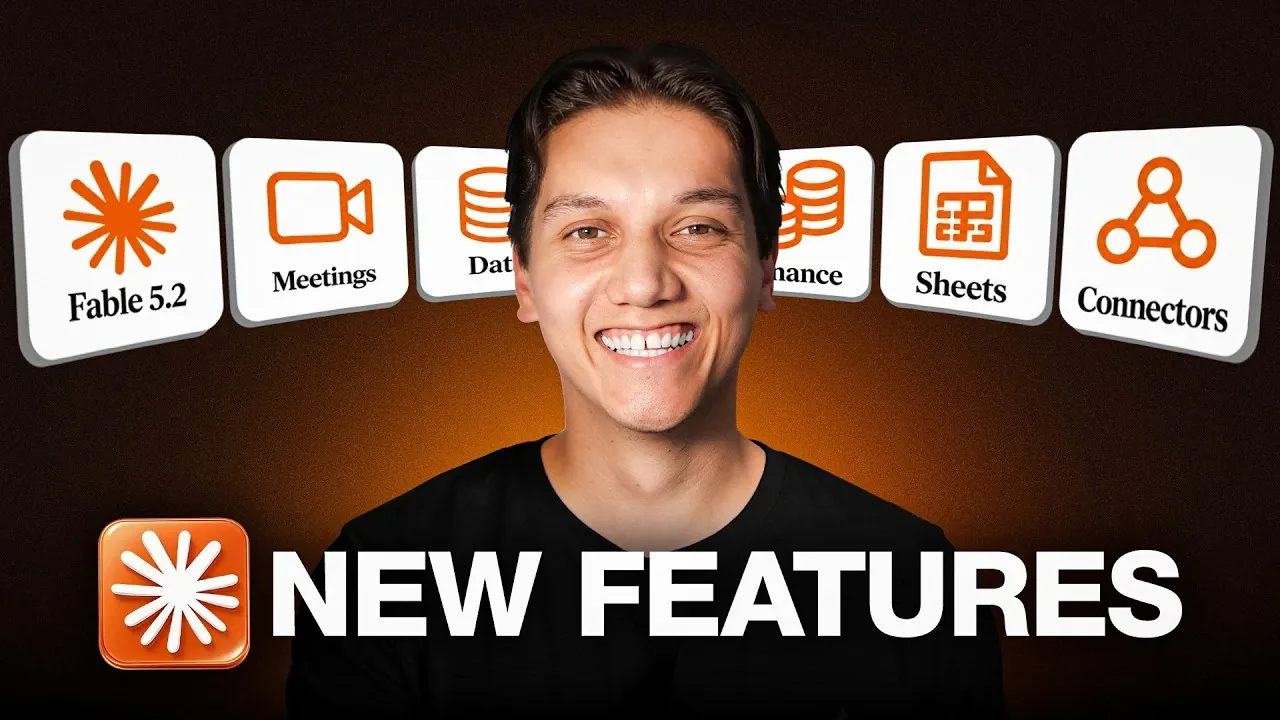
Anthropic’s November updates take Claude well beyond writing answers, adding tools that join your meetings, build spreadsheets and help you plan your spending. Claude can now read up to two years of bank transactions to help you plan spending, but it cannot move your money. Other additions turn conversations into shared spreadsheets, meeting notes and dashboards, while access depends on your subscription and organization’s settings. You’ll see how these additions work and where their limits matter, as Zinho Automates shows what’s available across Claude’s expanding workspace.
Claude’s November 2026 Updates Add Tools Across Plans
TL;DR Key Takeaways :
- Fable 5.2 is the flagship model on every paid plan and is said to be up to 30% faster than Fable 5.1.
- Claude Meetings is rolling out in beta to Team and Enterprise subscribers, producing notes, transcripts and action items for Google Meet calls.
- Claude Data is out of beta on every paid plan and creates interactive dashboards from connected data sources.
- Claude Sheets is in beta on paid plans, with more than 250 functions and support for more than 500,000 populated cells, according to Anthropic.
- Claude Personal Finance is in beta for US Pro, Max and Ultra subscribers, with read-only access to up to two years of transactions.
Anthropic’s Claude combines a conversational assistant with tools for creating and editing work. Its November updates add features for individual subscribers and organizations, although access varies by plan and product. If you use Claude only for quick questions, much of that functionality remains unused.
Fable 5.2 Leads Anthropic’s Paid Plans
Fable 5.2 launched as Anthropic’s flagship model and is the top model on every paid plan. Zinho Automates describes it as up to 30% faster than Fable 5.1 and cheaper through the API, although more expensive than Opus 5.5.
Max and Ultra subscribers receive one to three free Fable resets, depending on their subscription tenure. They can find them under Usage in Settings.
Claude Meetings Joins Calls and Produces Notes
Claude Meetings was announced on November 10, 2026 and began rolling out in beta on November 12 for Team and Enterprise subscribers. It works with Google Meet through Claude’s web and desktop apps, and Anthropic plans to support other conferencing platforms.
Claude joins as a visible participant, announces itself in chat and produces notes, a transcript and action items. Participants can ask questions aloud or in chat, and Claude replies in writing by default. It can also create documents, whiteboards, presentations and other artifacts that colleagues can edit during the call. Zinho Automates expects meeting notes and real-time plans to save teams many hours a week.
After the call, a dedicated page holds the transcript and work, and invited organization members receive recap emails. In a later Claude conversation, you can ask about accessible past meetings. With permission, Claude can use tools connected to participants’ accounts, although spoken requests that use those tools require identity confirmation.
An organization owner must allow Google Calendar access before members can connect their calendars. You can invite Claude manually or set it to attend all meetings, with an option to exclude one-to-one calls; owners cannot set that preference for individuals. Meetings is on by default for Team, which supports organizations with 2 to 150 members, while an owner must activate it for Enterprise.

Discover other guides from our vast content that could be of interest on Claude Artifacts and features.
- Anthropic Launches Whiteboards: Bringing New Visual Tools to Claude AI in Beta
- New Claude Artifacts Let You Manage a Complex Project in One Chat
- New Claude Whiteboards Designed to Help You Plan and Brainstorm
- What are Claude Artifacts and how do you use them?
- Why Claude’s New Live Artifacts Are Replacing Static Dashboards
Anthropic asks users to obtain participants’ agreement to transcription. You can pause Claude’s listening or remove it, and a call can last up to eight hours. Claude stores transcripts, summaries and descriptions of screen content, but not audio recordings.
Team permits external guests by default, while Enterprise defaults to internal meetings. Where guests are not allowed, Claude leaves when an outsider joins. External guests’ contributions can appear in transcripts, but they cannot access the meeting page or recap emails, and Claude does not post answers in chats containing external guests.
During the beta, notes, transcripts and answers that do not use connected tools cost no extra, while connected-tool use counts against the requesting user’s allowance. Meeting-generated artifacts are free through February 10, 2027. Organizations using zero data retention, HIPAA-ready configurations or customer-managed encryption keys cannot use the beta.
Anthropic paused automatic attendance after call-joining problems in November. It reported normal joining operations on November 19 and restored automatic attendance to all Enterprise customers and some Team customers.
Claude Data Builds Dashboards From Connected Numbers
Claude Data, formerly Claude Dashboards, is out of beta on every paid plan. It uses a connected source, such as a CRM or analytics tool, to create an interactive dashboard from a prompt.
You can share a dashboard with your team and use its edit history to restore an earlier version if a change does not work. When the numbers are already available, you do not need to build the dashboard in pivot tables.
Claude Whiteboards Arranges Ideas for a Team
Claude Whiteboards is in beta on paid plans and lets a team edit a shared board. You can paste rough notes into Claude and ask it to arrange them into sections, giving collaborators a starting point for planning.
A board can also be created during a meeting. For plans that need costs or dates tracked in cells, Claude Sheets offers a spreadsheet instead.
Claude Sheets Creates, Edits and Shares Spreadsheets
Claude Sheets is a native spreadsheet application in Claude’s Artifacts feature, rather than an assistant embedded in Excel or Google Sheets. It launched in beta on November 10 and is available on paid plans across the web, desktop, iOS and Android.
You can describe a spreadsheet in a conversation or choose the Sheets template in Artifacts. Claude can create tabs, formulas and dropdowns, then highlight individual cells it changes in response to a chat request. You can edit cells yourself while Claude and collaborators work on the same sheet.
Sheets supports conditional formatting, checkboxes, sorting, filtering, cell history and version restoration, as well as bar, line and pie charts. It can generate formulas from descriptions and propose fixes for formula errors. Anthropic says it includes more than 250 functions and can hold more than 500,000 populated cells.
Sheets start private. Colleagues in the same organization can leave cell comments, but external collaborators cannot. Anyone with the link gives viewing access only and requires viewers to sign in to Claude, while Team and Enterprise restrict artifact sharing to their organization by default.
Existing work can be imported, exported or transferred to partner apps:
- CSV files can be imported and exported.
- Microsoft Excel and Google Sheets spreadsheets can be imported.
- XLSX exports can be opened in Excel.
- Airtable, Asana, monday.com and Smartsheet can receive transferred work.
Sheets’ initial release lacks multi-select dropdowns, PDF export, macros, VBA, Power Query, DAX and print layouts. It cannot pull live data from connected apps or provide data to Claude documents, presentations or dashboards. Zinho Automates recommends Claude for Excel instead for heavy models or huge data sets; Claude for Google Workspace puts Claude inside Google Sheets.
For Team and Enterprise, Artifacts must be active, with cloud code execution and file creation turned on. Administrators manage the template under Organization settings → Artifacts → Templates. Enterprise can restrict it by group, and disabling a template leaves existing artifacts intact. Sheets is unavailable to organizations using HIPAA-ready configurations or zero data retention for Claude Code, and Sheets itself is not covered by zero data retention.
Personal Finance Reads Transactions Without Moving Money
Claude Personal Finance launched in beta for US subscribers on Pro, Max and Ultra. It connects bank and card accounts through Plaid: you sign in directly with your bank and choose which accounts Claude can see.
Claude receives read-only access to up to two years of transactions and cannot move money. It can separate fixed and flexible spending, then use those figures to help map a month-by-month savings plan or find hotels within a budget. Anthropic recommends checking important numbers with your bank.
Interactive Connectors Put Apps Beside Claude Chat
Claude Interactive Connectors arrived on November 10 and are rolling out to all plans, starting on the web and desktop. They open full versions of apps such as Notion or Adobe alongside chat or full screen, so you can watch changes appear as Claude makes them.
We think Claude Personal Finance deserves the most attention because it asks for the most trust. Even with read-only access and no ability to move money, letting an AI see up to two years of bank and card transactions is a bigger step than asking it to draft notes or build a spreadsheet. We think Meetings suits teams that already live in Google Meet and lose time to note-taking, given its notes, transcripts and action items. It is a poor fit for anyone on a personal plan or using another call platform, since neither is covered yet.
You can now take a discussion beyond an answer and into shared work that colleagues can keep editing. Which parts of that workflow you can use will be determined by your subscription and your organization’s permissions. If you want help turning conversations and rough ideas into plans you can work on together, Claude’s workspace tools are worth checking out in more detail.
Media Credit: Zinho Automates
Disclosure: Some of our articles include affiliate links. If you buy something through one of these links, Geeky Gadgets may earn an affiliate commission. Learn about our Disclosure Policy.
