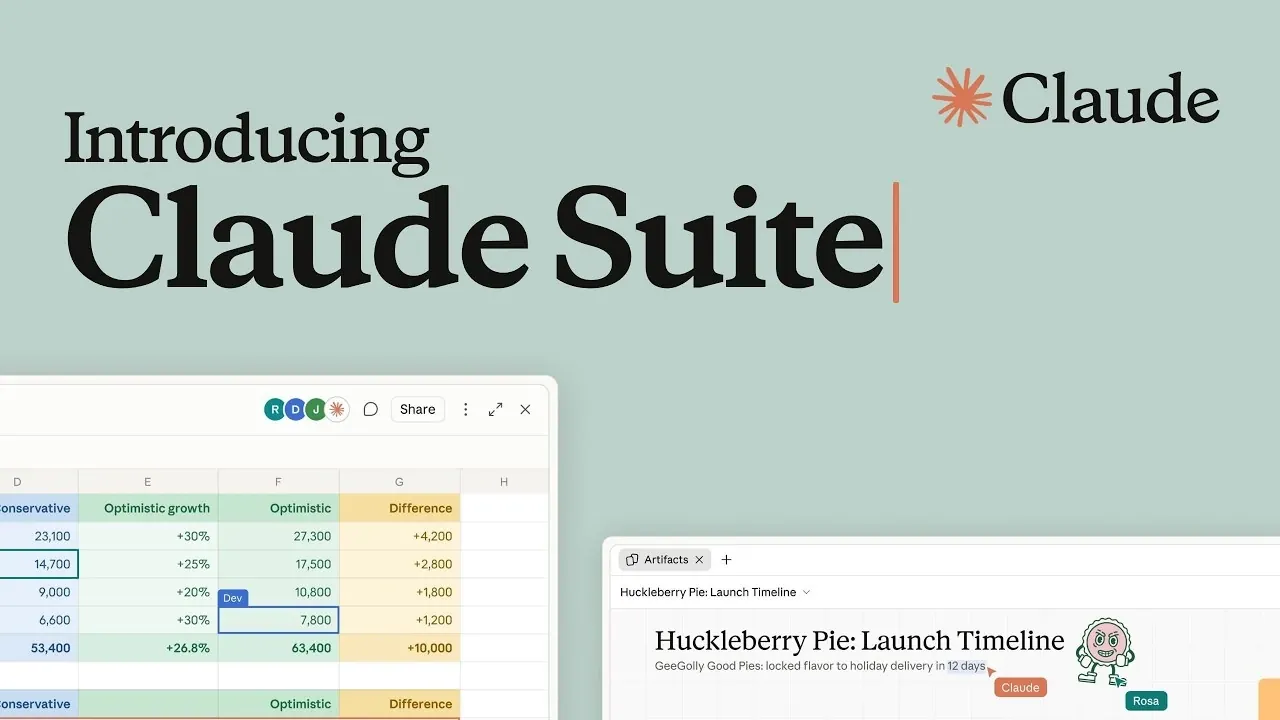
Anthropic has introduced updates to its Claude Suite aimed at enhancing enterprise productivity and collaboration. A key feature is the meetings integration, which allows Claude to participate in virtual calls like Google Meet. During discussions, users can assign tasks such as drafting plans or retrieving data, with action items automatically saved for follow-up. These updates are currently in beta and available on paid plans, according to Tool Finder.
Explore how whiteboards can be used to create visual aids and how sheets support collaborative work on spreadsheets. Learn about interactive connectors that embed external apps, such as HubSpot and Adobe, directly into Claude. Gain insight into how teams can generate dashboards or written data stories, reducing manual effort and streamlining workflows.
Anthropic Expands Claude Suite with Five Major Updates
TL;DR Key Takeaways :
- Anthropic has introduced five new features to its Claude Suite, meetings, whiteboards, sheets, Claude data, and interactive connectors, aimed at improving workflows for enterprise teams, though all features are currently in beta and limited to paid plans.
- The meetings feature integrates Claude into virtual calls, starting with Google Meet, to assist with tasks like drafting plans and saving action items post-call, but it reportedly requires admin permission to join calls with external guests.
- The whiteboards feature allows users to convert documents or ideas into neat, linear visual elements by mentioning Claude in the chat, accessible across web, desktop, and mobile platforms.
- Claude data connects to company systems or CRMs to create dashboards and written data stories, offering flexibility in data representation and benefiting fast-paced enterprise teams needing efficient data visualization.
- Interactive connectors embed full versions of apps like Adobe, Atlassian, and HubSpot directly within Claude, reducing context switching and enhancing productivity by enabling users to work within a unified environment.
Anthropic has rolled out a series of updates to its Claude Suite, introducing five key features: meetings, whiteboards, sheets, Claude data, and interactive connectors. These enhancements are designed to streamline workflows and improve accessibility for enterprise teams already using Claude. Currently in beta, the features are available on paid plans, with some restricted to enterprise users.
Meetings: A Focus on Execution
The new meetings feature integrates Claude into virtual calls, starting with Google Meet. During a call, users can assign tasks to Claude, such as drafting plans, mapping timelines, or retrieving data. Once the call ends, action items are automatically saved in Claude, shifting the focus of meetings from discussion to execution. However, this feature remains in beta and is limited to teams and enterprise plans.
It reportedly will not join calls with external guests unless explicitly permitted by an admin. Limited details about this feature have been shared, with available insights derived from a few external sources.

Whiteboards: Turning Ideas into Visuals
Whiteboards enable users to convert documents or ideas into visual elements by mentioning Claude in the chat. The feature generates these visuals in a neat and linear format, simplifying the creation of visual aids. Accessible on web, desktop, and mobile platforms, this feature is also in beta and restricted to paid plans.
Sheets: Collaborative Spreadsheets
The sheets feature introduces collaborative spreadsheet functionality, allowing users to build tools such as campaign trackers or hiring budgets. It supports tabs, formulas, formats, and drop-downs, enabling teams to edit cells together in real time. This functionality, which mirrors the familiar experience of Excel, is currently in beta and available only to paid users.
Claude Data: Dashboards and Data Stories
Previously referred to as dashboards, the Claude data feature connects to company data or CRMs to create dashboards and written data stories. This tool is particularly beneficial for larger, fast-paced teams that need to generate pitch decks or analyze data efficiently. The feature offers flexibility in data representation, making it a valuable resource for enterprise users. It is especially useful for teams requiring quick and effective data visualization.
Interactive Connectors: Reducing Context Switching
Interactive connectors allow seamless integration of apps like Adobe, Atlassian, and HubSpot directly within Claude. By embedding full versions of these applications, this feature eliminates the need to switch between platforms, enabling users to work within a unified environment. This integration reduces context switching and enhances productivity, offering a streamlined workflow experience. It has been compared to similar offerings from PandaDoc, highlighting its potential to simplify enterprise operations.
Strengthening the Enterprise Offering
These updates significantly enhance Claude’s functionality for enterprise users by embedding deeply into workflows and reducing dependence on external tools. While the new features may not entirely replace other applications, they present a compelling option for teams already using Claude. The improvements also align with Anthropic’s likely strategy of increasing its public offering value.
Together, these updates position Claude Suite as a more robust and integrated tool for enterprise teams. However, with many features still in beta and limited to paid plans, their broader impact remains uncertain. For teams already invested in Claude, these enhancements could provide a smoother, more cohesive experience.
Media Credit: Tool Finder
Disclosure: Some of our articles include affiliate links. If you buy something through one of these links, Geeky Gadgets may earn an affiliate commission. Learn about our Disclosure Policy.
