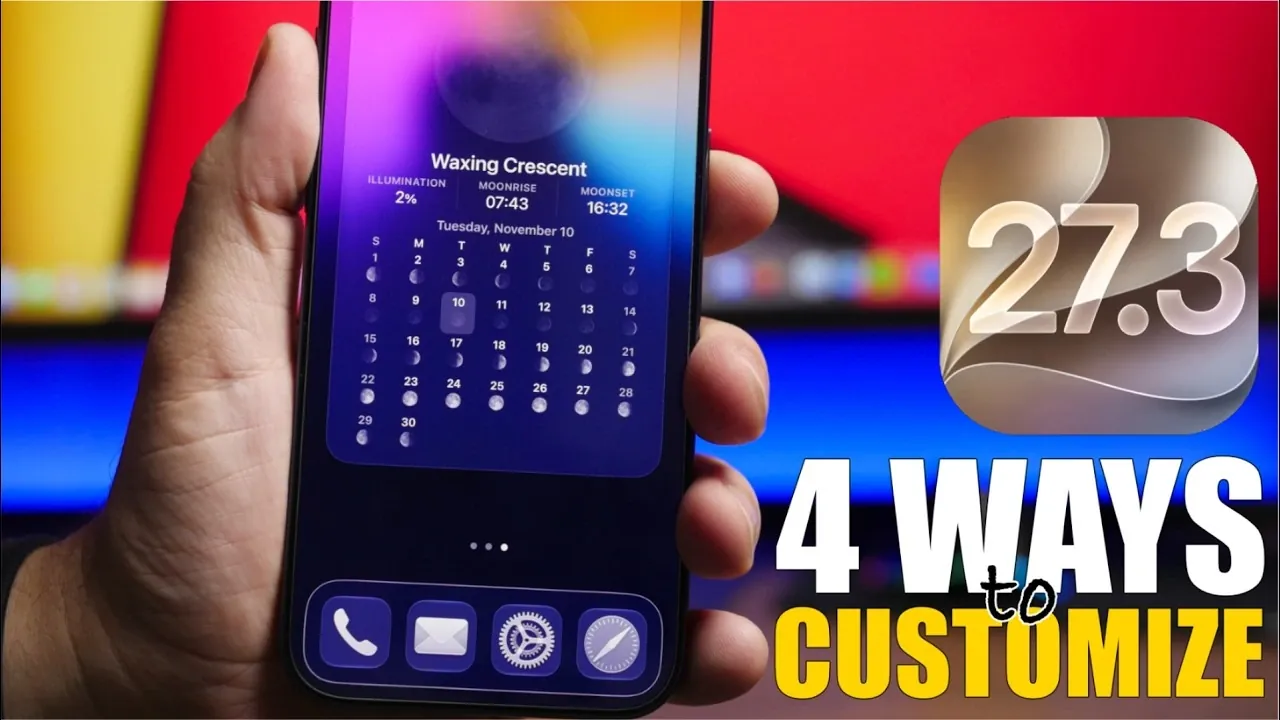
Apple’s iOS 27.3 update introduces a range of customization features designed to enhance how you interact with your iPhone. This update not only focuses on personalization but also improves system performance and battery efficiency, making it a substantial upgrade from iOS 27.2. Whether you’re interested in refreshing your lock screen, exploring new widgets, or enjoying Safari’s adaptive dark mode, iOS 27.3 provides tools to make your device feel uniquely yours. The video below from iReviews gives us a detailed look at the four standout features that make this update noteworthy.
TL;DR Key Takeaways :
- Lock Screen Fonts: Introduces expanded font style options and customizability for both small and large clock displays.
- Safari Adaptive Dark: Automatically forces dark themes on non-native websites with per-site user toggle controls.
- Moon Phase Widget: Brings detailed lunar tracking cycles and customizable liquid glass aesthetics to the home screen.
- Expanded Standby: Brings versatile landscape standby displays to iPhone 11 and newer models alongside a Dec 14, 2026 release schedule.
Lock Screen Customization
The lock screen in iOS 27.3 is now more customizable than ever. You can adjust the font styles for both the small and large clocks displayed on your lock screen, with an expanded font library offering a variety of options. Whether you prefer a sleek, minimalist design or a bold, modern aesthetic, these new font choices allow you to create a lock screen that aligns with your personal style. This feature is particularly appealing for users who want their lock screen to complement their wallpaper or reflect their personality. Additionally, the ability to fine-tune these details ensures that your iPhone feels more personalized and visually cohesive.
Safari Adaptive Dark Mode
Safari’s adaptive dark mode is a fantastic option for browsing in low-light environments. This feature automatically applies a dark theme to websites that don’t natively support dark mode, making it easier on your eyes and improving readability. You can also customize this feature by allowing or disabling adaptive dark mode for specific websites. For instance, if you prefer a lighter theme for certain sites, you can adjust the settings without impacting your experience on other pages. This level of control ensures a seamless and personalized browsing experience, whether you’re reading articles late at night or navigating websites during the day.
New Home Screen Widget: Moon Phase
The addition of the Moon Phase widget brings both functionality and elegance to your home screen. Borrowed from the Weather app, this widget provides detailed lunar information, including moonrise and moonset times, illumination percentages and a calendar view of upcoming phases. Available in multiple sizes, the widget can also be customized with liquid glass effects, adding a dynamic and visually appealing touch to your home screen. Whether you’re an astronomy enthusiast or simply enjoy tracking the moon’s cycles, this widget offers a unique way to stay connected with nature while enhancing your device’s aesthetic.
Enhanced Standby Features
Standby features, previously exclusive to the iPhone Duo, are now available for iPhone 11 and newer models. When placed in landscape mode, your device transforms into a versatile display, offering redesigned analog and digital clock faces alongside new widget options. These include shared albums, weather-focused layouts and more. You can create multiple standby faces tailored to different scenarios, such as using your iPhone as a bedside clock or a photo slideshow. These enhancements make standby modes more functional and adaptable, making sure they fit seamlessly into your daily routine.
Performance and Battery Life Improvements
In addition to its customization features, iOS 27.3 delivers significant improvements in system performance and battery efficiency. Optimized resource management ensures smoother multitasking and reduces power consumption, allowing you to get more done on a single charge. Whether you’re running resource-intensive apps or simply navigating your device, these enhancements provide a more reliable and efficient user experience. This balance between personalization and practicality makes iOS 27.3 a well-rounded update that caters to a wide range of user needs.

Release Timeline
The iOS 27.3 beta is currently available for testing, with Beta 2 expected to roll out in mid-November. Apple plans to release additional beta versions leading up to the final launch, scheduled for December 14th, 2026. This timeline provides ample opportunity for users to explore the new features and offer feedback, making sure a polished experience upon the official release.
Advance your skills in iOS 27.3 by reading more of our detailed content.
- Should You Update? 5 Cool New Features Coming in iOS 27.3
- Is Your iPhone Ready for iOS 27.2? Here Is Your Ultimate Guide
- Tired of Daily Charging? How iOS 27.3 Improves iPhone Battery Life
- iOS 27.3 Leak: Release Timeline, Redesigned Health App, and AI Upgrades
- iOS 27.3 – 10 Massive New iPhone Features You Need to Know About
- iOS 27.2 Release Candidate Is Here: Every New Feature and Change Explained
Source & Image Credit: iReviews
Disclosure: Some of our articles include affiliate links. If you buy something through one of these links, Geeky Gadgets may earn an affiliate commission. Learn about our Disclosure Policy.
