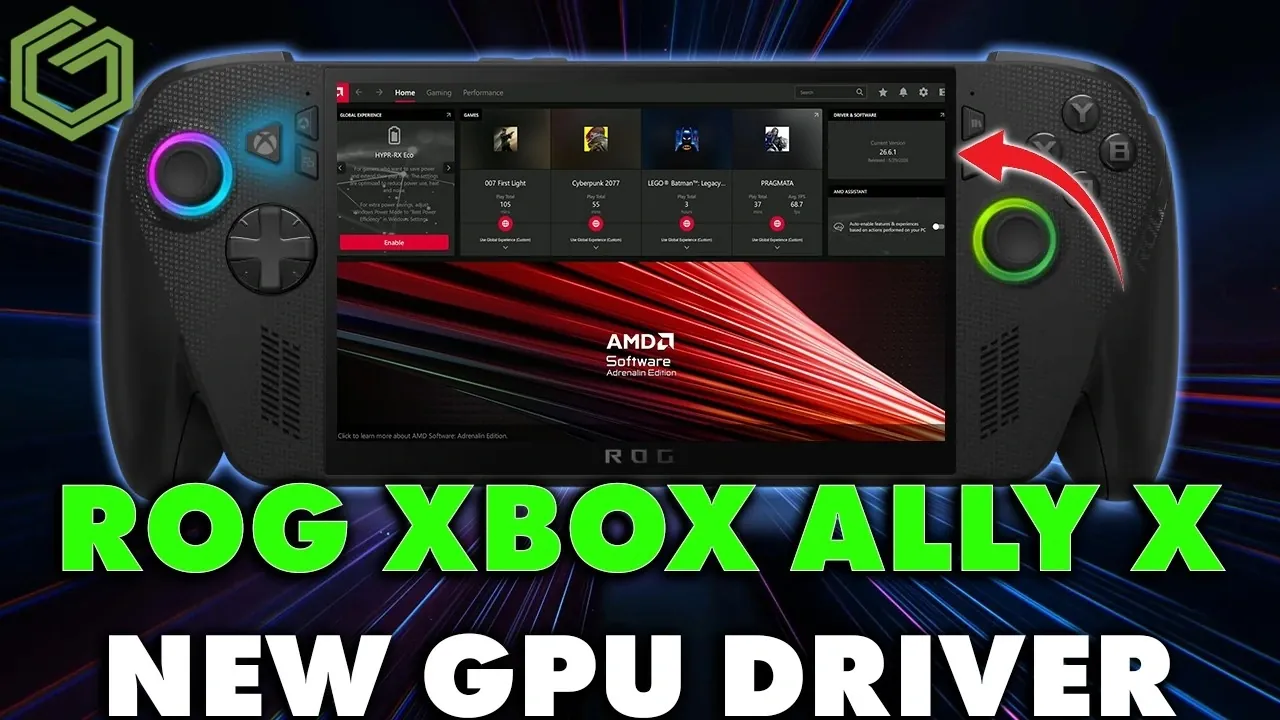
ASUS has rolled out GPU driver version 26.6.1 for the ROG Xbox Ally X, focusing on optimizing performance in Forza Horizon 6. Released on July 2, 2026, this update aims to address common gaming issues like frame rate drops, stuttering and latency, particularly at lower power settings such as 17 watts. GameTechPlanet highlights that the update is accessible through Armory Crate SE, the ASUS support website and the MyASUS app, offering users multiple options for installation. Additionally, the driver integrates with AMD Adrenaline software, making sure compatibility with the device’s architecture.
Dive into this guide to explore how the update enhances gameplay in Forza Horizon 6 and its potential impact on other titles. You’ll gain insight into the installation process, including key steps like making sure a stable power connection and restarting your device for optimal results. Learn how the update’s benefits vary across power settings and discover practical recommendations for testing its broader effects on your gaming library. This breakdown offers a clear path to making the most of the latest driver release.
ASUS Ally X Driver 26.6.1
TL;DR Key Takeaways :
- ASUS released GPU driver version 26.6.1 for the ROG Xbox Ally X on July 2, 2026, focusing on optimizing Forza Horizon 6 and offering minor improvements for other games.
- The update is available through Armory Crate SE, the ASUS support website and the MyASUS application, making sure easy access for users.
- Key performance enhancements include improved frame rates, reduced stuttering and lower latency, particularly at lower power settings (17 watts).
- The update integrates seamlessly with AMD Adrenaline software and does not require additional BIOS or chipset updates, simplifying the installation process.
- ASUS encourages users to test the update across various games and provide feedback to evaluate its broader impact beyond Forza Horizon 6.
The latest driver update focuses on optimizing Forza Horizon 6 but also includes general enhancements that may benefit other games. Here are the key details:
- Availability: The update is accessible through multiple platforms, including the Armory Crate SE software, the ASUS support website and the MyASUS application, offering flexibility for users to download it.
- Integration: It integrates seamlessly with AMD Adrenaline software, making sure compatibility with the existing system architecture and providing a cohesive user experience.
- General Enhancements: While the primary focus is on Forza Horizon 6, the update may offer minor performance improvements for other games. However, these enhancements are still being evaluated for broader impact.
This update reflects ASUS’s ongoing commitment to optimizing the ROG Xbox Ally X for both current and future gaming titles.
How to Install the Update
Installing the GPU driver update is a straightforward process, but following these steps will ensure a smooth and hassle-free experience:
- Power Connection: Ensure your device is connected to a stable power source to avoid interruptions during the installation process.
- Download and Restart: Once the update is downloaded, a system restart is required to apply the changes effectively and ensure optimal performance.
- No Additional Updates Needed: This driver version does not require any BIOS or chipset updates, simplifying the process and reducing the risk of compatibility issues.
The installation process is user-friendly, with clear instructions provided within the Armory Crate SE or MyASUS interface, making it accessible even for less tech-savvy users.

Enhance your knowledge on ROG Xbox Ally X by exploring a selection of articles and guides on the subject.
- Can the Z1 Extreme Still Handle Forza Horizon 6 Against the Z2 Extreme and Intel 258V?
- How Auto SR Unlocks Hidden Performance on the ROG Ally X
- 8Bitdo Ultimate Mobile Gaming Controller : Hands On Review
- Its Time to Ditch Windows for Valve’s Lightweight SteamOS Gaming Platform
- What Happens When Handheld Consoles Rival Gaming Laptops In 2026
- Lenovo Legion Go 2 vs ROG Xbox Ally X vs MSI Claw 8 AI : Handheld Showdown!
- ROG Ally X vs Switch 2 vs Steam Deck vs Legion Go vs MSI Claw 8AI : Best Handheld?
- Windows 11 vs SteamOS : Which Wins on the Ally X?
- ROG Xbox Ally X vs. Legion Go 2: Is OLED Worth The Extra Cash?
- Before You Buy, ROG Xbox Ally X vs Lenovo Legion Go 2 : Pros & Cons Guide
Performance Improvements
Initial testing of the update has revealed noticeable performance enhancements, particularly in Forza Horizon 6. Here are the key observations:
- Frame Rate Boost: Users have reported slight improvements in frame rates, especially when the device operates at 17 watts, resulting in smoother gameplay.
- Reduced Stuttering and Latency: Gameplay interruptions and delays have been minimized, enhancing the overall gaming experience.
- Higher Power Settings: At power settings of 25 watts or above, no significant performance changes have been observed, indicating that the update’s benefits are more pronounced at lower power levels.
While the update’s primary focus is on Forza Horizon 6, its impact on other games is still under review. Users are encouraged to test the update across their game libraries and share feedback to help identify broader performance trends and potential benefits.
Future Testing and Recommendations
The release of GPU driver version 26.6.1 highlights ASUS’s dedication to maintaining the ROG Xbox Ally X’s performance and compatibility with evolving gaming demands. Future testing will explore the update’s effects on other titles to determine whether its benefits extend beyond Forza Horizon 6.
To maximize your gaming experience, consider the following recommendations:
- Stay Updated: Regularly check the ASUS support website, Armory Crate SE, or MyASUS for new updates and compatibility notes to keep your device optimized.
- Stable Power Supply: Always connect your device to a reliable power source during updates to prevent interruptions and ensure a smooth installation process.
- Test and Share Feedback: Experiment with the update across different games and share your observations with the gaming community to contribute to a better understanding of its impact.
This proactive approach will help you stay ahead of potential performance issues and ensure your device remains ready for the latest gaming challenges.
Media Credit: GameTechPlanet
Disclosure: Some of our articles include affiliate links. If you buy something through one of these links, Geeky Gadgets may earn an affiliate commission. Learn about our Disclosure Policy.
