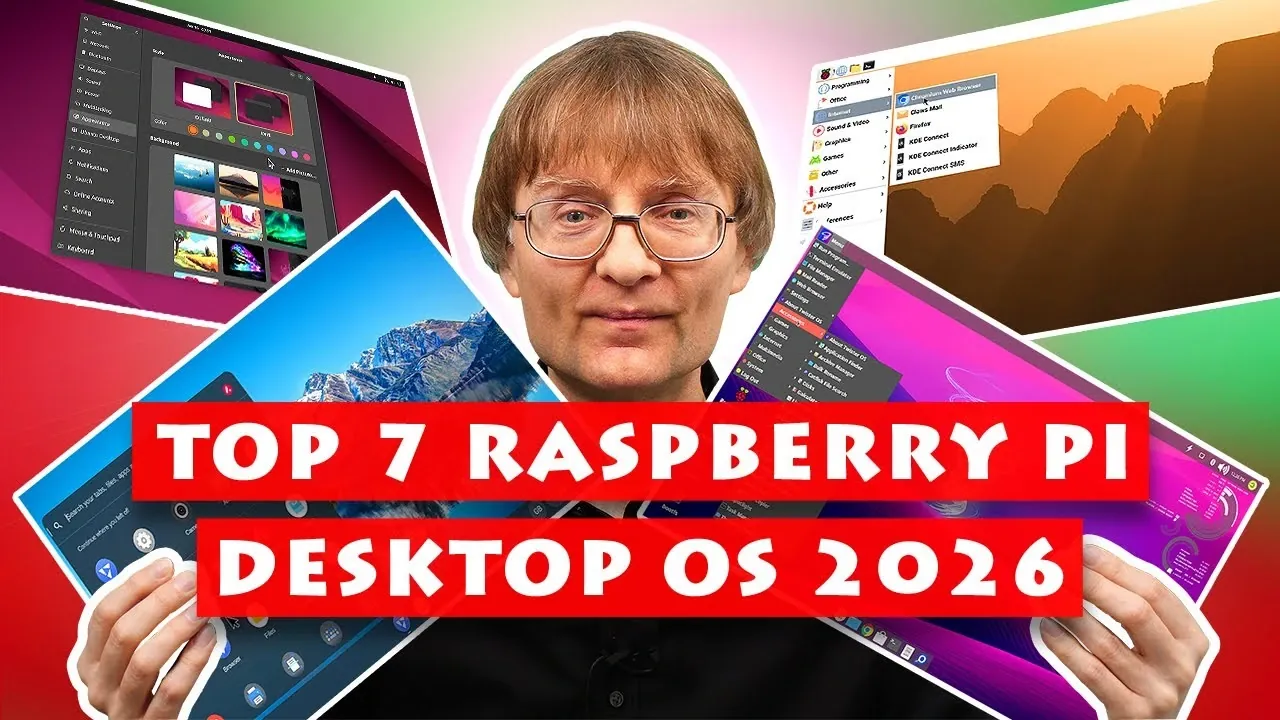
What if your Raspberry Pi could become the ultimate desktop computer, customized to suit your exact needs? With its blend of versatility and affordability, the Raspberry Pi is a powerful platform, but the operating system you choose plays a crucial role in unlocking its full potential. Explaining Computers outlines how selecting the right OS can open doors to everything from retro gaming and creative projects to advanced cybersecurity applications, especially with the capabilities of the Raspberry Pi 5. Whether you’re a hobbyist, a professional, or simply exploring the possibilities, the right operating system is your gateway to maximizing this compact yet mighty device.
In this explainer, we delve into seven exceptional Raspberry Pi desktop operating systems, each tailored to different user needs. From the reliability and smooth performance of Raspberry Pi OS to the sleek design of Ubuntu 24.04, these options cater to a wide range of preferences. You’ll also find specialized choices like Twister OS for gaming enthusiasts and FydeOS for those who thrive in cloud-based workflows. Whether your focus is on customization, efficiency, or achieving a specific technical goal, this guide will help you navigate the options and uncover the best fit for your Raspberry Pi journey.
Best Raspberry Pi OS Options
TL;DR Key Takeaways :
- The Raspberry Pi continues to lead in affordable computing in 2026, offering compatibility with various operating systems for diverse applications like education, entertainment, and professional use.
- Raspberry Pi OS remains the official and most stable choice, ideal for general-purpose computing and hardware-based projects like GPIO and camera integration.
- Ubuntu 24.04 provides a polished interface and productivity tools, making it suitable for users seeking a desktop-like experience, though it requires at least 4GB of RAM for optimal performance.
- FydeOS excels in cloud-based applications and media playback, while Twister OS caters to retro gaming enthusiasts with customizable themes and pre-installed gaming tools.
- Specialized options like Kali Linux for cybersecurity professionals and Diet Pi for resource-efficient setups ensure tailored solutions for specific technical needs.
1. Raspberry Pi OS
Raspberry Pi OS, formerly known as Raspbian, remains the official and most reliable operating system for Raspberry Pi devices. Designed specifically for Raspberry Pi hardware, it offers unmatched stability and seamless performance. This OS is particularly well-suited for projects involving GPIO (General Purpose Input/Output) and camera integration, making it a favorite among educators, hobbyists, and developers.
Key features include the Raspberry Pi Imager, a simple tool for installing operating systems, and excellent 1080p video playback, which enhances its appeal for media consumption. While its interface is functional, it lacks the modern aesthetics of some alternatives, which may deter users seeking a more polished visual experience. Nonetheless, Raspberry Pi OS is an excellent all-around choice for general-purpose computing and hardware-based projects.
2. Ubuntu 24.04
Ubuntu 24.04 brings a professional, polished interface to the Raspberry Pi, making it an attractive option for users who prioritize aesthetics and usability. Its superior interface scaling ensures a refined user experience, particularly on high-resolution displays. However, it requires at least 4GB of RAM for optimal performance, which may limit its compatibility with older Raspberry Pi models.
While its video playback performance is adequate, it doesn’t quite match the smoothness of Raspberry Pi OS. Ubuntu 24.04 excels in programming, productivity, and general-purpose computing, making it a strong choice for users seeking a desktop-like experience on their Raspberry Pi.
Top 7 Raspberry Pi Desktop OS 2026

Here are more detailed guides and articles that you may find helpful on Raspberry Pi OS.
- 7+ Raspberry Pi 5 operating systems compared and explored
- Add a Raspberry Pi 5 SSD NVMe storage with ease
- Running Raspberry Pi OS Bullseye on an Orange Pi Zero 3
- FLIRC Raspberry Pi 4 passive cooling case
- Raspberry Pi mini laptop project
- Visual Studio Code editor now available for the Raspberry Pi
- Raspberry Pi Mini PC Easy Setup Guide for Beginners in 2025
- Raspberry Pi MacBook Mini laptop project uses Apple style
- How to Set Up an Offline Wikipedia Library Using Raspberry Pi 4
- Raspberry Pi Boot Menu: A Comprehensive Guide to New Features
3. FydeOS
FydeOS, based on Chromium OS, is tailored for cloud-centric applications and is a standout option for users who rely on web-based tools. Its media playback capabilities are exceptional, making it ideal for setups involving TVs or monitors. Unlike Google’s Chrome OS, FydeOS can be used without a Google account, offering enhanced privacy and flexibility.
The installation process involves downloading the OS from the FydeOS website and manually flashing it to an SD card. While it excels in cloud-based tasks and media playback, its reliance on internet connectivity may not suit users who need robust offline functionality. FydeOS is best for those who prioritize cloud integration and streaming.
4. Twister OS
Twister OS builds on Raspberry Pi OS by adding customizable themes and pre-installed tools for retro gaming. Its themes mimic popular operating systems like Windows XP and macOS, offering a nostalgic and personalized experience. For gaming enthusiasts, it includes tools like DOSBox and Wine, making it a go-to option for retro gaming.
In addition to its gaming capabilities, Twister OS delivers good media playback performance and comes with a wide range of pre-installed software. However, its limited accessibility features may pose challenges for users with specific needs. Twister OS is ideal for those who value customization and gaming.
5. Armbian
Armbian is a versatile operating system that supports a wide range of ARM and RISC-V boards, including the Raspberry Pi. Known for its adaptability and strong community support, it’s an excellent choice for advanced users tackling technical projects. Its lightweight design ensures efficient performance, even on older hardware.
However, Armbian’s video playback performance is subpar, and its minimal browser support requires users to manually install applications like Firefox. Despite these drawbacks, its flexibility and robust community make it a compelling option for users with specific technical requirements or those working on custom projects.
6. Kali Linux
Kali Linux is a specialized operating system designed for cybersecurity professionals. It comes pre-loaded with an extensive suite of tools for penetration testing, digital forensics, and network analysis. For ethical hackers and cybersecurity experts, Kali Linux is an invaluable resource.
While it can function as a general-purpose OS, it is not optimized for casual use or media playback. Its niche focus makes it best suited for users with specific technical expertise and requirements. Kali Linux is a powerful tool for those in the field of cybersecurity, offering unparalleled functionality in its domain.
7. Diet Pi
Diet Pi is a lightweight operating system designed for resource efficiency. With a base installation size of just 170MB, it runs smoothly on all Raspberry Pi models, including older ones. During setup, users can select additional software to install, allowing for a highly customizable experience.
Its minimal pre-installed software makes it ideal for users seeking a streamlined system. However, this also means it requires more effort to set up compared to other operating systems. Diet Pi is perfect for those who prioritize efficiency and customization, particularly on resource-constrained devices.
Choosing the Right Operating System
Each of these seven operating systems offers unique advantages, catering to a variety of needs and preferences.
- Raspberry Pi OS: Best for general-purpose computing and hardware projects.
- Ubuntu 24.04: Ideal for users seeking a polished interface and productivity tools.
- FydeOS: Excels in cloud applications and media playback.
- Twister OS: Perfect for retro gaming enthusiasts and customization fans.
- Armbian: A versatile choice for advanced technical projects.
- Kali Linux: Tailored for cybersecurity professionals and ethical hackers.
- Diet Pi: A lightweight, efficient option for resource-conscious users.
By understanding your specific requirements, you can select the operating system that best aligns with your goals. Whether you’re focused on media playback, gaming, programming, or cybersecurity, the right OS ensures a seamless and optimized Raspberry Pi experience.
Media Credit: ExplainingComputers
Disclosure: Some of our articles include affiliate links. If you buy something through one of these links, Geeky Gadgets may earn an affiliate commission. Learn about our Disclosure Policy.
