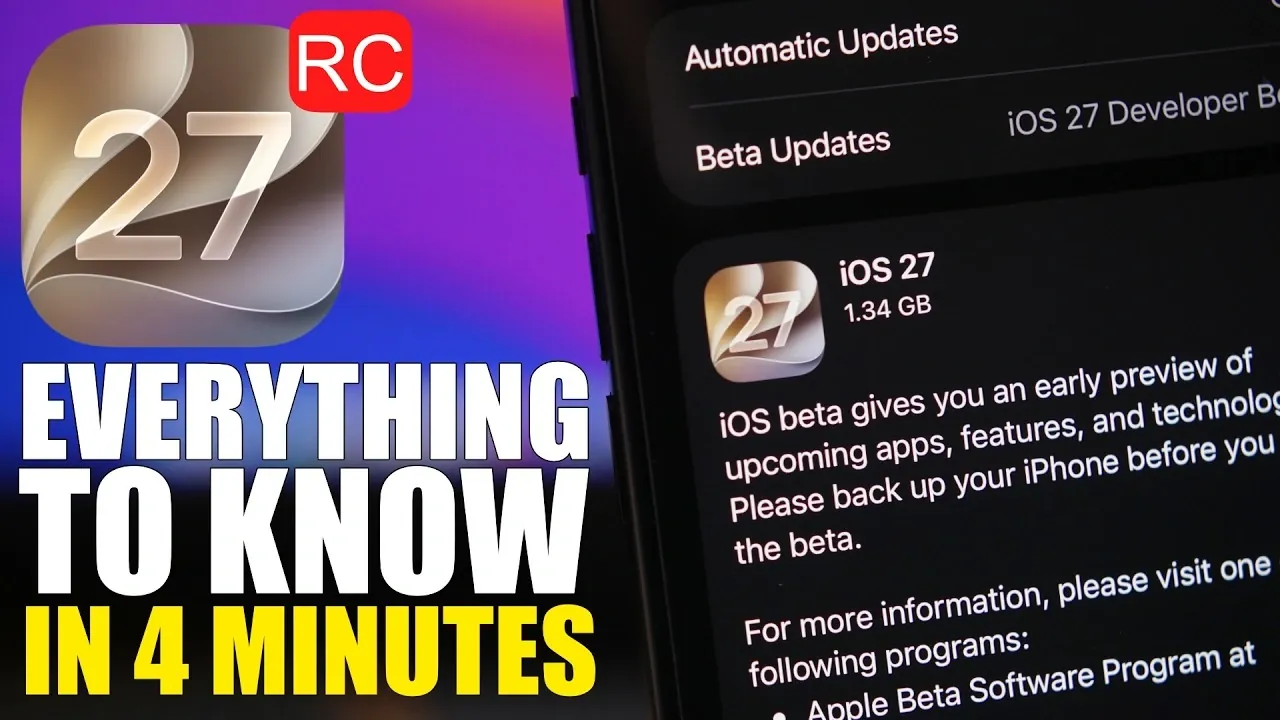
The Release Candidate (RC) version of iOS 27 has arrived, signaling the final stage before the public release. This update emphasizes bug fixes, system stability, and performance enhancements, making sure a seamless experience for users. Whether you’re part of Apple’s beta program or waiting for the official rollout, understanding the details of this update will help you prepare effectively. The video below from iReviews gives us more details about the new Release Candidate.

What Makes the iOS 27 RC Significant?
The iOS 27 RC is the last pre-release version of Apple’s latest operating system. Unlike earlier beta versions, the RC is feature-complete, meaning no additional features will be introduced. Instead, its primary focus is on refining the system by addressing critical bugs, improving overall stability, and optimizing performance. If you’re already using the iOS 27 beta, the RC represents the final version you’ll experience before the public release.
For those unfamiliar with the beta process, the RC serves as a polished version of the software, making sure that all features and functionalities are ready for widespread use. This stage is crucial in delivering a stable operating system to millions of devices worldwide.
Storage Requirements and Update Preparation
Updating to iOS 27 RC requires careful planning due to its large file size. The update itself is over 10 GB, as it involves reinstalling the entire operating system. If you’re transitioning from a beta version, it’s recommended to have at least 20 GB of free storage available to avoid installation issues.
To prepare for the update:
- Review your device’s storage by navigating to Settings > General > iPhone Storage.
- Delete unnecessary files, apps, or media to free up space.
- Back up your device using iCloud or a computer to ensure your data is secure.
This preparation ensures a smooth installation process and prevents potential errors caused by insufficient storage.
Steps to Install iOS 27 RC
If you’re enrolled in Apple’s beta program, accessing the RC is a straightforward process:
- Open Settings on your device.
- Navigate to General > Software Update.
- Download and install the iOS 27 RC when it becomes available.
Once installed, beta users will not need to update again on the public release date, as the RC is identical to the final version. This provides early access to the finalized operating system and eliminates the need for additional updates.
For non-beta users, the public release of iOS 27 is scheduled for Monday, September 14, 2026. Until then, ensure your device is running the latest version of iOS 26, such as iOS 26.6, to ensure compatibility and a smooth transition.
Performance and Stability Improvements
The iOS 27 RC prioritizes behind-the-scenes enhancements rather than introducing new features. These updates are designed to deliver a more reliable and efficient user experience. Key improvements include:
- Resolving bugs identified during the beta testing phase.
- Enhancing system reliability to ensure smoother operation.
- Optimizing performance for faster and more efficient functionality.
These refinements ensure that existing features work seamlessly, providing users with a polished and dependable operating system. By addressing critical issues, Apple aims to deliver a stable platform that meets the high expectations of its user base.
Transitioning from Beta to Public Release
For beta users, the RC serves as a bridge to the public release. By installing the RC, you effectively gain early access to the final version of iOS 27. This eliminates the need for additional updates on the release date, streamlining the transition process.
Non-beta users can expect the public release to become available on September 14, 2026. To prepare for the update:
- Ensure your device is running the latest version of iOS 26, such as iOS 26.6.
- Back up your data to avoid any potential loss during the update process.
- Free up sufficient storage space to accommodate the large update size.
By taking these steps, you can ensure a smooth and hassle-free transition to iOS 27.
Key Highlights of iOS 27 RC
- The iOS 27 RC is the final pre-release version, focusing on bug fixes, stability, and performance enhancements.
- The update is over 10 GB in size, with at least 20 GB of free storage recommended for beta users.
- Beta users can access the RC via Settings > General > Software Update and will not need to update again on the public release date.
- Non-beta users should update to iOS 26.6 or later and prepare for the public release on September 14, 2026.
Preparing for iOS 27
The iOS 27 RC represents the culmination of extensive development and testing, delivering a refined and stable operating system. Whether you’re a beta user or waiting for the public release, understanding the update process and requirements is essential for a smooth transition. By focusing on critical bug fixes and performance optimization, the RC sets the stage for a successful rollout, making sure users enjoy a reliable and efficient experience with iOS 27.
Find more information on iOS 27 by browsing our extensive range of articles, guides, and tutorials.
- Apple Delaying iOS 27 Beta 5? Here’s When to Expect the Next Update
- New iOS 27 Beta 5 Release Arrives with a Big Shift Coming
- iOS 27 Beta 5 Is Late: What’s Holding Up Apple’s Next Release?
- The iOS 27 Beta 5 Release Imminent with More New Features
- Apple’s iOS 27 Beta 3 Is Just Days Away: Here’s When It Drops
- Apple iOS 27 Beta 5 Preview: a Look at the Next Release
Source & Image Credit: iReviews
Disclosure: Some of our articles include affiliate links. If you buy something through one of these links, Geeky Gadgets may earn an affiliate commission. Learn about our Disclosure Policy.
