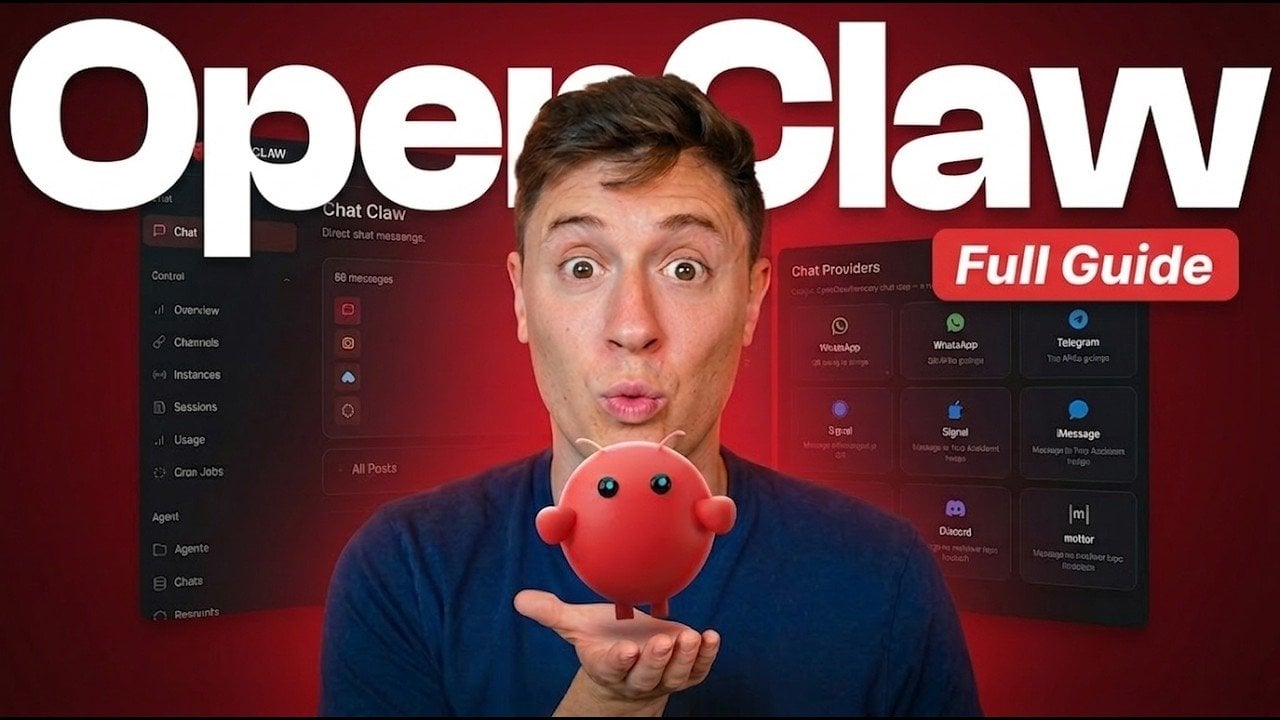
OpenClaw is an open source AI agent designed to act as a fully autonomous “AI employee,” handling tasks such as coding, research and device control. Alex Finn outlines the setup process, emphasizing the importance of using personal devices or dedicated machines instead of Virtual Private Servers (VPS). This approach minimizes security and performance risks, making sure that OpenClaw operates effectively while aligning with your specific requirements.
Explore how to configure OpenClaw to suit your workflows, including selecting AI models for tasks like project management or offline operations. Learn how to integrate communication platforms such as Telegram or Discord for task delegation. Additionally, gain insight into scaling your setup and implementing security measures to maintain long-term reliability.
What is OpenClaw?
TL;DR Key Takeaways :
- OpenClaw is an open source, autonomous AI agent designed to automate tasks, manage devices and streamline workflows for both personal and professional use.
- It operates locally, making sure data privacy, cost efficiency and high customizability by integrating with various AI models tailored to specific needs.
- OpenClaw supports seamless integration with communication platforms like Telegram and Discord, enhancing task delegation and collaboration.
- Practical use cases include automating project management, content creation, research and prototyping, with options to scale and optimize costs using local and advanced AI models.
- Security best practices and regular updates are essential for maintaining control, efficiency and staying ahead with the latest AI advancements.
OpenClaw is a fully autonomous AI agent capable of handling a wide range of tasks, including coding, research, content creation and device management. Its self-improving algorithms adapt to your specific needs, becoming more efficient with every interaction. Whether you’re an individual looking to optimize personal workflows or a business aiming to enhance operational efficiency, OpenClaw’s adaptability and functionality make it a powerful tool for boosting productivity.
Why Choose OpenClaw?
OpenClaw distinguishes itself through its open source nature and high degree of customizability. Here are the key reasons why it stands out:
- Data Privacy: OpenClaw operates locally, making sure that your sensitive information remains secure and under your control.
- Cost Efficiency: Its compatibility with local AI models significantly reduces operational costs compared to cloud-based solutions.
- Customizability: You can integrate OpenClaw with a variety of AI models, tailoring it to meet your unique requirements and preferences.

Unlock more potential in OpenClaw AI by reading previous articles we have written.
- OpenClaw Setup Guide : Bypass API Fees in 2026
- OpenClaw Setup Tutorial : Security-First Beginner Guide
- Beginner Guide: OpenClaw Installation & SSH Tunneling
- Anthropic Bans OpenClaw : Blocks Agent SDK Apps OAuth Tokens
- OpenClaw & OpenAI : Key Security Issues, Token Usage and Next Steps
- Build a Safer OpenClaw Alternative Using Claude Code
- Will OpenClaw Stay Open Source After OpenAI Integrates the Platform?
- Run A Full OpenClaw Al Agent on A $5 Dev Board
- Hermes Agent vs OpenClaw : Open Source AI Agent Comparison
How to Set Up OpenClaw
Setting up OpenClaw is a straightforward process that can be adapted to your existing hardware. Follow these steps to get started:
- Hardware: Install OpenClaw on any device, ranging from older laptops to high-performance computers. Avoid using a Virtual Private Server (VPS) due to potential security and performance risks.
- Scaling: Begin with your current hardware setup and scale up as your needs grow. For instance, start with a personal laptop and transition to a dedicated machine for enhanced efficiency as your workload increases.
Choosing the Right AI Models
Selecting the appropriate AI models is crucial for optimizing OpenClaw’s performance. Different tasks require different models and here are some recommendations:
- Task Management: Use Opus 47 for reliable task organization and execution.
- Coding: ChatGPT 5.4 is an excellent choice for programming and software development tasks.
- Research and Writing: Models like Gemini are well-suited for conducting in-depth research and creating high-quality written content.
- Offline Operations: Local models such as GLM 5.1 provide cost-effective solutions for tasks that don’t require internet connectivity.
Integrating Communication Platforms
OpenClaw integrates seamlessly with popular communication platforms, allowing smooth and efficient interactions. Here’s how you can use these platforms:
- Telegram: Ideal for primary interaction, offering a simple interface and effective context management for task delegation.
- Discord: Suitable for more complex workflows, providing a robust environment for task automation, collaboration and content organization.
Practical Use Cases
The versatility of OpenClaw makes it applicable across various domains. Here are some practical examples of how you can use it:
- Automate project management tasks by integrating with tools like Linear.
- Draft scripts, articles, or reports based on trending topics or specific requirements.
- Conduct stock market research to identify potential investment opportunities.
- Prototype ideas and solutions on the go, using its mobile compatibility for added convenience.
Enhancing Productivity with Multi-Agent Systems
For even greater efficiency, consider combining OpenClaw with other AI agents to create a multi-agent system. This approach allows you to distribute tasks effectively and achieve higher productivity. For example:
- Assign one agent to focus on research while another handles coding or content creation.
- Use redundancy to ensure uninterrupted productivity, even during high-demand periods.
Optimizing Costs
To minimize costs while maintaining performance, adopt a strategic “brain and muscle” approach:
- Use advanced AI models for complex tasks that require significant computational power.
- Delegate routine, continuous operations to local models to save on resources without compromising functionality.
Building a Mission Control Platform
Creating a custom mission control platform can help you manage tasks, tools and workflows more effectively. Tailor this platform to your specific needs by:
- Developing intuitive dashboards to monitor task progress and performance metrics.
- Allocating resources efficiently to streamline operations and maximize productivity.
Security Best Practices
When working with autonomous AI agents like OpenClaw, maintaining security is essential. Follow these best practices to ensure safe and effective operation:
- Use precise and thoughtful prompts to guide the AI, minimizing the risk of unintended actions.
- Exercise personal accountability and regularly review delegated tasks to maintain control over the AI’s activities.
Scaling and Staying Updated
Start small and gradually scale your OpenClaw usage as your needs evolve. To stay ahead of technological advancements and maintain optimal performance:
- Regularly update your AI models and tools to incorporate the latest features and improvements.
- Transition to newer, more efficient models as they become available, making sure your system remains innovative.
Unlocking the Potential of OpenClaw
OpenClaw is a powerful and versatile tool for automating tasks, managing workflows and enhancing productivity. By following this guide, you can set up your first AI employee and unlock its full potential. With its open source design, local operation and customizable features, OpenClaw offers a secure, cost-efficient solution for a wide range of applications. Start small, scale thoughtfully and embrace the future of autonomous AI to transform the way you work.
Media Credit: Alex Finn
Disclosure: Some of our articles include affiliate links. If you buy something through one of these links, Geeky Gadgets may earn an affiliate commission. Learn about our Disclosure Policy.
