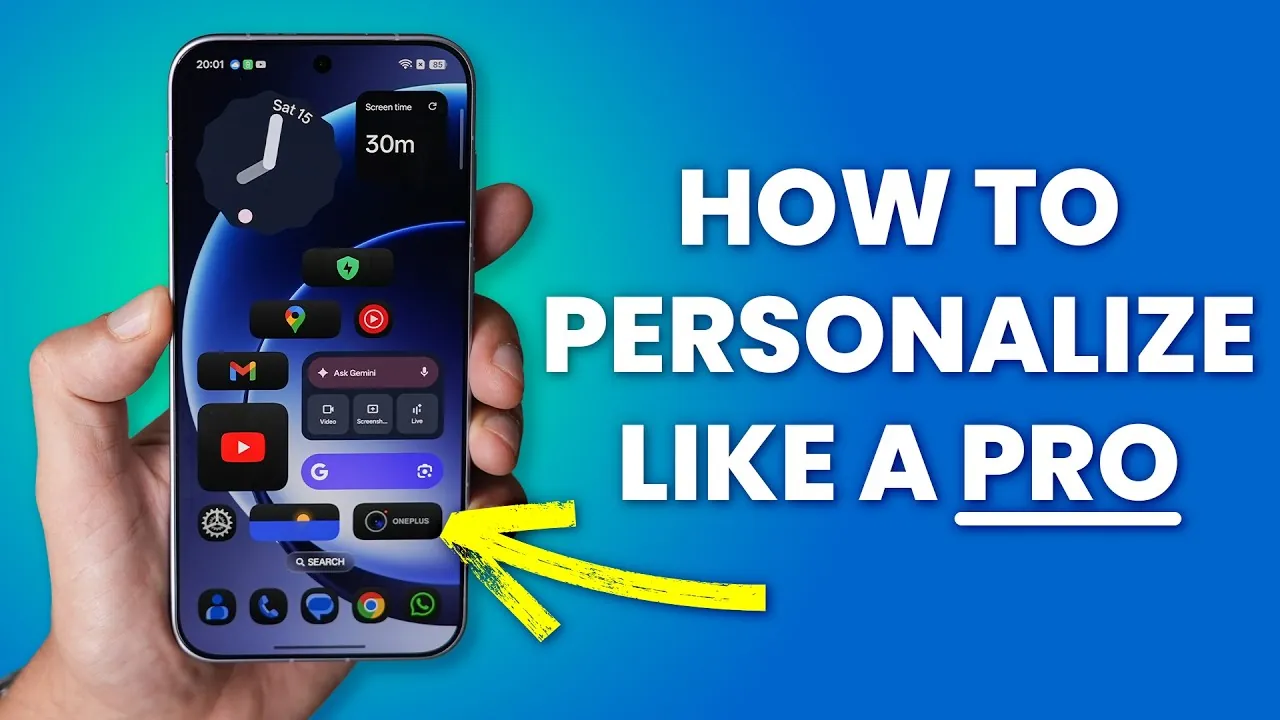
Oxygen OS 16 introduces a comprehensive suite of features designed to elevate your OnePlus experience. With a strong emphasis on customization, usability, and performance, this update enables you to tailor your device to your unique preferences. From innovative widget stacking to advanced gestures, Oxygen OS 16 offers tools that enhance both functionality and aesthetics. In the video below, WhatGear gives us an in-depth look at the most impactful features and how they can transform your interaction with your device.

Widget Stacking: Simplify and Streamline Your Home Screen
One of the standout features of Oxygen OS 16 is widget stacking, which allows you to layer multiple compatible widgets in a single space. By swiping through the stack, you can access essential tools like weather updates, calendars, and music controls without overcrowding your home screen. This feature ensures that your most-used widgets are always within reach while maintaining a clean and organized interface. Widget stacking is particularly useful for users who value efficiency and prefer a clutter-free home screen.
System Color Customization: Personalize Your Interface
Oxygen OS 16 takes personalization to the next level with enhanced system color customization. This feature enables you to sync system colors with your wallpaper, creating a cohesive and visually appealing theme that extends to widgets, menus, and settings. Whether you prefer vibrant hues or subtle tones, the expanded palette offers a wide range of options to match your style. By allowing you to fine-tune the appearance of your device, this update ensures that your interface feels uniquely yours.
App and Folder Management: Organize with Ease
Managing your apps and folders has never been more intuitive. Oxygen OS 16 introduces the ability to resize app icons, making it easier to access frequently used apps. Additionally, you can adjust folder layouts to prioritize the apps you rely on most. These updates streamline navigation and improve efficiency, especially for users who juggle a variety of apps for work, entertainment, and daily tasks. Enhanced app and folder management ensures that your device remains organized and easy to use.
Voice Recorder Integration: Add a Personal Touch
The integrated voice recorder in Oxygen OS 16 offers a creative way to personalize your device. You can record unique audio clips and assign them as ringtones, alarms, or notification tones. This feature allows you to infuse your device with a personal touch, making sure that your alerts and notifications stand out. Whether you want a custom ringtone for a specific contact or a unique alarm tone, the voice recorder integration makes it simple to create and apply personalized audio.
Navigation and Usability Enhancements
Oxygen OS 16 introduces several navigation improvements that enhance usability. Beta swipe animations allow you to preview previous pages without fully navigating back, making multitasking smoother and more intuitive. Additionally, a new search bar simplifies the process of finding apps and settings, helping you locate what you need in seconds. These updates are designed to save time and improve the overall user experience, making sure that your device operates seamlessly.
Lock Screen Signature: Improve Security and Recovery
The lock screen signature feature adds an extra layer of security and convenience. By allowing you to display contact information on your lock screen, this feature increases the chances of recovering your device if it is lost. At the same time, your personal data remains secure. This small but impactful addition demonstrates OnePlus’s commitment to combining functionality with user safety.
Fingerprint Animation Updates: A Polished Unlocking Experience
Unlocking your device feels smoother and more refined with updated fingerprint animations. These enhancements not only improve the visual appeal of the unlocking process but also contribute to a more seamless user experience. The updated animations reflect the attention to detail that defines Oxygen OS 16, making sure that even the smallest interactions feel polished and responsive.
Performance Optimization: High-Performance Mode for Demanding Tasks
For users who require maximum performance, Oxygen OS 16 introduces a high-performance mode. This feature is particularly beneficial for gamers and power users, as it boosts your device’s capabilities for demanding tasks. One notable addition is bypass charging, which powers the device directly without heating the battery. This ensures consistent performance during extended gaming sessions or other intensive activities, making it a valuable tool for those who push their devices to the limit.
Status Bar Customization: Tailor Your Display
Oxygen OS 16 gives you greater control over your status bar, allowing you to hide or modify icons to suit your preferences. You can also customize how your battery status is displayed, choosing between percentage indicators or graphical styles. These options enable you to create a status bar that aligns with your needs and aesthetic preferences, enhancing both functionality and appearance.
Classic OnePlus Gestures: Quick Access to Essential Features
Screen-off gestures make a welcome return in Oxygen OS 16, offering quick access to essential features even when your screen is off. For example, drawing a “V” on the screen can turn on the flashlight, while other gestures can be customized to perform specific actions. These gestures provide a convenient way to interact with your device, especially in situations where speed and simplicity are key.
Air Gestures: Hands-Free Interaction
Air gestures introduce a new level of convenience by allowing hands-free control for specific actions. For instance, you can answer calls with a simple gesture, making this feature particularly useful in scenarios where your hands are occupied, such as cooking or driving. Air gestures reflect the innovative spirit of Oxygen OS 16, offering practical solutions for everyday challenges.
Home Screen Layout Adjustments: More Options, Cleaner Look
Oxygen OS 16 expands home screen customization with additional grid options, allowing you to display more apps and widgets. You can also hide app names for a minimalist aesthetic, creating a home screen that is both functional and visually appealing. These adjustments give you greater control over your device’s layout, making sure that it meets your specific needs and preferences.
Google Clock Widget: Seamless Time Management
The update includes support for the official Google Clock widget, which can be downloaded and set up for enhanced time management. This widget integrates seamlessly with your home screen, providing a reliable and customizable clock display. Whether you need to track multiple time zones or set reminders, the Google Clock widget offers a practical and user-friendly solution.
Elevate Your OnePlus Experience with Oxygen OS 16
Oxygen OS 16 exemplifies OnePlus’s dedication to user-centric design, offering a robust set of features that enhance customization, usability, and performance. From widget stacking to high-performance mode, these updates empower you to tailor your device to your unique needs. By exploring the tools and enhancements introduced in this update, you can unlock the full potential of your OnePlus device and enjoy a more personalized and efficient experience.
Gain further expertise in OnePlus Oxygen OS 16 by checking out these recommendations.
- Oxygen OS 16 vs Origin OS 6: Full Comparison
- Color OS 16 Features: Customization, AI Tools, and Design
- OxygenOS 16: The Undisputed BEST Android Update of 2025
- OnePlus 15 Review: Exceptional Battery Life and Gaming
- OnePlus 15R: Features, Specs, and Why It Stands Out
Source & Image Credit: WhatGear
Disclosure: Some of our articles include affiliate links. If you buy something through one of these links, Geeky Gadgets may earn an affiliate commission. Learn about our Disclosure Policy.
