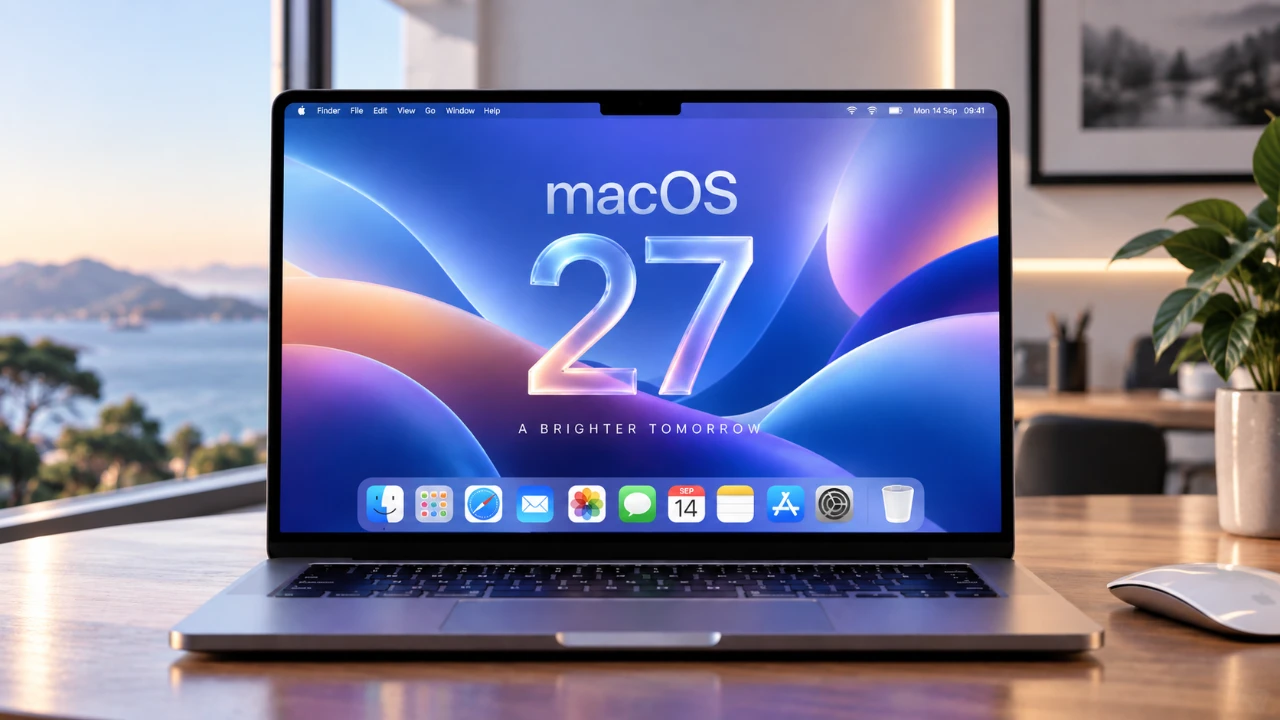
macOS 27 Golden Gate introduces a suite of advanced features and system refinements, setting a new standard for productivity, creativity, and user experience. Designed exclusively for Apple Silicon-powered Macs, this update enhances performance while integrating innovative tools such as AI-driven photo editing, smarter browsing capabilities, and a reimagined interface. Whether you’re a casual user or a professional, macOS 27 is crafted to streamline workflows and elevate your Mac experience. The video below from Proper Honest Tech gives us more information on the macOS 27 software update.

Advanced Photo Editing Tools
macOS 27 offers a significant leap forward in photo editing, allowing users to achieve professional-quality results with minimal effort. The new tools are powered by AI and designed to simplify complex editing tasks while maintaining creative control. Key features include:
- Object Removal: Effortlessly clean up images by removing unwanted elements with precision and customizable quality settings.
- Content Extension: Expand the edges of your photos seamlessly using AI to generate realistic backgrounds that blend naturally.
- Perspective Adjustment: Reframe images by simulating different camera angles, allowing for perfect composition without reshooting.
These tools are particularly beneficial for photographers, designers and content creators looking to save time without compromising on quality.
Smarter Siri with AI Enhancements
Siri in macOS 27 has been significantly upgraded, transforming it into a more intelligent and versatile assistant. Using advanced AI capabilities, Siri now offers:
- Visual Intelligence: Identify objects on your screen, search for related items and provide contextual information based on what you’re viewing.
- Task Management: Create reminders, manage to-do lists and locate files with ease through conversational follow-ups and natural language processing.
These enhancements make Siri an indispensable tool for personal organization and professional productivity, offering a seamless way to manage tasks and access information.
Enhanced Safari for Intuitive Browsing
Safari has been reimagined in macOS 27 to deliver a more intuitive and efficient browsing experience. The latest updates focus on improving usability and convenience, including:
- Price Tracking: The “Notify Me” feature monitors price changes on specific web pages, making sure you never miss out on deals or discounts.
- Tab Organization: Automatically group tabs by topic, making it easier to manage multiple browsing sessions and stay organized.
These features are designed to simplify your online activities, whether you’re shopping, researching, or multitasking across various projects.
Liquid Glass UI Design
The Liquid Glass design in macOS 27 introduces a sleek and modern aesthetic while enhancing usability. This refined user interface offers:
- Adjustable Transparency: Customize the transparency of windows and menus to create a personalized and visually appealing workspace.
- Overflow Management: Access hidden icons in the menu bar effortlessly when space becomes limited, making sure a clutter-free experience.
This design update strikes a balance between functionality and visual appeal, making navigation and multitasking more intuitive.
Redesigned Weather App
The Weather app has been completely redesigned to provide quick access to essential information in a user-friendly format. Key improvements include:
- Streamlined Navigation: View current conditions, precipitation levels and wind forecasts at a glance, all within a simplified interface.
- Improved Planning: Quickly assess detailed weather updates to better organize your day or plan outdoor activities.
This overhaul ensures that critical weather information is always accessible without unnecessary complexity.
Performance and Usability Upgrades
macOS 27 delivers noticeable performance improvements, making everyday tasks smoother and more efficient. These upgrades include:
- Freeform App Enhancements: Organize content more effectively with folder support and enjoy an improved dark mode for better usability during extended sessions.
- Pull-to-Refresh: Update content in apps like Mail and Safari with a simple swipe gesture, adding a familiar and convenient interaction.
These refinements focus on enhancing both speed and convenience, making sure a seamless user experience across the system.
Enhanced Media Playback
The updated Podcast app in macOS 27 introduces seamless transitions between video and audio playback, offering greater flexibility for media consumption. This feature is particularly useful for:
- Multitasking: Switch between formats without interrupting your listening or viewing experience, making it easier to stay engaged while working or commuting.
- Device Flexibility: Enjoy consistent playback across your Mac and other Apple devices, making sure a unified media experience.
These improvements cater to users who value uninterrupted and versatile media playback.
Photorealistic Illustration Tools
Creative professionals will find the enhanced Image Playground in macOS 27 to be a powerful tool for producing photorealistic illustrations. The new features include:
- Greater Control: Fine-tune every detail of your designs with advanced precision tools, allowing you to achieve your creative vision.
- Flexibility: Experiment with various styles and effects to create stunning visuals that stand out.
These updates empower artists and designers to push the boundaries of creativity, making macOS 27 an essential platform for innovative projects.
Compatibility and Regional Features
macOS 27 Golden Gate is exclusively compatible with Apple Silicon-powered Macs, such as the MacBook Neo, making sure optimized performance and reliability. Additionally, some features, like Siri AI enhancements, are initially available in English and may vary by region. This approach ensures:
- Optimized Performance: Tailored functionality for supported devices, maximizing system efficiency.
- Localized Features: Regional adaptations that enhance the user experience based on specific needs and preferences.
While these limitations may affect availability, they prioritize delivering a seamless and reliable experience for all users.
Streamlined Workflow for Maximum Productivity
macOS 27 Golden Gate combines advanced tools and thoughtful refinements to enhance productivity and simplify workflows. From smarter photo editing to AI-driven assistance, this update is designed to help you:
- Work Smarter: Use AI and automation to save time on repetitive tasks, allowing you to focus on what matters most.
- Stay Organized: Use improved apps and features to manage your projects and daily activities more effectively.
By exploring these features, you can unlock the full potential of your Mac, transforming it into a powerful tool for both personal and professional use.
Deep dive into the latest in macOS 27 Golden Gate by exploring our other resources and articles.
- Why macOS 27 is Officially Apple’s Biggest Mac Update Yet
- macOS 27 Beta 3 Unlocks Golden Gate Upgrades for Testers
- What Makes macOS 27 Golden Gate Apple’s Best Update Yet
- Apple Brings Advanced Siri AI to macOS 27
- macOS 27 Golden Gate: 10 New Features and AI Upgrades
Source & Image Credit: Proper Honest Tech
Disclosure: Some of our articles include affiliate links. If you buy something through one of these links, Geeky Gadgets may earn an affiliate commission. Learn about our Disclosure Policy.
