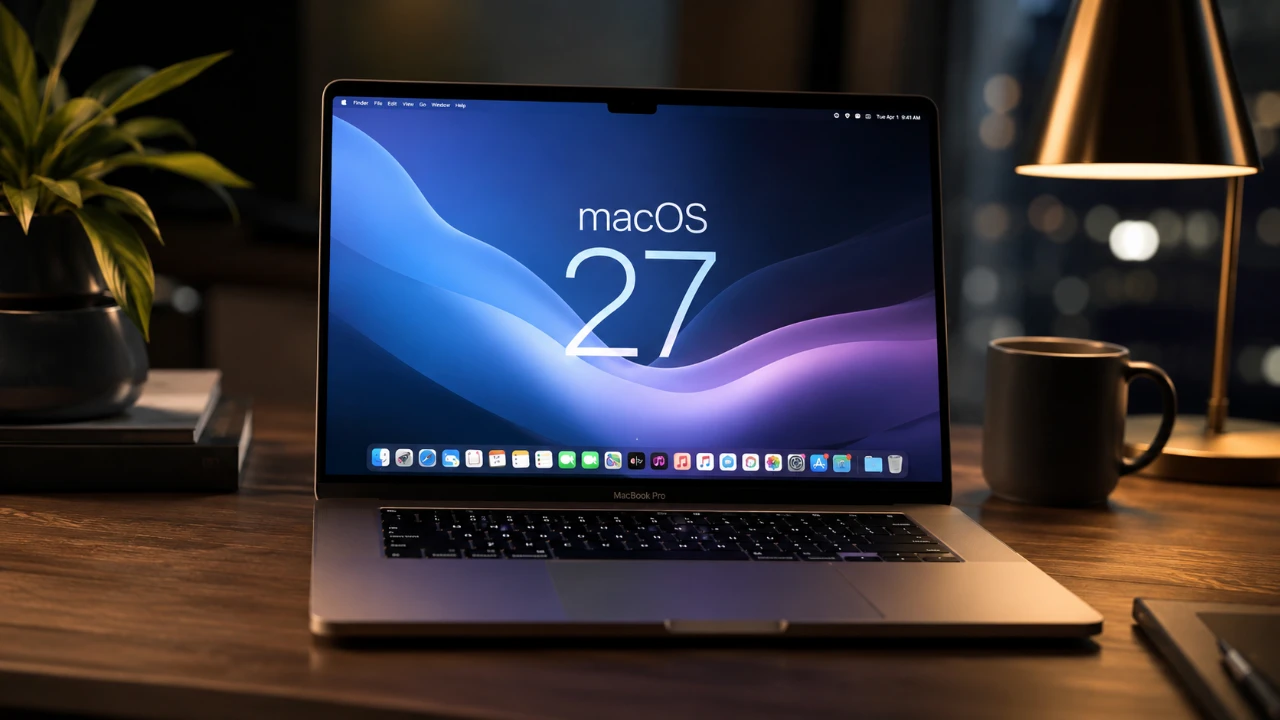
Apple is poised to reshape the macOS ecosystem with the release of macOS 27, expected to be unveiled at WWDC. This update introduces a suite of fantastic features centered on artificial intelligence (AI), enhanced productivity tools, and refined user interface (UI) elements. Designed to streamline workflows and prepare for potential hardware advancements like touchscreen Macs, macOS 27 aims to deliver a more intuitive, efficient, and forward-thinking user experience. Below is an in-depth look at the key updates that make macOS 27 a significant milestone in a new video from 9 to 5 Mac.
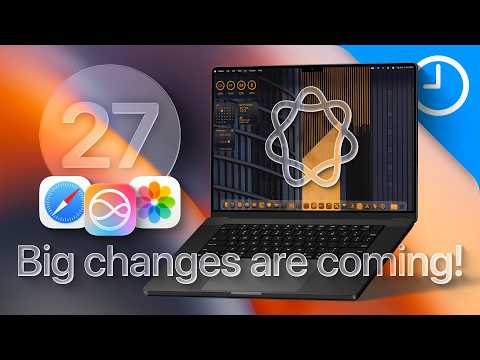
AI Integration: Smarter Assistance and Automation
Artificial intelligence takes a leading role in macOS 27, fundamentally changing how you interact with your Mac. Siri has undergone a substantial upgrade, evolving into a conversational assistant with chatbot-like capabilities. Whether you prefer text-based commands or voice interactions, Siri now provides context-aware responses, making task management more seamless and intuitive. For instance, you can ask Siri to summarize an email thread or suggest the best time for a meeting based on your calendar.
Beyond Siri, macOS 27 introduces agentic AI capabilities that allow you to automate complex workflows using natural language commands. You can instruct your Mac to organize files by project, schedule recurring meetings, or draft detailed emails, all without navigating through multiple apps. Additionally, AI-driven background task management optimizes system performance by prioritizing processes, making sure your Mac operates efficiently without requiring manual intervention. These advancements make AI a central pillar of productivity in macOS 27.
Safari: Enhanced Browsing with AI-Powered Organization
Safari in macOS 27 receives a significant upgrade, focusing on AI-powered tab management to improve productivity and reduce clutter. This feature automatically organizes your tabs into groups based on activity, such as work, shopping, or travel. For example, if you’re researching for a project while planning a vacation, Safari can neatly separate these tasks into distinct tab groups, allowing you to switch between them effortlessly.
This intelligent organization not only saves time but also enhances your browsing experience by allowing you to focus on one task at a time. Additionally, Safari introduces enhanced privacy features, making sure your online activities remain secure while benefiting from these productivity enhancements.
Photos: Advanced Editing Tools for Creativity
The Photos app in macOS 27 introduces innovative tools designed to elevate your photo editing experience. These features cater to both casual users and professionals, offering a balance between accessibility and advanced functionality. Key updates include:
- Extend: Seamlessly expand an image’s boundaries to create a natural continuation of the scene, perfect for panoramic shots or creative compositions.
- Enhance: Use AI-powered adjustments to improve lighting, color and overall image quality with greater precision and minimal effort.
- Reframe: Shift perspectives in spatial photos, allowing dynamic compositions and unique storytelling opportunities.
These tools make photo editing more intuitive while providing advanced capabilities for users seeking greater creative control. Whether you’re enhancing family photos or working on professional projects, the Photos app in macOS 27 offers a versatile platform for visual storytelling.
Shortcuts: Simplified Automation with Natural Language
Creating and managing shortcuts becomes significantly easier in macOS 27, thanks to natural language support. This feature allows you to describe the action you want in plain terms and the system will generate the corresponding automation. For example, you can say, “Set up a shortcut to send weekly reports to my team,” and macOS will handle the rest.
This improvement lowers the barrier for users unfamiliar with complex workflows, making shortcuts a more integral part of your productivity toolkit. By simplifying automation, macOS 27 enables users to save time and focus on what matters most.
UI Enhancements and Touchscreen Compatibility
macOS 27 introduces a series of subtle yet impactful UI refinements, inspired by iPadOS, to modernize the user experience. These updates include touch-friendly elements such as larger buttons, more responsive menus and gesture-based interactions. While these changes enhance usability on traditional Macs, they also signal preparations for the anticipated arrival of touchscreen Macs.
Gesture-based navigation, such as swiping between apps or pinching to zoom, is being explored to provide a more intuitive interaction model. These refinements not only improve the overall macOS interface but also position it for seamless integration with future hardware innovations, making sure a smooth transition for users as Apple continues to evolve its ecosystem.
macOS 27: A New Era of Computing
macOS 27 represents a significant evolution, combining AI-driven innovation with practical productivity tools and forward-thinking design. From intelligent task automation and advanced photo editing to streamlined shortcuts and touch-ready UI enhancements, this update addresses the diverse needs of modern users while paving the way for future advancements. Whether you’re a professional seeking efficiency or a casual user looking for simplicity, macOS 27 delivers a powerful, intuitive and adaptable computing experience that sets a new standard for desktop operating systems.
Expand your understanding of AI Integration with additional resources from our extensive library of articles.
- How Obsidian AI Tools Are Changing Knowledge & Research
- Why Everyone is Talking About the New Siri in iOS 27
- Why Linking Gemini Gems with NotebookLM Completely Changes Your AI Workflow
- Who is John Ternus? Everything to Know About Apple’s New Chief Executive
- Apple Releases iOS 26.4 RC: Everything New for Your iPhone
Source: 9to5Mac
Disclosure: Some of our articles include affiliate links. If you buy something through one of these links, Geeky Gadgets may earn an affiliate commission. Learn about our Disclosure Policy.
