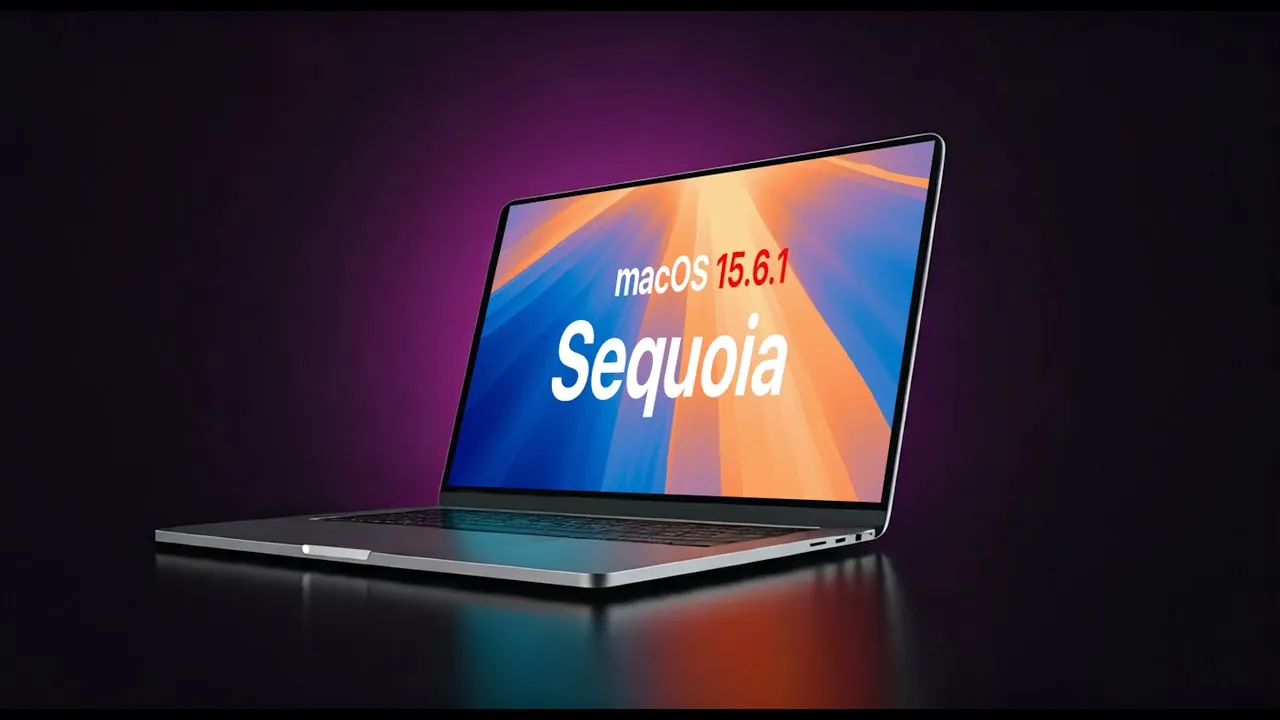
Apple’s macOS 15.6.1 Sequoia introduces critical updates aimed at enhancing security and system stability. While this release does not include new features, it addresses significant vulnerabilities and improves overall performance. These updates are essential for maintaining a secure and reliable computing environment, especially for users who depend on their Mac for daily tasks. Installing this update ensures your system remains safeguarded against potential threats while operating at peak efficiency. The video below from HalfManHalfTech gives us more details on the update.

Key Security Enhancements
The most notable improvement in macOS 15.6.1 is the resolution of a critical vulnerability within the ImageIO framework. This flaw, which could lead to memory corruption, posed a serious risk, particularly in scenarios involving targeted attacks. Apple has implemented enhanced boundary checking to mitigate this issue, strengthening your Mac’s defenses against potential exploits. This update underscores Apple’s ongoing commitment to protecting user data and maintaining system integrity.
In addition to the ImageIO fix, the update includes several other security patches designed to prevent unauthorized access and bolster your Mac’s resilience against cyber threats. While Apple has not disclosed the full details of every vulnerability addressed, these updates are particularly significant for users handling sensitive data or working in industries where security is paramount. By addressing these vulnerabilities, Apple ensures that your Mac remains a trusted tool for both personal and professional use.
Improvements to Safari Technology Preview
Safari Technology Preview 226, included with this update, brings a range of refinements aimed at enhancing the web browsing experience. Key improvements include:
- Optimized CSS and Canvas rendering, resulting in smoother visual performance and more responsive web pages.
- A fix for an issue affecting the address and search bar for users with compact tab settings, ensuring seamless navigation.
These updates benefit both developers and casual users. Developers testing web applications will appreciate the improved rendering capabilities, while everyday users will notice a more reliable and efficient browsing experience. Apple’s focus on addressing user-reported issues and refining browser performance demonstrates its dedication to delivering a seamless and user-friendly experience.
System Stability and Performance
MacOS 15.6.1 places a strong emphasis on system stability, addressing memory corruption risks and other performance-related issues. These improvements are particularly valuable for users running resource-intensive applications or multitasking across multiple programs. By resolving these issues, Apple ensures that your Mac operates reliably, even under demanding workloads.
For system administrators managing updates across multiple devices, frequent updates like this can present logistical challenges. While Apple’s decision to reduce the frequency of rapid security response updates may simplify the update process, it also raises questions about the timeliness of future patches. Striking a balance between security needs and operational efficiency remains a critical consideration, particularly in enterprise environments where downtime can have significant implications.
Installation and Versioning Details
To install macOS 15.6.1, users running beta versions of macOS 16 or higher will need to revert to a non-beta version. The update itself is relatively small, with a download size of approximately 1.56 GB, making it quick and straightforward to install. For users who prefer a fresh start, a full installer is also available for download.
It is worth noting that Apple mistakenly labeled this update as 15.6.2 on its developer page, leading to some initial confusion. To avoid potential issues, always verify version numbers before proceeding with updates, particularly in professional or administrative settings where accuracy is critical. This attention to detail ensures a smooth update process and minimizes the risk of errors.
Why You Should Update
Although macOS 15.6.1 Sequoia does not introduce new features, its focus on security and stability makes it a crucial update for all users. By addressing vulnerabilities such as the ImageIO flaw and refining Safari’s functionality, Apple ensures that your Mac remains a secure and dependable tool for both personal and professional use.
Installing this update provides the latest security patches and performance improvements, helping to protect your system from potential threats while maintaining its efficiency. Regularly updating your Mac is one of the simplest and most effective ways to ensure its longevity and reliability. If you have not yet installed macOS 15.6.1, now is the time to take advantage of these important enhancements.
Here are more detailed guides and articles that you may find helpful on macOS 15.6.1 Sequoia.
Source & Image Credit: HalfManHalfTech
Disclosure: Some of our articles include affiliate links. If you buy something through one of these links, Geeky Gadgets may earn an affiliate commission. Learn about our Disclosure Policy.
