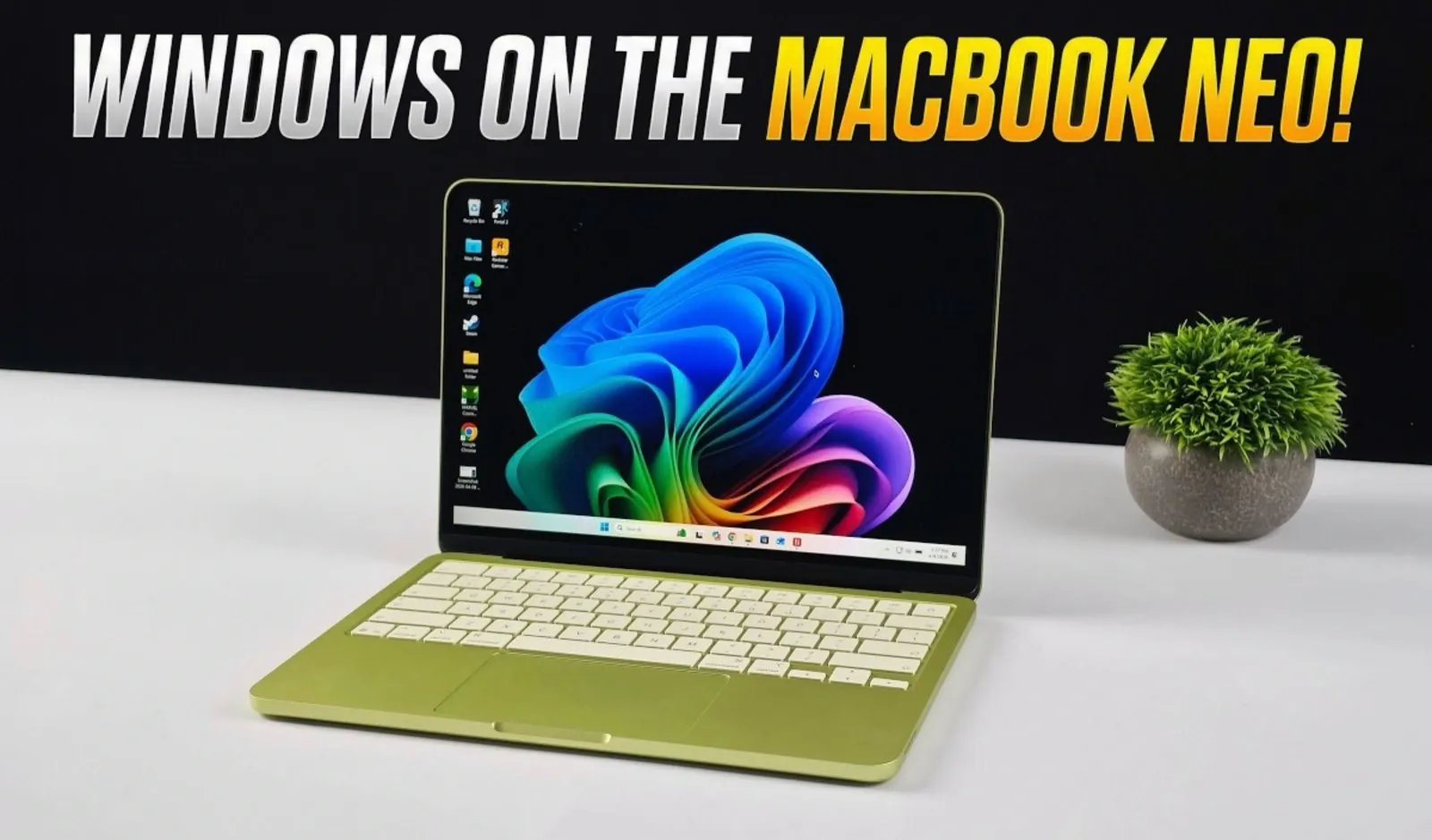
Running Windows 11 on the MacBook Neo, equipped with Apple’s A18 Pro chip, offers a surprisingly functional experience despite the challenges posed by Apple Silicon’s architecture. ETA Prime explores how virtualization options like Parallels Desktop enable users to create a virtual machine for the ARM version of Windows, bridging the gap between macOS and Windows environments. Among the available choices, Parallels Desktop stands out for its efficiency, delivering features like coherence mode and 3D hardware acceleration, which make it particularly well-suited for tasks requiring Windows-exclusive software. However, hardware constraints, such as limited RAM allocation and GPU performance, remain key considerations for users.
Explore how this setup performs across different scenarios, from general productivity tasks to casual gaming and professional software use. Learn about the trade-offs involved, including the impact of RAM limitations on multitasking and the challenges of running graphically demanding applications. Whether you’re considering virtualization for work, gaming, or occasional Windows use, this explainer provides a clear breakdown of what to expect and how to make the most of Windows 11 on the MacBook Neo.
How Virtualization Works on the MacBook Neo
TL;DR Key Takeaways :
- Running Windows 11 on the MacBook Neo requires virtualization tools like Parallels Desktop, VMware Fusion, or UTM, with Parallels Desktop offering the best performance and integration.
- The MacBook Neo’s Apple A18 Pro chip and 8GB of RAM provide sufficient power for basic productivity tasks, but resource allocation limits performance for multitasking and demanding applications.
- Gaming performance is mixed, with older or less demanding games running smoothly, while graphically intensive titles face significant challenges due to limited GPU power and RAM.
- Virtualization is particularly useful for accessing Windows-exclusive software, casual gaming and general productivity, but the MacBook Neo struggles with resource-heavy workflows like 3D rendering or video editing.
- Hardware limitations, including 5GB RAM allocation to virtual machines, integrated GPU performance and a 60Hz display, make the MacBook Neo less ideal for high-performance Windows tasks.
The MacBook Neo’s Apple Silicon architecture requires virtualization to run Windows 11. This process involves creating a virtual machine (VM) that emulates the ARM version of Windows, allowing the operating system to function within macOS. Several tools assist this process, each with varying levels of performance and compatibility:
- Parallels Desktop: The most optimized option, offering features like coherence mode, which allows Windows applications to run alongside macOS apps and full 3D hardware acceleration for improved performance.
- VMware Fusion: A functional alternative, though less optimized for demanding tasks or resource-intensive applications.
- UTM: A free and open source option, but it falls behind in terms of performance and compatibility with more complex software.
Among these, Parallels Desktop excels by optimizing resource allocation and delivering a polished user experience. It ensures smooth operation even on the MacBook Neo’s relatively modest hardware, making it the preferred choice for users seeking reliable virtualization.
Performance: What to Expect
When using Parallels Desktop to virtualize Windows 11, the MacBook Neo performs admirably for general tasks. The A18 Pro chip, featuring a six-core CPU, combined with 8GB of RAM, provides sufficient power for basic productivity tasks such as web browsing, document editing and video conferencing. However, resource allocation is a critical factor. Typically, only 5GB of RAM is available to the virtual machine, which can lead to performance bottlenecks during multitasking or when running resource-intensive applications.
DirectX12 support in Parallels Desktop enables 3D hardware acceleration, enhancing the performance of certain applications. However, the MacBook Neo’s integrated GPU struggles with graphically demanding workloads. While lightweight applications and productivity tools run smoothly, software like SolidWorks or AutoCAD may experience slowdowns, particularly during complex operations or rendering tasks.

Learn more about Apple MacBooks with other articles and guides we have written below.
- Touchscreen M6 MacBook Pro: Features, Release Date, and More
- MacBook Ultra: First Touchscreen Mac Rumored for Late 2026
- Apple MacBook E: Everything You Need to Know
- M5 MacBook Air: Release Date, Features, and Pricing
- Apple’s MacBook SE: Compact, Affordable, and Powerful
- Apple 2026 MacBook Lineup: Budget, Air, Pro, and OLED Models
- MacBook SE Leaks: Affordable Apple Laptop for $599
- Apple’s OLED MacBook Pro Redesign: What to Expect
- MacBook Air M5 2026: Features, Specs, and Release Date
- What’s New in the M5 MacBook Air? Full Breakdown
Gaming on the MacBook Neo: A Mixed Bag
For gaming enthusiasts, the MacBook Neo offers a mixed experience. Older or less demanding games, such as Portal 2, Dirt 3, and Skyrim, run at acceptable frame rates with smooth performance. However, more graphically intensive titles like GTA 5 or Cyberpunk 2077 face significant challenges due to the device’s limited GPU power and RAM allocation.
Alternative solutions, such as Crossover, which translates Windows API calls to macOS, can improve performance for certain games. However, this approach lacks the full compatibility and functionality of a native Windows environment. Additionally, the MacBook Neo’s 60Hz display limits gaming fluidity, particularly for fast-paced titles where higher refresh rates are preferred. As a result, the MacBook Neo is better suited for casual gaming rather than high-performance gaming experiences.
Practical Use Cases for Windows on the MacBook Neo
Virtualizing Windows 11 on the MacBook Neo proves particularly useful in specific scenarios where access to Windows-exclusive software or environments is necessary. Key use cases include:
- Professional Applications: Running Windows-exclusive software like AutoCAD, SolidWorks and ERP tools, which are essential for professionals in engineering, architecture and business management.
- Casual Gaming: Playing older or less demanding games that are unavailable on macOS, providing a way to enjoy light gaming on the MacBook Neo.
- General Productivity: Tasks such as web browsing, document editing and video conferencing benefit from the flexibility of the Windows environment.
While these use cases highlight the versatility of virtualization, the MacBook Neo’s hardware limitations make it less suitable for resource-heavy workflows, such as 3D rendering, video editing, or high-end gaming.
Limitations to Consider
Despite the advantages of virtualization, the MacBook Neo’s hardware imposes several constraints that users should consider before relying on it for Windows-specific tasks:
- RAM Allocation: With only 8GB of RAM available on the MacBook Neo and typically 5GB allocated to the virtual machine, multitasking and running demanding applications can strain the system.
- GPU Performance: The integrated GPU is sufficient for basic tasks but struggles with graphically intensive workloads, such as gaming or 3D modeling.
- Display Refresh Rate: The 60Hz display is adequate for productivity but limits the visual experience for gaming and multimedia compared to higher refresh rate panels.
These limitations underscore the MacBook Neo’s primary focus on macOS optimization, making it less ideal for users with heavy Windows-specific needs. However, for occasional or lightweight Windows tasks, virtualization remains a practical solution.
Windows on the MacBook Neo: A Niche but Practical Solution
Running Windows 11 on the MacBook Neo is a viable option for users who occasionally need access to Windows-exclusive software or environments. Thanks to the efficiency of Parallels Desktop and the capabilities of the A18 Pro chip, the experience is smoother than expected for light productivity tasks, casual gaming and professional applications. However, the MacBook Neo’s hardware constraints, including limited RAM, GPU performance and display refresh rate, make it less suitable for high-end tasks or demanding workflows. For most users, the MacBook Neo remains best optimized for macOS, but virtualization provides a valuable bridge between two distinct ecosystems, catering to niche but practical use cases.
Media Credit: ETA PRIME
Disclosure: Some of our articles include affiliate links. If you buy something through one of these links, Geeky Gadgets may earn an affiliate commission. Learn about our Disclosure Policy.
