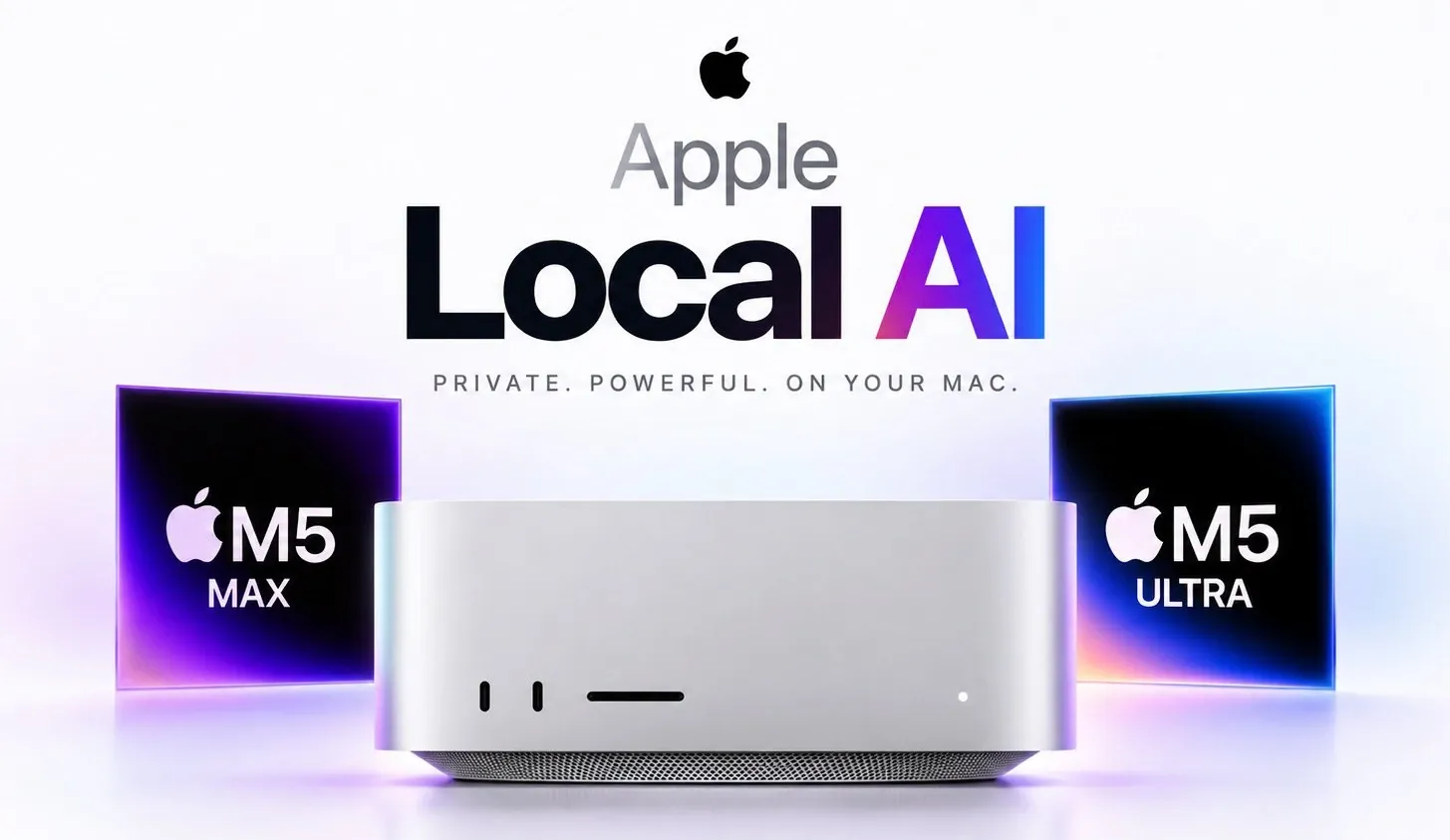
Apple’s latest hardware release has introduced two machines designed to handle local AI workloads: the Mac Studio M5 Ultra and the Mac Mini M5 Pro. In his detailed breakdown, Manolo Remiddi highlights how the Mac Studio M5 Ultra, with its 1.2 TB/s memory bandwidth, sets a new standard for memory-intensive tasks like running large language models or managing multiple parallel agents. While the M5 Ultra offers unparalleled performance for advanced AI applications, its base price of $5,499 and high-cost upgrades for additional memory make it a significant investment.
Explore the key differences between these two machines and how they compare to alternatives like Nvidia’s RTX 5090. Gain insight into which configurations best suit heavy workloads versus smaller-scale AI tasks and understand the trade-offs between memory capacity and processing speed. This overview also addresses whether waiting for future updates might provide better value, helping you make an informed decision tailored to your needs.
Built for Intensive AI Workloads
TL;DR Key Takeaways :
- The Mac Studio M5 Ultra is Apple’s most powerful machine for local AI computing, featuring an impressive 1.2 TB/s memory bandwidth and configurations up to 512 GB of RAM, ideal for memory-intensive tasks like large language model training.
- The Mac Mini M5 Pro offers a cost-effective alternative with 307 GB/s memory bandwidth and 64 GB of unified RAM, suitable for moderate AI workloads and general computing tasks.
- The M5 Ultra outperforms GPUs like Nvidia’s RTX 5090 in memory capacity, making it better suited for tasks requiring large context windows or multiple parallel agents, while GPUs may excel in token generation speed.
- Memory capacity is a critical factor in AI computing, with the M5 Ultra providing unparalleled performance for advanced AI applications, though at a significantly higher cost compared to the M5 Pro.
- Choosing between the M5 Ultra and M5 Pro depends on workload demands and budget, with the M5 Ultra catering to heavy AI tasks and the M5 Pro offering reliable performance for smaller-scale needs.
Mac Studio M5 Ultra Local AI
The Mac Studio M5 Ultra stands as Apple’s most powerful machine for local AI computing. It features an extraordinary 1.2 TB/s memory bandwidth, a feature that surpasses even some of the most advanced GPUs, such as Nvidia’s RTX 5090 and DGX Spark. This immense bandwidth enables the M5 Ultra to excel in memory-intensive tasks, including managing large context windows and running multiple parallel agents simultaneously.
The base model, priced at $5,499, includes 96 GB of unified RAM, making it an excellent choice for users who prioritize memory capacity for tasks like large language model inference or training. For those requiring even greater memory resources, configurations offering 256 GB or 512 GB of RAM are available, though these come with a significant price increase. These higher configurations are particularly beneficial for professionals working on advanced AI applications that demand extensive memory allocations.
Mac Mini M5 Pro: A Cost-Effective Alternative
For users with less demanding AI workloads, the Mac Mini M5 Pro provides a more budget-friendly option. With a memory bandwidth of 307 GB/s, it slightly outperforms the DGX Spark in this area, making it a competitive choice for smaller-scale AI tasks. Priced at under $3,000, the Mac Mini comes equipped with 64 GB of unified RAM, which is sufficient for running smaller AI models and general computing tasks.
While it lacks the raw power of the M5 Ultra, the Mac Mini M5 Pro strikes a balance between performance and affordability. It is particularly well-suited for developers, researchers, or small businesses that occasionally run AI workloads but do not require the extensive memory or processing capabilities of the Mac Studio. This makes it an attractive option for those seeking reliable performance without overspending.

Advance your skills in local AI by reading more of our detailed content.
- Ollama Runs 32B Local AI Models on a $599 Mac via Quantization for Free
- How DeepSeek Fits a 284B Parameter AI Model on a Single Laptop
- Awesome DIY Raspberry Pi 5 Offline AI Companion Inspired by BMO from Adventure Time
- New AMD’s $1,500 Strix Halo PC Runs 120B AI Models Locally
- Apple Silicon AI Performance: Local Al on Apple Silicon Uses 7X Less RAM
- 128GB Ryzen AI Halo Replaces Cloud Servers for Local AI
- Why NVIDIA’s New 748GB Desktop is Replacing Enterprise Cloud AI Subscriptions
- Meta AI Releases Muse Glimmer 30B for 24GB VRAM Systems
- Free Local AI Models Like Gemma 3 Replace Cloud Subscriptions
- Alibaba Qwen 3.8 Runs Advanced AI Locally on 13.5GB RAM
Performance Comparison: M5 Ultra vs RTX 5090
When comparing the M5 Ultra to Nvidia’s RTX 5090, the key differences lie in memory capacity versus speed. The M5 Ultra generates approximately 35-45 tokens per second using Q6 quantization, with speculative decoding increasing this to 50-60 tokens per second. In contrast, the RTX 5090 achieves faster token generation speeds but falls short in memory capacity, a critical factor for tasks involving large context windows or multiple parallel agents.
If your AI workloads prioritize memory-intensive tasks, such as handling large datasets or running multiple agents simultaneously, the M5 Ultra is the superior choice. However, for tasks that demand maximum token generation speed and less memory, GPUs like the RTX 5090 may still hold an advantage. Understanding the specific requirements of your workload is essential when choosing between these two options.
The Importance of Memory in AI Computing
Memory capacity is a pivotal factor in the performance of local AI machines. The M5 Ultra’s higher RAM configurations allow users to run more parallel agents and handle larger context windows, which are essential for advanced AI applications. These capabilities make it a valuable tool for professionals working on complex AI models or large-scale data processing.
However, the benefits of increased memory come at a steep cost. For users with lighter workloads, the base models of the M5 Ultra or M5 Pro provide sufficient performance without the need for costly upgrades. Determining the right balance between memory capacity and budget is crucial to making an informed purchase decision.
Which Machine Offers the Best Value?
The M5 Ultra and M5 Pro cater to different user needs, making it important to assess which machine aligns best with your requirements. The M5 Ultra offers unparalleled memory bandwidth and processing power, making it an excellent choice for users with heavy AI workloads. However, its high price tag may not be justifiable for everyone. For memory-intensive tasks, it provides better value compared to GPUs like the RTX 5090.
On the other hand, the Mac Mini M5 Pro is a cost-effective solution for moderate AI tasks. It delivers reliable performance without sacrificing essential features, making it an ideal option for developers, researchers, or small businesses with limited budgets.
Here are some recommendations to guide your decision:
- Choose the M5 Ultra with 96 GB of RAM if you handle heavy AI workloads requiring extensive memory and processing power.
- Opt for the Mac Mini M5 Pro with 64 GB of RAM if your AI tasks are moderate and you seek a more affordable option.
- If your budget allows, consider waiting for potential updates or higher memory configurations to ensure long-term value for your investment.
Making an Informed Decision
Apple’s Mac Studio M5 Ultra and Mac Mini M5 Pro represent significant advancements in local AI computing. The M5 Ultra’s exceptional memory bandwidth and processing capabilities make it ideal for demanding AI workloads, while the M5 Pro offers a more accessible option for moderate tasks. Before making a purchase, carefully evaluate your specific requirements, budget constraints and the potential for future updates. By aligning your choice with your needs, you can maximize the value of your investment and ensure that your machine meets your long-term computing goals.
Media Credit: Manolo Remiddi
Disclosure: Some of our articles include affiliate links. If you buy something through one of these links, Geeky Gadgets may earn an affiliate commission. Learn about our Disclosure Policy.
