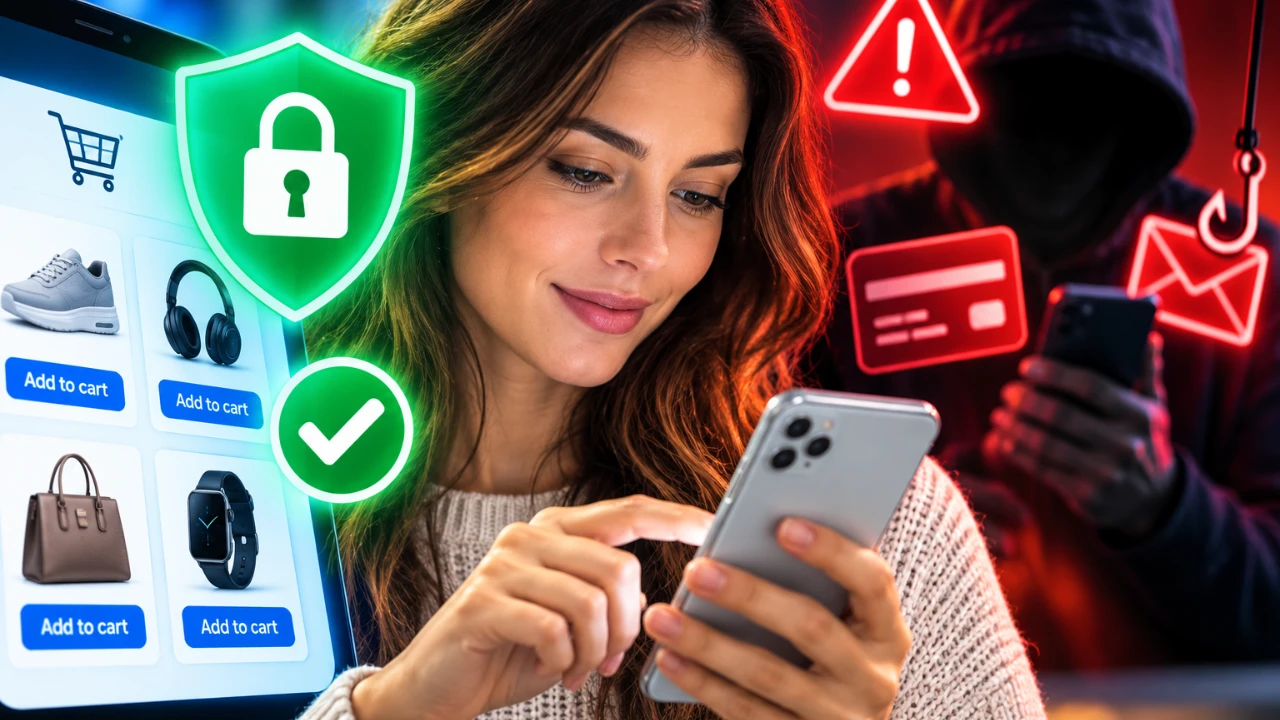
Your iPhone comes equipped with a range of security features designed to protect you from online threats. These tools, while valuable, are not infallible. Understanding their strengths and limitations is crucial, especially during peak shopping seasons when scams and fraudulent activities are more prevalent. The video below from Proper Honest Tech explores the capabilities of your iPhone’s security features and provides actionable steps to help you shop safely and confidently.

HTTPS Encryption: A False Sense of Security
The padlock icon in your browser’s address bar, indicating HTTPS encryption, is often mistaken as a guarantee of safety. While HTTPS ensures that your data is encrypted during transmission, it does not verify the authenticity of the website itself. Scammers can easily create fake websites that appear secure, luring unsuspecting users into sharing sensitive information.
To protect yourself:
- Independently verify the seller’s legitimacy by researching reviews or checking official contact details.
- Avoid clicking on links in unsolicited emails or messages. Instead, manually type the website’s URL into your browser to ensure you’re visiting the correct site.
Safari’s Fraudulent Website Warning: Helpful but Imperfect
Safari’s Fraudulent Website Warning is a built-in feature that alerts you to potential phishing or malware sites. While this tool is helpful, it is not foolproof. The absence of a warning does not necessarily mean a website is safe, as scammers are constantly refining their techniques to bypass detection.
To stay safe:
- Exercise caution when entering sensitive information, even if no warning appears.
- Double-check website URLs for subtle misspellings or unusual domain extensions, which are common signs of fraudulent sites.
Verification Codes: A Common Target for Scammers
Two-factor authentication (2FA) is an essential security measure that adds an extra layer of protection by requiring a verification code in addition to your password. However, scammers often exploit this feature by tricking users into sharing their active codes, allowing unauthorized access to accounts.
Here’s how to protect yourself:
- Only enter verification codes on trusted websites or apps that you have initiated interaction with.
- Never share active codes with anyone, even if they claim to represent a legitimate organization. Legitimate entities will never ask for this information.
Private Wi-Fi Address: Privacy, Not Anonymity
The Private Wi-Fi Address feature on your iPhone is designed to reduce tracking across different Wi-Fi networks by randomizing your device’s MAC address. While this feature enhances privacy, it does not provide complete anonymity. Public Wi-Fi networks, in particular, remain a significant risk, as attackers can intercept your data or set up fake networks to steal information.
For safer online shopping:
- Whenever possible, use mobile data instead of public Wi-Fi for transactions or accessing sensitive accounts.
- If you must use public Wi-Fi, avoid entering sensitive information, such as credit card details or passwords.
Anti-Tracking Features: Limited Protection
iPhone settings like “Prevent Cross-Site Tracking” and “Advanced Tracking Protection” are designed to limit how websites collect and share your browsing data. While these features reduce the extent of tracking, they do not eliminate it entirely. Retailers and advertisers can still gather information through other means, such as cookies or account-based tracking.
To enhance your privacy:
- Opt for guest checkout options whenever possible to minimize the personal information you share with retailers.
- Be selective about the data you provide during online transactions and avoid oversharing unnecessary details.
Key Takeaways for Safer Online Shopping
While your iPhone’s security features provide a solid foundation for online safety, they are not a substitute for personal vigilance. Scammers are constantly evolving their methods, making it essential to stay informed and proactive. To shop securely:
- Verify the authenticity of sellers, especially when shopping on unfamiliar websites or platforms.
- Never share active verification codes and only input them on trusted, verified platforms.
- Avoid using public Wi-Fi for transactions; opt for mobile data or a secure, private network instead.
- Take advantage of anti-tracking features but remain cautious about the personal information you share online.
No single tool or feature can guarantee complete protection against online threats. By understanding the limitations of your iPhone’s security measures and adopting proactive habits, you can significantly reduce your risk of falling victim to scams. Stay informed, remain cautious and approach online shopping with confidence and awareness.
Find more information on iPhone security features by browsing our extensive range of articles, guides and tutorials.
Source: Proper Honest Tech
Disclosure: Some of our articles include affiliate links. If you buy something through one of these links, Geeky Gadgets may earn an affiliate commission. Learn about our Disclosure Policy.
