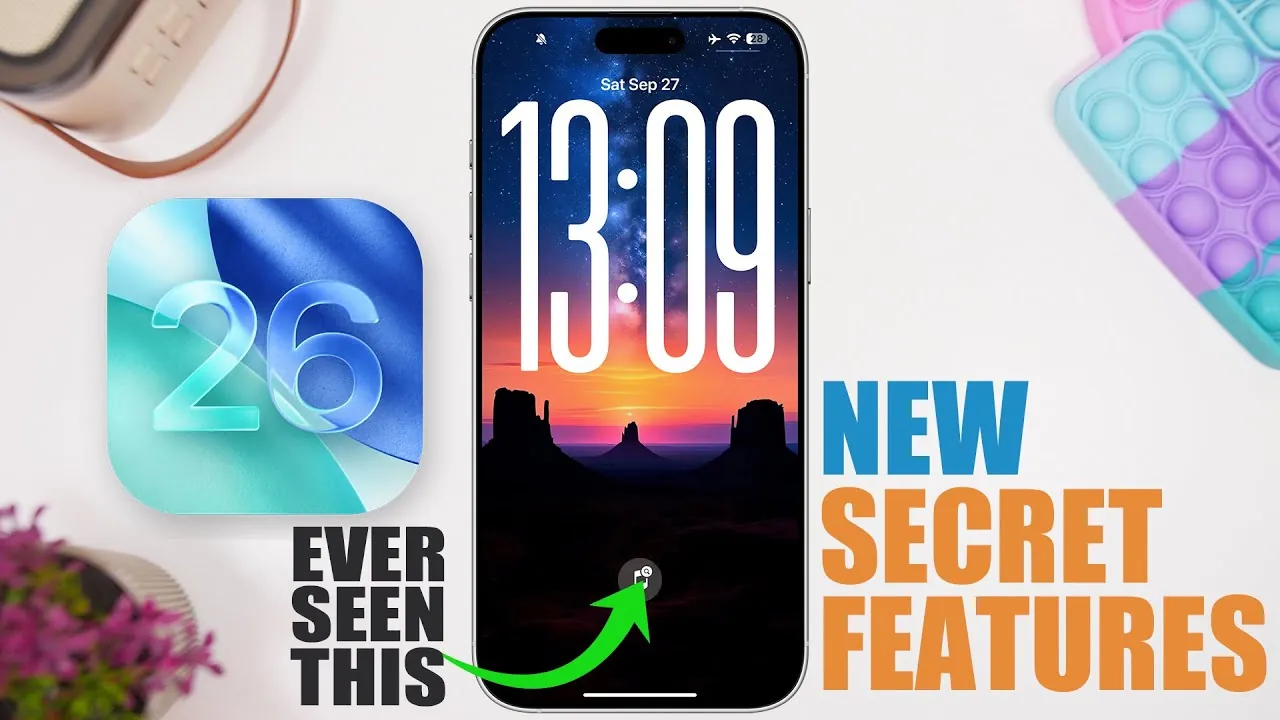
Apple’s iOS 26 introduces a comprehensive suite of features aimed at enhancing your iPhone experience. With a focus on personalization, efficiency, and seamless connectivity, this update brings tools that cater to both everyday convenience and advanced functionality. From smarter app integrations to improved security measures, iOS 26 ensures your device adapts to your needs. Below is an in-depth look at the standout features you’ll want to explore in. a new video from iReviews.

Streamlined Apple Care Support
iOS 26 makes accessing Apple Care support more intuitive than ever. By integrating troubleshooting tools directly into your iPhone, you can resolve common issues such as battery health concerns, AirPods connectivity problems, or Apple ID complications without external assistance. The Phone app and Apple’s support website now offer step-by-step guides, allowing you to diagnose and fix problems independently. This streamlined approach not only saves time but also reduces the need for contacting customer support.
Personalized Apple Music Features
Music enthusiasts will appreciate the enhanced customization options in Apple Music. With iOS 26, you can pin your favorite albums for quick access, making sure your top picks are always at your fingertips. Additionally, you can assign specific actions—such as play, shuffle, or repeat—to album art, tailoring the app to your listening habits. A new lock screen widget further simplifies music discovery by allowing you to search for songs in your library or Apple Music without unlocking your phone. These updates make managing and enjoying your music collection more intuitive.
Smarter Screen Recording Tools
Screen recording capabilities receive a significant upgrade in iOS 26, offering greater control over your recordings. You can now adjust playback speed and frame rates directly within the Photos app. Whether you’re creating a tutorial, reviewing gameplay, or making sure smooth 60fps playback, these tools provide the flexibility to fine-tune your recordings. This feature is particularly useful for content creators and professionals who rely on precise video editing.
Automatic eSIM Switching
For users managing multiple phone numbers or traveling frequently, iOS 26 introduces automatic eSIM switching. This feature detects your location and seamlessly transitions between eSIMs, making sure uninterrupted connectivity without manual intervention. Whether you’re switching between personal and work numbers or using a local eSIM while abroad, this functionality simplifies communication and enhances convenience.
Enhanced iMessage Personalization
Messaging becomes more engaging with iOS 26’s new iMessage personalization tools. You can now set custom conversation backgrounds using photos from your chats, adding a unique and personal touch to each thread. Additionally, unsent message drafts are automatically organized in a dedicated filter, making it easier to locate and manage incomplete messages. These updates bring a fresh level of creativity and organization to your messaging experience.
Efficient Safari Gesture Navigation
Browsing in Safari is now faster and more intuitive, thanks to gesture-based navigation. Actions such as swiping up or double-tapping allow you to access the all-tabs view instantly, streamlining multitasking. These gestures improve your browsing efficiency, making it easier to switch between tabs or manage open pages with minimal effort.
Improved Privacy and Security Controls
iOS 26 introduces enhanced privacy and security settings to give you greater control over your device. A new “Wired Accessories” section in the settings menu allows you to manage trust permissions for connected devices. This ensures that only authorized accessories can interact with your iPhone, providing an additional layer of security when using wired connections.
Advanced PDF Management in Preview
Working with PDFs becomes more practical with the updated Preview app. New tools allow you to jump to specific pages in large documents, rotate or crop pages, and even insert blank pages or merge files. These features make handling PDFs on your iPhone more efficient, whether you’re reviewing contracts, editing documents, or organizing files for work.
Organized Wallet App Features
The Wallet app now includes transaction categorization, helping you better track and manage your spending. Purchases can be organized by type or sorted into custom categories, offering a clearer overview of your financial activity. This update transforms the Wallet app into a more powerful tool for budgeting and expense management.
Fitness App Integration with Dynamic Island
Fitness enthusiasts will benefit from the app’s integration with Dynamic Island and live activities. You can start workouts directly from the app and monitor your progress in real-time. This integration creates a more engaging fitness experience, allowing you to stay focused on your goals while keeping essential metrics easily accessible.
AirPods Battery Notifications
Keeping track of your AirPods’ battery life is now effortless with iOS 26. The system sends notifications when your AirPods are fully charged or running low, making sure you’re always prepared for calls, music playback, or other activities. This feature eliminates the guesswork and helps you stay connected without interruptions.
iOS 26: A More Intuitive and Personalized Experience
iOS 26 delivers a wide array of features designed to make your iPhone more intuitive, personalized, and efficient. From smarter tools like automatic eSIM switching and enhanced Apple Music options to improved security and privacy controls, this update enhances your daily interactions with your device. Whether you’re managing your music, navigating PDFs, or staying connected on the go, iOS 26 ensures a seamless and enjoyable user experience. With these thoughtful updates, your iPhone becomes an even more indispensable part of your everyday life.
Here are additional guides from our expansive article library that you may find useful on iOS 26 features.
- Top 10 iOS 26 Features That Enhance Your iPhone
- iOS 26: Liquid Glass & The TOP Features You Need to See!
- 10 Hidden Features in iOS 26 You Need to Know About
- iOS 26 Release: Key Features and Updates for Apple Users
- Apple iOS 26 Beta 9 Explained: Features, Fixes, and More
Source & Image Credit: iReviews
Disclosure: Some of our articles include affiliate links. If you buy something through one of these links, Geeky Gadgets may earn an affiliate commission. Learn about our Disclosure Policy.
