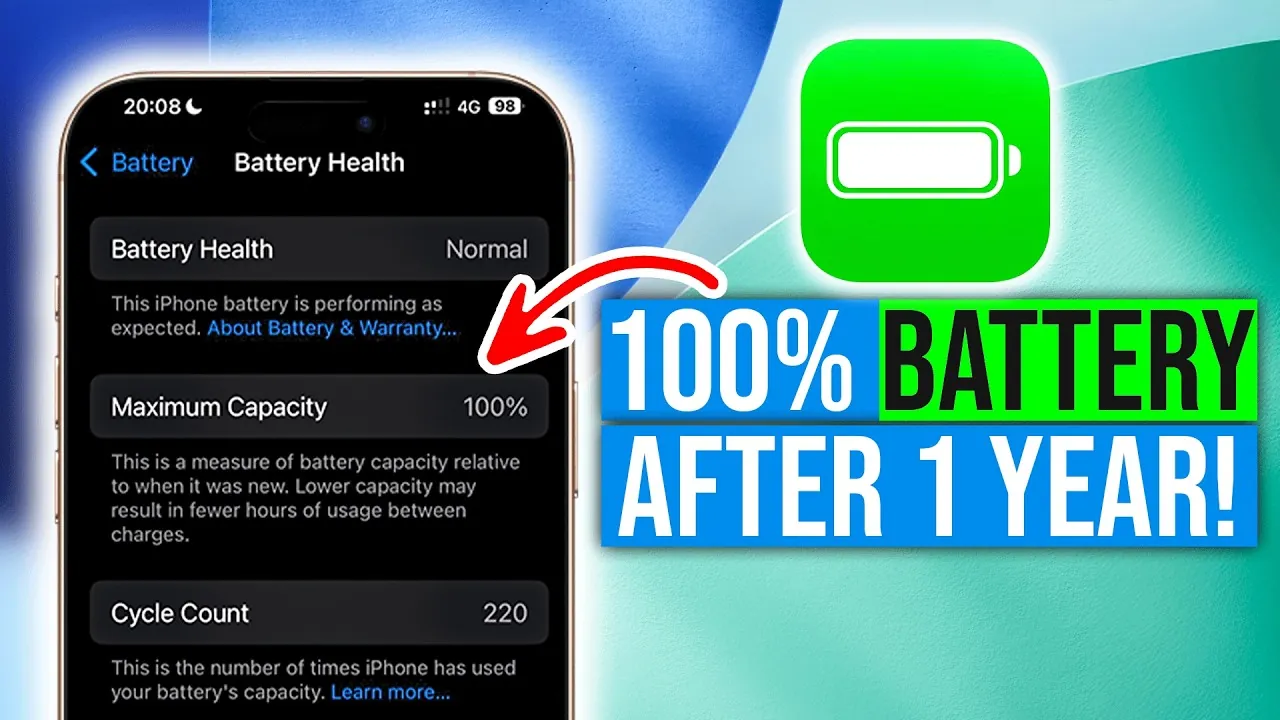
Making sure your iPhone’s battery health remains at 100% after a year may seem challenging, but it is entirely achievable with consistent care and mindful usage. By adopting thoughtful charging practices, using built-in features, and avoiding common pitfalls, you can significantly slow down battery degradation. The video below from Matt Talks Tech provides practical strategies to help you maintain your iPhone’s battery health and extend its overall lifespan.

1. Enable Optimized Battery Charging
Your iPhone is equipped with a feature called Optimized Battery Charging, designed to minimize battery wear by learning your daily charging habits. This feature intelligently adjusts the charging process to reduce the time your battery spends at a high charge level, which is a major contributor to battery degradation. For instance, it pauses charging at 80% and resumes closer to the time you typically unplug your device.
To activate this feature:
– Navigate to Settings > Battery > Battery Health & Charging.
– Toggle on Optimized Battery Charging.
By allowing your iPhone to manage charging intelligently, you can protect the battery from unnecessary stress and extend its lifespan.
2. Prioritize Slow Charging Over Fast Charging
Fast chargers are undeniably convenient, especially when you need a quick power boost. However, they can generate excess heat and place additional strain on your battery, accelerating wear over time. Opting for slower charging methods, such as using a 15W MagSafe charger or a standard 5W adapter, is a gentler approach that helps preserve battery health. These methods are particularly suitable for overnight charging when speed is not a priority.
Reserve fast charging for emergencies or situations where time is limited. For regular use, slower charging is a more sustainable strategy to maintain your battery’s long-term performance.
3. Maintain an Optimal Charging Range
Keeping your battery within a consistent and optimal charge range is one of the most effective ways to preserve its health. Aim to keep your battery level between 25% and 80% during daily use. This practice reduces stress on the battery’s internal chemistry and minimizes wear.
- Allowing your battery to drain completely (0%) can strain its chemistry, leading to faster degradation.
- Charging to 100% frequently increases wear, as high charge levels put more stress on the battery.
By maintaining this charging range, you can significantly reduce the risk of long-term damage and ensure your battery remains in peak condition.
4. Protect Your Battery from Extreme Temperatures
Temperature plays a critical role in battery performance and longevity. Charging your iPhone in extreme heat or cold can cause irreversible damage to the battery and accelerate its degradation. To safeguard your device:
- Charge your iPhone in a room-temperature environment, ideally between 20°C and 25°C (68°F to 77°F).
- If your phone has been exposed to high temperatures, such as being left in a hot car, allow it to cool down before charging.
- Avoid using your phone while it is charging, as this can generate additional heat and strain the battery.
By managing charging conditions and avoiding temperature extremes, you can prevent unnecessary damage and prolong your battery’s lifespan.
Adopt Consistent Habits for Long-Term Battery Health
Maintaining your iPhone’s battery health at 100% after a year is not only possible but also practical with the right habits. By allowing Optimized Battery Charging, prioritizing slower charging methods, adhering to an optimal charging range, and avoiding extreme temperatures, you can significantly extend your battery’s lifespan. These strategies ensure your device remains reliable and efficient over time, reducing the need for premature battery replacements. With consistent care and attention, you can maximize the longevity of your iPhone’s battery and enjoy its performance for years to come.
Stay informed about the latest in iPhone battery health by exploring our other resources and articles.
- How to check iPhone battery health
- How Apple Improved iPhone Battery Health
- iPhone 15 Pro Max Battery Health After 12 Months
- Uncover the Hidden Truth About Your iPhone Battery’s Health
- How to Maintain 100% iPhone Battery Health
Source & Image Credit: Matt Talks Tech
Disclosure: Some of our articles include affiliate links. If you buy something through one of these links, Geeky Gadgets may earn an affiliate commission. Learn about our Disclosure Policy.
