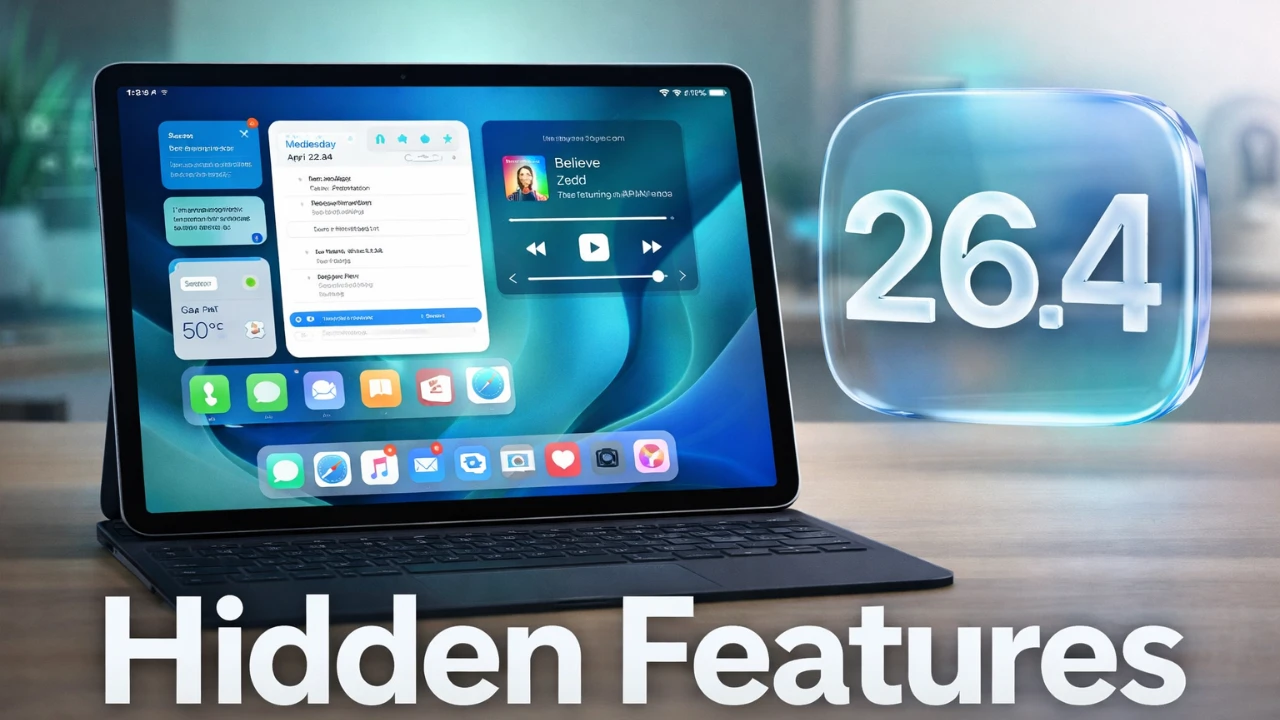
Apple’s iPadOS 26.4 brings a collection of updates designed to enhance usability, customization, and overall functionality. While not innovative, these changes focus on refining the user experience with practical improvements and thoughtful additions. The video below from 9 to 5 Mac gives us a detailed look at some = of the most impactful features and updates in this release.

Apple Music: Smarter Playlists and Enhanced Visuals
Apple Music introduces AI-generated playlists through the new “Playlist Playgrounds” feature. This tool uses artificial intelligence to create playlists tailored to your listening habits, making music discovery more intuitive and personalized. Additionally, immersive album artwork adds a visually engaging layer to your music library, enhancing the aesthetic appeal of your collection. For concert enthusiasts, Apple Music now integrates upcoming concert details with ticket links, simplifying the process of planning live music experiences.
Shazam Goes Offline
Shazam, Apple’s popular music recognition app, now functions offline, allowing you to identify songs even without an internet connection. Once you reconnect, the app automatically syncs the data, making sure you never miss the chance to capture a song, no matter where you are. This update makes Shazam more reliable and versatile for music discovery on the go.
Interactive Widgets for Ambient Sounds
Widgets in iPadOS 26.4 become more functional with the addition of ambient sound widgets. Available in various sizes, these widgets allow you to control background sounds directly from your home screen. Whether you’re focusing on work, relaxing, or preparing for sleep, managing ambient sounds is now more convenient and accessible.
Video Support in the Podcast App
The Podcast app now supports native video playback, allowing seamless transitions between video and audio formats. This feature is particularly beneficial for video podcasts, offering a smoother and more integrated viewing experience. Additionally, enhanced subtitle customization options improve accessibility, making sure a better experience for users with diverse needs.
Safari: Data Export and Tab Management
Safari introduces the ability to export browsing data, including history, bookmarks and passwords, to other browsers. This feature makes switching platforms more convenient while keeping your data portable. Furthermore, users can now toggle between separate and compact tab bar layouts, providing greater flexibility and control over the browsing interface.
Freeform App Gets Smarter
The Freeform app now integrates AI-powered tools to enhance brainstorming and content creation. These features make Freeform a more versatile tool for collaboration and creative projects, catering to users who rely on it for idea development and team-based tasks.
Keyboard Responsiveness Improved
iPadOS 26.4 addresses a long-standing issue with on-screen keyboard lag, delivering smoother and more responsive typing. This improvement significantly enhances productivity for users who depend on their iPads for writing, communication and other text-heavy tasks.
Streamlined App Store Navigation
The App Store layout has been reorganized to improve navigation. Separate tabs for updates, subscriptions and purchases make managing your apps and services more straightforward. This update enhances the overall user experience by simplifying access to essential sections.
Battery Charge Automation
A new feature in the Shortcuts app allows users to set battery charge limits for automation. This functionality helps prolong battery health by preventing overcharging, giving you more control over your device’s longevity and performance.
New Emojis for Better Expression
Eight new emojis, including a ballet dancer, Bigfoot, and a treasure chest, have been added. These additions expand your options for self-expression in messages and social media, making communication more dynamic and engaging.
Accessibility Updates
iPadOS 26.4 introduces several accessibility enhancements, such as the ability to reduce bright effects in display settings. This feature minimizes discomfort for users sensitive to intense visual stimuli, making the iPad more inclusive and user-friendly for a wider audience.
Wallpaper Packs for Customization
Wallpapers are now organized into downloadable packs, allowing users to save storage space while still enjoying a variety of customization options. This update provides a more efficient way to personalize your device without compromising storage capacity.
RCS Messaging with End-to-End Encryption
Messaging receives a significant upgrade with the introduction of end-to-end encryption for RCS messages. This ensures secure communication between iPhone and non-iPhone devices, enhancing privacy and security across platforms.
Family Payment Flexibility
Shared family plans now support individual payment methods, offering greater flexibility and control over shared expenses. This update simplifies the management of subscriptions and purchases within family groups, making it easier to allocate costs.
Better Battery Performance
Battery life sees noticeable improvements in iPadOS 26.4. Testing indicates extended usage times, a welcome enhancement for users who rely on their devices throughout the day. This update ensures that your iPad remains a dependable tool for work, entertainment and communication.
Here are additional guides from our expansive article library that you may find useful on iPadOS 26.4.
- iPadOS 26.4 Beta 1 Features: What’s New and Improved
- iPadOS 26.4 Beta 2: The Game-Changing Features You Can’t Miss
- iOS 26.4 Beta 3 Is Out: 5 Hidden Changes Apple Didn’t Mention
- iOS 26.4 Beta 2 Released: What’s New and Improved
- iOS 26.4 Beta 2: Key Features, Bug Fixes, and Design Updates
- iOS 26.4 Beta 3: Full Breakdown of Features and Improvements
Source: 9to5Mac
Disclosure: Some of our articles include affiliate links. If you buy something through one of these links, Geeky Gadgets may earn an affiliate commission. Learn about our Disclosure Policy.
