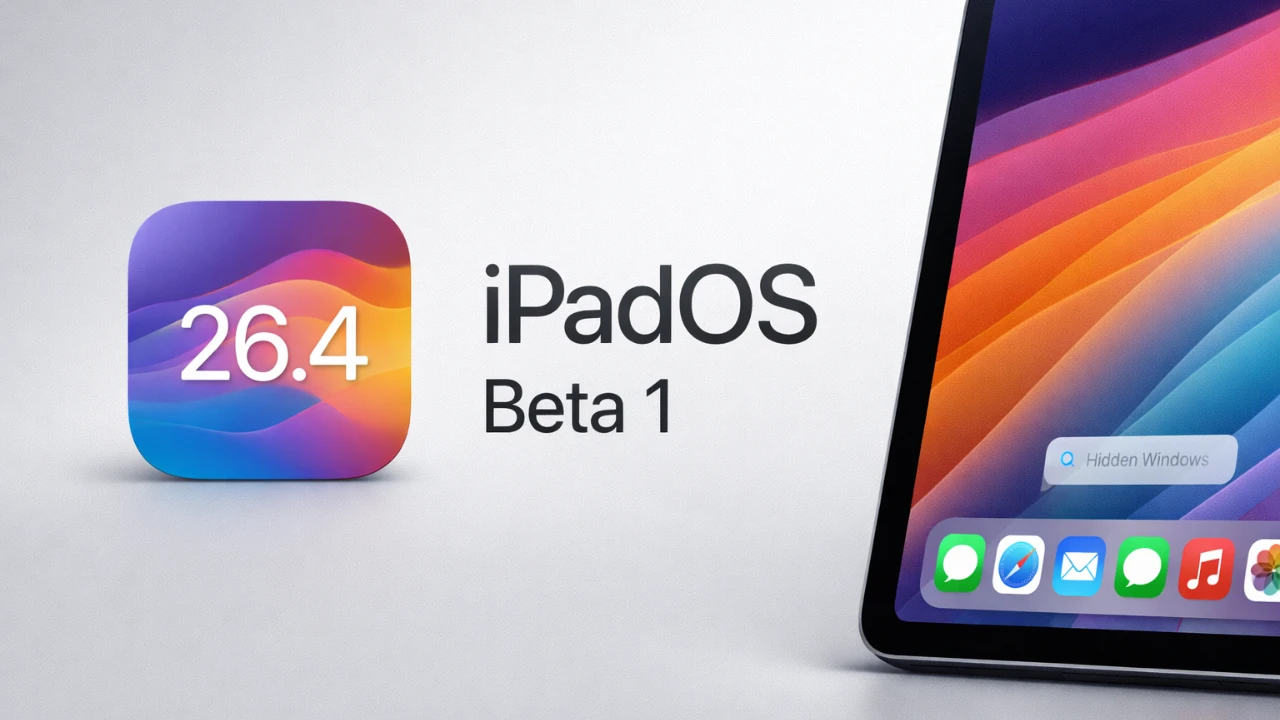
Apple has officially released iPadOS 26.4 Beta 1, bringing a range of updates designed to enhance customization, productivity, and the overall user experience. This latest beta introduces improvements across core apps and system functionalities, offering users a more seamless and personalized interaction with their devices. Below, we delve into the most notable features and explore how they can elevate your iPad experience. The video below from SlatePad gives us more details on the new iPadOS 26.1 beta.

App Exposé Shortcut: Streamlined Multitasking
One of the standout features of this beta is the introduction of a new shortcut for App Exposé, a tool that simplifies multitasking by allowing you to manage app windows more effectively. This update includes smooth animations that ensure transitions between apps are fluid and visually appealing. Whether you’re juggling multiple tasks or organizing numerous app windows, this enhancement improves navigation and boosts productivity. The intuitive design of this feature makes it easier to stay focused and efficient, especially for users who rely on their iPads for professional or academic purposes.
Wallpaper Gallery: Enhanced Customization
The Wallpaper Gallery receives a significant update, emphasizing personalization and ease of use. Wallpapers are now organized into collections, which can be downloaded individually, streamlining the selection process. This change not only simplifies customization but also paves the way for more frequent updates, potentially including third-party options in the future. With a broader range of choices, users can tailor their iPads to better reflect their unique style and preferences. This update underscores Apple’s commitment to providing tools that allow users to make their devices truly their own.
Music App: Aesthetic and Functional Improvements
The Music app has been refined with updates that enhance both its visual appeal and functionality. Dynamic background colors now adapt to match the artwork of albums or playlists, creating a visually cohesive and immersive experience. Additionally, a new playlist creation feature uses Apple Intelligence to suggest prompts, making it easier to curate playlists tailored to your preferences. The introduction of ambient music widgets further enhances usability, allowing users to configure background playback with various modes and playlists directly from their home screen. These updates collectively ensure a more engaging and personalized music experience, catering to both casual listeners and dedicated audiophiles.
Safari: Compact Tab View Returns
Safari sees the return of the compact tab view, a feature that improves usability by reducing clutter when managing multiple tabs. This redesign is particularly beneficial for users who rely on Safari for research, multitasking, or extended browsing sessions, as it offers a cleaner and more organized interface. By prioritizing simplicity and efficiency, this update makes it easier to navigate between tabs, enhancing the overall browsing experience.
Freeform: Creative Collaboration Upgrades
Freeform, Apple’s collaborative canvas app, receives several notable enhancements in this beta. Integration with Apple Creator Studio now provides access to premium content, such as high-quality images and graphics, allowing users to elevate their creative projects. Additionally, the app debuts a refreshed look with a new themed icon and splash screen, reinforcing its role as a modern tool for creativity and collaboration. These updates highlight Apple’s ongoing efforts to support users in expressing their ideas and working together effectively.
Additional Observations
While this beta focuses heavily on customization and productivity, there are no new Siri updates included in this release. However, minor system resource downloads during installation suggest that Apple is continuing to implement performance optimizations behind the scenes. These subtle improvements contribute to a smoother and more reliable overall experience, making sure that the system remains responsive and efficient.
Elevating the iPad Experience
iPadOS 26.4 Beta 1 introduces a well-rounded set of updates that prioritize user customization, productivity, and interface refinements. From the App Exposé shortcut to the Wallpaper Gallery and Music app enhancements, this release offers features designed to make your iPad more versatile and user-friendly. Whether you’re managing tasks, personalizing your device, or exploring creative tools, this beta ensures that your iPad continues to be a powerful and adaptable companion.
Dive deeper into iPadOS 26.4 Beta 1 with other articles and guides we have written below.
- iOS 26 Beta 4 Drops Today: Everything You Need to Know!
- iPadOS 26 Beta 7: Everything New Revealed
- Apple’s iOS 26.3 Beta 3: What’s New and What’s Next?
- iOS 26 Beta 1 is COMING: Official Release at WWDC25
- iOS 26.3 Beta 2 Features, Fixes, and Known Issues
Source & Image Credit: SlatePad
Disclosure: Some of our articles include affiliate links. If you buy something through one of these links, Geeky Gadgets may earn an affiliate commission. Learn about our Disclosure Policy.
