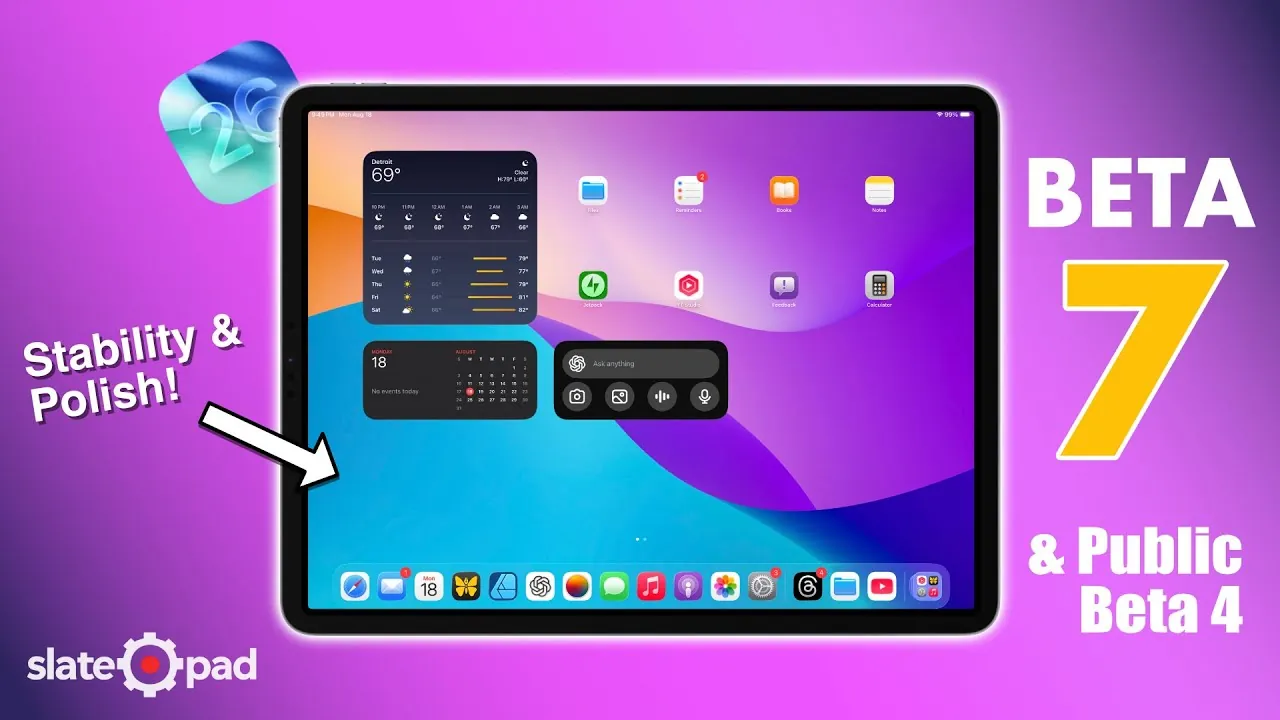
Apple’s iPadOS 26 beta updates—developer beta 7 and public beta 4—bring a combination of performance improvements, new features, and ongoing challenges. These updates aim to enhance the iPad experience, particularly for users of the M1 iPad Pro, by using its powerful hardware. While the updates showcase Apple’s commitment to refining its software, certain unresolved issues highlight areas that still require attention. Below is a detailed exploration of the latest beta’s strengths and shortcomings in a new video from SlatePad.

Performance: Enhanced Fluidity and Heat Management
The iPadOS 26 beta introduces noticeable performance enhancements, particularly in terms of smoother animations and improved heat management. On devices like the M1 iPad Pro, the hardware’s capabilities are more fully used, resulting in a more fluid and responsive user experience. Prolonged usage no longer leads to the overheating issues that plagued earlier beta versions, making the device more comfortable for extended use.
However, minor performance inconsistencies persist. For instance, apps such as Music occasionally experience brief stutters, which can momentarily disrupt the otherwise seamless experience. These issues, while not critical, serve as reminders that the software is still in its beta phase and requires further optimization.
User Interface: Subtle Enhancements with Practical Benefits
Apple has introduced several user interface refinements in iPadOS 26 that enhance both functionality and aesthetics. One standout feature is the new interactive magnifying loop in the Preview app, which allows for precise zooming on content. This addition not only improves usability but also adds a layer of visual sophistication, making the iPad feel more polished.
Another improvement is the ability to resize sidebars in apps like Safari, Files, and Messages. This feature provides greater control over workspace organization, allowing more intuitive multitasking and navigation. These subtle yet impactful changes demonstrate Apple’s focus on improving the user experience without overhauling familiar workflows.
External Display Support: Progress Tempered by Glitches
External display support has seen incremental improvements in iPadOS 26, but it remains a work in progress. The addition of resizable sidebars is a welcome enhancement for users who rely on external monitors for multitasking. However, several issues continue to hinder the reliability of this feature, including:
- Flashing windows that disrupt the visual experience
- Inconsistent drop shadows that affect the interface’s polish
- Apps occasionally disappear from view, interrupting workflows
These glitches can be particularly frustrating for professionals who depend on external displays for productivity. While the improvements are promising, further refinements are necessary to make this feature dependable for everyday use.
Multitasking: Functional but Constrained
Multitasking remains a central focus of iPadOS, and the latest beta introduces incremental improvements to features like Slide Over and Split View. These tools are functional and provide a degree of flexibility for managing multiple tasks simultaneously. However, a significant limitation persists: multitasking features cannot be enabled in full-screen apps. This restriction can hinder productivity, especially for users who rely on multitasking to streamline their workflows.
While these limitations are likely to be addressed in future updates, they highlight the iterative nature of beta software development. For now, users will need to adapt their workflows to accommodate these constraints.
File Management: Persistent Issues with External Drives
The Files app, a critical tool for managing documents on the iPad, continues to face significant challenges in iPadOS 26 beta. One of the most pressing issues is the non-functional eject option for external drives. This limitation raises concerns about potential data corruption, particularly for users who frequently rely on external storage for professional or academic tasks.
Addressing this issue should be a priority for Apple in upcoming updates. Reliable file management is essential for making sure the iPad’s viability as a productivity tool, and the current shortcomings in this area detract from the overall user experience.
Stability and Future Prospects
Despite its shortcomings, iPadOS 26 beta demonstrates Apple’s ongoing commitment to improving the iPad experience. Stability has improved compared to earlier versions, and the update lays a solid foundation for future refinements. As Apple continues to iterate on its software, users can expect additional features and fixes in subsequent releases, such as iPadOS 26.0.1 or 26.0.2.
The beta also provides a glimpse into Apple’s broader vision for the iPad, with features that aim to bridge the gap between tablets and traditional computers. While the current iteration is not without its flaws, it represents a step forward in the evolution of the iPad as a versatile and powerful device.
A Balanced Update with Clear Areas for Improvement
The iPadOS 26 beta updates strike a balance between progress and challenges, offering a mix of enhancements and limitations. From smoother animations to interactive user interface improvements, the update makes strides in usability and functionality. However, unresolved issues—such as glitches in external display support and file management limitations—underscore the need for further refinement.
As Apple continues to refine its software, these updates serve as a stepping stone toward a more polished and versatile iPad experience. For now, the beta provides a promising preview of what’s to come, with the expectation of continued improvements in future iterations.
Here is a selection of other guides from our extensive library of content you may find of interest on iPadOS 26 Beta Updates.
- iPadOS 26 Beta 1 Features, Updates, and Installation Tips
- iPadOS 26 Beta 2 Features and Performance Updates Explained
- Discover the New Features in iPadOS 26 Beta 4
- iPadOS 26 Beta 3: Everything You Need to Know
- What’s New in iPadOS 26 Beta 2: Features, Fixes, and Updates
Source & Image Credit: SlatePad
Disclosure: Some of our articles include affiliate links. If you buy something through one of these links, Geeky Gadgets may earn an affiliate commission. Learn about our Disclosure Policy.
