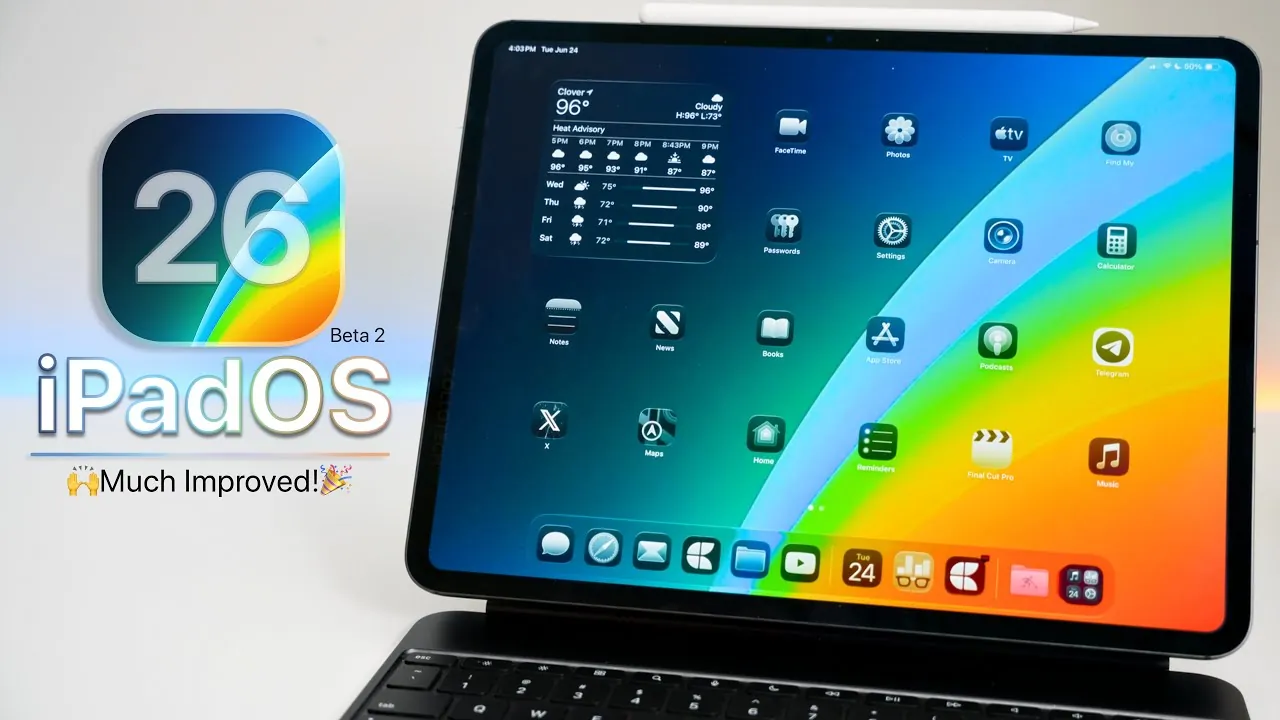
Apple has unveiled iPadOS 26 Beta 2, bringing a host of new features, performance enhancements, and bug fixes. This update is crafted to refine the user experience, improve accessibility, and address system stability concerns. Currently available to developers, the public beta is expected to follow soon, providing a broader audience the opportunity to explore these advancements. The video below from zollotech gives us more details on the new features and changes in iPadOS 26 beta 2.

Key Features and Updates
iPadOS 26 Beta 2 introduces several updates aimed at enhancing functionality, usability, and accessibility. These changes reflect Apple’s ongoing commitment to improving the iPad experience:
- Accessibility Enhancements: The update includes improved contrast settings, reduced transparency, and app-specific accessibility labels, making the system more inclusive for users with visual impairments.
- Control Center and Notifications: Refined translucency and blur effects offer a more modern and visually appealing interface, enhancing the overall aesthetic of the system.
- Spotlight Search: Enhanced search capabilities allow for quicker and more efficient access to apps, files, and information, streamlining everyday tasks.
- Battery and Charging Insights: A redesigned battery graph provides detailed insights into usage patterns, while charging responsiveness has been optimized for faster recognition of connected power sources.
- Live Radio Widget: A new widget in the Music app enables direct access to live radio stations from the home screen, adding convenience for music enthusiasts.
- Recovery Mode and Assistant: Simplified troubleshooting and recovery tools minimize the risk of data loss during system issues, offering peace of mind to users.
- eSIM Transfer: A seamless eSIM transfer feature enhances cross-platform compatibility by allowing transfers to Android devices.
- Maps App Updates: The Maps app now includes a “Places” section and larger icons, improving navigation and usability for users on the go.
- Wallpaper Customization: The return of the parallax effect and an expanded wallpaper collection provide greater options for personalizing the iPad experience.
- ChatGPT Integration: Advanced integration under Apple Intelligence settings enhances productivity and interaction with AI-driven tools, offering smarter assistance for daily tasks.
Bug Fixes and System Stability
Apple has prioritized resolving key issues in this beta release, focusing on improving system stability and addressing user-reported bugs. Notable fixes include:
- Resolved issues in apps like AirPlay, Messages, and Maps, ensuring smoother functionality across core applications.
- Optimized system performance to reduce crashes and improve responsiveness during multitasking and app usage.
- Enhanced compatibility with third-party apps, though some, such as Geekbench and certain banking apps, may still experience minor issues.
These fixes contribute to a more reliable operating system, reducing heat generation and improving overall performance.
Performance and Usability
iPadOS 26 Beta 2 demonstrates significant progress in terms of performance and usability, though it remains a beta version under active development. Early performance tests reveal a stable system with improved responsiveness, but further refinements are expected in subsequent updates. Battery life is currently average, leaving room for optimization in future releases.
Developers and users with secondary devices are encouraged to explore the beta to familiarize themselves with the new features and provide feedback. However, general users may prefer to wait for the public beta or final release to ensure a more polished and stable experience.
Release Timeline
Apple’s beta release schedule provides insight into the development timeline for iPadOS 26:
- Beta 3: Expected in early July, offering additional refinements and features.
- Public Beta: Anticipated shortly after Beta 3, allowing a wider audience to test the update.
- Final Release: Likely to arrive in mid-September, aligning with Apple’s traditional software rollout schedule.
This timeline reflects Apple’s structured approach to delivering a robust and user-friendly operating system.
Looking Ahead
iPadOS 26 Beta 2 highlights Apple’s dedication to refining its operating system through meaningful updates and improvements. From accessibility enhancements to system stability and performance optimizations, this release lays the groundwork for a more seamless and user-centric experience. While developers can explore the beta now, general users are advised to wait for the public beta or final release to ensure a smooth transition to the new features and improvements.
Browse through more resources below from our in-depth content covering more areas on iPadOS 26 Beta 2.
- iOS 26 Beta 2: Everything You Need to Know
- Apple iOS 26 Beta 2: Release Details and More
- iOS 26 Beta 2 Explained: Control Center, Notifications, and More
- iOS 26 Beta 2 Features: Full Breakdown of Apple’s Latest Update
- Apple CarPlay Beta 2 (iOS 26 Beta 2): New Features Unpacked
Source & Image Credit: zollotech
Disclosure: Some of our articles include affiliate links. If you buy something through one of these links, Geeky Gadgets may earn an affiliate commission. Learn about our Disclosure Policy.
