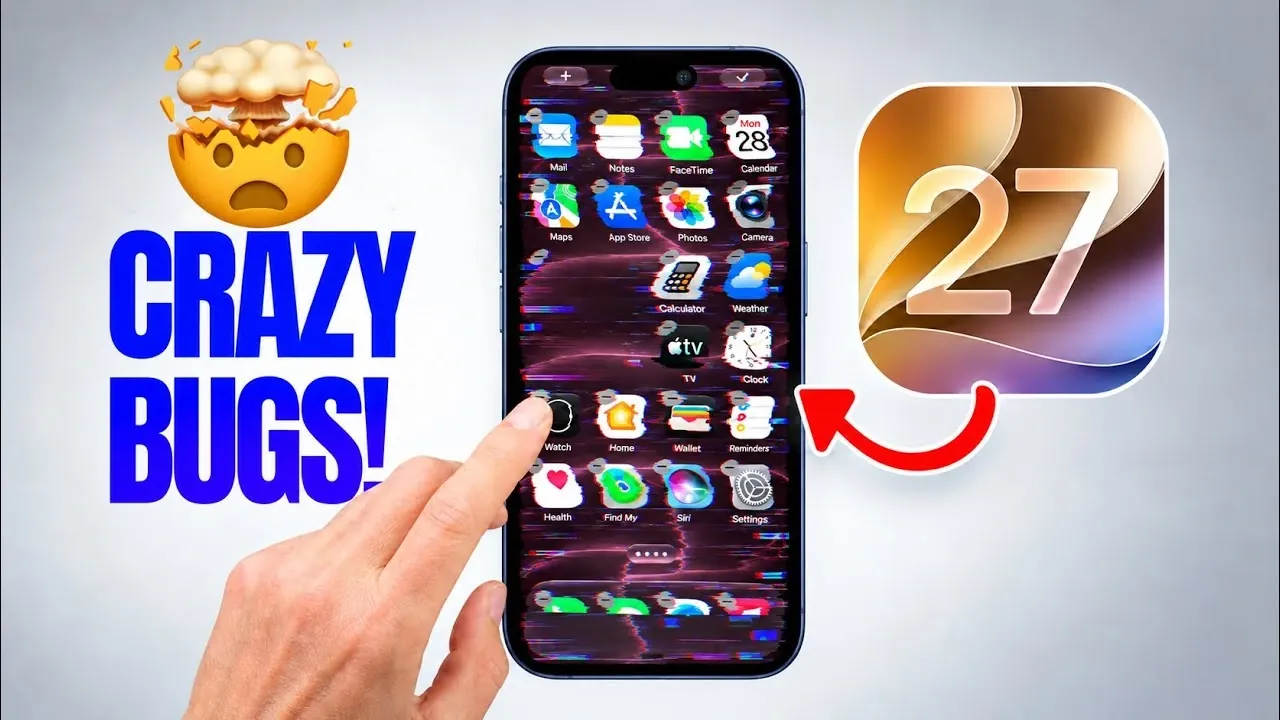
The rollout of iOS 27 has introduced a significant bug that can render iPhones temporarily unresponsive under specific, deliberately triggered conditions. This issue primarily impacts the touchscreen and home screen functionality, requiring a hard reset to restore normal operation. While the bug does not occur during typical usage, its presence raises concerns about the overall stability and reliability of iOS 27. Although Apple has addressed other issues in iOS 27.0.1, this particular flaw remains unresolved, even in the beta version of iOS 27.2. This situation underscores the importance of monitoring software updates closely, as even minor bugs can affect user experience and device performance. The video below from IDeviceHelp gives us more details.

How the Bug Works
The bug is triggered during specific actions involving widgets and page switching in edit mode. When rearranging widgets or switching between pages in this mode, the home screen can freeze entirely, leaving the device unresponsive. The only way to recover functionality is by performing a hard reset. This process involves the following steps:
- Press the volume up button.
- Press the volume down button.
- Hold the side button until the Apple logo appears.
It is important to note that this issue does not occur during regular use and must be deliberately replicated. However, its existence highlights potential vulnerabilities in the iOS 27 framework, which could lead to other unforeseen problems if left unaddressed. Users should remain cautious and avoid triggering the bug until Apple provides a fix.
Tested Software Versions
The bug has been tested across multiple iOS versions, revealing the following results:
- iOS 26: The bug is absent and the system remains stable under similar conditions.
- iOS 27.0.1: The issue persists and can be consistently triggered by the specific actions described.
- iOS 27.2 Beta 2: Despite being a beta release, the bug remains unresolved, indicating that Apple has yet to address this flaw in its development pipeline.
These findings suggest that while iOS 26 offers a more stable and reliable experience, the latest iterations of iOS 27 introduce new challenges. Apple’s development team will need to prioritize resolving this issue in future updates to maintain user trust and satisfaction.
Improvements in iOS 27.0.1
While the touchscreen and home screen bug remains unresolved, Apple has implemented several fixes in iOS 27.0.1 to address unrelated issues. These updates aim to improve the overall user experience and resolve specific problems reported by users. Key improvements include:
- Face ID Failures: Fixed an issue where Face ID would fail to authenticate on the iPhone 18 Pro Max, improving security and convenience.
- Random Device Restarts: Resolved a problem where devices would restart unexpectedly during failed authentication attempts, enhancing system stability.
- Photo Glitches: Addressed a bug that caused photo processing errors in specific settings, making sure smoother performance for photography enthusiasts.
- Notification and Control Center Issues: Fixed a bug that caused unresponsiveness when opening the Notification Center and Control Center simultaneously, improving accessibility and usability.
These updates reflect Apple’s commitment to refining its software and addressing user-reported issues. However, the unresolved bug affecting the home screen and touchscreen functionality remains a critical concern for users.
What This Means for You
For most users, the touchscreen and home screen bug in iOS 27 is unlikely to disrupt daily activities, as it requires specific actions to trigger. However, its existence raises broader concerns about the stability and reliability of the latest iOS release. While Apple has made progress in addressing other issues with iOS 27.0.1, this particular flaw persists, even in the beta version of iOS 27.2.
If maintaining stability and avoiding potential disruptions is a priority, you may want to delay updating to iOS 27 until Apple releases a fix. Staying informed about future updates and applying them promptly will be essential to making sure optimal performance and reliability on your device. For now, users should exercise caution and monitor Apple’s announcements for further developments.
Find more information on iOS 27 bugs by browsing our extensive range of articles, guides and tutorials.
- iOS 27 Beta 8 Released: Every New Feature, Tweak and Fix Revealed
- iOS 27: The First Things You Should Do Right After Updating
Source & Image Credit: iDeviceHelp
Disclosure: Some of our articles include affiliate links. If you buy something through one of these links, Geeky Gadgets may earn an affiliate commission. Learn about our Disclosure Policy.
