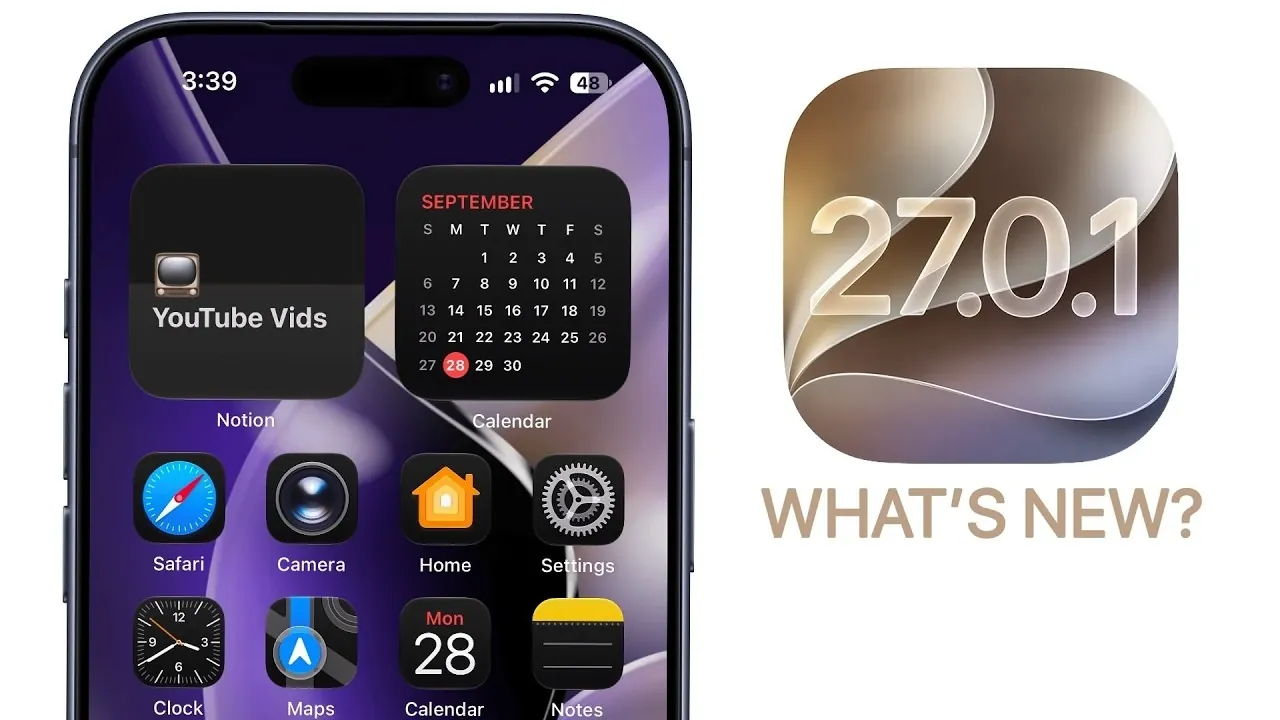
Apple has rolled out iOS 27.0.1, a targeted update aimed at resolving specific bugs and usability concerns identified in the initial release of iOS 27. While this update does not introduce new features or performance enhancements, it focuses on addressing critical issues that impact the overall user experience. The update is available for all compatible iPhone models, with particular attention to fixes for the iPhone 18 Pro and iPhone 18 Pro Max. Below is a detailed video from Brandon Butch on what this update offers, the issues it resolves, and what remains unaddressed.

Key Bug Fixes for iPhone 18 Pro and Pro Max
For users of the iPhone 18 Pro and Pro Max, iOS 27.0.1 delivers several targeted fixes designed to improve device functionality and reliability. The most significant corrections include:
- Face ID Restart Bug: A persistent issue where devices would unexpectedly restart following a failed Face ID authentication attempt has been resolved. This fix ensures smoother and more reliable access to your device, enhancing daily usability.
- Camera Color Artifacts: Users previously reported color distortions in photos taken at 2x zoom under specific lighting conditions when using the f/1.48 aperture. This issue, which affected image quality, has been addressed, providing a more consistent and accurate photography experience.
- Touchscreen Responsiveness: A bug causing unresponsiveness when accessing the Notification Center and Control Center simultaneously has been fixed. This correction restores seamless multitasking and improves overall interaction with the device.
These fixes are particularly beneficial for users who rely on their devices for photography, secure access and multitasking, making sure a more stable and reliable experience.
Unresolved Issues Persist
Despite the improvements introduced in iOS 27.0.1, some known issues remain unresolved. One of the most notable problems is:
- Widget Freezing Bug: Devices may freeze when users attempt to move widgets between home screen pages. This issue continues to affect those who frequently customize their home screens. Apple has acknowledged the problem and is expected to address it in a future update.
While this bug does not impact all users, it can be frustrating for those who prioritize home screen customization. Monitoring upcoming updates for a resolution is advised.
Security Updates: A Mixed Picture
Interestingly, iOS 27.0.1 does not include any new security patches. However, Apple has simultaneously released iOS and iPadOS 26.7.1 to address a critical core graphics vulnerability in older devices. This vulnerability could allow arbitrary code execution, posing a significant security risk. If you are using a device running iOS 26, updating to version 26.7.1 is strongly recommended to ensure your device remains secure.
For users already on iOS 27, the absence of new security updates in iOS 27.0.1 suggests that the primary focus of this release is on bug fixes rather than addressing potential vulnerabilities.
Performance and Battery Life: No Changes
Users hoping for improvements in performance or battery life will find that iOS 27.0.1 does not deliver enhancements in these areas. The update is solely focused on resolving bugs, leaving overall system performance and battery efficiency unchanged. On the positive side, the update is stable and does not negatively impact these aspects, making sure that users can install it without concerns about reduced performance or battery drain.
What’s Next? Future Updates
Apple is expected to release iOS 27.2 later this month, which may include additional bug fixes, potential performance optimizations and possibly new features. This upcoming update could address unresolved issues, such as the widget freezing bug and introduce broader improvements to the iOS 27 ecosystem. Users experiencing ongoing problems or seeking enhanced functionality should keep an eye on this release.
Should You Update?
If you are currently using iOS 27, particularly on an iPhone 18 Pro or Pro Max, updating to iOS 27.0.1 is highly recommended. The fixes for Face ID, camera functionality and touchscreen responsiveness significantly enhance the user experience. Additionally, the update is stable and does not introduce any new problems, making it a safe and worthwhile upgrade.
However, if you rely heavily on widgets and are affected by the freezing issue, you may want to delay updating until a future release addresses this problem. For most users, the benefits of iOS 27.0.1 outweigh the drawbacks, making it a practical choice for improving device reliability and usability.
Expand your understanding of iOS 27.0.1 with additional resources from our extensive library of articles.
Source & Image Credit: Brandon Butch
Disclosure: Some of our articles include affiliate links. If you buy something through one of these links, Geeky Gadgets may earn an affiliate commission. Learn about our Disclosure Policy.
