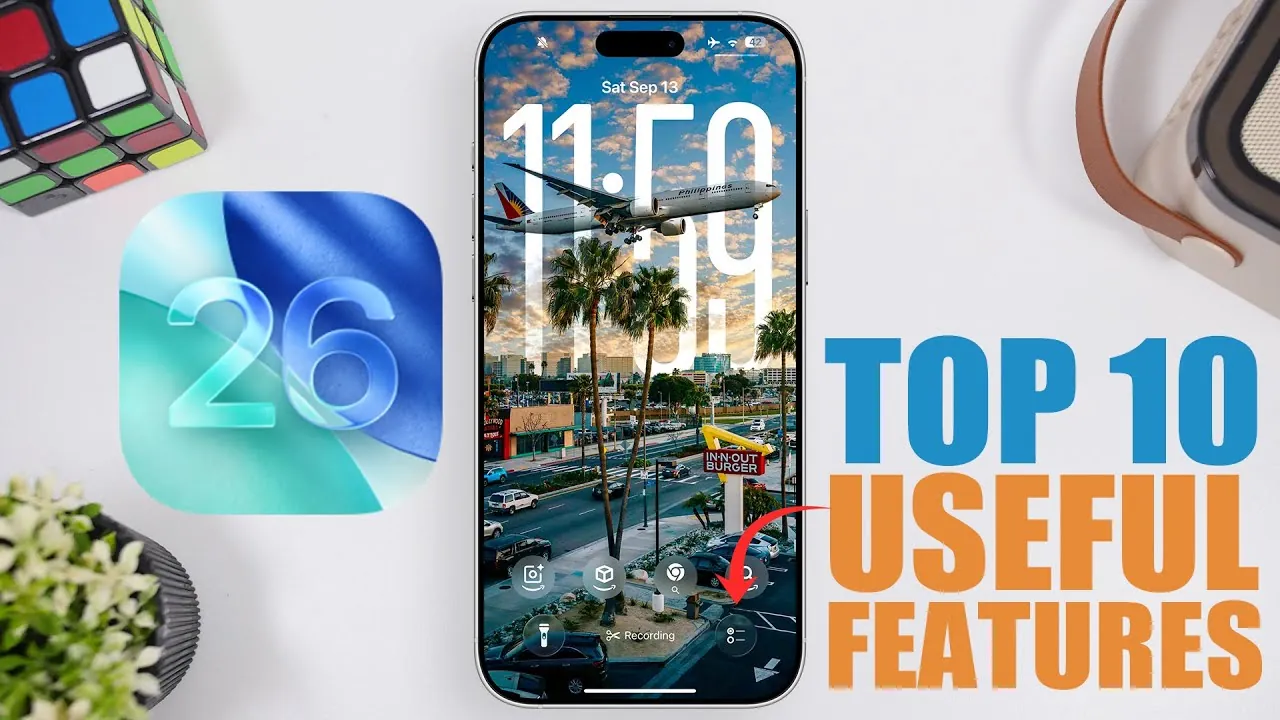
Apple’s iOS 26 introduces a range of features designed to make your iPhone experience more seamless, efficient, and tailored to your needs. With improvements spanning productivity, customization, and usability, this update focuses on simplifying everyday tasks while enhancing functionality. Below is an in-depth look at the ten most impactful features that make iOS 26 a noteworthy upgrade in a new video from iReviews.

1. Expanded Auto-Fill for Third-Party Apps
The auto-fill feature in iOS 26 has been significantly enhanced to support third-party apps, extending beyond Apple’s native applications. For example, if you receive a verification code via email in Gmail, iOS 26 automatically detects it and fills it into the corresponding app. This eliminates the need to switch between apps to manually input codes, saving you time and effort. By streamlining the login process, this feature ensures a smoother and more efficient user experience.
2. AirPods Notifications
Managing your AirPods is now more intuitive with the introduction of AirPods notifications. iOS 26 sends alerts when your earbuds are running low on battery or fully charged. This ensures you’re always prepared, whether you’re heading into a long commute, an important meeting, or a workout session. By keeping you informed, this feature helps you avoid interruptions and ensures your AirPods are ready when you need them most.
3. Call Hold Detection
Waiting on hold during phone calls is no longer a hassle with the new call hold detection feature. iOS 26 notifies you when the person on the other end of the line is ready to resume the conversation. This allows you to focus on other tasks while waiting, making multitasking more efficient. By reducing the need to constantly check your phone, this feature enhances productivity and minimizes frustration during calls.
4. Enhanced Photos App Organization
The Photos app in iOS 26 introduces a customizable organization system, allowing you to pin frequently accessed albums or utilities. This feature makes it easier to locate specific images or albums, whether you’re a casual user or a photography enthusiast. By simplifying photo management, this update saves time and ensures your photo library is always organized according to your preferences.
5. Quick Reminders Customization
Creating and managing reminders has never been easier. With iOS 26, you can add reminders directly from the lock screen, control center, or action button. The feature also allows you to set priority levels, due dates, and recurring schedules, making sure you stay on top of your tasks. This streamlined process makes it effortless to stay organized and manage your daily responsibilities effectively.
6. Customizable Snooze Durations
Alarms in iOS 26 are now more adaptable, offering customizable snooze durations ranging from 1 to 15 minutes. This feature allows you to tailor your alarms to your personal preferences, whether you need a quick power nap or just a few extra minutes in the morning. By giving you greater control over your alarms, iOS 26 ensures they work exactly the way you want them to.
7. Camera Lens Cleaning Alerts
For those who frequently use their iPhone for photography, iOS 26 introduces camera lens cleaning alerts. These notifications remind you to clean your camera lens, helping you maintain optimal photo quality. Enabled through the settings menu, this feature ensures your images remain sharp and clear, making it a valuable tool for both casual users and photography enthusiasts.
8. Live Translation
Breaking down language barriers is easier than ever with the live translation feature in iOS 26. This functionality automatically translates messages in iMessage, FaceTime, and even phone calls. Available for iPhone 15 and newer models, live translation supports seamless communication in multilingual environments. Whether you’re traveling abroad or collaborating with international colleagues, this feature enables effortless interaction and enhances global connectivity.
9. Charging Time Display
The new charging time display in iOS 26 provides real-time information about your device’s charging progress. When you wake your screen during charging, it shows the estimated time required to reach 80% battery. This feature helps you plan your charging sessions more effectively, especially when you’re on a tight schedule. By offering greater insight into your device’s battery status, this update ensures you can optimize your iPhone’s performance.
10. Typing to Siri During Calls
Siri becomes even more versatile in iOS 26 with the ability to type commands during phone calls. This feature is particularly useful in situations where speaking aloud isn’t practical, such as during meetings or in quiet environments. Whether you need to send a message, set a reminder, or look up information, typing to Siri ensures you can access assistance discreetly and efficiently.
Why iOS 26 Stands Out
iOS 26 is a comprehensive update that prioritizes usability, productivity, and customization. From the expanded auto-fill capabilities and live translation to smarter notifications and customizable alarms, this release reflects Apple’s commitment to enhancing the iPhone experience. By focusing on practical, user-centric improvements, iOS 26 ensures your device remains an indispensable tool in your daily life. Whether you’re managing tasks, capturing memories, or staying connected, these features are designed to simplify and enrich your interactions with your iPhone.
Discover other guides from our vast content that could be of interest on iOS 26 features.
- iOS 26 Beta 6 Features: What’s New and Improved
- iOS 26 Release: Key Features and Updates for Apple Users
- iOS 26 Features and Updates: Everything You Need to Know
- Apple iOS 26 Beta 9 Explained: Features, Fixes, and More
- Hidden Features in iOS 26 You Need to Know About
Source & Image Credit: iReviews
Disclosure: Some of our articles include affiliate links. If you buy something through one of these links, Geeky Gadgets may earn an affiliate commission. Learn about our Disclosure Policy.
