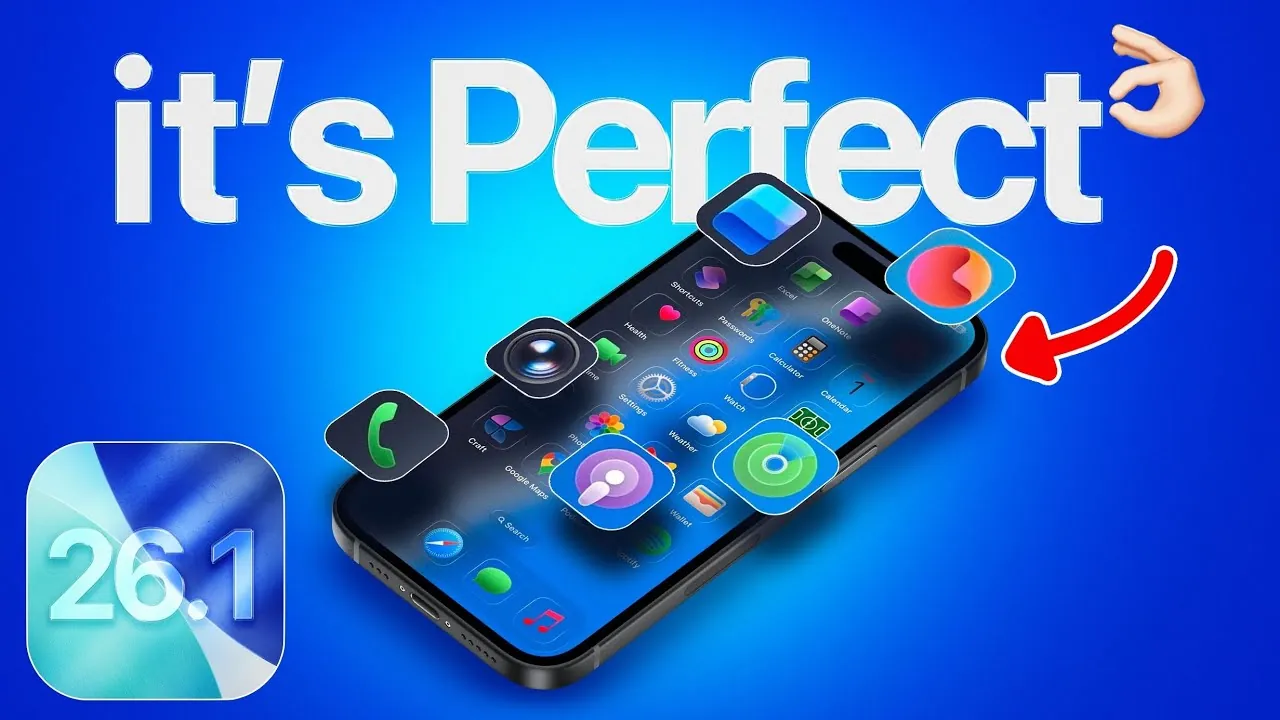
Apple’s iOS 26.1 update introduces a range of improvements designed to enhance your device’s performance, usability, and customization options. Whether you’re using the latest iPhone or an older model, this update addresses critical concerns such as battery life, overheating, and interface fluidity. Additionally, it introduces new features that elevate both functionality and aesthetics. Below is a detailed look at the key updates and how they improve your overall experience. The iOS 26.1 software update is expected to be released tomorrow.

Battery Life: Optimized Performance and Reduced Heat
Battery performance has long been a priority for iPhone users, especially those with older devices. iOS 26.1 brings significant advancements in battery efficiency, ensuring longer usage times and a cooler device during intensive tasks.
- Devices like the iPhone 11, 12, and 13 now deliver more consistent on-screen time, even under heavy usage.
- Overheating during resource-intensive activities, such as gaming or streaming, has been significantly reduced, providing a more comfortable user experience.
These updates not only extend your device’s usability but also contribute to better long-term battery health, making sure your phone remains reliable over time.
Performance Enhancements: Faster and More Responsive
iOS 26.1 introduces a series of performance upgrades that make your device feel faster and more responsive, regardless of its age. These changes are aimed at improving everyday usability and ensuring a seamless experience.
- Reworked animations with improved physics create a smoother, more fluid interface.
- Benchmark tests reveal higher single-core and multi-core scores, reflecting tangible speed improvements in tasks like app launches and multitasking.
- Even older devices benefit from reduced lag, making them feel more modern and capable.
These enhancements ensure that navigating your device is effortless, whether you’re using the latest iPhone or an older model.
Refined Animations: A Smoother User Experience
Apple has focused on refining animation physics in iOS 26.1, resulting in a more natural and immersive interface. These subtle changes enhance the overall fluidity of interactions.
- App launches, menu swipes, and task switching now feel seamless and intuitive, creating a more engaging experience.
- The refined transitions emphasize speed and responsiveness, making every interaction smoother and more enjoyable.
These updates elevate the user experience, particularly for those who value a polished and cohesive interface.
Customization: Greater Control Over Your Device
iOS 26.1 expands your ability to personalize your device, offering new options to tailor its appearance to your preferences. These updates reflect Apple’s commitment to providing a more customizable and visually appealing user experience.
- The new “Liquid Glass Appearance” feature under Display & Brightness introduces “Clear” and “Tinted” modes, allowing you to adjust your device’s aesthetic.
- Home screen customization has been refined, with hints of future updates potentially adding even more flexibility, such as a “Clear with Color” option for icons.
These enhancements give you greater control over your device’s look and feel, making sure it aligns with your personal style.
Overheating Fixes: A Cooler and More Reliable Device
Overheating has been a common issue for many users, particularly during resource-heavy activities. iOS 26.1 addresses this problem with targeted fixes that improve both comfort and device longevity.
- Heat generation during intensive tasks has been significantly reduced, making sure a cooler device even during prolonged use.
- This improvement not only enhances user comfort but also helps preserve battery health over time.
Whether you’re gaming, streaming, or multitasking, your device now stays cooler, allowing you to focus on your tasks without interruptions.
User Interface: Enhanced Fluidity and Accessibility
The update places a strong emphasis on refining the user interface, making it more cohesive and enjoyable to navigate. These changes ensure that your device remains responsive and accessible, regardless of its generation.
- Faster animations and improved performance make navigation feel effortless and intuitive.
- Older models, in particular, benefit from reduced lag and stuttering, ensuring a smoother experience for all users.
These updates highlight Apple’s dedication to maintaining a consistent and high-quality user experience across all devices.
Display Settings: A New Level of Personalization
The “Liquid Glass Appearance” feature introduces new display customization options, allowing you to adapt your device’s look to your preferences. This feature underscores Apple’s focus on delivering a personalized and visually satisfying experience.
- Choose between a clear, crisp look or a softer, tinted appearance to suit your style.
- These options provide a new level of control over your device’s aesthetic, making sure it reflects your unique preferences.
Such updates allow you to create a device experience that feels truly your own.
Release Timeline and Future Updates
The iOS 26.1 update is scheduled to roll out between November 3 and November 10, making sure users worldwide can access its features. While this update introduces substantial improvements, Apple has also hinted at additional enhancements in future updates.
- Potential updates include expanded home screen customization, such as a “Clear with Color” theme for icons.
- These future updates aim to provide even greater flexibility and personalization options for users.
Apple’s iterative approach ensures that user feedback continues to shape the evolution of iOS, delivering features that align with user needs and expectations.
Here are more detailed guides and articles that you may find helpful on the iOS 26.1 update.
- iOS 26.1 Beta 2 Features: Liquid Glass Effect and More Explained
- iOS 26.1 Beta Features, Updates, and More
- iOS 26.1 Release Date and Key Features Explained
- iOS 26.1: Key Features and Performance Insights
- iOS 26.1 Review: Design Enhancements and What They Mean
Source & Image Credit: iDeviceHelp
Disclosure: Some of our articles include affiliate links. If you buy something through one of these links, Geeky Gadgets may earn an affiliate commission. Learn about our Disclosure Policy.
