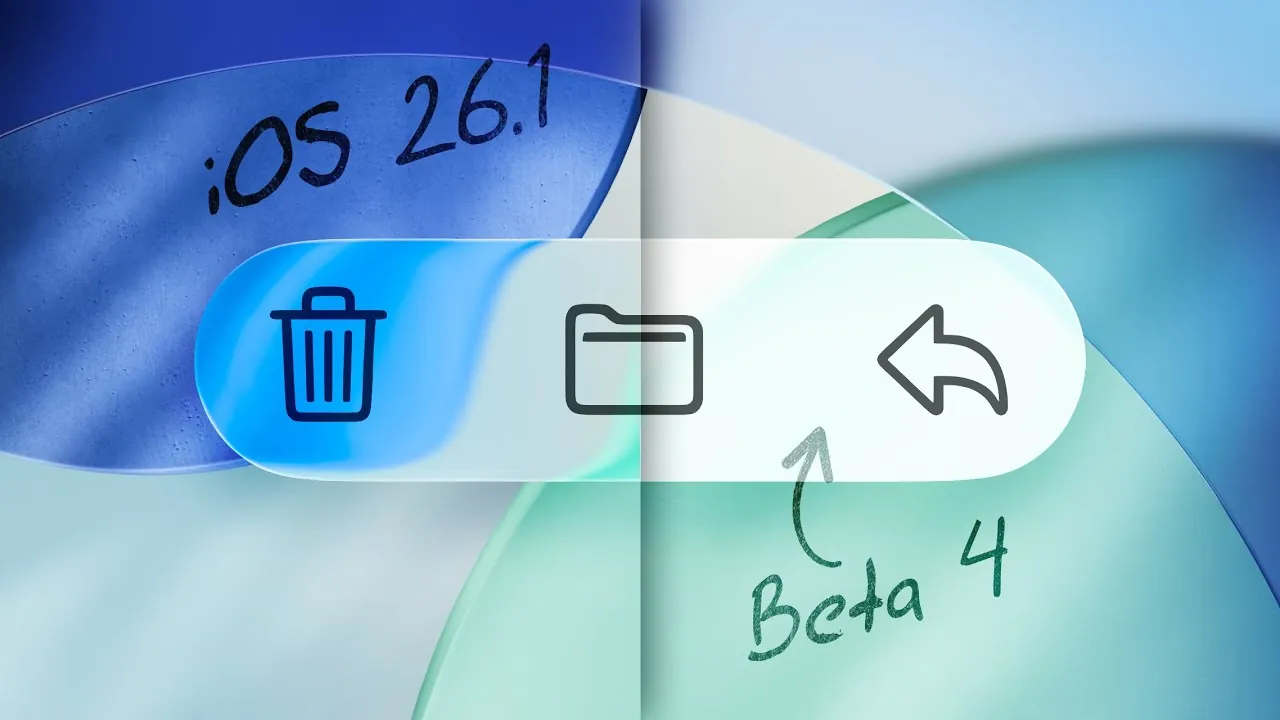
Apple has introduced a significant update in its latest iOS 26.1 beta: the “Tinted” liquid glass feature. This new functionality allows you to adjust the opacity of liquid glass elements, reducing transparency to improve both readability and visual contrast. Found in the Display & Brightness settings, the feature reflects Apple’s ongoing commitment to user-centric design and customization, offering a more tailored experience for diverse user needs. The video below from MacRumors gives us more details about this new feature in iOS 26.1.
The Importance of the “Tinted” Feature
Highly transparent UI elements, while visually appealing, can sometimes hinder usability by making text and icons difficult to read, especially when layered over complex or dynamic backgrounds. The “Tinted” liquid glass option directly addresses this issue by allowing you to increase opacity, thereby reducing visual strain. Whether you’re reviewing lock screen notifications, navigating app menus, or interacting with widgets, this feature ensures a clearer and more focused interface.
By improving the balance between aesthetics and functionality, the “Tinted” feature enhances the overall user experience, particularly in scenarios where readability is critical, such as in low-light environments or when multitasking.
How to Access and Customize the “Tinted” Liquid Glass
The “Tinted” liquid glass feature is conveniently located in the Display & Brightness settings, making it easy to find and adjust. This centralized placement ensures a seamless customization process, allowing you to fine-tune the opacity levels to match your preferences. The feature is designed to work effortlessly across both light and dark modes, adapting to various lighting conditions and user environments:
- In dark mode, the tinted glass reduces glare, creating a more comfortable viewing experience, especially in dimly lit settings.
- In light mode, it enhances text clarity while preserving the sleek, modern aesthetic of the iOS interface.
This flexibility ensures that you can achieve the perfect balance of contrast and style, regardless of your surroundings. Whether you prefer a subtle tint or a more pronounced opacity, the feature enables you to customize your display for optimal usability.
System-Wide Integration for a Unified Experience
The “Tinted” liquid glass option is applied consistently across the entire iOS interface, making sure a cohesive visual experience. Key areas where this feature is most noticeable include lock screen notifications, navigation bars, and menus. For example, when viewing notifications on the lock screen, the increased opacity minimizes background distractions, allowing you to focus on the content without unnecessary visual interference.
This system-wide integration not only enhances readability but also maintains the aesthetic harmony of the iOS design language. By making sure that the feature is uniformly implemented, Apple has created a more polished and user-friendly interface that aligns with its reputation for attention to detail.
Developed with User Feedback in Mind
The development of the “Tinted” liquid glass feature is a direct result of user feedback gathered from developers and beta testers during earlier iterations of iOS 26.1. By actively listening to concerns about readability and accessibility, Apple has refined the feature to address a wide range of user needs. This iterative approach underscores the company’s dedication to delivering updates that are both practical and inclusive.
For instance, beta testers highlighted the challenges of reading text against dynamic or high-contrast backgrounds. In response, Apple optimized the opacity adjustment to ensure that the feature is effective across various use cases. This collaborative development process demonstrates Apple’s commitment to creating solutions that resonate with its diverse user base.
Availability and Expected Release
The “Tinted” liquid glass feature is currently available in the developer beta of iOS 26.1. Public beta testers can expect access in the coming weeks as Apple continues to refine the functionality based on additional feedback. The final version of iOS 26.1, which will include this update, is anticipated to launch by the end of October 2025.
This timeline ensures that the feature undergoes thorough testing and optimization before its official release, providing users with a polished and reliable experience. As Apple rolls out the update, you can look forward to a more customizable and accessible interface that aligns with the company’s design principles.
A Step Forward in User-Centric Design
The introduction of the “Tinted” liquid glass feature in iOS 26.1 represents a thoughtful evolution in Apple’s approach to UI design. By giving you greater control over opacity and transparency, the update enhances both readability and usability across the system. Whether you’re navigating apps, reviewing notifications, or customizing your display settings, this feature offers a more accessible and visually appealing experience.
As Apple continues to refine its software based on user feedback, the “Tinted” liquid glass option serves as a testament to the company’s dedication to balancing functionality with aesthetics. With this update, iOS 26.1 not only improves day-to-day usability but also sets the stage for future innovations that prioritize user satisfaction and accessibility.
Gain further expertise in iOS 26.1 by checking out these recommendations.
- iOS 26.1 Review: Design Enhancements and What They Mean
- iOS 26.1: Key Features and Performance Insights
- How to Get Ready for iOS 26.1: Tips and Tricks
- iOS 26.1 Beta: Key Updates and Improvements Explained
- What’s New in iOS 26.1 Beta 2? Features, Updates, and More
Source & Image Credit: MacRumors
Disclosure: Some of our articles include affiliate links. If you buy something through one of these links, Geeky Gadgets may earn an affiliate commission. Learn about our Disclosure Policy.
