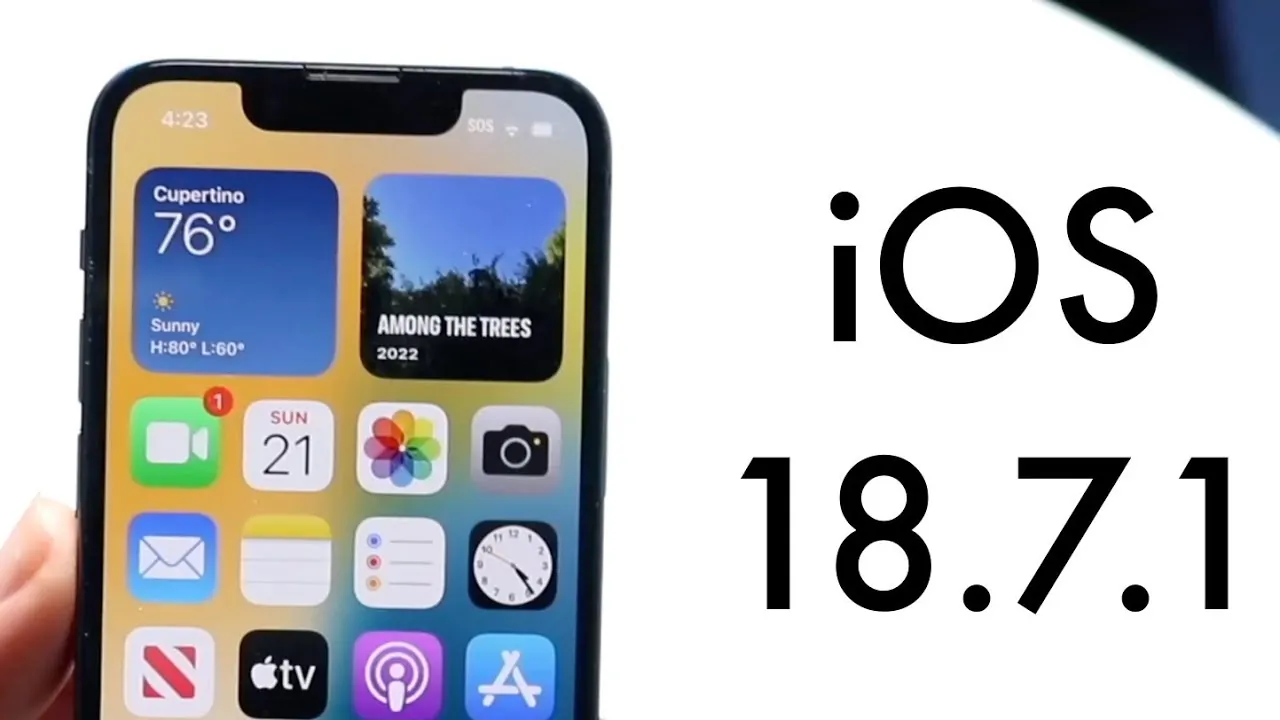
Apple’s iOS 18.7.1 builds upon the foundation of its predecessor, iOS 18.7, with a focus on refining performance and addressing minor bugs. The update delivers a generally stable and reliable experience, reinforcing Apple’s reputation for quality. However, a recurring issue involving the display’s response to the power button has raised concerns among users. The video below from Simple Alpaca provides more insights into the nature of the problem, its potential causes, and its broader implications for both users and Apple’s software development process.

Reliable Performance for Everyday Use
For the majority of users, iOS 18.7.1 provides a dependable and smooth experience. Core functionalities such as app performance, system responsiveness, and battery efficiency remain consistent with Apple’s high standards. Whether you rely on your device for professional tasks, communication, or entertainment, the update ensures seamless operation across these areas.
However, while the update excels in delivering stability, it is not without flaws. A specific issue with the display has emerged, slightly detracting from an otherwise polished release. This problem, though not critical, has drawn attention due to its impact on usability and the overall user experience.
The Display Power-Off Issue
The most prominent concern in iOS 18.7.1 is the inconsistent behavior of the display when pressing the power button to turn off the screen. Instead of shutting off immediately as expected, the display occasionally remains active, requiring multiple attempts to power it down. This issue, while not severe, disrupts the fluidity of the user experience and raises questions about the update’s level of refinement.
The problem is particularly noticeable because it affects a fundamental interaction with the device. For users accustomed to Apple’s typically seamless interface, such glitches can be frustrating, even if they do not hinder the device’s core functionality.
Software, Not Hardware
Evidence strongly suggests that the display issue is rooted in software rather than hardware. Devices that operated without problems under earlier iOS versions began exhibiting this behavior following the release of iOS 18.7. This pattern indicates that the issue likely stems from changes introduced in the software, rather than a physical defect in the hardware.
The persistence of the problem in iOS 18.7.1 further supports this conclusion. Despite the update’s focus on performance improvements and bug fixes, the display malfunction remains unresolved. This highlights the complexity of software development and the challenges of addressing subtle bugs that may arise from interactions between the operating system and hardware components.
Tracing the Problem’s Origins
The display issue appears to have first surfaced with the release of iOS 18.7, where users began reporting similar difficulties with the power button. Although Apple has not officially acknowledged the problem, its continuation in iOS 18.7.1 suggests that it may be linked to deeper software-level interactions.
One possibility is that the issue involves how the operating system manages display states, particularly during transitions triggered by the power button. Without an official explanation from Apple, the exact cause remains speculative. However, the recurrence of the problem across multiple updates underscores the importance of thorough testing and quality assurance in software development.
What This Means for iOS Updates
For users, the display issue serves as a reminder of the importance of rigorous testing in software updates. While iOS 18.7.1 is stable and reliable overall, even minor glitches can affect the user experience and erode confidence in the platform.
For Apple, addressing such issues promptly is critical to maintaining its reputation for quality and reliability. Software updates are expected to enhance functionality and resolve existing problems, not introduce new frustrations. Even seemingly minor bugs can have a disproportionate impact on user satisfaction, particularly when they affect basic interactions with the device.
Steps You Can Take
If you encounter the display power-off issue, there are several steps you can take to minimize its impact and maintain a smooth user experience:
- Restart your device: A simple reboot can often resolve temporary glitches and restore normal functionality.
- Check for updates: Regularly ensure your device is running the latest version of iOS, as future updates may include a fix for this issue.
- Contact Apple Support: If the problem persists, reaching out to Apple Support can provide additional guidance or potential solutions tailored to your specific device.
Broader Implications for Apple and Users
The recurring display issue in iOS 18.7.1 highlights the challenges Apple faces in balancing innovation with reliability. While the update delivers a stable and feature-rich experience for most users, the persistence of this minor glitch underscores the need for continuous improvement in software testing and development processes.
For users, this situation emphasizes the importance of staying informed about potential issues and taking proactive steps to address them. For Apple, resolving such concerns swiftly is essential to maintaining user trust and reinforcing its reputation for delivering high-quality products. Despite this minor inconvenience, iOS 18.7.1 remains a solid choice for daily use, offering a reliable and efficient platform for a wide range of tasks.
Unlock more potential in iOS 18.7.1 by reading the previous articles we have written.
- iOS 26.0.1 vs. iOS 18.7.1: Which Update Is Better ?
- iOS 26 Beta 4 and Public Beta 1 Release Dates and Features
- iOS 18.6 vs iOS 18.7: What to Expect from Apple’s Updates
- iOS 18.4 Beta 1 Features: What’s New in Apple’s Latest Update
- Apple iPhone
Source & Image Credit: Simple Alpaca
Disclosure: Some of our articles include affiliate links. If you buy something through one of these links, Geeky Gadgets may earn an affiliate commission. Learn about our Disclosure Policy.
