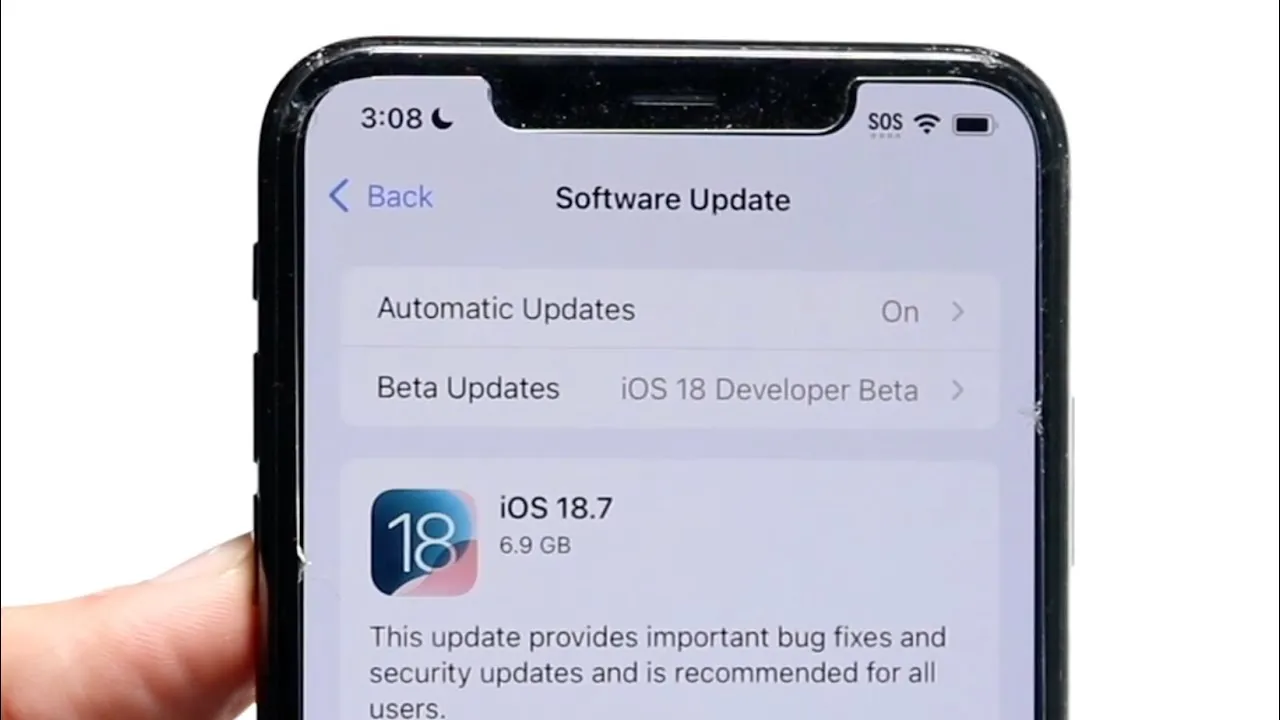
Deciding whether to upgrade your iPhone’s operating system is a critical choice that can significantly affect your device’s performance, usability, and overall experience. With iOS 18.7.1 and iOS 26.0.1 both available, understanding the differences between these versions is essential. While iOS 26.0.1 introduces new features and enhancements, it also comes with potential drawbacks, particularly for users of older iPhone models. The video below from Simple Alpaca will help you weigh the pros and cons to make an informed decision.

Stability and Performance: Reliability vs. Risk
Stability is a cornerstone of any operating system, and in this regard, iOS 18.7.1 emerges as the more dependable choice. It offers consistent performance across a wide range of devices, including older models such as the iPhone 12 and iPhone 13. Users have reported smooth operation, minimal crashes, and reliable responsiveness, making it a solid option for those who prioritize uninterrupted functionality.
In contrast, iOS 26.0.1 has faced criticism for stability issues, particularly on older hardware. Reports of app crashes, slower response times, and occasional freezing have been noted, especially when running resource-intensive applications. These problems can disrupt daily use and may be particularly concerning if you rely on your iPhone for work or critical tasks. For users seeking a stable and predictable experience, iOS 18.7.1 remains the safer option for now.
Battery Life: Longevity vs. Drain
Battery performance is a key consideration for most iPhone users, and here, iOS 18.7.1 continues to excel. It is optimized for energy efficiency, allowing for longer usage times between charges. This makes it ideal for users who depend on their devices throughout the day without frequent recharging.
On the other hand, iOS 26.0.1 has been associated with faster battery drain, particularly on older devices like the iPhone 13 and earlier models. Background processes introduced in this update appear to consume more power, leading to reduced battery life. For users who prioritize battery longevity and efficiency, sticking with iOS 18.7.1 is a practical choice until Apple addresses these concerns in future updates.
App Functionality: Seamless Experience vs. Compatibility Issues
App functionality is another critical factor to consider when deciding whether to upgrade. iOS 18.7.1 provides a seamless and reliable experience, with users reporting minimal issues related to app responsiveness or compatibility. This ensures that both native and third-party apps function smoothly, supporting productivity and entertainment without interruptions.
In comparison, iOS 26.0.1 has been linked to app-related problems, including delays in app launches, unexpected crashes, and compatibility issues with certain third-party software. These disruptions can be particularly frustrating for users who rely on specific apps for work, communication, or other essential tasks. If app reliability is a priority, iOS 18.7.1 remains the better choice until these issues are resolved in subsequent updates.
Upgrade Considerations: Timing is Key
If you are contemplating an upgrade to iOS 26.0.1, it is wise to proceed with caution. Major updates often come with initial bugs and performance issues that are typically addressed in later patches. Waiting for a more refined version of iOS 26.0.1 could save you from unnecessary frustrations and ensure a smoother transition.
For now, iOS 18.7.1 offers a more stable and dependable experience, particularly for users of older iPhone models. Unless you require a specific feature introduced in iOS 26.0.1, delaying the upgrade is a prudent decision. By waiting, you can avoid potential performance issues and benefit from a more polished version of the software in the future.
Steps to Take Before Updating
Before making any changes to your iPhone’s operating system, it is essential to take precautions to safeguard your device and data. Follow these steps to ensure a smooth update process:
- Turn Off Automatic Updates: To prevent your device from automatically upgrading to iOS 26.0.1, disable automatic updates in your settings. This gives you control over when and if you choose to update.
- Back Up Your Data: Always back up your iPhone to iCloud or a computer before installing a new update. This ensures that your data is safe and can be restored if something goes wrong during the update process.
- Check App Compatibility: Verify that the apps you rely on are compatible with iOS 26.0.1. This can help you avoid disruptions caused by app-related issues after the update.
Making the Right Choice for Your Device
While iOS 26.0.1 introduces new features and improvements, its stability issues, battery concerns, and app functionality problems make it a less reliable choice at this time, especially for users of older iPhone models. iOS 18.7.1, by contrast, provides a smoother and more dependable experience, making it the better option for those who value stability, performance, and battery life.
By carefully evaluating your needs and taking the necessary precautions, you can ensure that your iPhone continues to perform optimally. Whether you choose to upgrade now or wait for future updates, staying informed will help you make the best decision for your device.
Explore further guides and articles from our vast library that you may find relevant to your interests in iOS 18
Source & Image Credit: Simple Alpaca
Disclosure: Some of our articles include affiliate links. If you buy something through one of these links, Geeky Gadgets may earn an affiliate commission. Learn about our Disclosure Policy.
