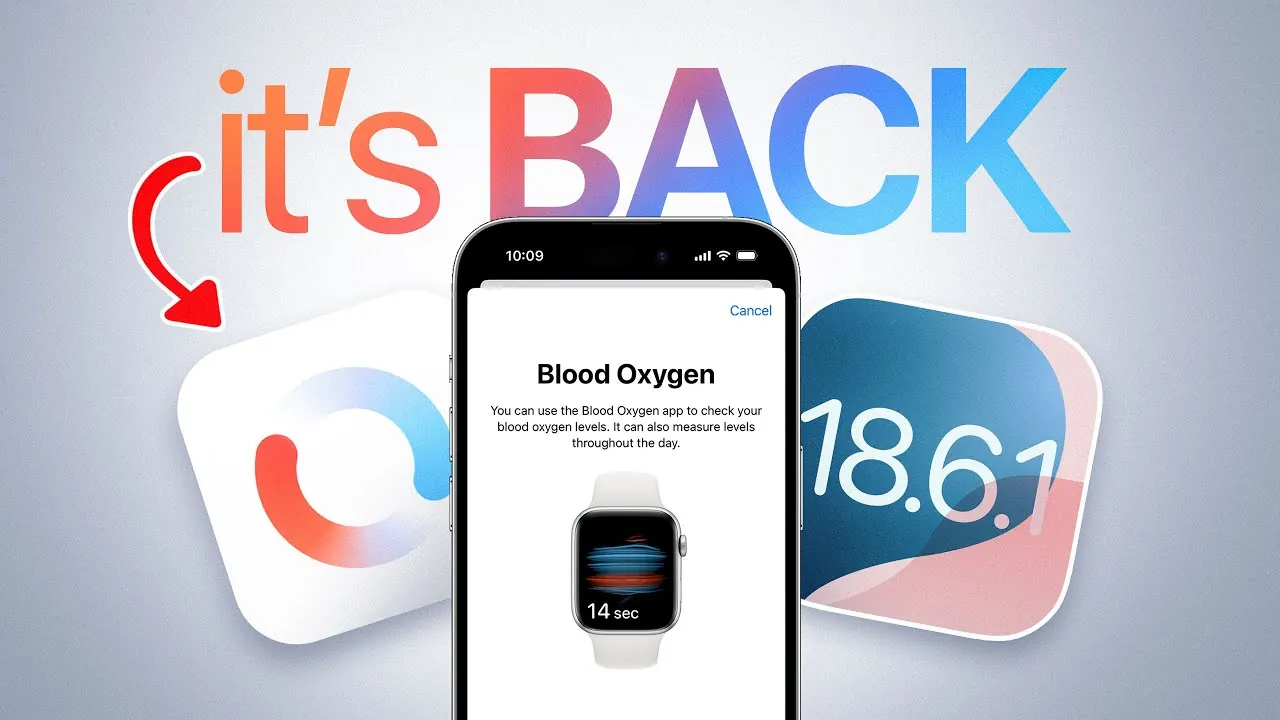
Apple has officially released iOS 18.6.1 and WatchOS 11.6.1, reactivating the blood oxygen monitoring feature for the Apple Watch Series 9, Series 10, and the Apple Watch Ultra (2nd generation) in the United States. This update resolves a prior restriction on the feature, reinstating a critical health tracking tool for users. Alongside these updates, Apple has also re-released iOS 26 Developer Beta 6 and introduced the third public beta for iOS 26, further expanding its software ecosystem and offering early access to upcoming features. The video below from iDeviceHelp gives us more details.

Blood Oxygen Monitoring: What’s New?
The latest updates restore the blood oxygen sensor functionality for compatible Apple Watch models in the U.S., which had been temporarily disabled due to regulatory concerns. This sensor enables you to measure your blood oxygen levels directly from your wrist, offering valuable insights into your respiratory health and overall wellness.
The data collected by the sensor integrates seamlessly with the Health app on your iPhone, providing a detailed view of trends over time. This functionality is particularly beneficial for monitoring conditions such as sleep apnea, respiratory issues, or general fitness levels. To enable this feature, you must update your Apple Watch to WatchOS 11.6.1 and your iPhone to iOS 18.6.1. Once updated, you can access comprehensive blood oxygen readings that help you track your health and potentially identify early warning signs of underlying issues.
How to Update and Access the Feature
To take full advantage of the restored blood oxygen monitoring feature, follow these steps:
- Ensure your iPhone is updated to iOS 18.6.1. You can check for updates by navigating to Settings > General > Software Update.
- Update your Apple Watch to WatchOS 11.6.1 by opening the Watch app on your iPhone and selecting General > Software Update.
- Once both devices are updated, open the Health app on your iPhone to view and analyze your blood oxygen data.
This feature is particularly useful for individuals focused on proactive health management, as it provides real-time data that can assist in tracking respiratory health and overall wellness. Whether you are monitoring your fitness progress or keeping an eye on potential health concerns, this tool offers a convenient and reliable way to stay informed.
iOS 26 Beta Updates: What You Need to Know
In addition to the stable updates, Apple has re-released iOS 26 Developer Beta 6 and launched the third public beta for iOS 26. These beta versions are designed for developers and early adopters who are eager to explore upcoming features before the official release.
One notable improvement is the alignment of build numbers for Developer Beta 6 and Public Beta 3, ensuring consistency across testing environments. This alignment simplifies the development process and provides a more unified experience for testers. If you’re part of Apple’s beta testing program, these updates offer an opportunity to preview new features, test compatibility, and provide valuable feedback to Apple. However, it’s important to note that beta software may contain bugs or incomplete features, so it is recommended to install these versions on secondary devices rather than your primary ones.
Health App Integration: A Holistic Approach
The reintroduction of blood oxygen monitoring underscores Apple’s commitment to creating a comprehensive health tracking ecosystem. The Health app acts as a central hub, consolidating data from various sources, including blood oxygen levels, heart rate, activity metrics, and sleep patterns. This integration allows you to view all your health data in one place, making it easier to identify trends and make informed decisions about your wellness.
Apple’s focus on ecosystem refinement is evident in the seamless synchronization between iOS and WatchOS. This compatibility ensures that users can enjoy a consistent and reliable experience, whether they are tracking their fitness goals, monitoring chronic conditions, or simply staying informed about their overall health. Additionally, the beta programs for iOS 26 highlight Apple’s dedication to innovation, allowing developers and early adopters to contribute to the evolution of its software ecosystem.
Why These Updates Matter
The release of iOS 18.6.1 and WatchOS 11.6.1 marks a significant milestone for Apple Watch users in the U.S., as it restores a key health monitoring feature that enhances the device’s functionality. The ability to measure blood oxygen levels directly from your wrist is not only convenient but also a valuable tool for maintaining and improving your health. This update reinforces Apple’s position as a leader in health-focused technology, offering tools that empower users to take control of their wellness.
Meanwhile, the re-release of iOS 26 Developer Beta 6 and the introduction of Public Beta 3 reflect Apple’s ongoing efforts to refine its software and expand its ecosystem. These updates provide developers and early adopters with the tools they need to explore new features and contribute to the platform’s growth.
By staying updated with the latest software releases, you can take full advantage of Apple’s advancements in health tracking and technology integration. Whether you are a health-conscious individual seeking to optimize your wellness or a developer exploring the future of Apple’s ecosystem, these updates offer a range of benefits that enhance your experience and engagement with Apple’s products.
Discover other guides from our vast content that could be of interest on iOS.
- iOS 18.6 Beta 1 and iOS 26 Beta 1.5 Battery Fix
- How to Prepare Your iPhone for the iOS 18.6 Update
- iOS 18.6: Everything You MUST Know Before Updating
- iOS 18.6 Update: Full Breakdown of Features and Fixes
- What’s New in iOS 18.6? Features, Fixes, and Updates
Source & Image Credit: iDeviceHelp
Disclosure: Some of our articles include affiliate links. If you buy something through one of these links, Geeky Gadgets may earn an affiliate commission. Learn about our Disclosure Policy.
