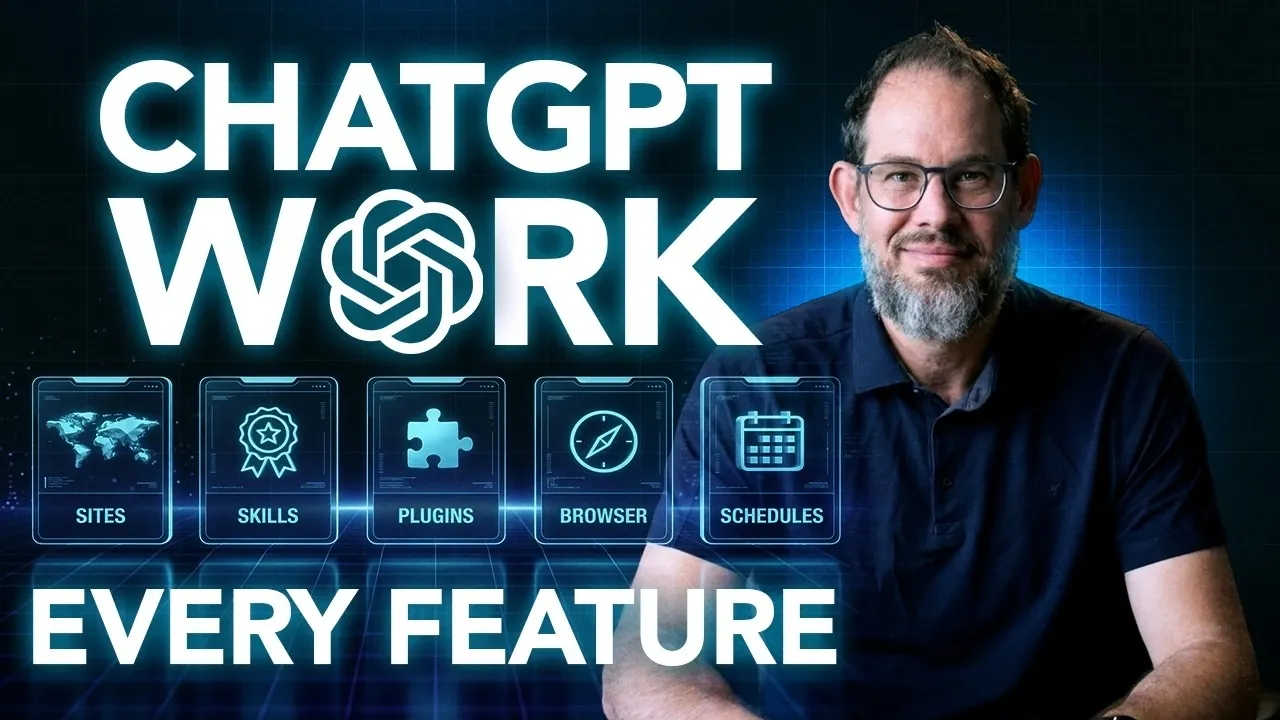
ChatGPT Work, developed in collaboration with Codeex, offers a comprehensive suite of AI-driven features designed to streamline everyday tasks such as document editing, spreadsheet management and scheduling. As Nate Jones explains, one of its standout capabilities is the flexibility to execute tasks either on the cloud or locally, depending on your needs. For instance, cloud-based processing allows for uninterrupted multitasking during resource-intensive operations, while local execution offers greater control, provided your device is properly configured. Understanding these options is key to tailoring workflows that align with your specific requirements.
In this hands-on walkthrough, you’ll gain insight into how ChatGPT Work enhances productivity across various domains. Explore how its voice and dictation features enable hands-free task management, learn to optimize spreadsheet workflows by cleaning datasets and maintaining formulas and discover strategies for automating recurring tasks to save time. By the end, you’ll be equipped with practical knowledge to integrate these features into your daily routines effectively.
Cloud vs Local Task Execution
TL;DR Key Takeaways :
- ChatGPT Work, in partnership with Codeex, enhances productivity through advanced AI tools for tasks like document editing, research, scheduling and spreadsheet management, allowing streamlined workflows and improved efficiency.
- It offers flexibility with cloud-based and local processing options, allowing users to choose based on computational needs and resource availability.
- Key features include voice recognition for hands-free interaction, robust document editing, AI-powered spreadsheet management and image data extraction for automation.
- Integrations with browsers and apps, as well as support for recurring tasks, event-triggered monitoring and multi-output generation, simplify workflows and reduce manual effort.
- Privacy, security and error-handling measures ensure safe and efficient use of AI tools, while model selection and parallel agents optimize performance for complex tasks.
ChatGPT Work offers flexibility in task execution, allowing you to choose between cloud-based and local processing.
- Cloud-based tasks: These operate independently of your computer, allowing uninterrupted multitasking. They are particularly suitable for resource-intensive processes that require significant computational power.
- Local tasks: These rely on your device, which must remain powered on and properly configured. Ensure that file access permissions are correctly set to avoid disruptions.
Understanding these options allows you to select the most appropriate method based on your specific needs and resources.
Voice and Dictation Features
ChatGPT Work includes robust voice recognition and dictation capabilities, allowing hands-free interaction for greater convenience. You can:
- Use dictation to quickly input prompts or provide detailed instructions.
- Engage in real-time conversations using ChatGPT’s voice features.
- Streamline task management by issuing natural language commands.
These features are particularly useful in dynamic work environments where multitasking and efficiency are critical.
Here are more guides from our previous articles and guides related to ChatGPT Work that you may find helpful.
- New ChatGPT 5.6 Work Prompts to Improve Your Daily Productivity
- ChatGPT Work Beats Gemini Spark in Top Professional AI Tests
- ChatGPT Work Mode Links Projects to Local Desktop Folders
- Quickly Master ChatGPT Work Basics by Automating Daily Tasks
- New ChatGPT for Work Automates Daily Tasks, Reports and Marketing
- OpenAI Pauses ChatGPT 6 Over Hugging Face Safety Concerns
- How to Use ChatGPT for Beginners : Writing, File Analysis, Plans and More
- OpenAI ChatGPT Work Beats Gemini Spark in Professional Tests
- 10 Awesome Things You Can Do with the ChatGPT Mobile App
- ChatGPT Finally Automates Your Daily Workflow While You Sleep
Document Editing
ChatGPT Work excels in document editing, offering precise modifications while preserving essential formatting elements such as headings, links and styles. To achieve optimal results:
- Provide clear and specific instructions for edits, making sure accuracy.
- Request changes to particular sections or apply corrections across the entire document as needed.
This ensures that your documents remain polished, professional and ready for immediate use.
Spreadsheet Management
AI-powered spreadsheet management simplifies data organization and analysis, reducing the time and effort required for manual tasks. Key features include:
- Cleaning datasets by removing duplicates or inconsistencies.
- Maintaining formulas and reformatting spreadsheets for improved usability.
- Testing outputs to ensure accuracy, especially when working with large datasets.
These capabilities help minimize errors and enhance the efficiency of data handling processes.
Image and Photo Processing
ChatGPT Work can extract structured data from images, such as receipts or invoices, making it a valuable tool for automating data entry. To improve accuracy:
- Specify the fields you need, such as dates, totals, or item descriptions.
- Account for edge cases, including blurry text or non-standard layouts.
This feature is particularly beneficial for businesses that handle large volumes of image-based data.
Research and Analysis
For research tasks, ChatGPT Work provides tools to generate summaries, evidence tables and detailed reports. It also preserves conflicting viewpoints, allowing you to:
- Compare multiple sources effectively.
- Analyze trends within complex datasets.
- Make informed decisions based on comprehensive insights.
This functionality is invaluable for data-driven projects and strategic planning.
Multi-Output Tasks
ChatGPT Work supports the generation of multiple outputs from a single source, enhancing productivity and consistency. Examples include:
- Creating reports, presentations and spreadsheets from the same dataset.
- Customizing content to suit different audiences or purposes.
This feature reduces repetitive work and ensures uniformity across various formats.
Browser and App Integrations
Integrating ChatGPT Work with browsers and applications enhances productivity by automating routine tasks. For instance:
- Extract data from websites or compare options directly within your browser.
- Automate interactions with tools like Google Docs, Slack, or calendar applications.
These integrations streamline workflows and reduce the need for manual effort, allowing you to focus on more strategic tasks.
Recurring and Scheduled Tasks
Automating repetitive tasks is one of the key advantages of ChatGPT Work. You can:
- Schedule tasks such as overview generation or data updates at regular intervals.
- Set clear instructions and appropriate frequencies for recurring activities.
- Monitor task performance periodically to ensure continued efficiency and relevance.
This reduces the time spent on routine activities, freeing up resources for more complex projects.
Event-Triggered Monitoring
Event-triggered monitoring allows you to stay informed about critical updates without unnecessary distractions. You can:
- Configure notifications for specific triggers, such as incoming emails or Slack messages.
- Filter alerts to focus only on high-priority updates.
This feature helps you maintain focus while staying up-to-date on important developments.
Project Management and Context Sharing
ChatGPT Work simplifies project management by maintaining context across tasks and facilitating collaboration. You can:
- Group related activities under a single project for better organization.
- Reduce repetitive uploads and streamline communication with team members.
- Tailor shared results or methods to meet the specific needs of your team.
This ensures smoother teamwork and more efficient project execution.
Model Selection and Reasoning Levels
Selecting the right AI model is essential for achieving optimal results. ChatGPT Work offers models such as Astra, Soul and Terra, each tailored to different levels of complexity. To maximize value:
- Balance cost, efficiency and output quality based on your requirements.
- Choose models that align with the specific demands of your tasks.
This ensures that you achieve the desired outcomes effectively and efficiently.
Parallel Agents for Complex Tasks
For large-scale or complex projects, ChatGPT Work allows you to assign subtasks to multiple parallel agents. This approach:
- Speeds up task completion by distributing workloads.
- Maintains consistency across outputs through coordinated efforts.
- Requires clear instructions and periodic reviews to ensure accuracy.
This method is ideal for managing intricate workflows and meeting tight deadlines.
Interactive Outputs and Websites
ChatGPT Work can transform results into interactive websites or lightweight applications, making data more accessible and engaging. To ensure a seamless experience:
- Test and refine interactive elements before publishing.
- Use this feature to share insights or engage users effectively.
This capability is particularly useful for creating dynamic, user-friendly outputs.
Goal-Oriented and Scheduled Workflows
Breaking down multi-step tasks into manageable stages helps maintain focus and clarity. To optimize workflows:
- Track progress and define clear outcomes for each stage.
- Schedule recurring tasks only after verifying their long-term usefulness.
This structured approach ensures efficiency and prevents unnecessary delays.
Usage and Token Management
Monitoring token consumption is crucial for managing costs and optimizing performance. To make the most of your resources:
- Streamline task instructions to minimize unnecessary expenses.
- Review recurring tasks periodically to ensure they remain relevant and efficient.
Effective token management helps you maximize the value of your AI interactions.
Error Handling and Recovery
Errors, such as incorrect outputs or stalled tasks, can be addressed by:
- Providing specific corrections to refine results and improve accuracy.
- Using version control to revert to previous states if necessary.
Clear and detailed instructions minimize errors and simplify recovery processes.
Privacy and Security Considerations
ChatGPT Work incorporates robust privacy and security features to protect sensitive information. Best practices include:
- Allowing computer history selectively to balance utility and confidentiality.
- Avoiding the sharing of sensitive data in public or shared content.
These measures ensure that your data remains secure while using AI tools effectively.
Media Credit: AI News & Strategy Daily | Nate B Jones
Disclosure: Some of our articles include affiliate links. If you buy something through one of these links, Geeky Gadgets may earn an affiliate commission. Learn about our Disclosure Policy.
