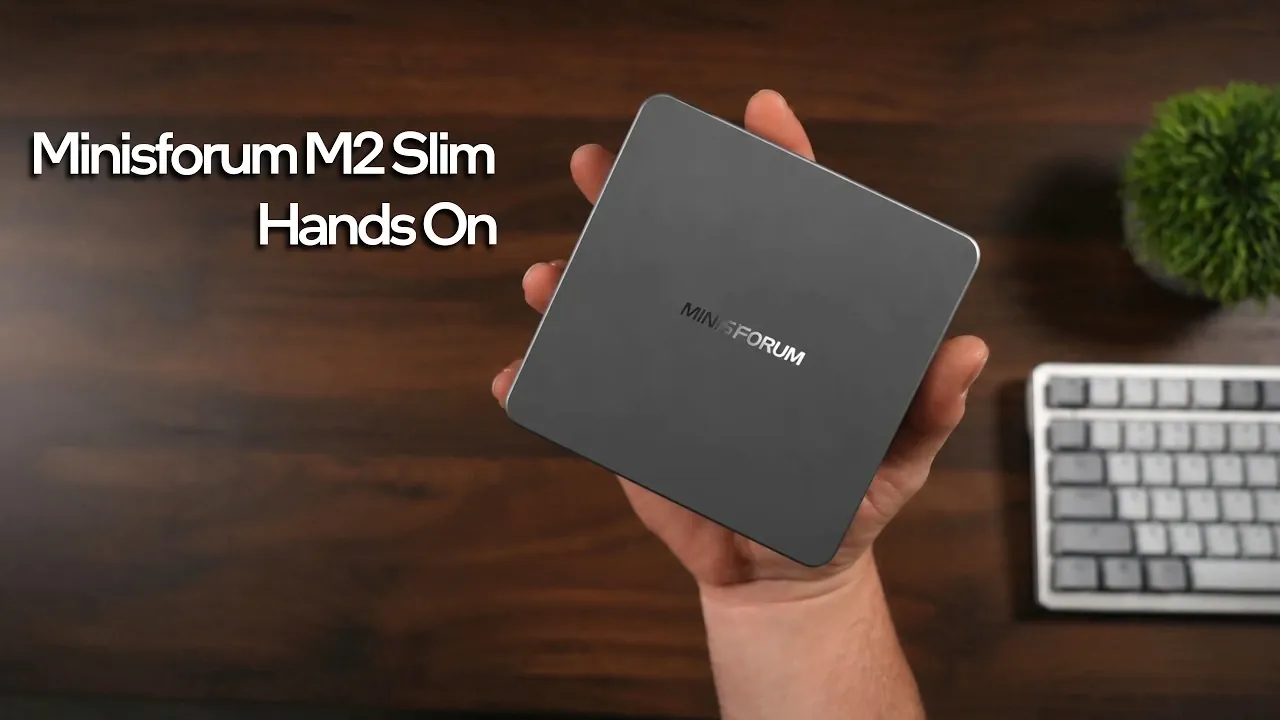
Gaming above 120 fps at 1080p is possible on the MINISFORUM Elite Mini M2 Slim-304 in Left 4 Dead 2. This Windows 11 mini PC lets you play some older favorites as well as handle browsing, documents and light photo editing. ETA Prime reports varied results across the games tested, with the original Skyrim proving more demanding. Learn what settings were used, how other PC games ran and what you can expect when using the machine for upscaled GameCube emulation.
MINISFORUM Elite Mini M2 Slim-304: Gaming and Everyday Use
TL;DR Key Takeaways :
- The MINISFORUM Elite Mini M2 Slim-304 has a $499 regular US price for the 8 GB model, with sale prices from $367, and uses Intel’s Core 3 304 processor.
- The tested model has 16 GB of non-upgradeable memory and 512 GB of UFS 3.1 storage.
- The Slim-304 scored 947 in 3DMark Time Spy, compared with 602 for the Core i3 N305.
- Left 4 Dead 2 averaged over 120 fps at 1080p with medium settings.
- Crazy Taxi held 60 fps in GameCube emulation using Dolphin’s DirectX 12 backend.
The MINISFORUM Elite Mini M2 Slim-304 is a palm-sized mini PC built around Intel’s Core 3 304 processor. Its integrated Intel graphics have one Xe3 core running at up to 2.3 GHz, rather than a separate gaming GPU. It has a metal case with a black anodized finish.
The regular US starting price is $499. The model used for gaming tests had 16 GB of memory, while Minisforum also offers 8 GB and 12 GB versions, with the 12 GB version described as forthcoming. The onboard memory runs at 5,600 MT/s and cannot be upgraded.
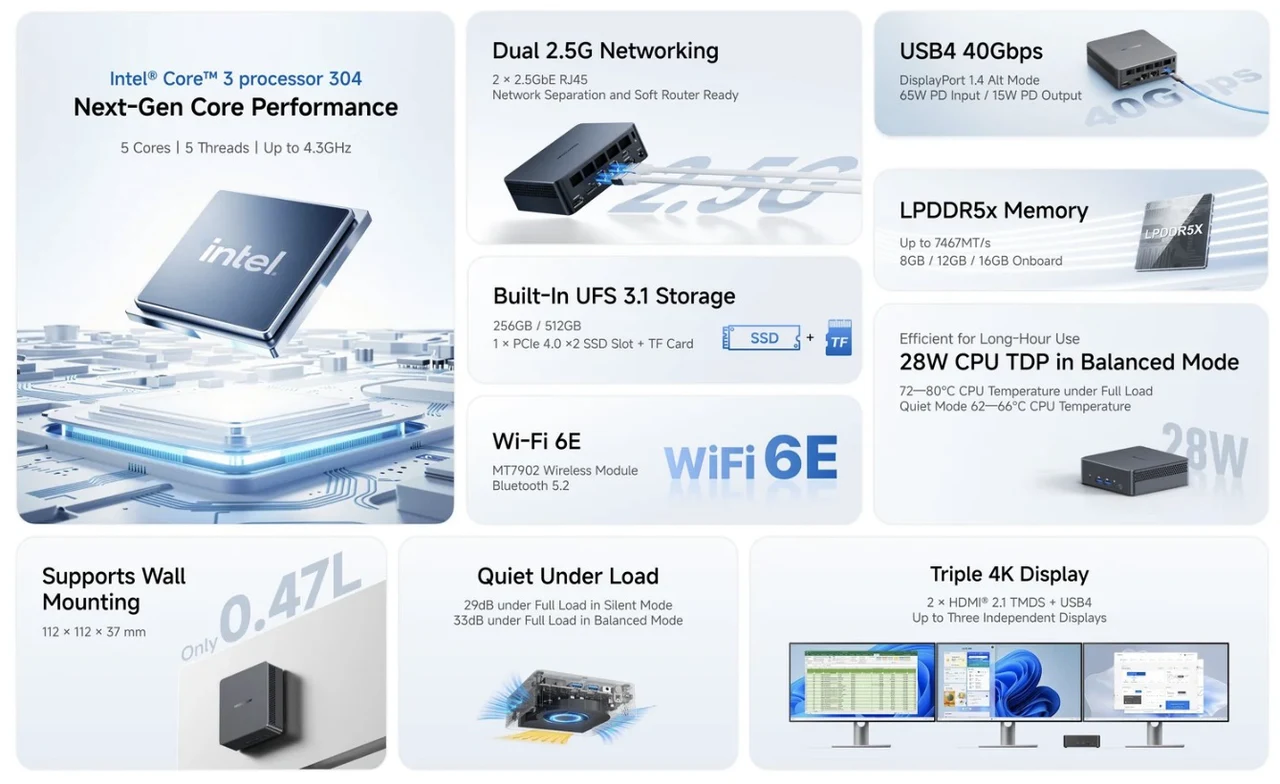
You get 512 GB of UFS 3.1 storage in the tested 16 GB model, while the 8 GB and 12 GB versions have 256 GB. An M.2 2280 slot lets you add storage. The UFS 3.1 storage felt snappy in use, though it might hold back a much more powerful CPU and GPU.
Windows 11, Ports and Included Accessories
The Slim-304 runs Windows 11 and supports Wi-Fi 6E and Bluetooth 5.4. The package includes a power cable, a 19 V, 65 W power adapter, an HDMI cable, a mounting bracket and hardware, and extra rubber feet for SSD access.
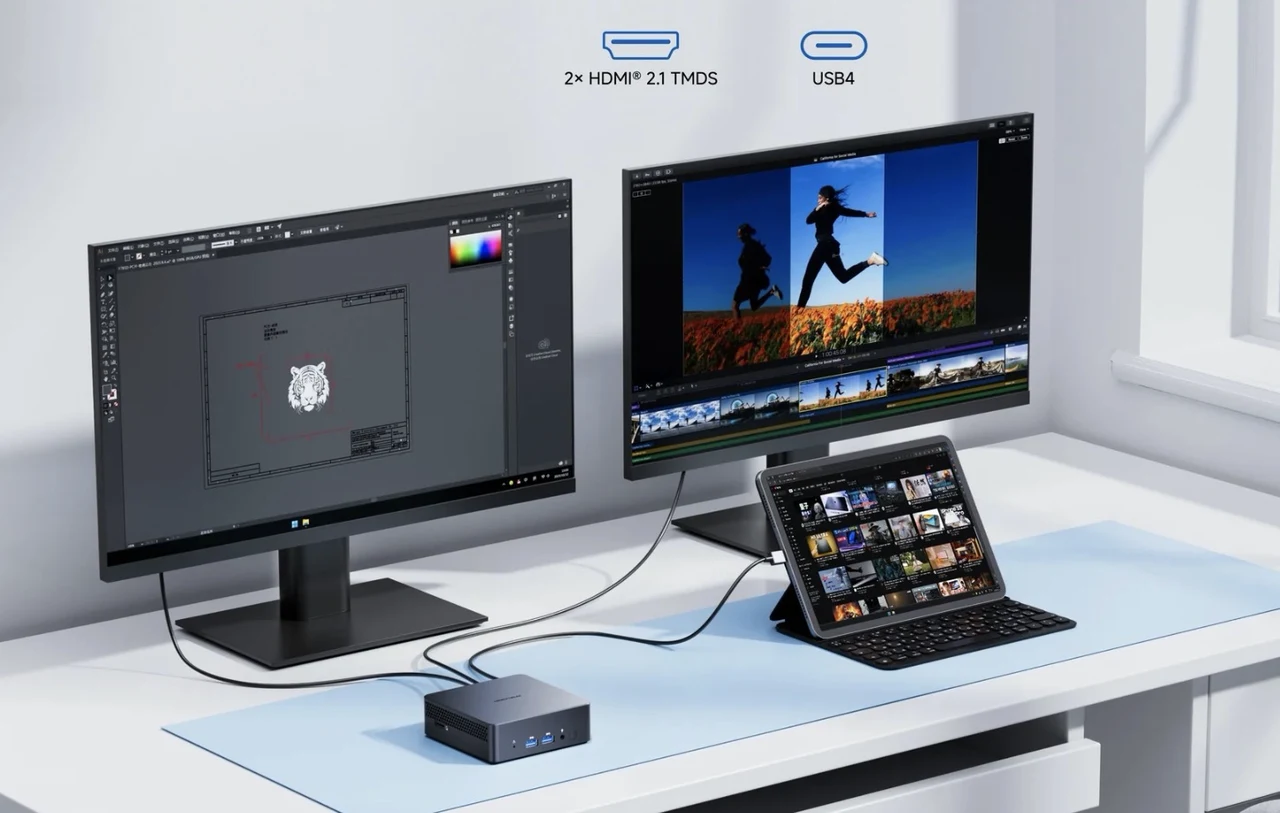
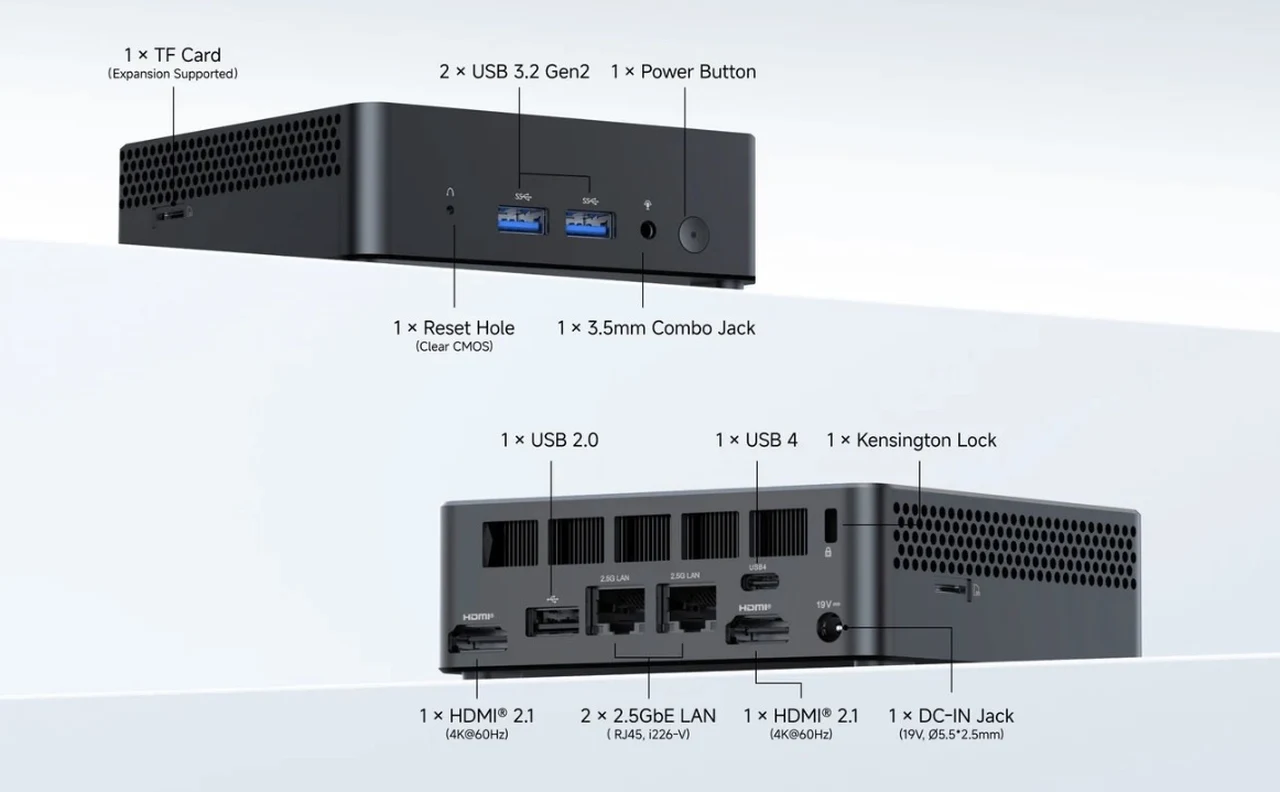
On the front are two full-size USB 3.2 Gen 2 ports and a 3.5 mm audio jack, with a microSD card slot on the side. The rear has the power input, two HDMI ports (4K at 60 Hz), a 40 Gbps USB4 port, dual 2.5 Gb Ethernet ports and a full-size USB 2.0 port.

Here are more guides from our previous articles and guides related to Minisforum Elite Mini M2 Slim 304 that you may find helpful.
- Minisforum Elite Mini M2 Slim 304 Tops Intel Core I3 N305 By 32%
- Minis Forum Elite Mini M2 Air 304 Draws Just 4 Watts at Idle
- Minisforum M2 Pro Packs Intel Core Ultra X7 358H and Arc B390
Graphics Benchmarks Beat Older Intel Chips
The Slim-304’s graphics scores came out ahead of the older Intel chips in the comparisons, though 3DMark Time Spy ran slowly on all three. The Core 3 304 scored 6,238 in Geekbench OpenCL, compared with 5,986 for the Core i3 N305, although Arc GPUs’ OpenCL performance has not been the best. The Core 3 304 has one graphics core on the Xe3 architecture, compared with 12 in the B390.
In Time Spy, the overall scores were:
- Core 3 304: 947
- Core i3 N305: 602
- Intel N200: 437
The Slim-304 also scored 11,895 for graphics and 8,420 for CPU in 3DMark Night Raid. The Core 3 304 has five cores and five threads: one performance core, which boosts up to 4.3 GHz, and four efficiency cores. Intel lists support for DirectX 12, OpenGL 4.6 and OpenCL 3.0.
In CPU benchmarking, the Slim-304 scored 2,260 single-core and 6,180 multi-core. Reported comparisons put its single-core score 85% above the N200’s and its multi-core score 32% above the Core i3 N305’s. The N305 has eight cores and eight threads.
Everyday Tasks and 4K Video Playback
The Slim-304 handles everyday desktop tasks such as browsing, email, documents and light photo editing. In Chrome, four simultaneous 4K, 60 fps YouTube streams ran with initial frame drops; one stream dropped five frames before the drops stopped. That result suggests the PC could also work as a signage machine.
PC Game Results Depend on the Title
The Slim-304 ran the tested PC games at very different frame rates. The Core 3 304 was not designed for gaming, but its single graphics core still handled some titles well.
Hollow Knight: Silksong ran above 60 fps at 1080p with its settings unchanged, though it did not reach 120 fps on the 120 Hz monitor. Lowering the resolution might allow it to lock at 120 fps.
Left 4 Dead 2 averaged more than 120 fps at 1080p on medium settings. The original Skyrim was more demanding in the test, running at around 45 fps at 900p and unable to hold 60 fps at 720p on low settings.
GameCube and PS2 Emulation Can Run Upscaled
The Slim-304 delivered decent GameCube emulation in testing with Dolphin using its DirectX 12 backend, with Vulkan available as another backend to try. PSP, Dreamcast and lower-end emulation are also expected to be supported. Bloody Roar: Primal Fury ran at 3x resolution, or 1080p, while Crazy Taxi held 60 fps. The reported total TDP was 7 W, rising to 8 W in some cases while emulating the games at 1080p.
PS2 emulation through PCSX2 also did well, running better with DirectX 12 than with Vulkan, apart from an occasional dip. Virtua Fighter 4 ran at 3x resolution, or around 1080p, although not every PS2 game can be upscaled that far: Need for Speed had to drop to 2x, or 720p.
In our view, the useful lesson is how much game age matters. One small graphics core copes with older games and console emulation, yet one heavier title still struggles. Left 4 Dead 2 averaging more than 120 fps at 1080p on medium settings illustrates that divide. Think of it as a PC that plays old favorites, not a gaming PC. We think it suits someone who wants a small everyday desktop that can also handle retro emulation and older games. It is not for anyone who wants recent, demanding games running smoothly.
ETA Prime recommends the MINISFORUM Elite Mini M2 Slim-304 for everyday desktop use, not recent, demanding games, and would like to see it cost a little less, including the 12 GB and 16 GB versions. Schoolwork, browsing and document editing fit its capabilities, with some older games and console emulation also running smoothly. That does not extend to consistent 60 fps gaming: even the original Skyrim fell short at low settings.
Media Credit: ETA PRIME
Disclosure: Some of our articles include affiliate links. If you buy something through one of these links, Geeky Gadgets may earn an affiliate commission. Learn about our Disclosure Policy.
