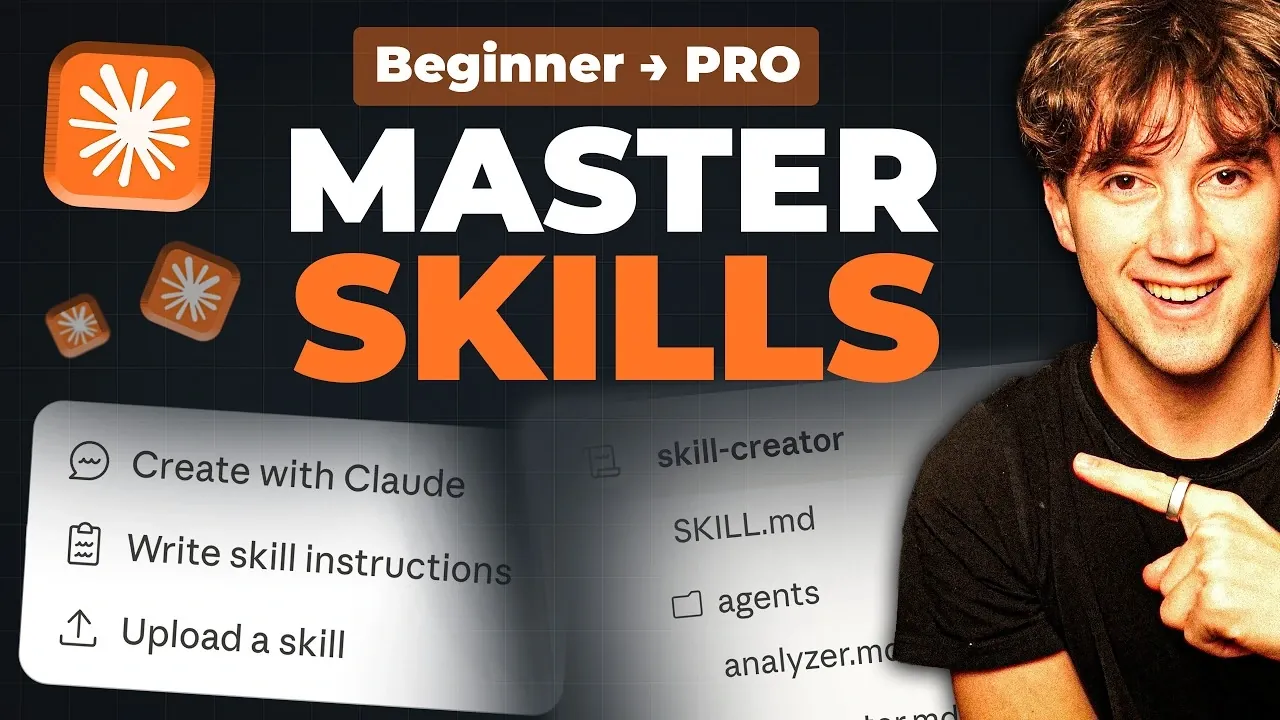
Understanding how to create and optimize Claude skills can unlock a new level of efficiency in managing tasks and workflows. AI Foundations introduces a beginner-friendly approach to mastering these structured automation processes, emphasizing the DBS framework, Direction, Blueprints, Solutions. This framework helps users design workflows by combining key components like the `skill.md` file, contextual references and advanced scripts. For instance, you might start with a simple skill to generate a daily summary of calendar events and emails, using templates for consistent formatting and automated scheduling to save time.
Dive into this guide to explore practical takeaways, such as how to integrate platforms like Gmail and Notion into your workflows or how to test and refine skills for optimal performance. You’ll also learn to tackle more advanced tasks, like automating presentation creation with storytelling guidelines, or organizing skills by function to streamline operations across departments. Whether you’re automating basic tasks or building complex, multi-platform workflows, this overview provides actionable steps to enhance your productivity.
What Are Claude Skills?
TL;DR Key Takeaways :
- Claude skills are structured automation processes built using three components: `skill.md` files (metadata and workflows), references (templates and guidelines), and scripts (advanced instructions for complex tasks).
- The DBS framework (Direction, Blueprints, Solutions) provides a systematic approach to designing scalable and adaptable workflows for automation.
- Claude supports integration with tools like Gmail, Notion, Google Calendar and Gamma, allowing seamless multi-platform automation for tasks such as data extraction, scheduling and reporting.
- Testing and iteration are essential for refining skills, making sure they meet specific requirements and adapt to changing needs over time.
- Organizing skills by function (e.g., marketing, operations, finance) and scheduling them for automation enhances productivity, saves time and allows focus on higher-value activities.
Mastering Claude Automations
Claude skills are structured automation processes designed to handle specific tasks efficiently. Each skill is built using three essential components:
- `skill.md` file: This file serves as the foundation, outlining the metadata, workflows and rules that define the skill’s functionality.
- References: These are contextual materials, such as templates, brand guidelines, or workflows, that the skill relies on to ensure consistency and accuracy.
- Scripts: These advanced instructions enable the skill to perform complex tasks, such as API calls or external integrations with other tools.
By combining these components, Claude ensures that your automations run smoothly, delivering reliable and consistent results every time.
The DBS Framework: Structuring Your Skills
The DBS framework is a systematic approach to designing and implementing Claude skills. It ensures that your workflows are well-organized, scalable and easy to refine. The framework consists of three key elements:
- Direction: This defines the core instructions and objectives for the skill, typically outlined in the `skill.md` file. It acts as the guiding principle for the automation.
- Blueprints: These are supporting references, such as templates, workflows, or guidelines, that provide the necessary context for the skill to function effectively.
- Solutions: These include scripts or advanced configurations that handle complex tasks, such as integrating APIs or managing multi-platform workflows.
By following this framework, you can create skills that are not only functional but also adaptable to evolving needs.
Getting Started: Creating Basic Skills
To begin your journey with Claude, start by automating simple, repetitive tasks. For example, you can create a skill to generate a daily summary of your calendar events and emails. Here’s how to get started:
- Define the workflow in the `skill.md` file, specifying the inputs (e.g., calendar data, email content) and outputs (e.g., a summary overview).
- Include references, such as templates for the summary format, to ensure the output is consistent and professional.
- Test the skill to verify that it retrieves and organizes information accurately.
Once the skill is validated, you can schedule it to run automatically at a specific time each day. This simple automation can save you significant time and effort, allowing you to focus on more strategic tasks.
Here are more detailed guides and articles that you may find helpful on Claude Skills.
- Claude Code Skills 2.0 : Workflow Skills vs Capability Uplift Skills
- New Claude Excel Skills : Audit Models & Clean Spreadsheet Data
- Claude Code Skills Best Practices: Why 20–30 Beats 1,000
- Claude Skills : AI CustomizationTips, Tools & Practical Examples
- Claude Skills 2026 Guide: Build an AI Marketing Team in 16 Minutes
- Claude Code vs Google Gemini CLI: AI Coding Skills Compared
- How Claude Code Combines SEO & Storytelling for Better Content
- The Complete Guide to Creating and Sharing Claude Skills
- Claude Skills: A New Way to Customize AI to Your Exact Requirements
- What Are Claude Skills? A Deep Dive into AI Workflow Automations
Advanced Automation: Tackling Complex Tasks
As you gain confidence, you can move on to automating more complex workflows. For instance, you might create a skill to generate professional presentations. By incorporating advanced scripting and references, you can ensure the output aligns with storytelling guidelines and branding requirements. Tools like Gamma can be integrated to produce polished slides automatically. Testing and refining the skill iteratively will help you achieve the desired results, minimizing the need for manual adjustments.
Integrating Tools with Connectors
Claude supports seamless integration with a variety of tools, making it possible to automate multi-step processes across platforms. Some of the most commonly used connectors include Gmail, Google Calendar, Notion and Gamma. For example, you could design a skill that:
- Extracts relevant data from your email inbox,
- Updates a Notion database with the extracted information and
- Schedules follow-up tasks in Google Calendar based on the data.
This interconnected workflow eliminates manual effort, making sure tasks are completed efficiently and on time.
Testing and Iterating Your Skills
Testing is a critical step in the development of Claude skills. By running test cases, you can validate the functionality of your workflows and identify areas for improvement. Use the feedback from these tests to refine your skills, making sure they operate efficiently and meet your specific requirements. Regular iteration is essential for adapting to changing needs and optimizing performance over time.
Scheduling Skills for Automation
One of the most powerful features of Claude is the ability to schedule skills to run automatically. For instance, you can set up a daily briefing skill that compiles updates from your calendar, emails and project management tools, delivering them to you each morning. This automation ensures you start your day fully informed and prepared, without the need for manual input.
Organizing Skills by Function
As you develop more skills, organizing them by function or department can help maintain clarity and focus. For example:
- Marketing: Automate tasks such as content creation, social media scheduling and campaign analytics.
- Operations: Streamline processes like client onboarding, inventory tracking and task assignments.
- Finance: Automate activities such as revenue tracking, expense reporting and budget planning.
This structured approach ensures that your workflows remain manageable and aligned with your organizational goals.
Key Benefits of Claude Skills
Claude skills offer several advantages that can significantly enhance your productivity and efficiency:
- Customization: Design workflows tailored to your specific needs and preferences.
- Time-saving: Automate repetitive tasks, freeing up time for more strategic activities.
- Compatibility: Seamlessly integrate with multiple platforms and tools for smooth operations.
By using these benefits, you can focus on higher-value tasks and achieve greater efficiency in your daily work.
How to Begin
Start by automating a straightforward, repetitive process to familiarize yourself with Claude’s capabilities. As you gain experience, expand your skills to cover more complex workflows and integrate additional tools. The key is to think in terms of structured automation rather than ad-hoc tasks, making sure your workflows are scalable, efficient and aligned with your goals.
Media Credit: AI Foundations
Disclosure: Some of our articles include affiliate links. If you buy something through one of these links, Geeky Gadgets may earn an affiliate commission. Learn about our Disclosure Policy.
